FileHold is a document and records management software. FileHold is integrated with both Microsoft Office and Microsoft Teams and provides secure single log in to both FileHold and Office 365. FileHold can be deployed on a customers own servers or private cloud or hosted by FileHold on the Azure Cloud Standard features include; document scanning, version control, search, tagging, full user audit trail, archiving and scheduled disposition. Out of the box, users can search the FileHold…
$10
Per user / month
Nitro PDF Pro
Score 7.9 out of 10
N/A
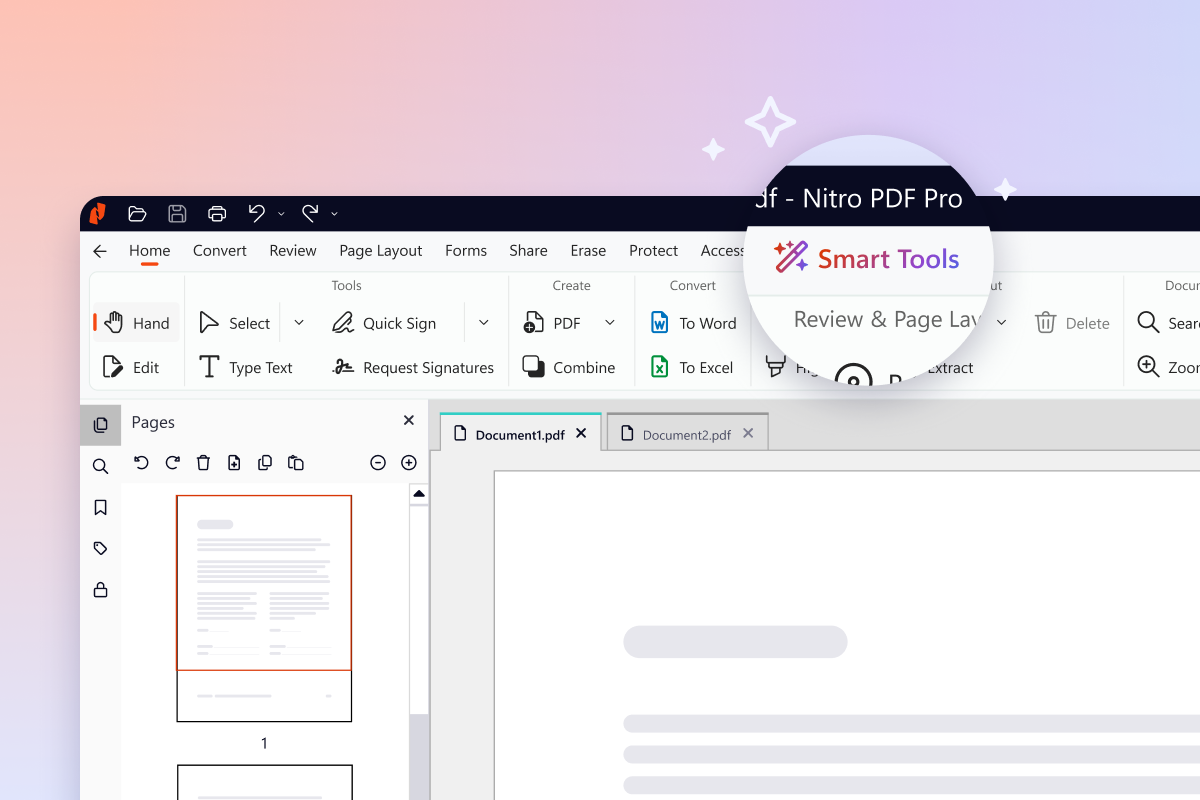
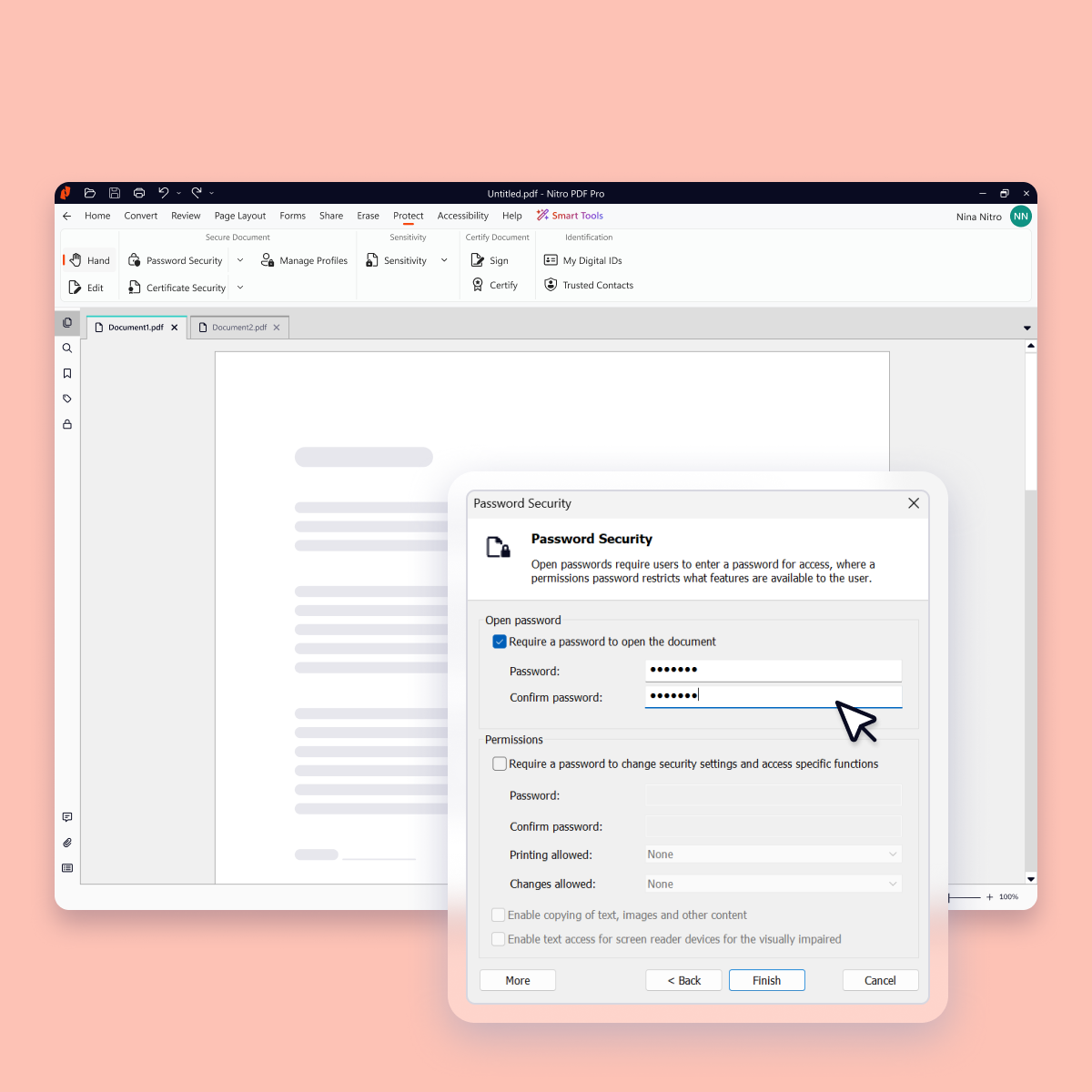
Nitro PDF Pro is a document management platform that supports PDF creation, modification, conversion, organization, review, and protection across Windows, Mac, and iOS environments. Key Capabilities Document Authoring & Modification: Native editing capabilities for PDF creation and content updates. Format Conversion: Conversion between PDF and standard office document formats. Document Organization & Management: File organization and management…
$7.50
Billed every 3 years. This is a subscription product with a 3-year fee of $270.00 per license. per seat
Pricing
FileHold Document Management
Nitro PDF Pro
Editions & Modules
FileHold Enterprise
$10.00
Per user / month
FileHold installed on cusomers own Cloud or in house server
$15.00
per month per seat
FileHold Express for 5 users
$15.00
per user / month
FileHold Cloud, Fully hosted on Microsoft Azure
$30.00
per month per seat
Nitro PDF Classic
$7.5/month
Billed every 3 years. This is a subscription product with a 3-year fee of $270.00 per license. per seat
Nitro PDF Standard
$15/month
This is a subscription product with a yearly fee of $180.00 per license. per seat
Nitro PDF Plus
Contact Sales
Offerings
Pricing Offerings
FileHold Document Management
Nitro PDF Pro
Free Trial
Yes
Yes
Free/Freemium Version
No
No
Premium Consulting/Integration Services
No
No
Entry-level Setup Fee
Optional
No setup fee
Additional Details
In all cases the price per user will decrease as more users are added to the system. FileHold has many optional and custom features that can be chosen and will change the price. For outright purchase of a license there is an optional 20% per year support and upgrade fee.
I selected file storage document because it has better security feature and some employees are used to the software already. Also, I wanted to try out new software to see if there are better software out there than what I'm currently using. Google drive doesn't offer too much …
We used to use SharePoint but made the move to FileHold because of the additional functionality that it provided, unique to our line of business. We evaluated Laserfiche at the same time and ended up going with FileHold because it seemed to be a more stable platform that …
Global Commodity Buyer - Side Door Hinges / Endgate Closures
Chose FileHold Document Management
I find FileHold more useful than SAP at times. It is easier to use, you do not need transaction codes. Both programs allow you to run reports. I am not sure if SAP could be compared with FileHold due to the fact that I use SAP to get approval and funding on tooling contracts. …
Nitro Productivity Suite is able to perform just as well as Adobe. It uses less resources on my machine than Adobe. I think it is much easier to use than Tungsten as well.
Every 1-2 years will do a check on current PDF options to include trialing the software. Have tried Foxit and several that seem to have failed in the marketplace. Over the last 4 years, I have always stuck with Nitro. Unfortunately, we still need to keep Adobe Acrobat (free …
I think Adobe is probably the best PDF solution since they essentially developed and own the PDF format, but Nitro is a very good alternative and is more competitively priced.
If our clients didn't use PDF documents or sent us everything in MS Word, then our Office 365 would be …
Nitro Productivity Suite allows a user to accomplish all of the things you would want to do to a document that Adobe does not. Much easier to find the operation you are looking for in Nitro Productivity Suite compared to Adobe
At the time, we evaluated Adobe Professional to help with some of the PDF modifications we were needing to accomplish. I didn't see any further options besides Nitro and Adobe that were worth evaluating. When looking at costs and feature comparisons it was a no-brainer.
I downloaded the trial versions of both Acrobat DC and Nitro PDF, and found Nitro to be superior in price, while Acrobat was superior in software features and user-friendliness. I knew I would be using Nitro for basic publishing and editing of PDFs, which both programs do well, …
We selected Nitro PDF because the features that the organization needed were comparable and the annual cost for the on-premises version of the application was considerably less expensive at the time. When we selected, Adobe was not yet in the cloud. At that time, there were …
FileHold is great for any size department or organization that is looking to "go paperless." It is a great tool for groups that need to have workflow management and tracking, especially with forms. It is well-suited for groups that are already familiar with Microsoft Office, and not so much for users of other Office Suites.
I run a professional services business from home. I need to edit documents quickly and easily and with minimal subscriptions to minimize overheads. I love that Nitro is a one-off payment to get a license to the software, and you can simply upgrade to the latest version if that's what you want, but you're not obligated to. I've been using the same version of Nitro for 7-8 years now. Despite the fact the upgraded versions have a lot of great, nice-to-have features, the version I'm on still does the job.
FileHold is the ideal solution if you are looking for an electronic library with workflow functionality. The ease of use and integration with other tools we already use was also a huge incentive. It also allows us to import and export data. The search features and the ability to accept electronic signatures further made our lives easier.
For the most part, the entire software is extremely easy to navigate and use. You won't need to follow tutorials or anything for the bulk of the core features, as it's all pretty seamlessly designed.
FileHold was easy to implement as well as to configure to meet our organization's business requirements. We all found the search capabilities to be wonderful, reducing the time it takes to find a particular document. FileHold is easy even for the most novice of users to become productive in a very short amount of time.
Nitro checks all the boxes for what we need. It is fairly priced, it allows us to read and edit PDF documents, convert PDF to MS Word and convert MS Word to PDF. It allows us to combine multiple files and do all the post processing like adding page numbers and adding headers and footers
I selected file storage document because it has better security feature and some employees are used to the software already. Also, I wanted to try out new software to see if there are better software out there than what I'm currently using. Google Drive doesn't offer too much security in term of their file storage feature.
Every 1-2 years will do a check on current PDF options to include trialing the software. Have tried Foxit and several that seem to have failed in the marketplace. Over the last 4 years, I have always stuck with Nitro. Unfortunately, we still need to keep Adobe Acrobat (free version) installed to view a small percentage of some PDFs we receive.
Positive - Allows us to modify PDF documents from our clients to submit our proposals.
Positive - Allows us to convert PDF documents to MS Word to share with our consultants and others without a PDF editor who contributes to our proposals.
Negative - Need to upgrade to get the latest features/versions unlike something like MS/Office 365 where we just get updates automatically and free for the monthly fee. Maybe they will or need to move to a subscription solution versus a product price.