FlowUp vs. Mailtrack

Overview
ProductRatingMost Used ByProduct SummaryStarting Price
FlowUp
Score 6.1 out of 10
N/A
FlowUp is a Follow-up Automation software that gives users automated follow-ups to design a workflow to reach leads at their most preferred communication channel. FlowUp aims to strengthen follow-up with multiple channel outreach with Calls, SMS, MMS, Ringless Voicemails, Surveys, Press 1 campaigns. It gives campaigns an edge with its Inbound strategy to stay connected with leads even while offline. It also helps keep all the needed platforms around with a Zero-coding CRM…N/A
Mailtrack
Score 9.5 out of 10
N/A
Mailtrack is a free email tracker for Gmail, boasting over 1,5 million active users. The vendor states users will Ffollow up with more accuracy, find out the moment emails have been read, track the…N/A
Pricing
FlowUpMailtrack
Editions & Modules
No answers on this topic
Offerings
Pricing Offerings
FlowUpMailtrack
Free Trial
YesNo
Free/Freemium Version
NoYes
Premium Consulting/Integration Services
NoNo
Entry-level Setup Fee$300 Per useNo setup fee
Additional DetailsThere will be Extra charges for Buy numbers. Numbers charges will be $5/per month for local Number and $10/per month for Toll-Free Number
More Pricing Information
Community Pulse
FlowUpMailtrack
Best Alternatives
FlowUpMailtrack
Small Businesses
Simplify360
Simplify360
Score 7.8 out of 10
Salesflare
Salesflare
Score 10.0 out of 10
Medium-sized Companies
Dialpad Support
Dialpad Support
Score 9.1 out of 10
HubSpot Sales Hub
HubSpot Sales Hub
Score 8.8 out of 10
Enterprises
Verint Community
Verint Community
Score 9.9 out of 10
Groove by Clari
Groove by Clari
Score 7.1 out of 10
All AlternativesView all alternativesView all alternatives
User Ratings
FlowUpMailtrack
Likelihood to Recommend
10.0
(3 ratings)
9.4
(50 ratings)
Usability
-
(0 ratings)
8.7
(40 ratings)
Support Rating
-
(0 ratings)
7.1
(42 ratings)
User Testimonials
FlowUpMailtrack
Likelihood to Recommend
FlowUP
FlowUp is a well-suited tool for follow-up and marketing automation and it's worth giving a trial. This tool facilitates ease to engage with leads and customers more effectively and efficiently.
Read full review
Mailtrack
Mailtrack is great for tracking emails if you do not want to pay for larger more complicated tools that do the same thing. If you already love your system but just want to add some convenient read tracking, that's exactly what this is for. If you have a system that doesn't work well, I would take the time to evaluate alternatives that also include read tracking (Salesforce for example). This also applies if you're trying to use this for large outbound sales emails - there are a lot of applications that have email tracking built in (Outreach.io is a great example) so it may just be worth switching your whole system.
Read full review
Pros
FlowUP
  • FlowUp presents planning schemes to make sales and communications during jobs such as software development or to create contract plans after completion much easier than they would be without it, by offering direct communication methods for sending announcements, proposals, or simply interacting privately.
Read full review
Mailtrack
  • Immediately you will be notified once any user accesses the email. There is no delay. We have crossed checked and it works awesome.
  • The Mailtrack extension is easy to use. Setting up an account and getting started is smooth and fast.
  • Free version includes unlimited email tracking, this is fab.
Read full review
Cons
FlowUP
  • I haven't encountered any stumbling block while using FlowUp as it does what it's designed to achieve.
Read full review
Mailtrack
  • Some of the settings can be confusing at first.
  • Some alerts are on by default and can be annoying at times.
  • Good to know if the email was deleted.
  • It would be great to know how much time recipients spent on each email.
Read full review
Usability
FlowUP
No answers on this topic
Mailtrack
I would rate Mailtrack's overall usability as a ten out of ten. The reasons for this are actually quite simple. For now, only I have been using Mailtrack. However, looking at the rather easy to use characteristics Mailtrack has to offer, I would not hesitate to recommend it to the rest of my colleagues.
Read full review
Support Rating
FlowUP
No answers on this topic
Mailtrack
I didn't really need to use the customer support but the fact that they proactively make the installation process so easy by providing step by step instructions with videos and everything is kind of pro-active customer support that is needed. Good for them because at the end of the day, it's everyone's dream to use a product that they don't need support for.
Read full review
Alternatives Considered
FlowUP
It's very outstanding for real-time sales reporting. Excellent with lead management. Efficient with email management. Customization of the dashboard.
Read full review
Mailtrack
There's a free tier. Obviously, there are other things to love, like notifications about your email being read, the fact that if an email hasn't been responded to in some time it gets bumped up. The fact that if other people have Mailtrack you will actually get notified who read your email. But the fact that there is a free tier is HUGE.
Read full review
Return on Investment
FlowUP
  • There has been a big increase in the company's profit rate in the last quarter, and all thanks to the fact that we have started implementing Flowup for our commercial strategies, the reason for this being to be able to further expand our possibilities to reach potential clientele and other managers in the team.
Read full review
Mailtrack
  • I'm currently using the free version so my investment was time spent downloading the browser extension. I would say it's worth the investment because I can make more value through each email by finding the right time to send replies or know when is the exact time I should follow up.
  • Knowing when an email is read multiple times helps me know the importance of the content in my email.
  • The paid version allows Mailtrack to tell you which recipient read the email if there was more than 1.
Read full review
ScreenShots

FlowUp Screenshots

Screenshot of Followup Automation

Mailtrack Screenshots

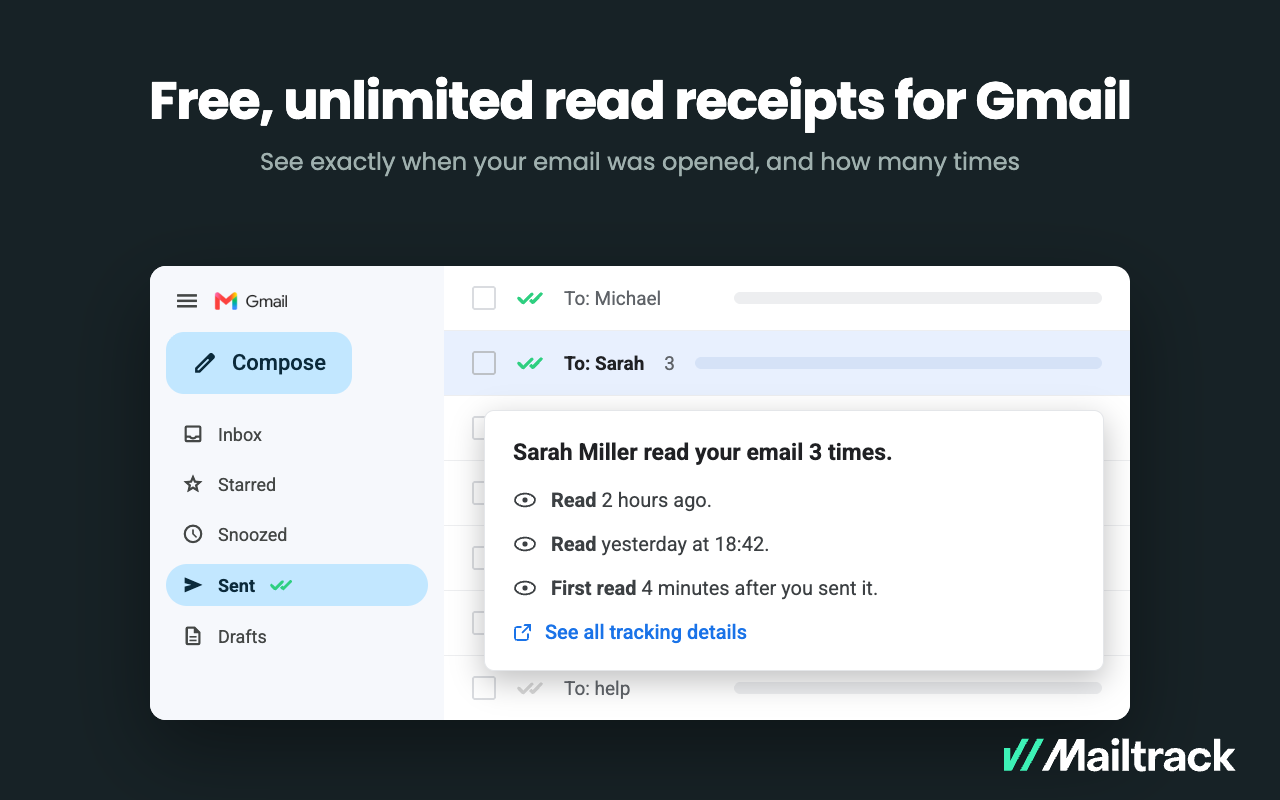
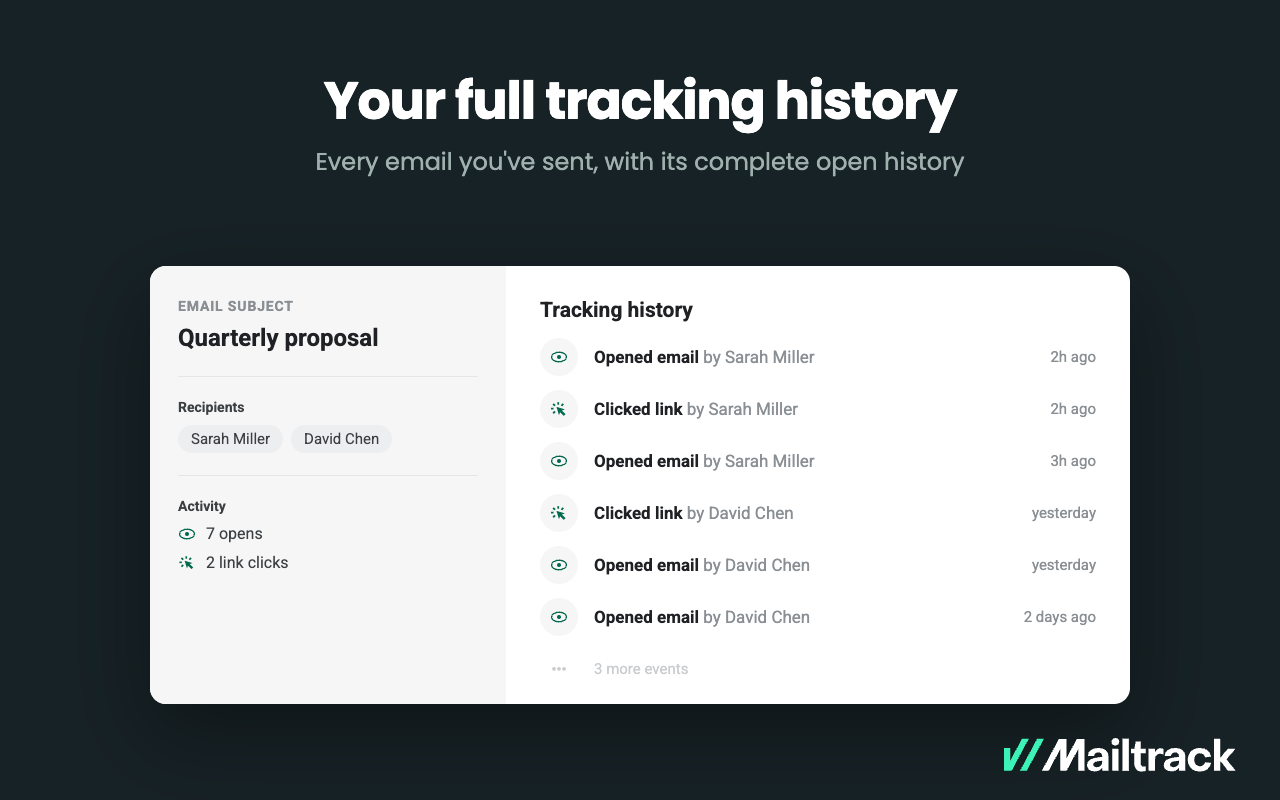
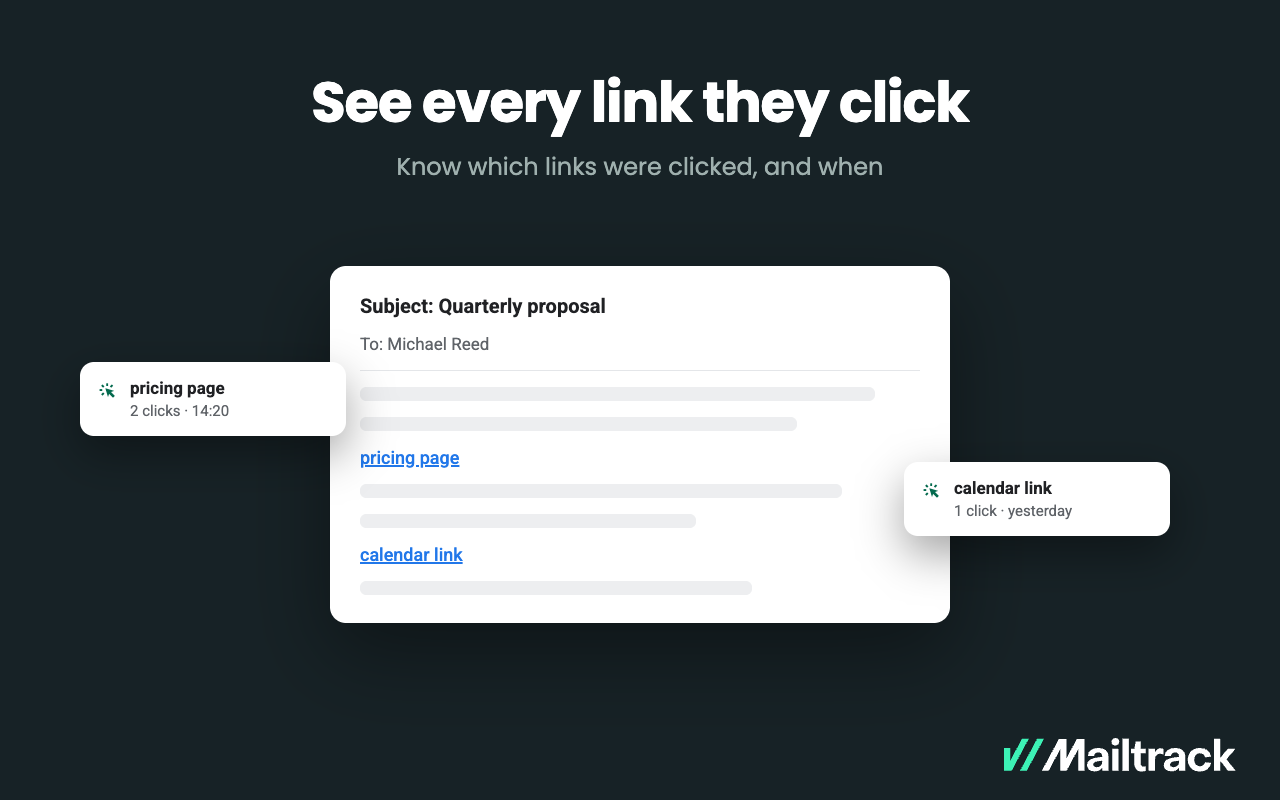
Screenshot of Know when your emails were opened, and how many times.