FlowX — No-Code BPM Automation vs. Square 9 Softworks

Overview
ProductRatingMost Used ByProduct SummaryStarting Price
FlowX — No-Code BPM Automation
Score 10.0 out of 10
N/A
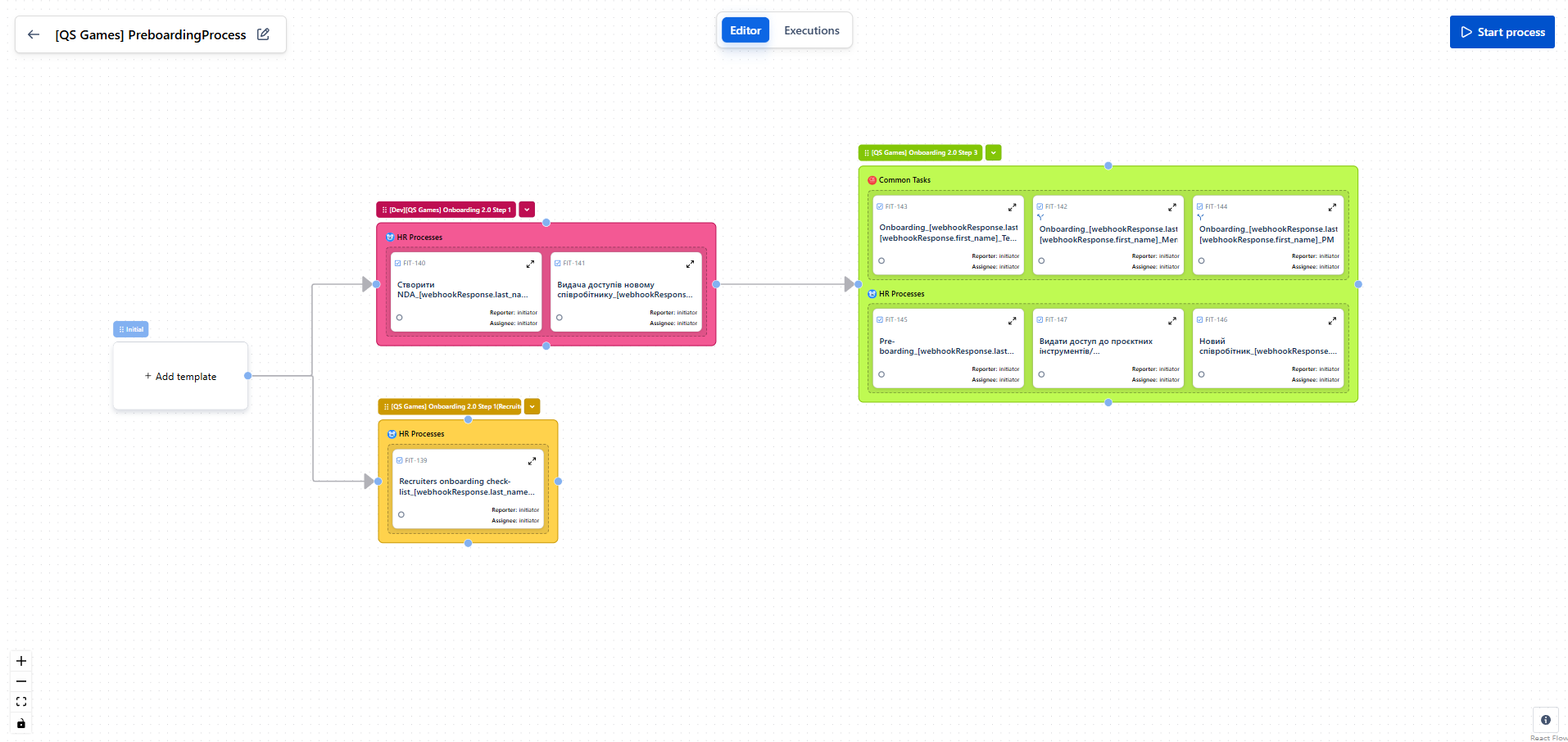
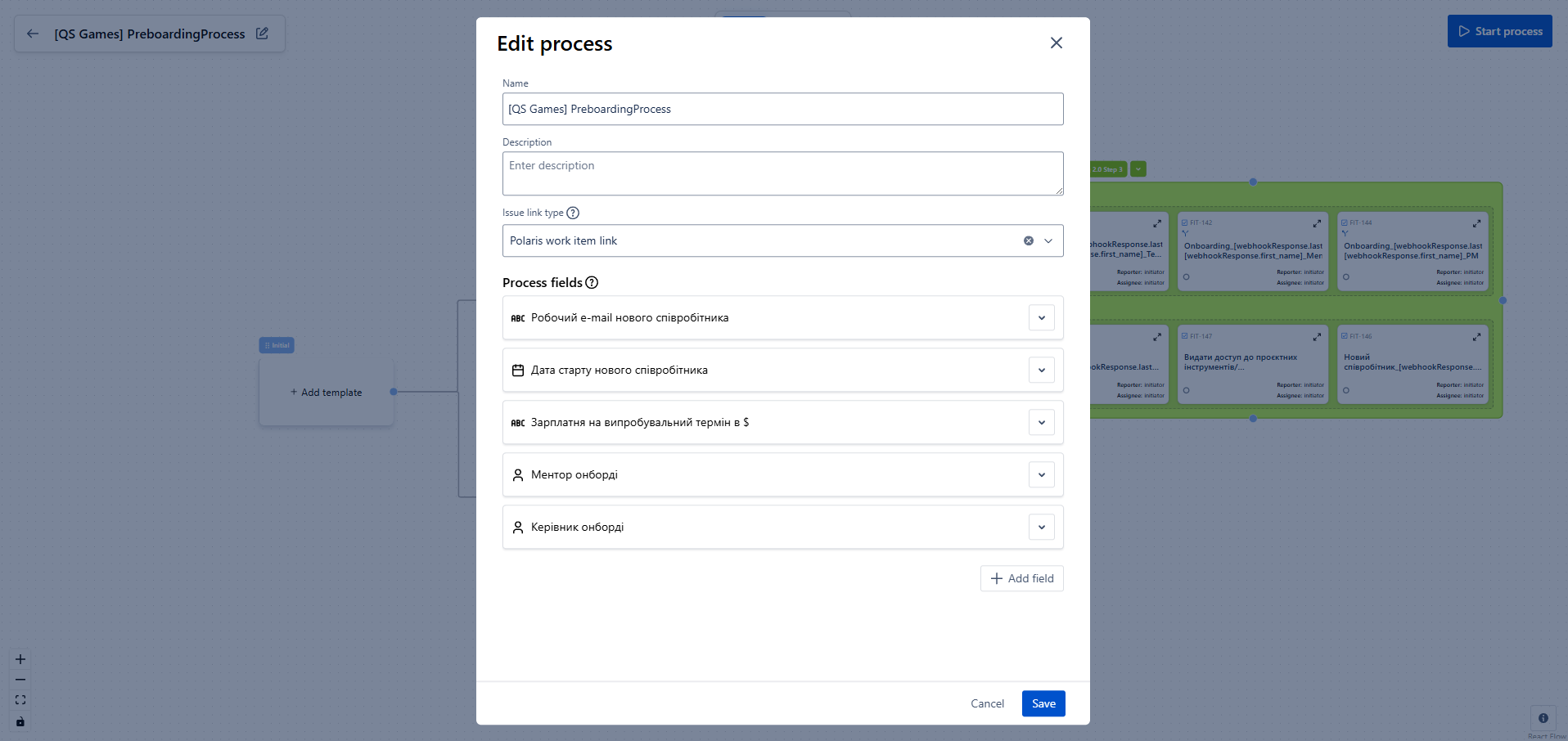
FlowX for Jira is a no‑code tool for designing business processes directly on top of standard Jira tasks. It enables building smart task chains, managing data flow between steps, and integrating with external systems without writing a single line of code. The goal is to eliminate manual routine (e.g., onboarding/offboarding), increase execution transparency, and accelerate delivery across teams. Key Features Flow Editor. Processes are designed visually: create…N/A
Square 9 Softworks
Score 9.7 out of 10
N/A
For document-intensive companies looking to improve business efficiency, Square 9 Softworks develops solutions for process automation that aim to drive increased productivity across all business applications.
$250
per month 5 users
Pricing
FlowX — No-Code BPM AutomationSquare 9 Softworks
Editions & Modules
No answers on this topic
Square 9 Process Automation Essentials
$50
per month per user (5 User Minimum)
Square 9 Digital Transformation Essentials
$68
per month per user (5 User Minimum)
Square 9 Enterprise Essentials
$75
per month per user (10 User Minimum)
Offerings
Pricing Offerings
FlowX — No-Code BPM AutomationSquare 9 Softworks
Free Trial
NoNo
Free/Freemium Version
YesNo
Premium Consulting/Integration Services
NoYes
Entry-level Setup FeeNo setup feeOptional
Additional DetailsOffered via a three-tier pricing model that allows customers to scale their solution up or down based on the changing needs of their organization. Pricing excludes professional services and implementation fees
More Pricing Information
Features
FlowX — No-Code BPM AutomationSquare 9 Softworks
Process Engine
Comparison of Process Engine features of Product A and Product B
FlowX — No-Code BPM Automation
9.0
1 Ratings
8% above category average
Square 9 Softworks
-
Ratings
Process designer9.01 Ratings00 Ratings
Model execution9.01 Ratings00 Ratings
Content Management Capabilties
Comparison of Content Management Capabilties features of Product A and Product B
FlowX — No-Code BPM Automation
9.0
1 Ratings
10% above category average
Square 9 Softworks
-
Ratings
Content management9.01 Ratings00 Ratings
Best Alternatives
FlowX — No-Code BPM AutomationSquare 9 Softworks
Small Businesses
Square 9 Softworks
Square 9 Softworks
Score 9.7 out of 10
PowerDMS by NEOGOV
PowerDMS by NEOGOV
Score 7.0 out of 10
Medium-sized Companies
Square 9 Softworks
Square 9 Softworks
Score 9.7 out of 10
MSB Docs
MSB Docs
Score 9.4 out of 10
Enterprises
CMW Platform
CMW Platform
Score 9.3 out of 10
M‑Files
M‑Files
Score 8.9 out of 10
All AlternativesView all alternativesView all alternatives
User Ratings
FlowX — No-Code BPM AutomationSquare 9 Softworks
Likelihood to Recommend
-
(0 ratings)
9.8
(66 ratings)
Likelihood to Renew
-
(0 ratings)
5.0
(7 ratings)
Usability
-
(0 ratings)
7.7
(6 ratings)
Availability
-
(0 ratings)
7.3
(2 ratings)
Performance
-
(0 ratings)
7.3
(2 ratings)
Support Rating
-
(0 ratings)
7.9
(26 ratings)
In-Person Training
-
(0 ratings)
7.3
(1 ratings)
Implementation Rating
-
(0 ratings)
6.4
(3 ratings)
Configurability
-
(0 ratings)
7.3
(1 ratings)
Ease of integration
-
(0 ratings)
4.5
(2 ratings)
Product Scalability
-
(0 ratings)
7.3
(2 ratings)
Vendor post-sale
-
(0 ratings)
7.3
(2 ratings)
Vendor pre-sale
-
(0 ratings)
7.3
(2 ratings)
User Testimonials
FlowX — No-Code BPM AutomationSquare 9 Softworks
Likelihood to Recommend
QS Integration
FlowX has a very intuitive interface and great documentation with video tutorials.
Even I, as a non-technical specialist, was able to set up the process on my own in just a few hours.
Everything is clear, logical, and simple a truly user-friendly solution
Read full review
Square 9 Softworks
Great for automating invoice processing where you want to set it and forget it. Also works well for document storage where you need things organized and easy to find. If you have complex requirements and need flexibility, this platform can handle it.
Not ideal if you expect a lot of exceptions or manual intervention since troubleshooting misrouted documents can be tricky. Also not the best fit if you want something that works out of the box with zero setup. You get the most out of it when you invest time upfront to build workflows.
Read full review
Pros
QS Integration
  • Automates routine tasks — creates issues, triggers processes, and sends notifications without manual work.
  • Builds “if–then” logic — lets you create flexible workflows with conditions and variables.
  • Visualizes processes — everything is shown on a clear diagram, easy to understand even for non-technical users.
Read full review
Square 9 Softworks
  • The software is very flexible, and the technicians were great at implementing our customizations for the PO project.
  • While indexing fields in Global Search, the Key Free tool works great.
  • Global Search is well-organized. It's easy to navigate and find your documents.
  • The process for completing your project was well done. Communicating with individuals at Square 9 who were responsible for different aspects of the project was easy.
Read full review
Cons
QS Integration
No answers on this topic
Square 9 Softworks
  • GlobalSearch could use some enhancements in layout - THIS IS FIXED WITH THE NEWEST VERSION OF GLOBALSEARCH 6.3 and their Sleek GUI GlobalSearch GO! - WELL DONE!
  • GlobalSearch could use external sharing of documents THIS IS FIXED WITH THE NEWEST VERSION OF GLOBALSEARCH 6.3 and their Sleek GUI GlobalSearch GO! - WELL DONE!
  • GlobalForms could have better formatting tools to enhance the fields and text formatting
Read full review
Likelihood to Renew
QS Integration
No answers on this topic
Square 9 Softworks
We absolutely can't imagine not continuing software maintenance as there are always new additions that improve the system not to mention the excellent tech support when issues are encountered. Response times for troubleshooting are very quick and usually, my issue is resolved in less than an hour after connecting with support.
Read full review
Usability
QS Integration
A very convenient automation system for setting up processes in Jira.
It’s easy to create logic, templates, and conditions without any coding.
It helps make Jira smarter and more user-friendly for the whole team.
Read full review
Square 9 Softworks
The items I am searching for are easily found. They are found in at least 95% of the searches. The failure rate generally is related to another employees user error or a template error set up by our Square 9 team in house.
Read full review
Reliability and Availability
QS Integration
No answers on this topic
Square 9 Softworks
Square-9 can get this product out to you in almost the same hour your order it. We got ours very fast.
Read full review
Performance
QS Integration
No answers on this topic
Square 9 Softworks
With the PDF projected viewer, the document retrieval-to-display can drag for a second more than some systems, and the capture workflow if you overload a server array can also drag, but those are the only two issues we've ever seen with this product, and they are not serious issues at all.
Read full review
Support Rating
QS Integration
No answers on this topic
Square 9 Softworks
We had one "production down" incident that took about a day to get help on. I think that's a bit too long. The support people seem confident but not that friendly. I feel like I'm bothering them when I get help, but they get the job done.
Read full review
In-Person Training
QS Integration
No answers on this topic
Square 9 Softworks
It would have been higher, but the training is a bit muted for the lesser qualified office equipment vendors who signed up as partners to sell and support it. The more experienced ECM vendors and customer end-users will find the training very good, but a bit slow.
Read full review
Implementation Rating
QS Integration
No answers on this topic
Square 9 Softworks
I think the implementation could have gone a little smoother than it did. Now that I know how to use the software, I could do it myself. I feel that as an organization, we could have been a little better prepared. If the consultant was more aware of what we were looking for, they could have assisted in setting up some workflows for us as per the contract. But because we were not prepared, the initial implementation process was a little painful. That said, adding a document management system to ANY business kinda means everyone has to re-think the way they do their work which can be difficult for some staff.
Read full review
Alternatives Considered
QS Integration
No answers on this topic
Square 9 Softworks
Laserfiche could not even complete their installation. Square 9 Softworks was able to come in and rescue the failed project. We have hardly scratched the surface of what we believe we can do in terms of more implementations of the Square 9 Softworks program in other business processes in our company. Square 9 Softworks was demonstrated to our procurement management team while they were struggling with the Laserfiche implementation, and they were ready to abandon Laserfiche immediately upon seeing the Square 9 Softworks program demonstrated. We abandoned Laserfiche even though we had financial investments with them already. This is testimony to how clearly Square 9 Softworks is a better solution than Laserfiche.
Read full review
Scalability
QS Integration
No answers on this topic
Square 9 Softworks
The scale-ability is quite good actually, but you need competent sales/support folks providing it to you, so the scale is set right for the demands of your system use. Some resellers are not good at doing this, some are fantastic. If you are scaled correctly at first implementation, you'll be very happy with this system.
Read full review
Return on Investment
QS Integration
  • Reduced routine work by over 3 hours on just one onboarding process.
  • Full transparency: with the process map, every participant can see in real time where the process is and why it stopped.
  • Easy setup of multi-condition workflows — even complex scenarios are simple to build and adjust.
Read full review
Square 9 Softworks
  • Having less paper in the office has saved space and supplies. We no longer need to purchase those expensive cardboard folders for archiving.
  • Having someone do their own health screening is safer and saves us from keeping a staff member devoted to that task.
  • I used to have to spend hours physically culling archive records. Now I can sort it and weed it with clicks of a button!
Read full review
ScreenShots

FlowX — No-Code BPM Automation Screenshots
Screenshot of Screenshot of

Square 9 Softworks Screenshots

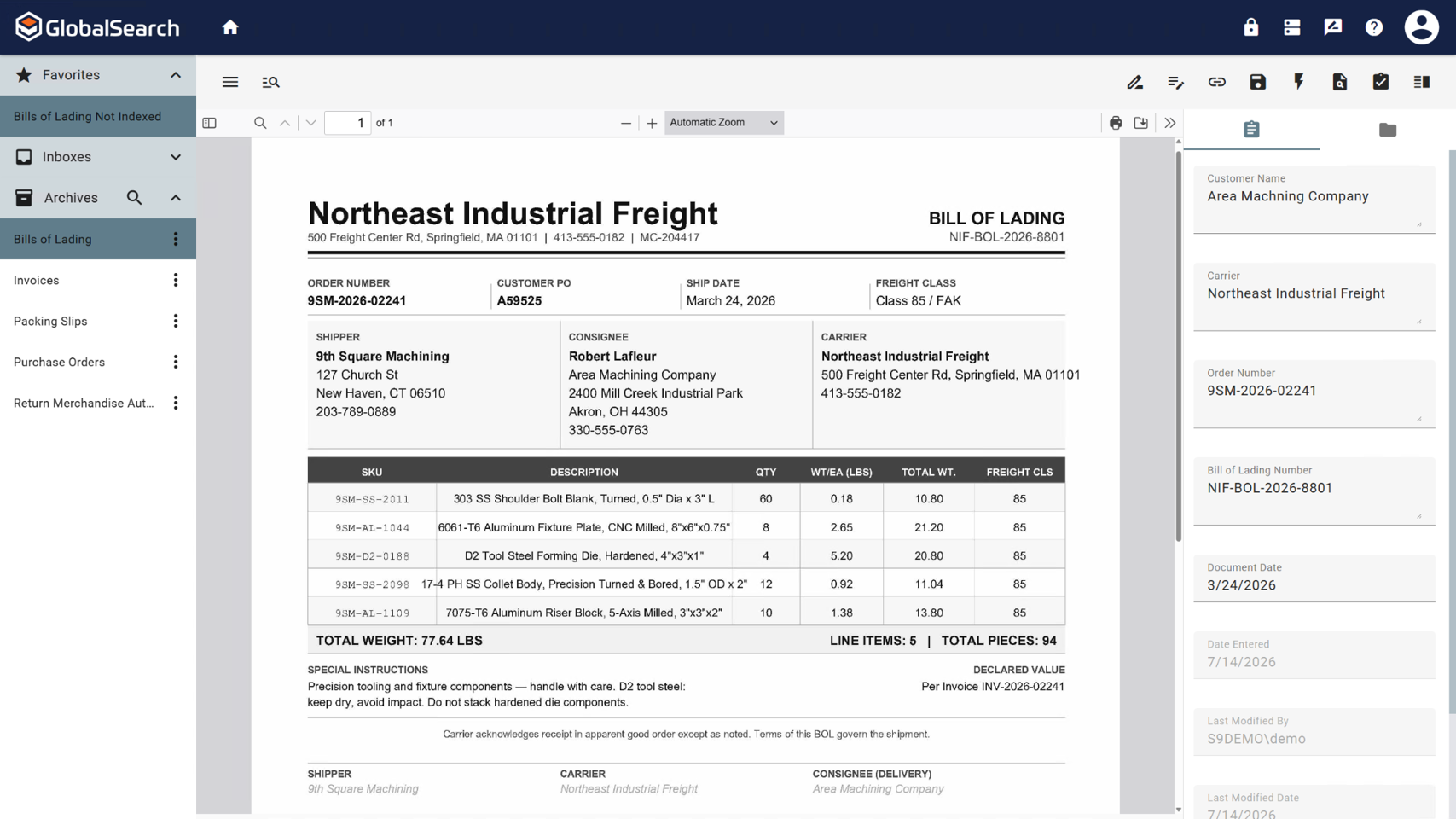
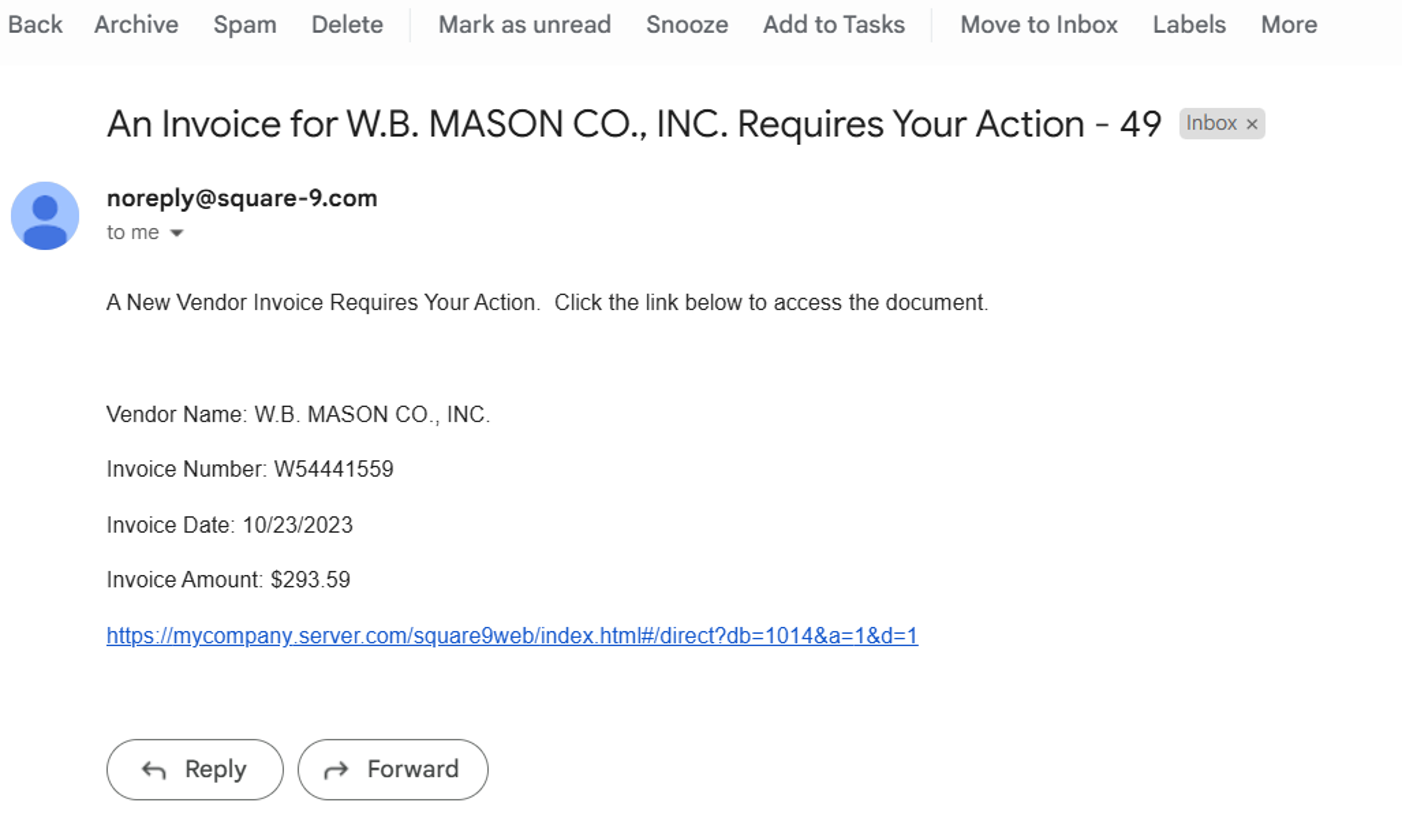
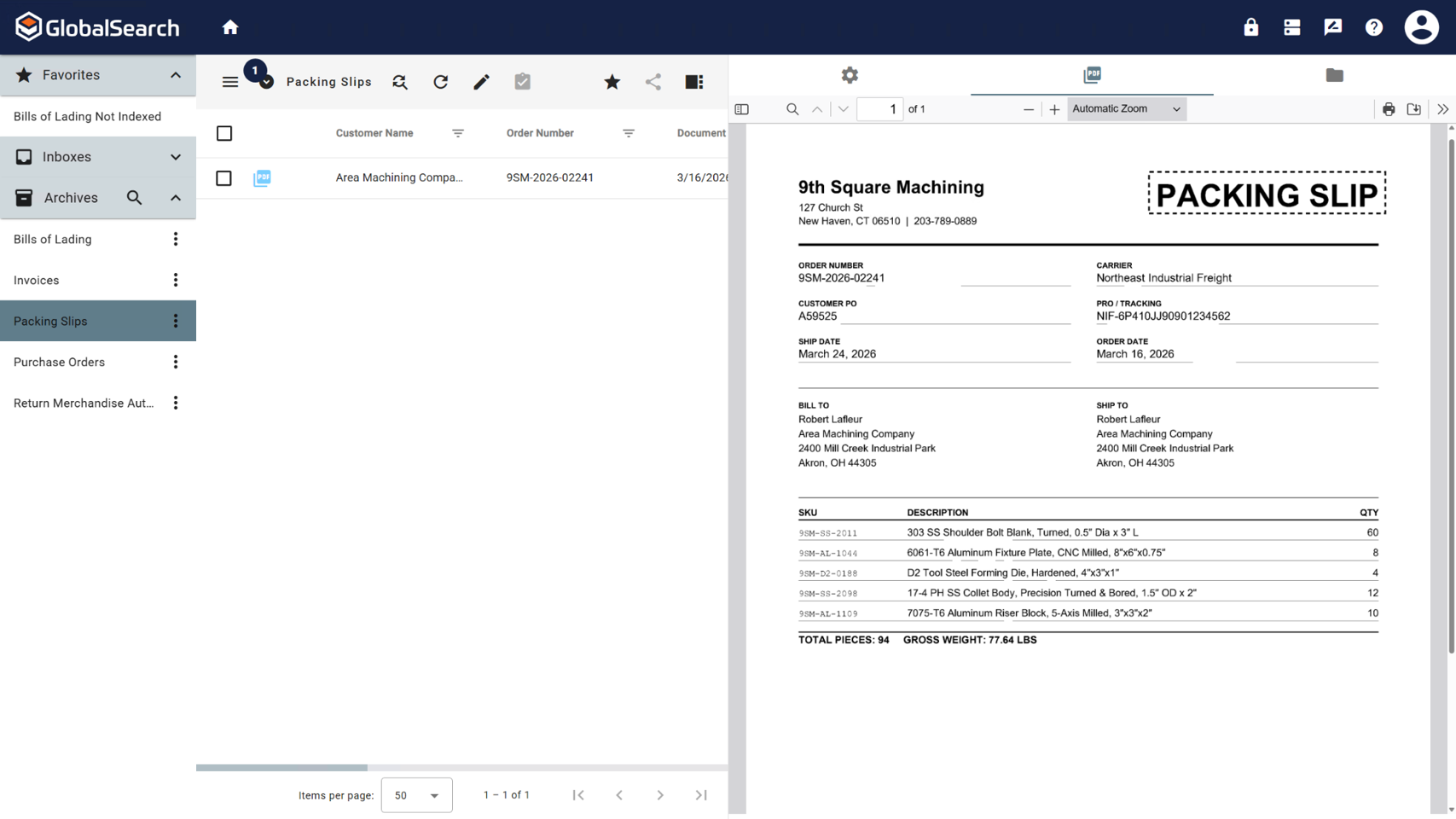
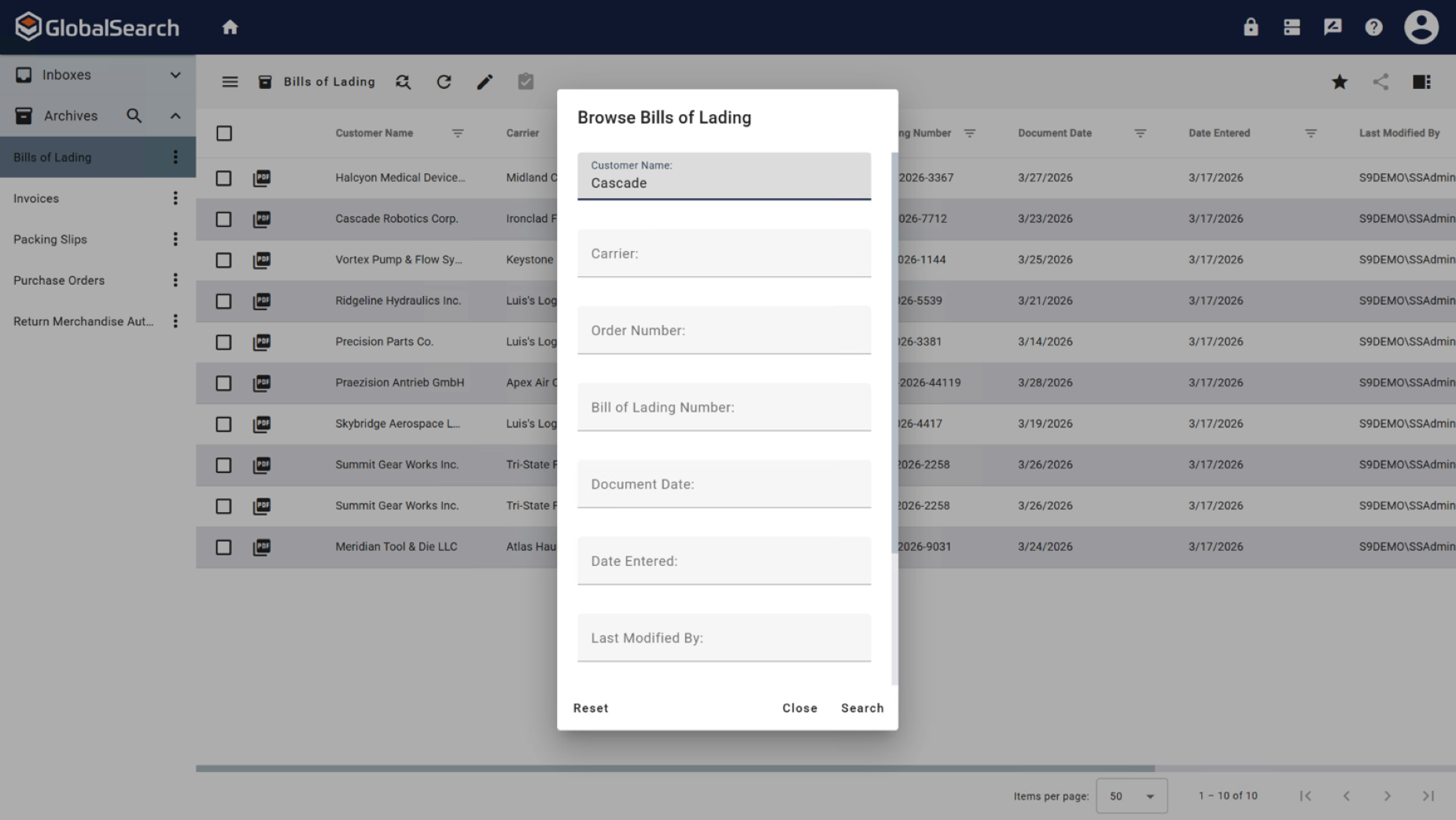
Screenshot of GlobalSearch Go, which organizes documents based on extracted data.Screenshot of InquireAI, which offers AI-driven data extraction of invoice and receipt fields to eliminate the need for manual data entry.Screenshot of a contract. Contracts are a complex document format that can require contextual understanding to collect accurate data points.Screenshot of where using natural language prompts, InquireAI works as an agent to extract, classify, and analyze information from any type of document.Screenshot of the invoice review process, where users can be notified by email when a pending approval is available.Screenshot of a fully indexed document. These can be released for secure access within GlobalSearch or sent to other repositories, including QuickBooks, Dynamics 35 Business Central, Citrix ShareFile, or Google Drive.