FunctionFox provides TimeFox which is a timesheet and project management solution for small creative companies. The vendor says TimeFox is currently used by over 100,000 creative professionals in Canada, the US, Europe, Asia, Australia and New Zealand.
$5
per user
MindMeister
Score 3.2 out of 10
N/A
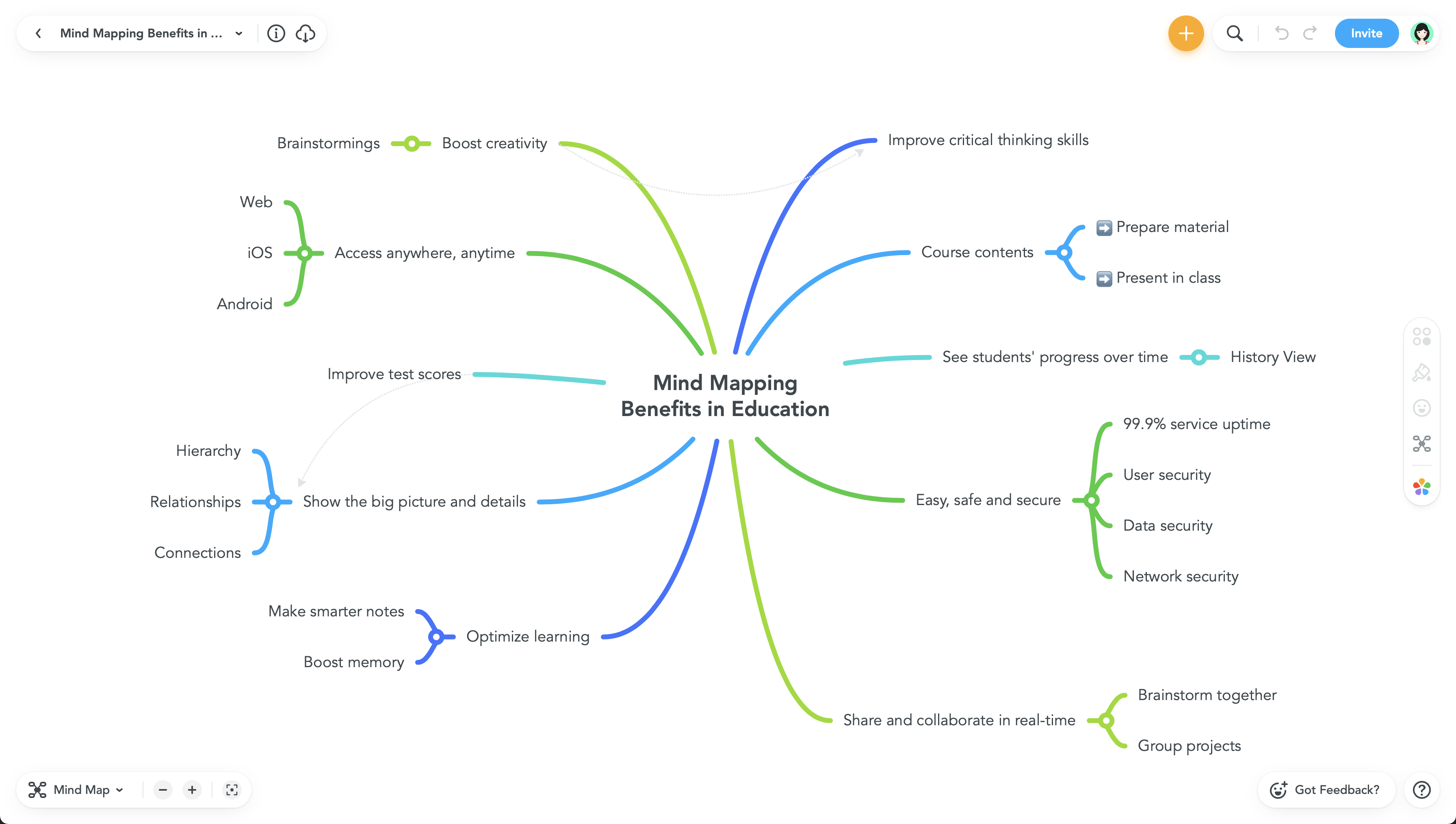
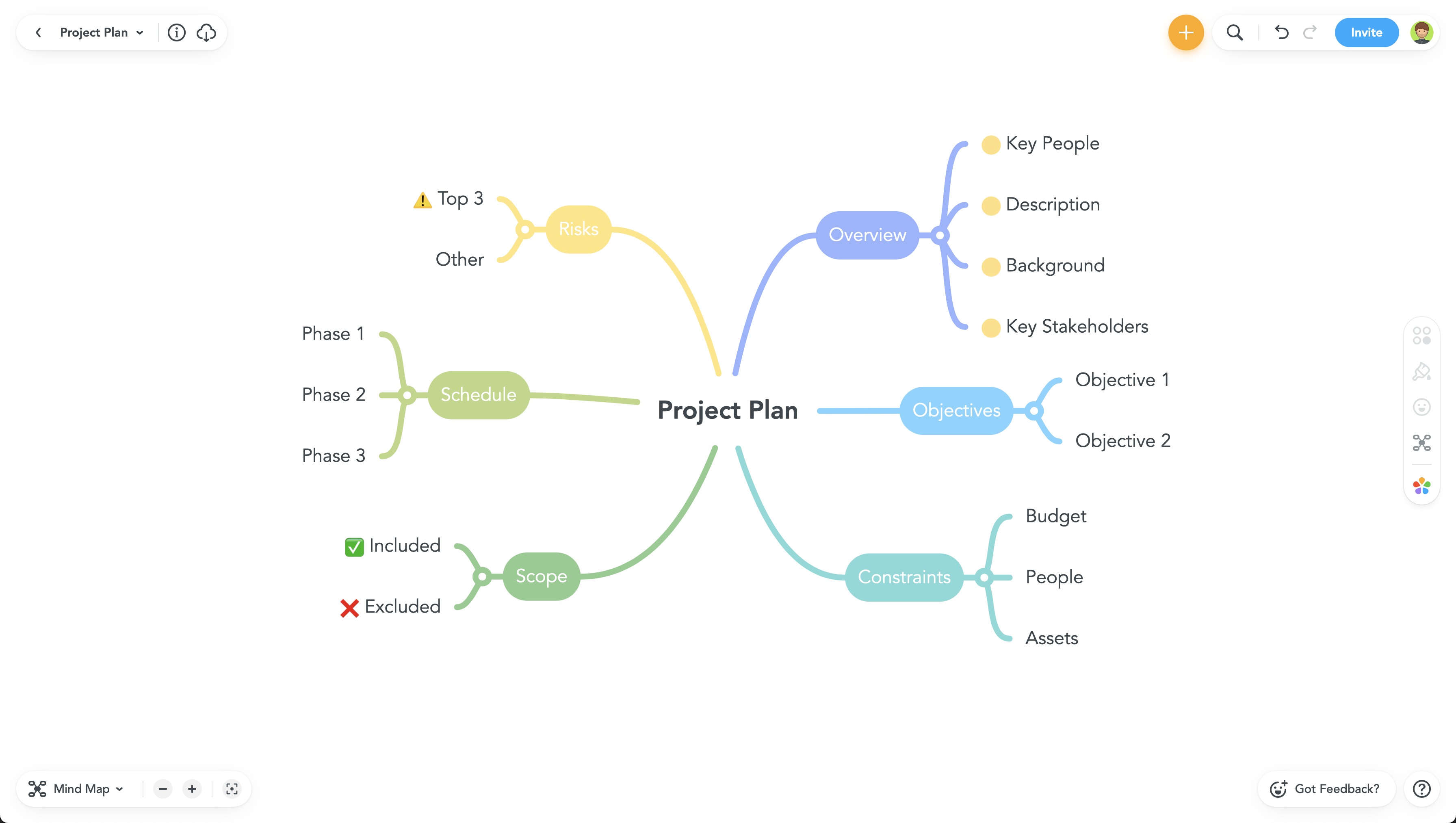
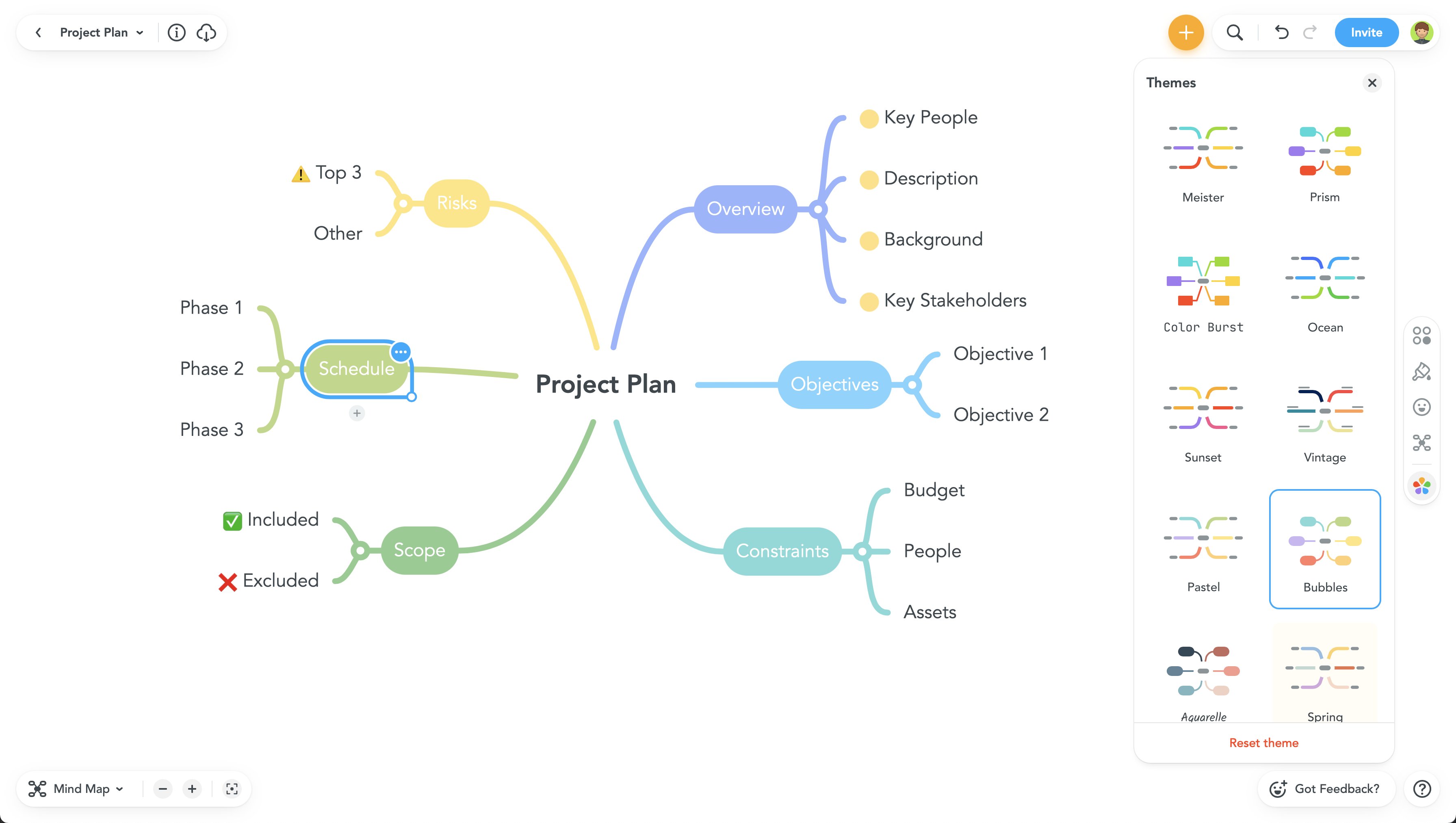
MindMeister is an online mind mapping tool that lets users share maps with an unlimited number of users and collaborate with them in real-time. MindMeister is used to brainstorm ideas, plan projects, take meeting minutes, develop business strategies, and create presentations. MindMeister runs in any standard web-browser as well as on iOS and Android devices, so users can access, edit and present their mind maps anytime, wherever they are. With MindMeister, users…
$45
every 6 months per user
Pricing
FunctionFox
MindMeister
Editions & Modules
FunctionFox Classic
$5
per user
FunctionFox Premier
$10
per user
FunctionFox In-House
$20
per user
Personal
$45
per 6 months per user
Pro
$75
per 6 months per user
Business
$114
per 6 months per user
Offerings
Pricing Offerings
FunctionFox
MindMeister
Free Trial
Yes
No
Free/Freemium Version
Yes
Yes
Premium Consulting/Integration Services
No
No
Entry-level Setup Fee
No setup fee
No setup fee
Additional Details
No hidden fees. All customer support, and regular upgrades are included free of charge.
MindMeister offers 6-monthly and yearly subscriptions. Discounts for educational users and non-profit organizations are also available. Up to 22% discount for yearly pricing.
If you are trying to track time across teams or functions, that is really what FunctionFox is designed for. I think this would work better for individual, smaller teams with similar tasks and activities, instead of for larger companies with more complex organizational operations. If you are just getting started with time tracking, this could be a good place to start.
MindMeister is ideally suited for building mind maps, site maps, or similar types of data maps in the cloud without needing to install extra software. I find that it isn't quite as ideal for other types of diagrams (ERDs, flowcharts, etc) as some other tools, though it definitely can handle those things as well.
With only a couple clicks I can still easily pull reports by employee on a weekly basis which provide the information I need to run payroll.
I pull reports by client each month for our monthly client billings, which we have broken down by project so I can easily see how our time was spent on their account.
We set a budget for the approved number of hours we can apply to any one project for the month, and the system provides the project manager with a warning as the limit comes near. That function has been fantastic!
FunctionFox's Help Desk personnel are wonderful, providing an exceptionally personalized experience. They take their time, and will even schedule a call to go into greater depth, such as an entire account review just to ensure you're able to use all the product features to your company's best advantage. Our entire team jumped on a half hour call a couple months ago, and she answered ALL of our questions, including providing us with info on some features we hadn't realized even existed.
The UI is well laid out and easy to use. The workflow makes perfect sense and makes creating tasks a breeze.
The collaboration features make brainstorming not only easy but fun! Everyone enjoys using the tool, which was not the case with other collaboration software we used.
I love being able to get all of my thoughts and ideas on the screen to see them and then be able to connect them in a logical way.
The function of the site is not as user-friendly as others, it's sometimes hard to find certain projects and organize data in order to track effectively. I would often need to download/export reports.
Sometimes a project would accidentally be created twice and hours billed to two separate projects for the same thing. Which made tracking and billing increasingly difficult.
Little to no organization of projects for billing and finance purposes, which makes it hard when we conduct billing as there is not a clear way to know if a project is complete, ongoing, rejected etc.
All of my employees are used to it and introducing a new software to them requires them to get trained again increasing the costs. TimeFox is an easy to use and understand software. Another advantage of TimeFox is that is an online software and I can access it whenever I want to.
It's a good tool for tracking hours and overall budget. It does not give you insight into why there are those hours, or what part of the project has over burned. The tool is also tough to export reports and find the correct information throughout. Not only this, but I also have a hard time changing project details - there's no real easy way to and there's a larger room for error
I haven't used FunctionFox for a lot of support requests. On the times that i've been having issues I've had the issue resolved within a day, most questions I have had i've been able to source answers online or from a colleague. From what I have experienced the support team seems great.
Never had an issue with customer support, though we never really needed anything major as far as technical help. I do not believe they offer 24 hour customer support but we don't need it as MindMeister is not the type of tool we need need 24 hour a day support for. Overall, very happy with the level of support.
Unsure on implementation of FunctionFox - was before my time at the company. Everyone at the company had a good understanding of the product and how to use it by the time I joined. My understanding is we implemented ourselves with a few training sessions for the creative team and adding hours as well as training for the account team to add projects
When we were looking for software we tested several, and FunctionFox was hands down the best value. While there are other options, and each company is different, nothing could come close to filling our needs the way FunctionFox has. The money we spend has been returned several times over.
I have also used LucidChart and Google Draw to create mind maps and concept maps in the past. I think that MindMeister is by far the cleanest and most user friendly of the three. Google Draw does not have anywhere near the same functionality. LucidChart tends to be clunky and the options to create your map are not always clear and intuitive.
FunctionFox pays for itself just about every month in terms of how much more I am able to bill than before I started using the software, and how much less time I need to spend on non-billable admin tasks. I used to create invoices based mostly on what sounded fair, rather than on accurate time & cost records. I'm sure my clients loved it, but it wasn't healthy for my business. Now I base invoices on actual time and expense records, and end up with more money in my pocket.
It's not tangible, but FunctionFox has improved my ability to communicate with clients, and with freelance partners when I'm involved in a collaborative project. I can anticipate and discuss potential budget or delivery deadline overruns before they occur. The goodwill this builds has had a tremendously positive impact on client and partnership relations.
I fell into freelancing without a lot of experience running a business. FunctionFox has been a great teacher, helping me think through many issues that I wouldn't have even recognized as important. It is simple to use, with a UI that is neither intimidating nor overwhelming, and it has been super flexible in terms of molding it to suit the way I work.