
GAT Labs vs. Solutions2Share Teams Manager
| Product | Rating | Most Used By | Product Summary | Starting Price |
|---|---|---|---|---|
 GAT Labs | N/A | Mid-Size Companies (51-1,000 employees) | What is GAT Labs? GAT Labs is a technology company offering a suite of tools designed to elevate the management, security, automation, and auditing of Google Workspace (formerly G Suite) environments. Established with the goal of providing enhanced administrative control, the solutions specifically cater to both the enterprise sector and the educational community. The suite features an array of specialised products including: - GAT+,… | $2.33 per month per user |
 Teams Manager | Score8 out of 10 | Mid-Size Companies (51-1,000 employees) | IT administrators can keep control of their Microsoft 365 environment with Teams Manager. Teams Manager is used to prevent the uncontrolled creation of Teams and Groups and automate governance processes. Key Features: • Governance Dashboard and Reports – provides an overview of the M365 environment (inactive or ownerless teams, teams with guests etc.) • Provisioning of new teams & SharePoint sites – with channels,… | $1.60 per year |
| GAT Labs | Teams Manager | |||||||||||||||
|---|---|---|---|---|---|---|---|---|---|---|---|---|---|---|---|---|
| Editions & Modules |
|
| ||||||||||||||
| Offerings |
| |||||||||||||||
| Entry-level Setup Fee | No setup fee | Optional | ||||||||||||||
| Additional Details | For Enterprise, Government and Non-Profit: - Non-Profit Organisations get a 50% discount and government domains get a 10% discount from the Enterprise listed price. - There is a minimum charge of $600 per domain per year for small domains. A subscription must cover all active users on the domain, it cannot be purchased for admins only. - Billing is in USD for the US and Canada residents only. Billing is in Euro for all other countries. For Education: - There is a minimum charge of $450 per domain per year for small domains. A subscription must be purchased for all the active users in the domain excluding IDLE, inactive, service and suspended accounts. - Billing is in USD for US and Canada residents only, billing is in Euro for all other countries. | Prices are starting prices. Not listed here are the different support and service packages. | ||||||||||||||
| More Pricing Information | ||||||||||||||||
| GAT Labs | Teams Manager | |
|---|---|---|
| Considered Both Products | No answer on this topic | No answer on this topic |
| Key User Insights | ||
| Would buy again | ||
No answers on this topic | 90% Would buy again 9 Answers | |
| Delivers good value for the price | ||
No answers on this topic | 100% Delivers good value for the price 8 Answers | |
| Happy with the feature set | ||
No answers on this topic | 100% Happy with the feature set 10 Answers | |
| Lived up to sales and marketing promises | ||
No answers on this topic | No answers on this topic | |
| Implementation went as expected | ||
No answers on this topic | 100% Implementation went as expected 5 Answers | |
| GAT Labs | Teams Manager | |
|---|---|---|
| Small Businesses | Teams Manager Score8 out of 10 | No answers on this topic |
| Medium-sized Companies | Teams Manager Score8 out of 10 | No answers on this topic |
| Enterprises | Teams Manager Score8 out of 10 | No answers on this topic |
| All Alternatives | View all alternatives | View all alternatives |
| GAT Labs | Teams Manager | |
|---|---|---|
| Likelihood to Recommend | - | 8.0 |
| Usability | - | 8.0 |
| GAT Labs | Teams Manager | |
|---|---|---|
| Likelihood to Recommend | No answers on this topic |
|
| Pros | No answers on this topic |
|
| Cons | No answers on this topic |
|
| Usability | No answers on this topic |
|
| Alternatives Considered | No answers on this topic |
|
| Return on Investment | No answers on this topic |
|
| ScreenShots | GAT Labs Screenshots     | Teams Manager Screenshots   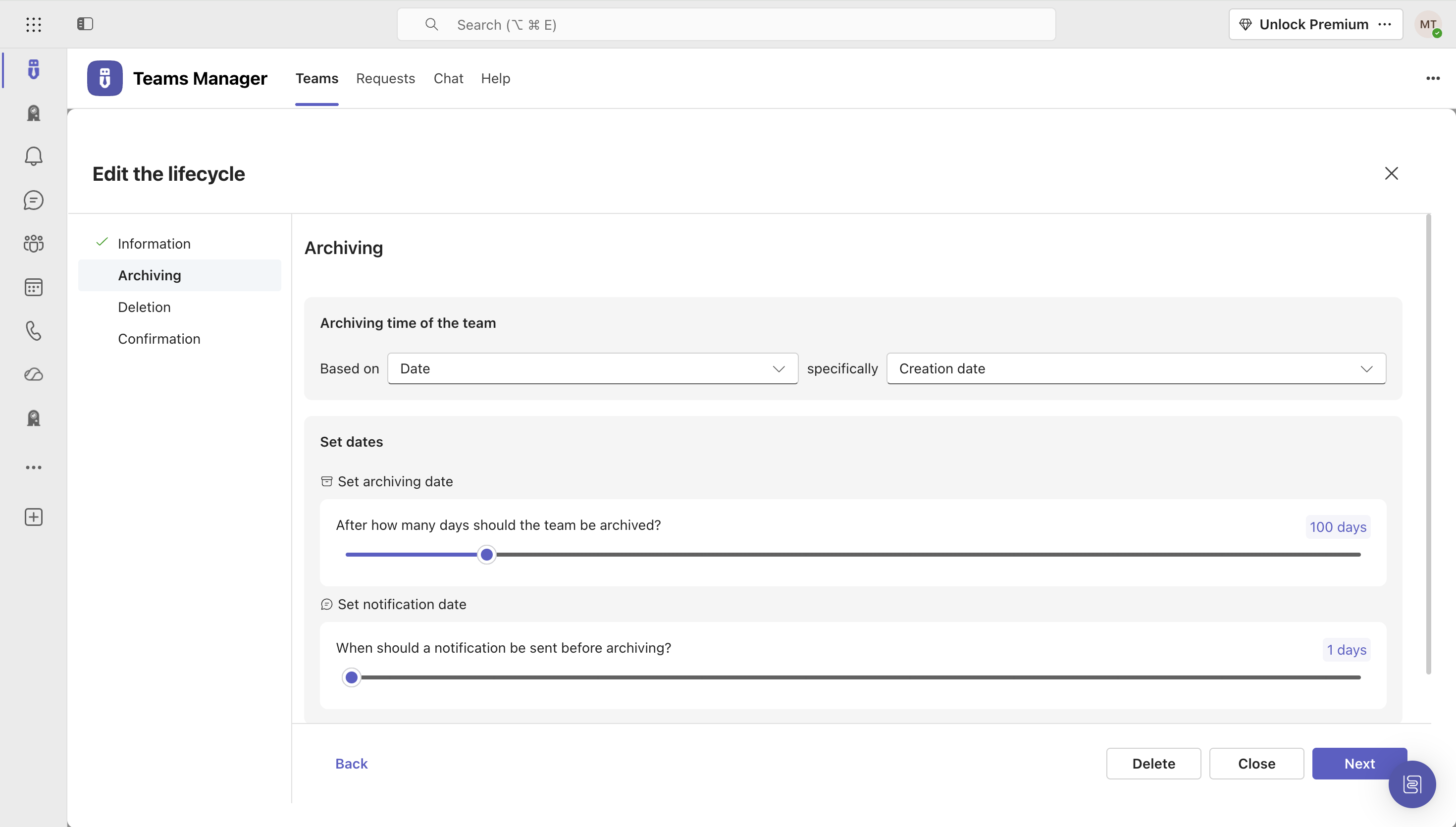   |
