GetNotify vs. Mailtrack

Overview
ProductRatingMost Used ByProduct SummaryStarting Price
GetNotify
Score 7.3 out of 10
N/A
N/AN/A
Mailtrack
Score 9.7 out of 10
N/A
Mailtrack is a free email tracker for Gmail, boasting over 1,5 million active users. The vendor states users will Ffollow up with more accuracy, find out the moment emails have been read, track the…N/A
Pricing
GetNotifyMailtrack
Editions & Modules
No answers on this topic
Offerings
Pricing Offerings
GetNotifyMailtrack
Free Trial
NoNo
Free/Freemium Version
NoYes
Premium Consulting/Integration Services
NoNo
Entry-level Setup FeeNo setup feeNo setup fee
Additional Details
More Pricing Information
Community Pulse
GetNotifyMailtrack
Considered Both Products
GetNotify

No answer on this topic

Mailtrack
Chose Mailtrack
Boomerang for Gmail was tested. It works well, but wanted to see what else is available before making any commitment.
Mailtrack provides a really nice daily summary of emails sent which Boomerang did not.
Chose Mailtrack
There's a free tier. Obviously, there are other things to love, like notifications about your email being read, the fact that if an email hasn't been responded to in some time it gets bumped up. The fact that if other people have Mailtrack you will actually get notified who …
Chose Mailtrack
I have not yet used any other product or service other than Mailtrack. The reason why I love Mailtrack is because it was easy to download and even easier to use. What is more, is that it has a lot of really nice features as well, this makes it user friendly too.
Chose Mailtrack
I have not used any other tracking software for my emails since this was recommended online and by a few people as well. I've been told that it's a really good tracking software and so far, I have no complaints as such. Cannot comment on how it would measure up against other …
Chose Mailtrack
I used the pre-installed/internal features of the "mailing box" for tracking email and correspondence. I can not say it was a perfect experience, (will not use product names), but at the moment MailTrack is better.
Chose Mailtrack
First i have considered mailtrack extension as its legit and free version is good and works for me as of now
Chose Mailtrack
I have no point of reference since I have not used other products but I am happy with how Mailtrack has worked so far.
Chose Mailtrack
To be perfectly honest I have only used the same function on Outlook so I don't have anything else to compare it to. However it stacks up very well against Outlook and some aspects are actually superior.
Chose Mailtrack
I used Outlook email many years ago with the feature of receiving a confirmation that the email was read, but these days, Outlook is not working for me, as I want to be able to use the Gmail platform for all the emails of my organization, and Mailtrack is working perfectly for …
Chose Mailtrack
They are great but really focused on blasting out emails.
Chose Mailtrack
I prefer Mailtrack over Bananatag and others because the interface is cleaner and easier to understand.
Chose Mailtrack
Mailtrack is pretty simple, you send an email and it tells you if your recipient has read it. It serves its purpose!
Chose Mailtrack
I have currently not used any other program.
Chose Mailtrack
Simplicity and unobtrusiveness.
Chose Mailtrack
My company uses SalesForce and it has an email tracking system. I found it to be unreliable and it seemed that some people were somehow able to get around it letting me know when it was opened. It just always should unopened, even after I had gotten a reply from my email.
Chose Mailtrack
Mailtrack is the first program I have ever utilized as a tracking system, and I have no intention to utilize anything else. I am perfecting satisfied with it, as it has delivered everything that I have been seeking in an email tracking service. I would highly recommend this …
Chose Mailtrack
I have not used any other product except Mailtrack. Previously MS Outlook had the feature of read receipt. This feature got lost when I switched to Web based Gmail which doesn't have this feature.
Chose Mailtrack
Basically I have not used any other product for email tracking before this. I am not aware about other competitors' features and usability. But I am completely satisfied with Mailtrack because of its simple usability. It just shows us using green ticks like WhatsApp whether a …
Chose Mailtrack
I haven't used any email-tracking software in the past few years. Last time I used one was many years ago, and unfortunately, I don't remember the name. But I do remember that they didn't allow you to remove the watermark, which is when I stopped using it because it was …
Best Alternatives
GetNotifyMailtrack
Small Businesses
Mailtrack
Mailtrack
Score 9.7 out of 10
Salesflare
Salesflare
Score 10.0 out of 10
Medium-sized Companies
Mailtrack
Mailtrack
Score 9.7 out of 10
HubSpot Sales Hub
HubSpot Sales Hub
Score 8.8 out of 10
Enterprises
Groove by Clari
Groove by Clari
Score 7.4 out of 10
Groove by Clari
Groove by Clari
Score 7.4 out of 10
All AlternativesView all alternativesView all alternatives
User Ratings
GetNotifyMailtrack
Likelihood to Recommend
-
(0 ratings)
9.4
(0 ratings)
Usability
-
(0 ratings)
8.7
(0 ratings)
Support Rating
-
(0 ratings)
7.1
(0 ratings)
User Testimonials
GetNotifyMailtrack
Likelihood to Recommend
No answers on this topic
It is critical in Sales to understand if someone received and read the email you sent, and Mailtrack is perfect for this. It is not a critical tool when you are receiving emails but definitely a critical tool when sending emails and you need to know the status and to understand if they even read what you sent.
Read full review
Pros
No answers on this topic
  • Immediately you will be notified once any user accesses the email. There is no delay. We have crossed checked and it works awesome.
  • The Mailtrack extension is easy to use. Setting up an account and getting started is smooth and fast.
  • Free version includes unlimited email tracking, this is fab.
Read full review
Cons
No answers on this topic
  • Some of the settings can be confusing at first.
  • Some alerts are on by default and can be annoying at times.
  • Good to know if the email was deleted.
  • It would be great to know how much time recipients spent on each email.
Read full review
Usability
No answers on this topic
I would rate Mailtrack's overall usability as a ten out of ten. The reasons for this are actually quite simple. For now, only I have been using Mailtrack. However, looking at the rather easy to use characteristics Mailtrack has to offer, I would not hesitate to recommend it to the rest of my colleagues.
Read full review
Support Rating
No answers on this topic
This rating is fully deserved for the reasons I mentioned earlier. Namely, firstly, ease of use. Secondly, the reliability and speed of the application. Thirdly, the unobtrusiveness of its functioning. Fourth, the positive effect that the application has on the process of management communication between company employees. Fifth, the overall usability of the application due to the minimum settings.
Read full review
Alternatives Considered
No answers on this topic
The biggest alternatives I've tried are whole email systems - Polymail and Newton. Newton was bar none the best email handling application AND the best email tracker, however, unfortunately, they went out of business at the end of summer 2018. Mailtrack is different because it only does one thing, it tracks email. Without Newton (Polymail is also iOS only, and expensive), Mailtrack is really the only decent solution for email tracking without buying a big system like a CRM. I didn't want to pay $100+/month for user seats, I just wanted to track my own emails for some better intel. That's what Mailtrack does, and that's what Mailtrack is priced to do.
Read full review
Return on Investment
No answers on this topic
  • After I started using the Mailtrack, the responses to my emails increased by at least 30%.
  • Once I submitted/sent an important email and got the notification that the email was sent, I feel safe that my email/request has been processed/viewed without being worried that the email went to the spam box.
Read full review
ScreenShots

Mailtrack Screenshots

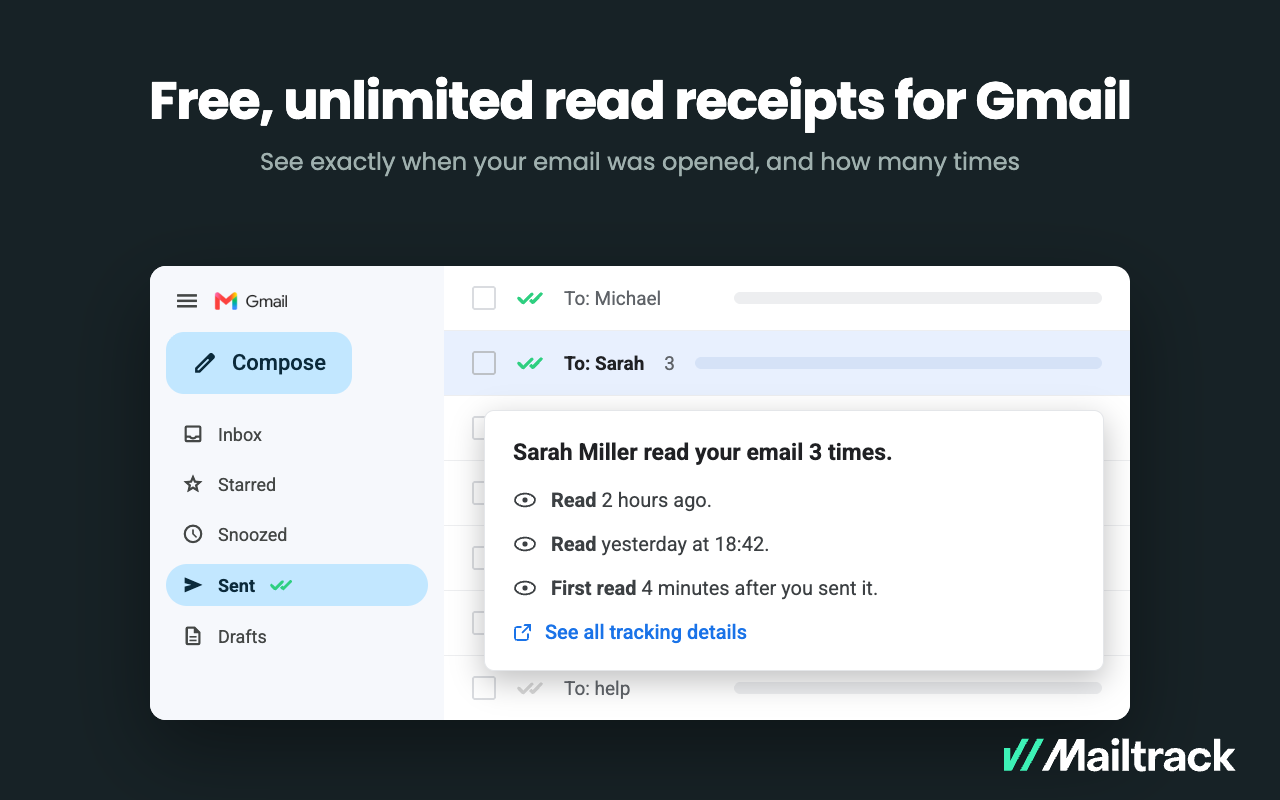
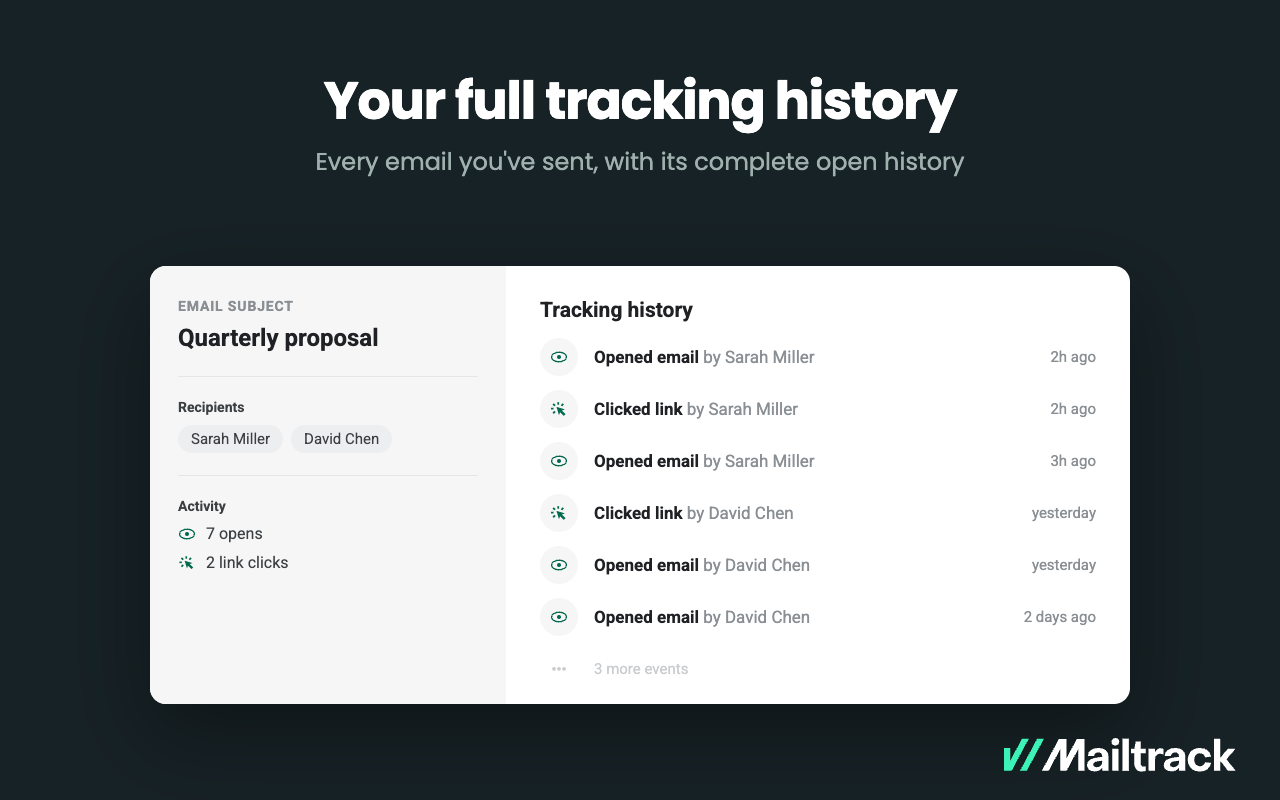
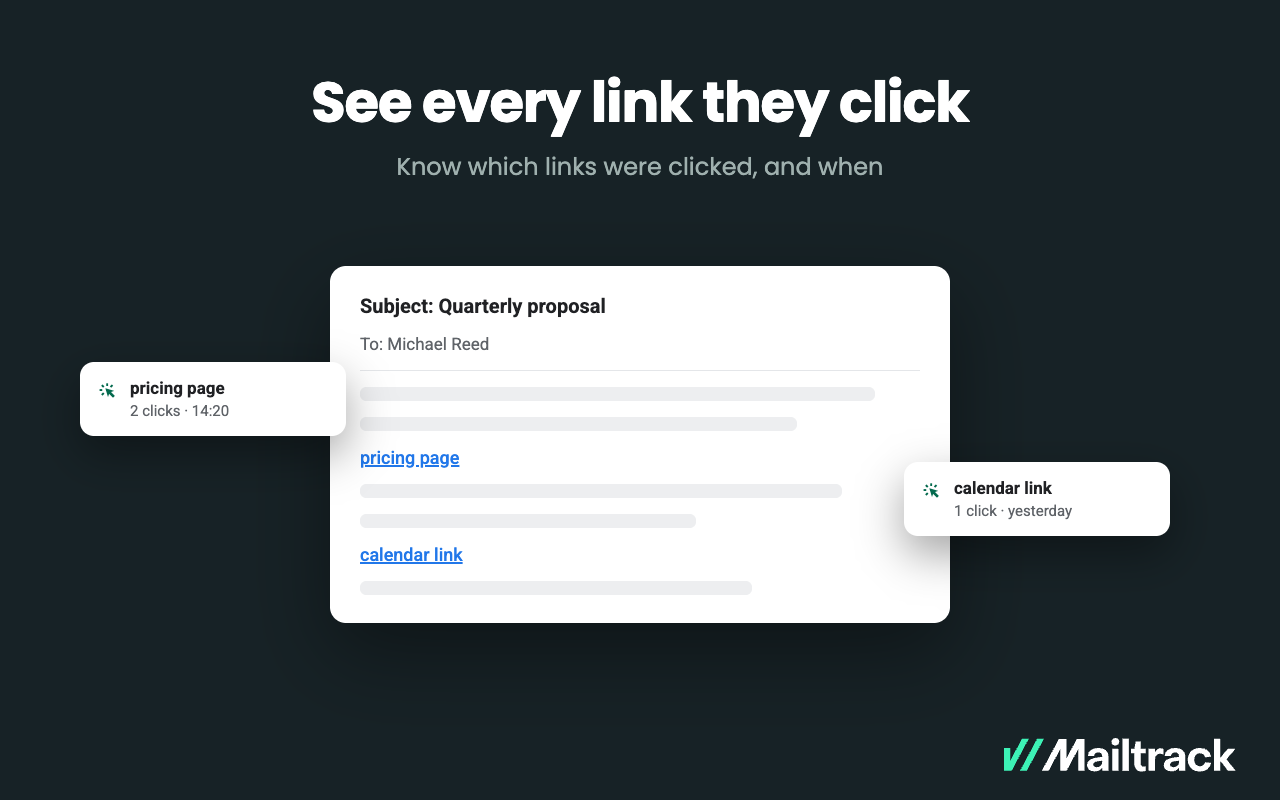
Screenshot of Know when your emails were opened, and how many times.