Getscreen.me vs. Rise Service Suite

Overview
ProductRatingMost Used ByProduct SummaryStarting Price
Getscreen.me
Score 9.7 out of 10
N/A
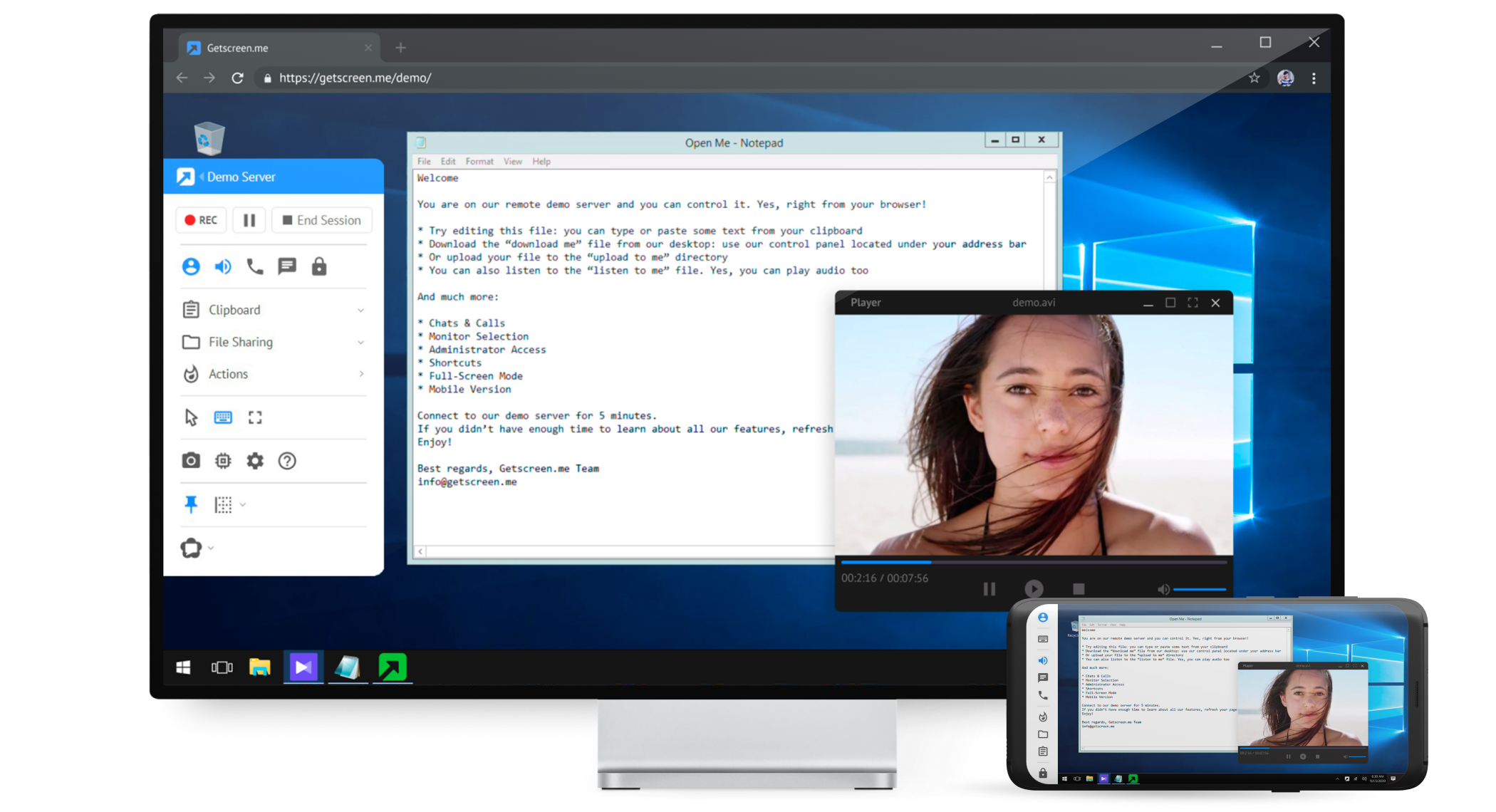
Getscreen.me is a cloud-based software for administration, technical support and remote work. Service provides remote desktop access from a browser, without any installation. It has permanent access and boasts quick support and instantaneous connection, with computers in the user's personal cabinet. The service works over the HTTPS protocol, which includes AES encryption.
$0
Rise Service Suite
Score 0.0 out of 10
N/A
N/AN/A
Pricing
Getscreen.meRise Service Suite
Editions & Modules
Free
$0
Standard
$5
per month per user, per device
Advanced
$8
per month per user, per device
Enterprise
$10
per month per user, per device
No answers on this topic
Offerings
Pricing Offerings
Getscreen.meRise Service Suite
Free Trial
YesYes
Free/Freemium Version
YesNo
Premium Consulting/Integration Services
NoNo
Entry-level Setup FeeNo setup feeNo setup fee
Additional Details16% discount with an annual subscription
More Pricing Information
Community Pulse
Getscreen.meRise Service Suite
Considered Both Products
Getscreen.me
Chose Getscreen.me
I've never used another tool for this purpose in the past so I can't compare it to anything else. I know that there are plenty of other tools out there that have this kind of functionality, but it's just not something I'm able to compare as I haven't had the occasion to use …
Chose Getscreen.me
Value for money is the main difference. For the cost - nothing touches Getscreen.me!
Chose Getscreen.me
Getscreen.me just works, and it works easily. There's no complex set up, no odd pricing, and the central management is wonderful.
Chose Getscreen.me
While TeamViewer is a more mature/developed product. TeamViewer has more features and the interface is very similar but TeamViewer feels better. While TeamViewer currently takes the lead by a small margin for us, Getscreen.me is a very capable application for our needs. For …
Chose Getscreen.me
In my experience, Getscreen.me stacks up very well against other remote desktop software like TeamViewer and AnyDesk. One of the things I appreciate most about Getscreen.me is its competitive pricing. Compared to other remote control services like TeamViewer or AnyDesk, I find …
Chose Getscreen.me
more complete solution than anything else I have tried, and more cost effective than any other commercial application
Chose Getscreen.me
Occasionally I have to supply aid to friends or family members, or I desire to discuss how I want to share the television screen over the call in GetScreen.me. One click can create a key and share it; the sessions begin when it arrives. I'm keeping an eye on specific computers …
Chose Getscreen.me
Getscreen.me is easier to use as a support agent and on the client end. Remote access works much better than both Zoom or Teams. Those programs often to not work well for remote access when sharing screens
Chose Getscreen.me
First of all, I do not need to install anything, I can basically work everywhere even in-network where the internet is restricted like company networks. Cheaper than TeamViewer and more options were added frequently due to the high demand of features requested and the dev team …
Chose Getscreen.me
Teamviewer is more complicated than Getscreen.me. Plus I'm not sure it does the automatic IP resolution. More importantly, you can have permanent access to the computer without having the user to re-authorize anything. Once they've downloaded the software and run it, you have …
Chose Getscreen.me
This is a newer app and with work to do, but doesn't break the bank - especially like TeamViewer which goes up year on year.
Chose Getscreen.me
Getscreen.me works very well. The current feature set works well and I look forward to them adding more features. For ad-hoc support sessions, GSM works as well as anyone out there.
Rise Service Suite

No answer on this topic

Features
Getscreen.meRise Service Suite
Remote Administration
Comparison of Remote Administration features of Product A and Product B
Getscreen.me
9.2
Ratings
15% above category average
Rise Service Suite
-
Ratings
Screen sharing9.90 Ratings00 Ratings
File transfer9.90 Ratings00 Ratings
Instant message10.00 Ratings00 Ratings
Access to sleeping/powered-off computers8.00 Ratings00 Ratings
Over-the-Internet remote session9.80 Ratings00 Ratings
Initiate remote control from mobile6.50 Ratings00 Ratings
Centralized management dashboard10.00 Ratings00 Ratings
Session record10.00 Ratings00 Ratings
Multi-platform remote control9.10 Ratings00 Ratings
Best Alternatives
Getscreen.meRise Service Suite
Small Businesses
Remote Desktop Manager
Score 9.6 out of 10
Getscreen.me
Getscreen.me
Score 9.7 out of 10
Medium-sized Companies
Remote Desktop Manager
Score 9.6 out of 10
Action1
Action1
Score 9.5 out of 10
Enterprises
Remote Desktop Manager
Score 9.6 out of 10
Remote Desktop Manager
Score 9.6 out of 10
All AlternativesView all alternativesView all alternatives
User Ratings
Getscreen.meRise Service Suite
Likelihood to Recommend
9.1
(0 ratings)
-
(0 ratings)
Likelihood to Renew
9.9
(0 ratings)
-
(0 ratings)
Usability
10.0
(0 ratings)
-
(0 ratings)
Support Rating
10.0
(0 ratings)
-
(0 ratings)
Implementation Rating
10.0
(0 ratings)
-
(0 ratings)
User Testimonials
Getscreen.meRise Service Suite
Likelihood to Recommend
It's well suited for IT employees who want to have an easy way to connect to other empoyees or customers. the quck conenct functionallity is easy to use and setup. Unfortunitly in germany some customers got slow internet and the performance from getscreen.me is not so great compaired to other remote desktop software.
Read full review
No answers on this topic
Pros
  • easy connection to new clients - both one time use and permanent
  • keep computers organized
  • support remote users from any device - even a cell phone with ease
  • multiple users with different subsets of computers
  • file sharing
  • block remote keyboard and mouse / monitor if needed
  • connection log
  • custom branding and personalized quick connection link
Read full review
No answers on this topic
Cons
  • On a mac, better ability to trigger a hidden dock
  • Certain key commands don't work and only trigger the computer you're actually on, not the remote one.
  • Make it a little less IT focused and a bit more layman friendly with some naming and features.
Read full review
No answers on this topic
Likelihood to Renew
Value for money - Getscreen.me stands above the rest!
Read full review
No answers on this topic
Usability
For what we need it to do, it just works. And I'm sure that we're not even using it to the full extent of what it's capable and designed to do. If we had the need, Getscreen.me has many more features that we could implement. If the need arises in the future, it's great knowing that we already have a tool to utilize.
Read full review
No answers on this topic
Support Rating
When I did reach out at the early days of using Getscreen.me I got a pretty prompt response, and all of my questions were answered. Since then, I have never needed to contact support. This is a GOOD thing!
Read full review
No answers on this topic
Implementation Rating
Easy, fast and worked every time to date!
Read full review
No answers on this topic
Alternatives Considered
While TeamViewer is a more mature/developed product. TeamViewer has more features and the interface is very similar but TeamViewer feels better. While TeamViewer currently takes the lead by a small margin for us, Getscreen.me is a very capable application for our needs. For the price/performance we prefer Getscreen.me.
Read full review
No answers on this topic
Return on Investment
  • Cheap cost - I got it on Appsumo with no monthly fee.
  • The freedom to solve issues for transport companies given the high amount of data and control.
  • It works 100% of the time. There's never been any downtime from experience.
Read full review
No answers on this topic
ScreenShots

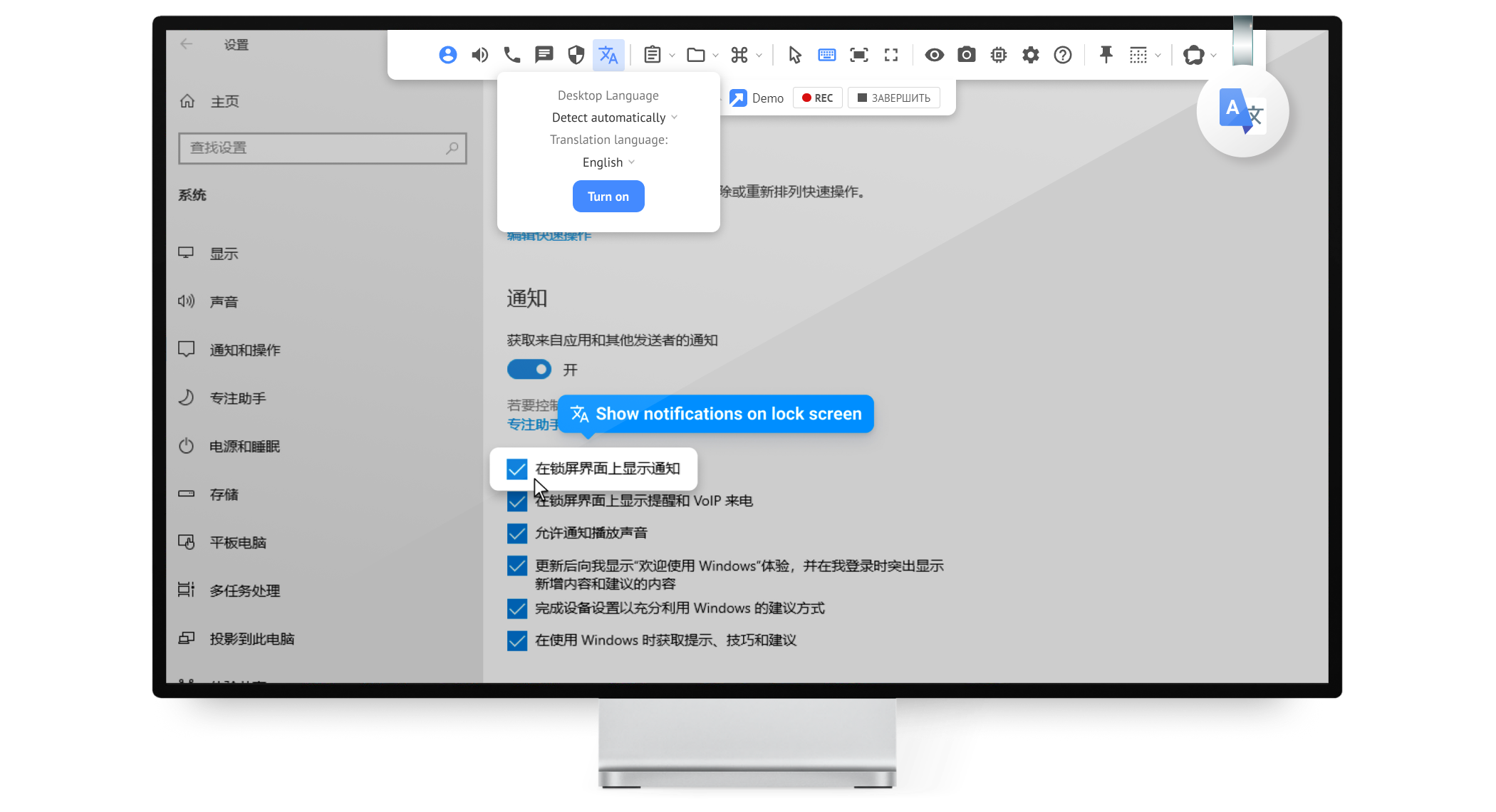
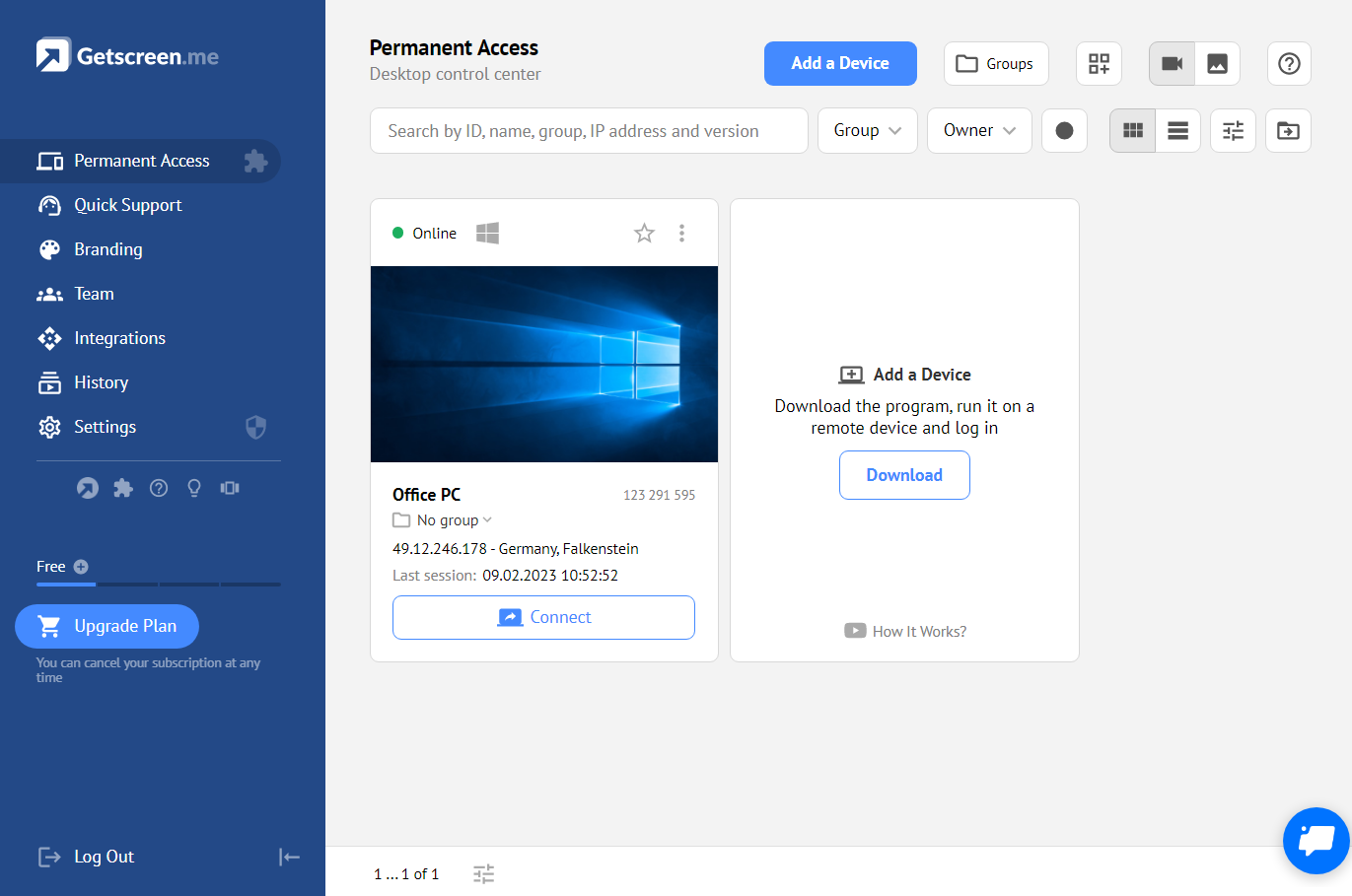
Getscreen.me Screenshots

Screenshot of Screenshot of Screenshot of Screenshot of Screenshot of Screenshot of