Flutter is an open-source mobile application development framework created by Google. It is used to develop applications for Android and iOS, as well as being the primary method of creating applications for Google Fuchsia.
$0
IBM watsonx Orchestrate
Score8.2 out of 10
N/A
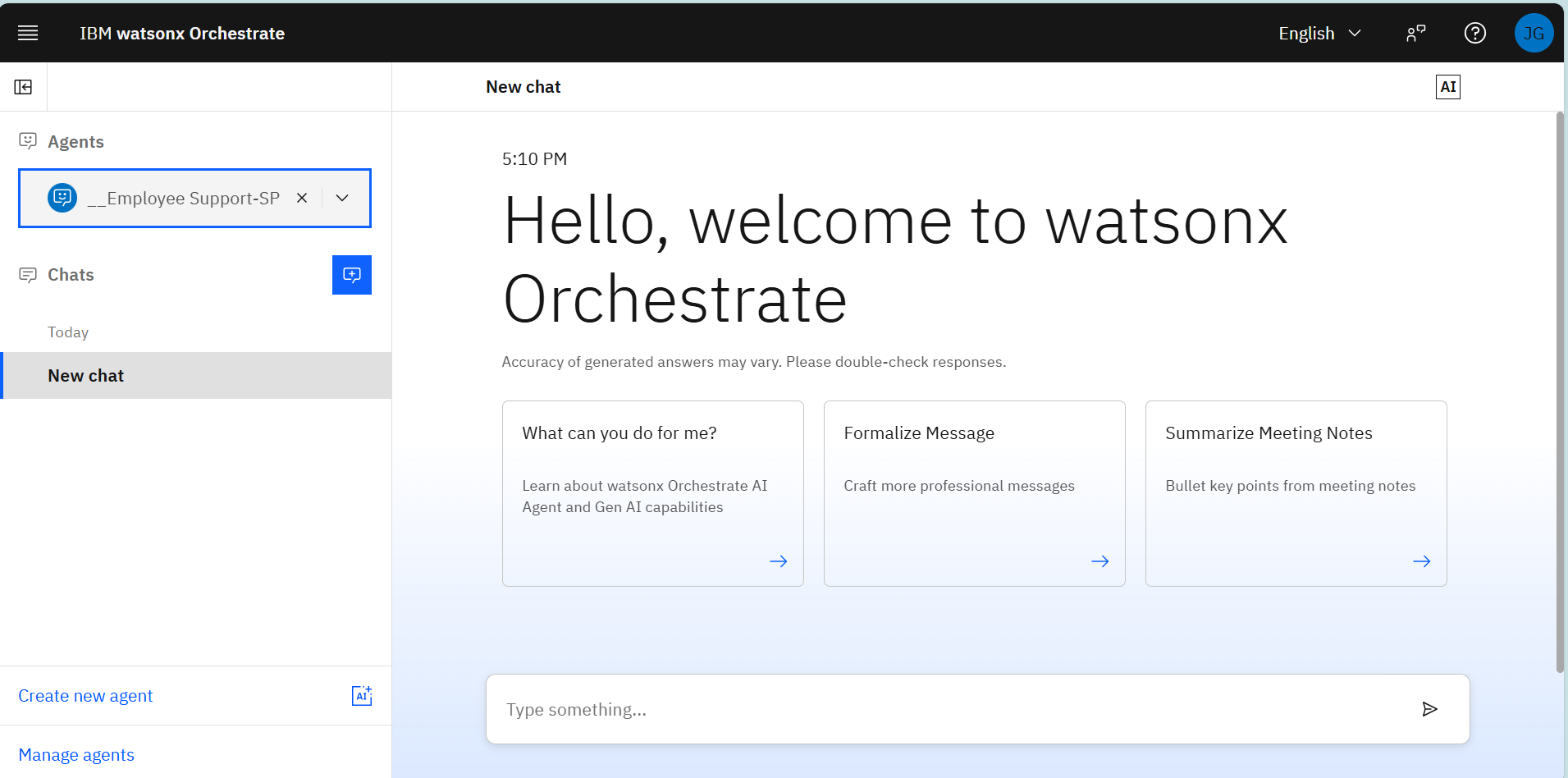
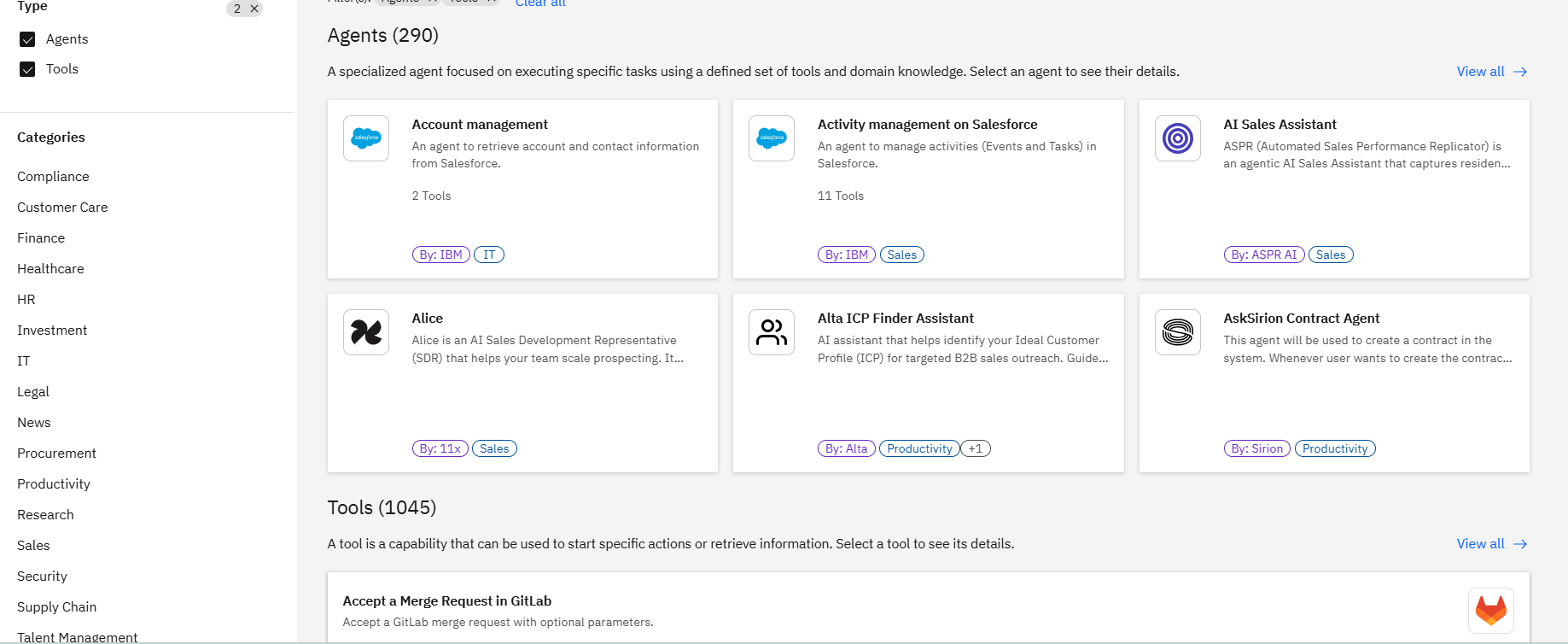
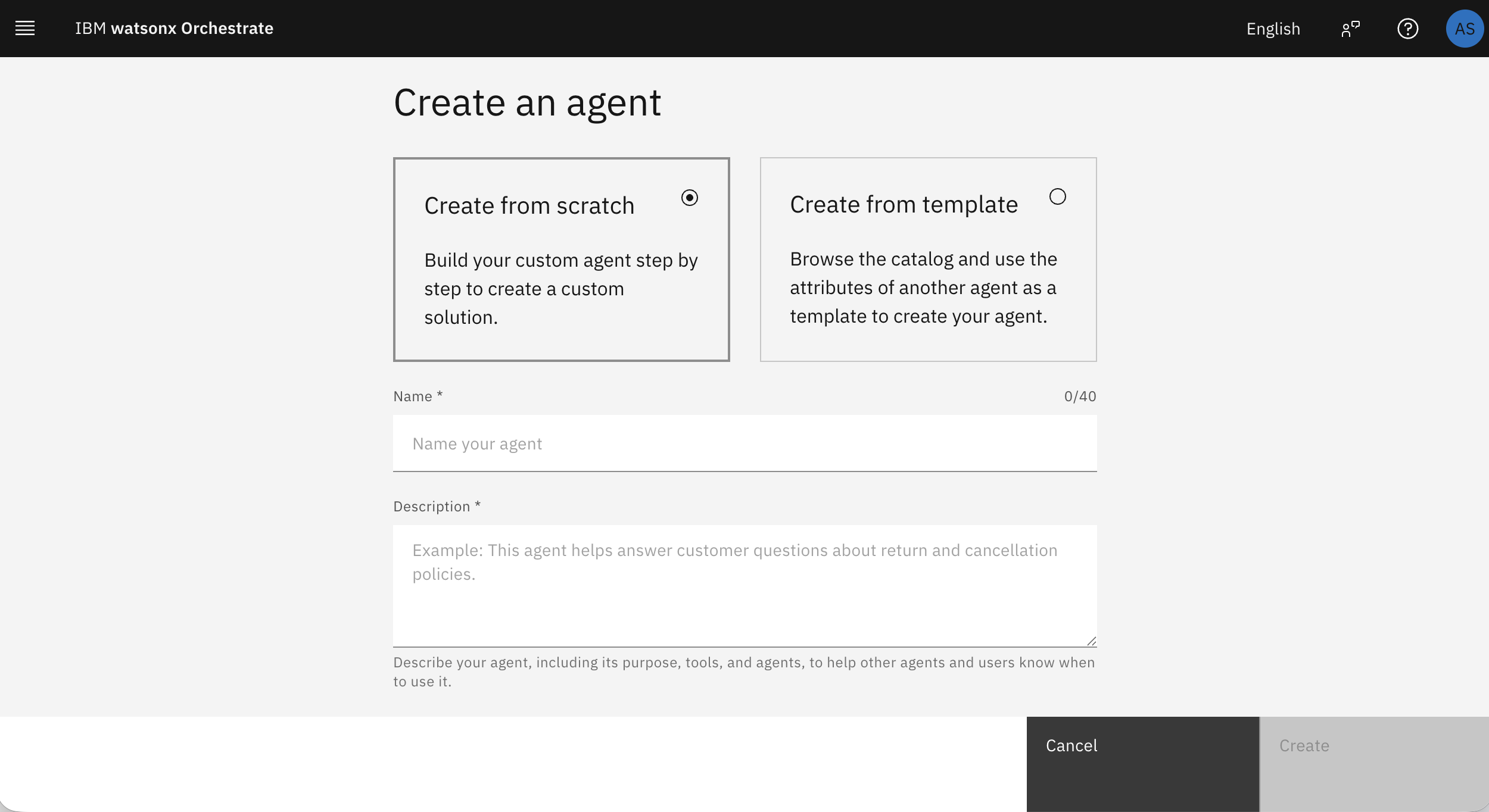
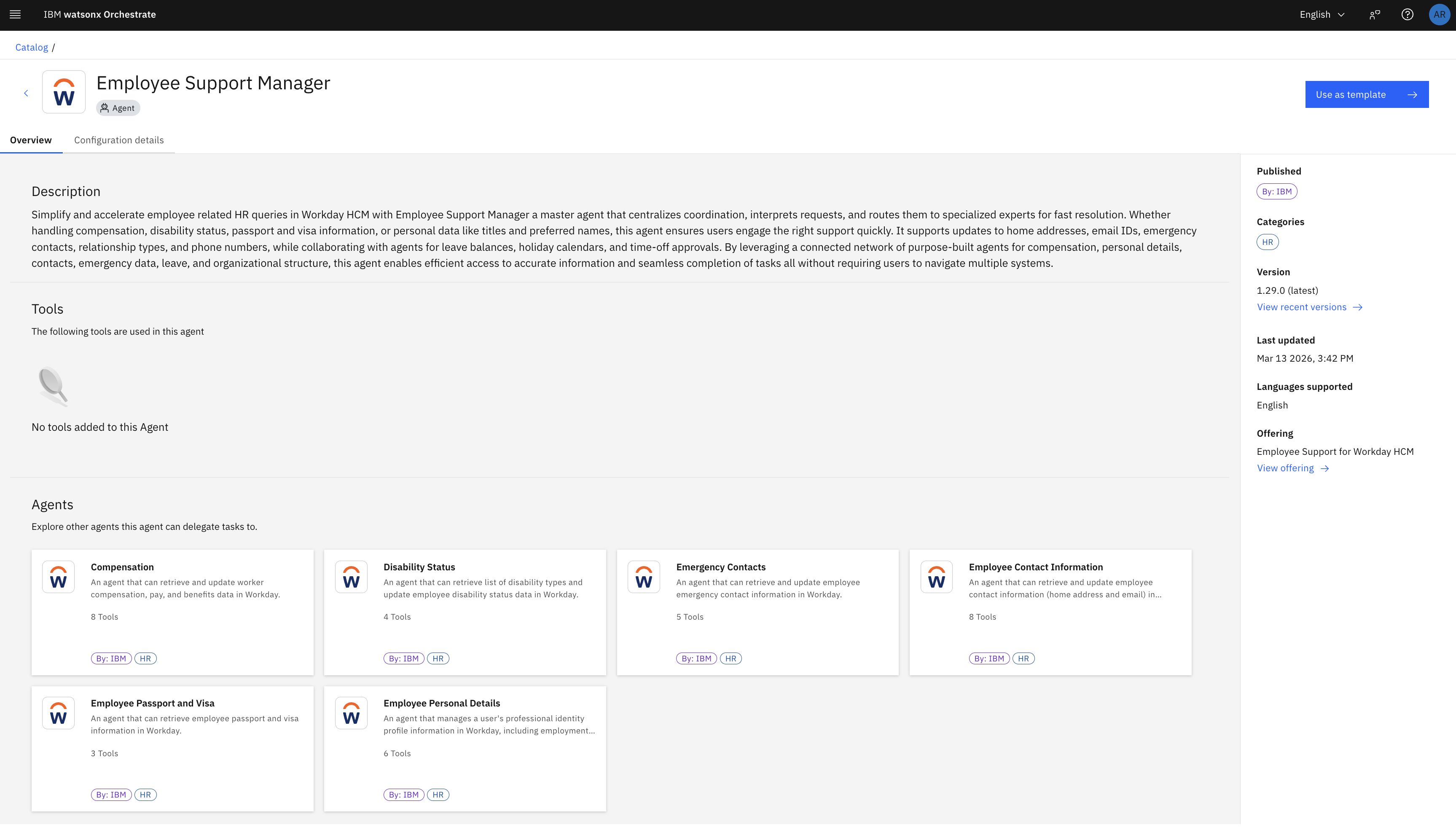
IBM® watsonx™ Orchestrate® leverages AI to automate complex workflows. The solution helps build, deploy, and manage AI assistants and agents. It offers a catalogue of pre-built agents and tools, low-code agent builder, multi-agent collaboration capabilities, and integrations with enterprise apps.
$530
per month
Pricing
Flutter
IBM watsonx Orchestrate
Editions & Modules
No answers on this topic
Essential
$500
per month per subscription
Essentials
$500
per month Per subscription
Standard
Enterprise
Standard
Enterprise
per month Per subscription
Offerings
Pricing Offerings
Flutter
IBM watsonx Orchestrate
Free Trial
No
Yes
Free/Freemium Version
Yes
No
Premium Consulting/Integration Services
No
Yes
Entry-level Setup Fee
No setup fee
Optional
Additional Details
—
IBM watsonx Orchestrate can be deployed and run on IBM Cloud, AWS, or on-premises. Prices shown are indicative, may vary by country, exclude any applicable taxes and duties, and are subject to product offering availability in a locale.
Flutter by Google is well suited where you have to make an app across multiple platforms like iOS, Android, Web, Desktop and you don't have the bandwidth to create multiple teams for the Native app. This makes sure you have a faster development and you don't have to worry about how your product will look across different platforms. It is also very smooth/fast in response, making it close to feel like a Native app, this makes it an easy pick for a Fintech product where speed matters. Flutter by Google also has a huge library of Components, which are well tested and developed by Google's Flutter by Google team itself, making the development even more fast since the majority of required components are already available.
A de minimis incentive was given to thank the reviewer for their time. The incentive was not used to bias or drive a particular response, nor was the incentive contingent on a positive endorsement. More Info
For starters, most enterprise-grade organizations and Customers struggle to align their current IT estate and landscape with fast-moving, agile, AI-driven automation and development initiatives. All tooling, governance, structure, and frameworks available to support and facilitate the incorporation of this new but still cross-system technology layer are essential to minimize the risks of data leaks, unauthorized access, unbridled token consumption, and other issues. For some businesses and organizations with a handful of systems or a smaller footprint, the platform could be a bit too complex.
A de minimis incentive was given to thank the reviewer for their time. The incentive was not used to bias or drive a particular response, nor was the incentive contingent on a positive endorsement. TR verified that a representative sample of customers was invited. More Info
A de minimis incentive was given to thank the reviewer for their time. The incentive was not used to bias or drive a particular response, nor was the incentive contingent on a positive endorsement. More Info
New and improved natural language processing yielding better results helps the assistants understand the intention behind the query.
Preserves context of communication, allowing the customers to establish inquiries on the website and continue on the mobile app without having extra informational input.
Intelligent conversations mean that complex paths that are branched based on the user's inputs allow for a much more natural flow of the conversation than fixed scripts.
A de minimis incentive was given to thank the reviewer for their time. The incentive was not used to bias or drive a particular response, nor was the incentive contingent on a positive endorsement. More Info
Occasionally updates to the Flutter SDK result in wide-sweeping changes that seem to not be thoroughly tested and considered. Flutter sometimes evolves too fast for its own good.
While the 3rd-party Flutter package ecosystem is vast and rich, 1st-party support for basic things (audio/video playback, battery information, Bluetooth services, etc.) are lacking. You are occasionally forced to rely on an open-source package for use-cases that other platforms have native support for.
Documentation, particularly around testing, is lacking. While there are some great docs, like the Dart Style Guide, many Flutter-focused support documents are lacking in quality and real-world usability.
Flutter allows you to architect an app however you want. While this is a great feature, it also adds complexity and leads to the current state of Flutter's state management, where there are 50+ options on how to organize your app, with very little official guidance or recommendations from the Flutter team. For a beginner, this can create decision paralysis.
A de minimis incentive was given to thank the reviewer for their time. The incentive was not used to bias or drive a particular response, nor was the incentive contingent on a positive endorsement. More Info
I think that it needs to be able to integrate better with the knowledge catalogs. It currently provides a default database, which isn't quite large enough for enterprise use. We can connect that then to an external source, but it'd be nice if we could able just to instantiate one straight away.
A de minimis incentive was given to thank the reviewer for their time. The incentive was not used to bias or drive a particular response, nor was the incentive contingent on a positive endorsement. More Info
Currently we are using to develop chatbots based on client provided flow what kind chatbot required for client either button or free text chatbots. we will decided accordingly flow and develop chatbot using IBM Watson. We will integrated custom components if required which is not present in library. Action flow and dialog flow we are currently in chatbot.
A de minimis incentive was given to thank the reviewer for their time. The incentive was not used to bias or drive a particular response, nor was the incentive contingent on a positive endorsement. More Info
Flutter by Google is very easy to start with. The initial setup they provide is very helpful and easy to understand. The default project setup is also good and can be deployed to production without changing much. Flutter by Google provides a huge library of components, which are created and tested by their own team, making the development of application much faster and robust. Flutter by Google also has a huge community support where we can find components built by the community and we can contribute our own components as well, which helps in faster dev time. Applications developed using Flutter by Google are very smooth, almost feels like native, which helps in creating good impression on customers/clients.
A de minimis incentive was given to thank the reviewer for their time. The incentive was not used to bias or drive a particular response, nor was the incentive contingent on a positive endorsement. More Info
With the growing use of AI and chatbots, it's very easy to use, and the conversational language makes it easier than keyword searches in a document. The contextual language processing is impressive. It's easy to integrate into our internal portal. The use of this tool would depend on each company's security and data sensitivity.
A de minimis incentive was given to thank the reviewer for their time. The incentive was not used to bias or drive a particular response, nor was the incentive contingent on a positive endorsement. More Info
To develop chatbots based on client provided flow what kind chatbot required for client either button or free text chatbots. we will decided accordingly flow and develop chatbot using IBM Watson. We will integrated custom components if required which is not present in library. IBM Watson library anyone can easily learn and develop chatbots.
A de minimis incentive was given to thank the reviewer for their time. The incentive was not used to bias or drive a particular response, nor was the incentive contingent on a positive endorsement. More Info
We've rarely had to engage support, but they've always been prompt in responding and very attentive. Support experiences have been extremely positive (but we're mostly happy that we just don't have any cause to routinely need support in the first place!).
A de minimis incentive was given to thank the reviewer for their time. The incentive was not used to bias or drive a particular response, nor was the incentive contingent on a positive endorsement. More Info
A de minimis incentive was given to thank the reviewer for their time. The incentive was not used to bias or drive a particular response, nor was the incentive contingent on a positive endorsement. More Info
A de minimis incentive was given to thank the reviewer for their time. The incentive was not used to bias or drive a particular response, nor was the incentive contingent on a positive endorsement. More Info
I have experience with react and React Native. I would say that the idea behind all those frameworks are quite similar. However, I found the javascript-based frameworks a bit more accessible as you could utilise your javascript knowledge. Here, Flutter works with its own language. This has advantages and disadvantages sometimes. I found the community around javascript frameworks bigger and therefore sometimes more helpful. However, Flutter does a good job here as well. I think the main argument for Flutter is its usability for less experienced developers. If you do not have knowledge in javascript or other programming languages then I think it is much easier to start with Flutter than with another framework like react. I think the package that you get form scratch is better than in the other frameworks were you have to set up and learn a lot more before you can start.
A de minimis incentive was given to thank the reviewer for their time. The incentive was not used to bias or drive a particular response, nor was the incentive contingent on a positive endorsement. More Info
Strong ITSM and HR workflow automation with governance, ServiceNow excels in IT/HR but lacks flexibility for cross-departmental use cases such as demand planning, finance close, or procurement analytics. Orchestrate supports a broader set of enterprise functions beyond IT service automation. So, watsonx is a better approach than any other available tool in the market as of now, based on the use cases I've encountered and my efforts to understand the essence of the service.
From past 3+ years I am using IBM Watson in our current project easily can implement and manage and monitor user how their using. Is there and update also just update dialog is just enough to change no need to touch any other templates. Multiple language will support, and action and dialog speak recognize chatbot we can create as per client requirement. Overall, as of now good experience with IBM Watson.
A de minimis incentive was given to thank the reviewer for their time. The incentive was not used to bias or drive a particular response, nor was the incentive contingent on a positive endorsement. More Info
The rapid development capabilities of Flutter allow us to build apps we could not have previously considered commercially viable, opening new revenue streams.
Free and open licensing made adoption very easy (ie. free/low cost!).
In comparison to Qt, our time spent arguing with build tools and perfecting development environments has decreased substantially.
A de minimis incentive was given to thank the reviewer for their time. The incentive was not used to bias or drive a particular response, nor was the incentive contingent on a positive endorsement. More Info
A de minimis incentive was given to thank the reviewer for their time. The incentive was not used to bias or drive a particular response, nor was the incentive contingent on a positive endorsement. More Info