Google Keep is a note-taking app launched by Google in 2013 and available free, providing a tool to capture text, images, video, etc.
N/A
Liferay Digital Experience Platform (DXP)
Score6.7 out of 10
N/A
Liferay Digital Experience Platform is an enterprise-grade platform that enables companies to create and connect personalized digital experiences across web, mobile, social, in store and other touchpoints. It provides the technical foundation (deep integration, security and modularity) for a digital business to orchestrate unique customer experiences, as well as business value features to support a deeper understanding of their customers.
We use it to post photos of a given area or circumstance, so there is never a question about the current appearance or the desired appearance, as the case may be. We also use it a lot for checklists. When items are needed, possibly from different locations, team members can check them off a shared list as they are acquired, so we can see what is still required and what has been acquired, and the person responsible can initial the checked-off entry.
Liferay Portal is a framework which comes with a fine grained security/permission model, (Web) Content Management, Authentication and Authorization, outbox portlets with different features to manage content or users. So if any business application has below questions then I can recommend not to use Liferay as a platform.
Application is big but not content or user driven.
Application with few static contents.
Application with batch transactions(DB) i.e. insert , update db records in batch.
A de minimis incentive was given to thank the reviewer for their time. The incentive was not used to bias or drive a particular response, nor was the incentive contingent on a positive endorsement. More Info
A de minimis incentive was given to thank the reviewer for their time. The incentive was not used to bias or drive a particular response, nor was the incentive contingent on a positive endorsement. More Info
The iOS app sometimes gets into a state and doesn't update your notes (won't show new notes from other devices / computer), needs to be re-installed to resolve
Your notes take up space in your Google account's quota, though this is not very apparent at first - you have to keep an eye on what you are storing - huge pictures better not go in there
A de minimis incentive was given to thank the reviewer for their time. The incentive was not used to bias or drive a particular response, nor was the incentive contingent on a positive endorsement. More Info
A de minimis incentive was given to thank the reviewer for their time. The incentive was not used to bias or drive a particular response, nor was the incentive contingent on a positive endorsement. More Info
They made it simple for anyone to use. There are no complicated steps involved to create a note, edit a note, or search for a specific item located in a note. They also made it simple to share it with others, making it easy to collaborate. Google kept it basic without a thousand "bells and whistles" to overcomplicate it.
A de minimis incentive was given to thank the reviewer for their time. The incentive was not used to bias or drive a particular response, nor was the incentive contingent on a positive endorsement. TR verified that a representative sample of customers was invited. More Info
I gave this rating based on the ease of use, the simple functionality and how well it does at keeping my attention and helping me continue to use it and stay on track. The functionality mentioned before alongside the reminder functions and how it utilizes Google's powerful machine learning tech to better its software is remarkable.
A de minimis incentive was given to thank the reviewer for their time. The incentive was not used to bias or drive a particular response, nor was the incentive contingent on a positive endorsement. More Info
The main differential of Google Keep is its simplicity and efficiency for quick notes. I can draw on the card, put a photo, record audio if I can't write at the moment, in short, for everyday tasks, simple things, it is superior.
A de minimis incentive was given to thank the reviewer for their time. The incentive was not used to bias or drive a particular response, nor was the incentive contingent on a positive endorsement. More Info
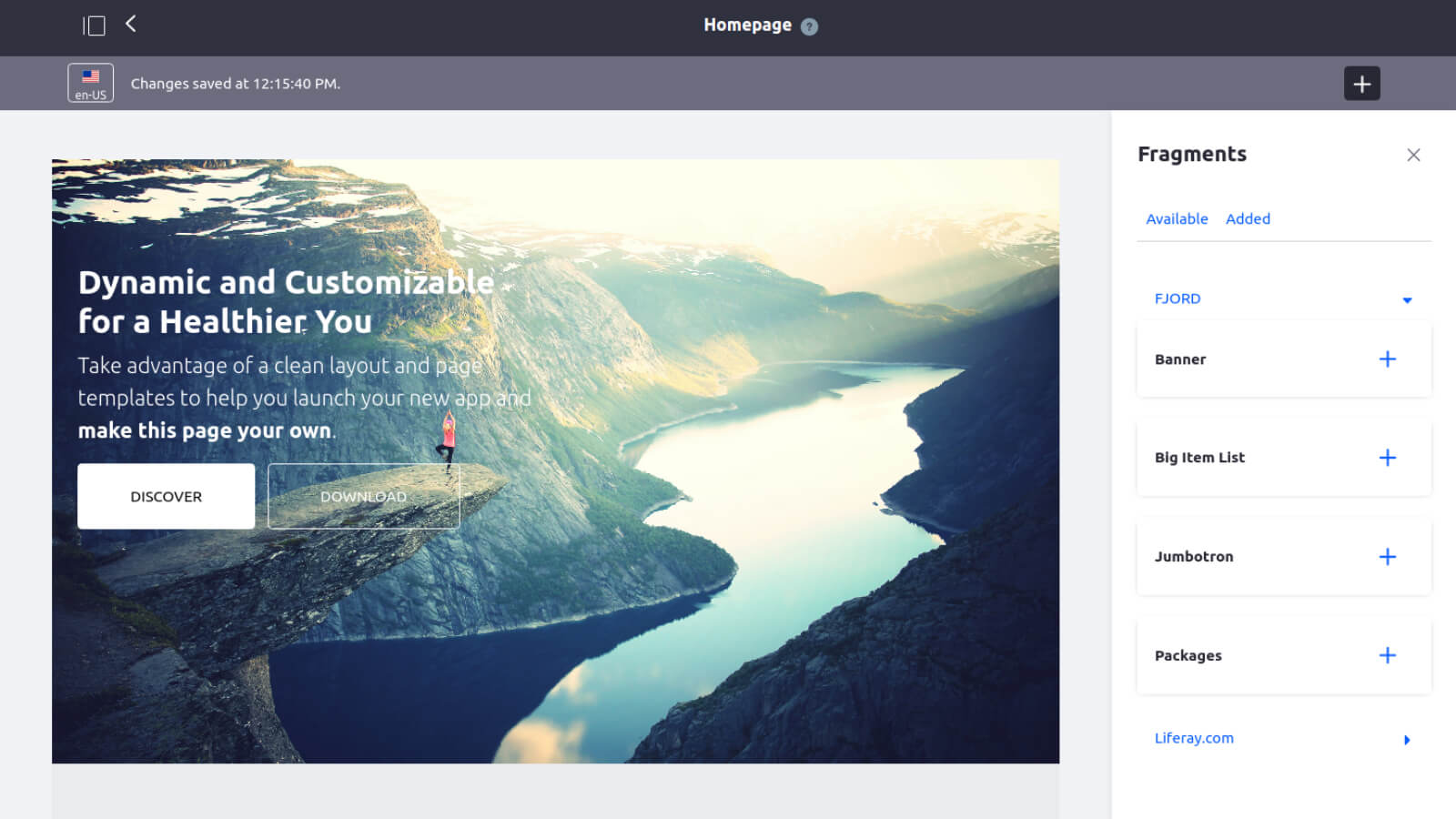
Liferay Digital Experience Platform (DXP) feels more professional than other similar products I tried or used. With this, I mainly mean the look or aspect when you are editing, setting or configuring anything in the platform, wether you are setting users, roles, creating new pages, adding components to them, or even configuring server or instance related configurations.
A de minimis incentive was given to thank the reviewer for their time. The incentive was not used to bias or drive a particular response, nor was the incentive contingent on a positive endorsement. More Info
Its high scalability and flexibility has allowed us to include all essential solutions to meet our business needs while preserving the originality of the brand and helping us to improve the quality of our processes and services within the same friendly and unified environment.
This powerful platform has allowed us to keep the efforts of all our units aligned, from sales, marketing, operations, support and customer service, in a solid collaborative environment.
A de minimis incentive was given to thank the reviewer for their time. The incentive was not used to bias or drive a particular response, nor was the incentive contingent on a positive endorsement. More Info