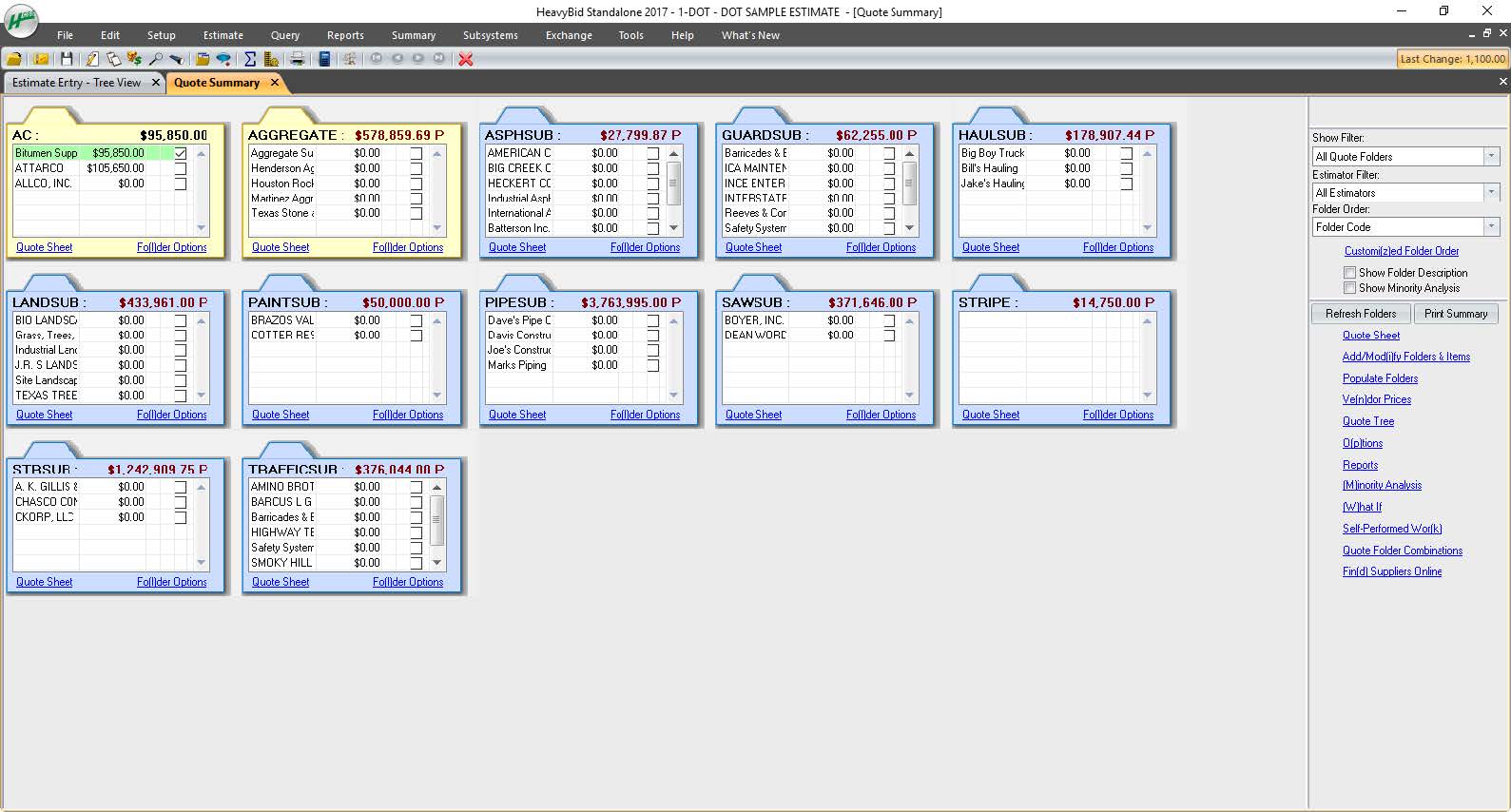
HCSS is a construction software suite. It includes functionality for bidding, time card and project management, safety, planning, scheduling, equipment management, and data warehousing and reporting. Each module can be purchased separately. The suite can be hosted in the cloud.
N/A
Microsoft Dynamics 365 Business Central
Score8 out of 10
N/A
Microsoft Dynamics 365 Business Central (formerly Dynamics NAV) is one of the ERP products in the Dynamics family.
The technology is based on the Navision product acquired by Microsoft in 2002. This product is the best-selling Microsoft ERP platform, and is often used by companies in the manufacturing and distribution verticals.
Our operation uses several pieces of what we call specialty equipment (not used every day on every job). The foreman when finished will give a location of where this equipment is left, this many times can be very vague and lead to a lowboy driver trying to block around to find the piece or driving down a street he cannot get turned around in. With the GPS devices, the driver can pinpoint exactly where the unit is and if he has room to turn around at that location.
A de minimis incentive was given to thank the reviewer for their time. The incentive was not used to bias or drive a particular response, nor was the incentive contingent on a positive endorsement. More Info
Microsoft Dynamics 365 Business Central is well suited for inventory management in all aspects. Its accessibility, along with my other apps, when out of the office is unparalleled. I find it easy to work with on a desktop or laptop; however, it could use some work on a mobile device.
A de minimis incentive was given to thank the reviewer for their time. The incentive was not used to bias or drive a particular response, nor was the incentive contingent on a positive endorsement. More Info
#1 is support! HCSS is by far the best software support of any product we have ever used. Unlike most software companies HCSS utilizes their support calls to help upgrade their software. When you here them tell you that they will write down a particular issue you come across during a support call if they can't help you then and there they will research and get an answer to you extremely fast. If the software will not do it, you can bet there is a good chance it will be on the list of enhancements you will see come out in the near future.
Estimating software is very extensive. Their software is capable of handling the smallest estimate all the way to the largest joint venture estimate. It has advanced features that make it extremely useful for analyzing job materials, subcontractors etc.
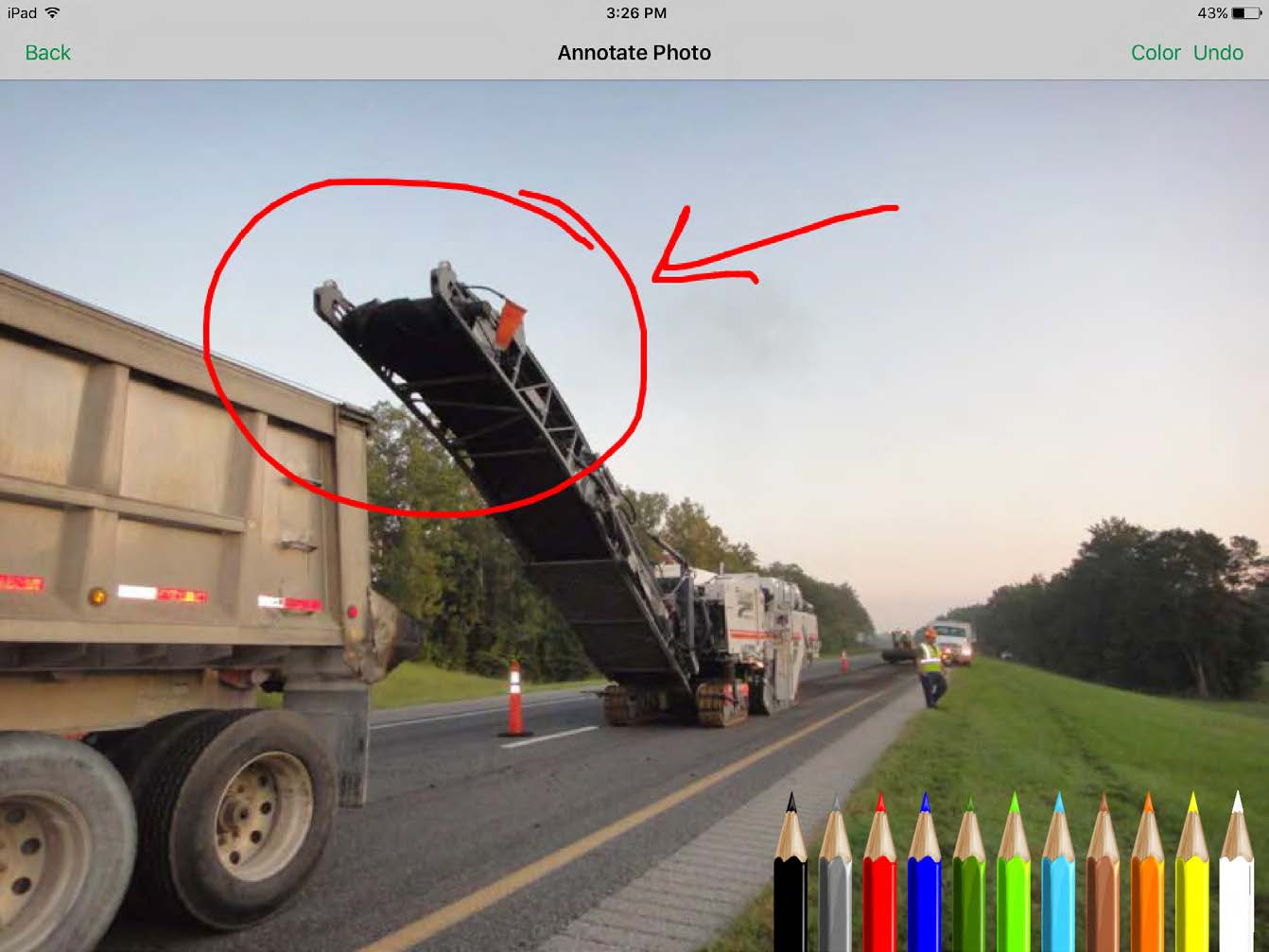
HeavyJob is an extremely useful tool for the field to keep the office up to date with job costs. Everything is at the Foreman's fingertips on Tablets to allow the information from the field to get uploaded to HeavyJob manager which then can export to accounting. We are also able to give our Foreman the ability to deal with the Daily and weekly safety needs (Tailgate Meetings, incident Investigation, observations etc.) right on the Tablets thru HeavyJob.
Automate the creation of bills of materials for production. We can now generate a BoM from a sales order.
Organization of all data pertaining to thousands of parts, assemblies, and finished goods. Engineering and purchasing have a common portal.
We can create sales orders from quotations instead of re-entering them (this did require some bolt-on software). Less redundant work with fewer entry errors.
Accounting can provide reports based on specific criteria stored in NAV. We can pull better and more detailed intelligence.
A de minimis incentive was given to thank the reviewer for their time. The incentive was not used to bias or drive a particular response, nor was the incentive contingent on a positive endorsement. More Info
All their apps are on mobile devices. Although there is not a clear company policy on Android versus iPhone. Updates for features lag behind on Android. Some apps are exclusive to one platform making it hard to fully interconnect all programs.
A de minimis incentive was given to thank the reviewer for their time. The incentive was not used to bias or drive a particular response, nor was the incentive contingent on a positive endorsement. More Info
We've already decided to continue using this software. It is too expensive for us to upgrade so we made a workaround by using the virtual computer with Windows XP installed on it. We did research replacing this software, but it was a better financial decision to keep what we had instead
A de minimis incentive was given to thank the reviewer for their time. The incentive was not used to bias or drive a particular response, nor was the incentive contingent on a positive endorsement. More Info
As mentioned, user interface appears messy and complicated at initial onset. Training is necessary but becomes easy to maneuver through after solid daily use.
A de minimis incentive was given to thank the reviewer for their time. The incentive was not used to bias or drive a particular response, nor was the incentive contingent on a positive endorsement. More Info
Ever since we deployed it, it has been a one-stop-shop for our organization. Everything we do has been through it, and we do not need to use other vendors to access student records, accounts receivable, procurement records, grades, transcripts, and report cards... they are all in one interface, which has been a solid plus for our organization.
A de minimis incentive was given to thank the reviewer for their time. The incentive was not used to bias or drive a particular response, nor was the incentive contingent on a positive endorsement. More Info
I have never had a bad experience or heard of one in 4 years of doing business with HCSS. That is unheard of even with the hurricanes and flooding in Houston area it feels like HCSS was always there and willing to help in every way.
It provides one to efficiently be able to manage bookkeeping and inventory without much challenges. One can easily navigate through workflow processes while managing usages and budgets. Being able to produce reports in Word, Excel or PDF means one is able to have a working document to produce trends and graphs or produce pivot tables.
I was not employed with PPI upon implementation. I would prefer to reference my previous statement, that each company needs to evaluate its culture and address your implementation accordingly. The purchasing company should assign an employee as point person and really take charge of not just the technical side of the implementation (HCSS pretty much handles that), but focus on company culture and training.
Other estimating products I have used consist of ICE/MC2 and MS Excel. ICE was not a good fit for our company, as they have awful technical support and offer very poor training. MS Excel is great for simple estimates where there is not a lot of data being compiled. However neither hold a candle to the power of HCSS Heavybid
I have personally supported all of the Dynamic family of ERP systems and made the decision to concentrate on NAV as the solution of choice. From a support and development standpoint there are few if any packages that can compare. It is not uncommon for most of the companies that I support to only call me once or twice a month after the first year. This is due to the ease of tracking down problems and errors and the ability for a developer to provide the end-user with routines that automatically correct the most basic kind of error
A de minimis incentive was given to thank the reviewer for their time. The incentive was not used to bias or drive a particular response, nor was the incentive contingent on a positive endorsement. More Info
Because of the codebooks (bid item codebook for DOT's specifically), we're able to carve off significant time in "stick-building" estimates
It's very easy to train newer estimators with HeavyBid due to the abundance of resources available on HCSS Academy and elsewhere (i.e. Arthur Nix's material)
The KPI's and Insights that Pre-Con offers helps us to make better decisions on Bid Day.
A de minimis incentive was given to thank the reviewer for their time. The incentive was not used to bias or drive a particular response, nor was the incentive contingent on a positive endorsement. More Info
A de minimis incentive was given to thank the reviewer for their time. The incentive was not used to bias or drive a particular response, nor was the incentive contingent on a positive endorsement. More Info