
Omnissa Horizon vs. Remote People
Omnissa Horizon vs. Remote People
| Product | Rating | Most Used By | Product Summary | Starting Price |
|---|---|---|---|---|
 Omnissa Horizon | N/A | A VDI solution used for the secure delivery of virtual desktops and apps from on-premises to the cloud. It is used to deploy, manage, monitor and scale desktops and apps across private, hybrid and multi-cloud infrastructure using a cloud-based console and SaaS management services. | $4.67 per month per user | |
 Remote People | Small Businesses (1-50 employees) | Remote People (formerly Horizons) is a SaaS platform & Global PEO for companies who want to recruit, hire, and manage international employees without the need to set up an entity overseas. | $199 per month per user |
| Omnissa Horizon | Remote People | |||||||||||||||
|---|---|---|---|---|---|---|---|---|---|---|---|---|---|---|---|---|
| Editions & Modules |
|
| ||||||||||||||
| Offerings |
| |||||||||||||||
| Entry-level Setup Fee | No setup fee | No setup fee | ||||||||||||||
| Additional Details | — | EOR pricing starts at $199/month per employee with all-inclusive cost breakdowns. Contractor Management starts at $29/month per contractor. Global Payroll, US PEO, Entity Incorporation, and Recruitment are custom-priced based on team size and requirements. Full indemnity protection is included on every EOR plan. Volume discounts are available for larger teams. | ||||||||||||||
| More Pricing Information | ||||||||||||||||
| Omnissa Horizon | Remote People |
|---|
| Omnissa Horizon | Remote People | |
|---|---|---|
| Small Businesses |  VMware Fusion Score 7.0 out of 10 |  Rippling Score 9.0 out of 10 |
| Medium-sized Companies | VMware Fusion Score 7.0 out of 10 | Rippling Score 9.0 out of 10 |
| Enterprises | VMware Fusion Score 7.0 out of 10 | No answers on this topic |
| All Alternatives | View all alternatives | View all alternatives |
| Omnissa Horizon | Remote People | |
|---|---|---|
| Likelihood to Recommend | 7.8 (39 ratings) | 8.0 (1 ratings) |
| Likelihood to Renew | 10.0 (1 ratings) | - (0 ratings) |
| Usability | 7.6 (7 ratings) | - (0 ratings) |
| Availability | 10.0 (1 ratings) | - (0 ratings) |
| Performance | 10.0 (4 ratings) | - (0 ratings) |
| Support Rating | 1.0 (11 ratings) | - (0 ratings) |
| Ease of integration | 8.7 (3 ratings) | - (0 ratings) |
| Product Scalability | 10.0 (1 ratings) | - (0 ratings) |
| Omnissa Horizon | Remote People | |
|---|---|---|
| Likelihood to Recommend |  Omnissa
|  Remote People (Horizons Global Technology Pte. Ltd.)
|
| Pros | Omnissa
| Remote People (Horizons Global Technology Pte. Ltd.)
|
| Cons | Omnissa
| Remote People (Horizons Global Technology Pte. Ltd.)
|
| Likelihood to Renew | Omnissa
 Dan Reynolds Director of IT | Remote People (Horizons Global Technology Pte. Ltd.) No answers on this topic |
| Usability | Omnissa
| Remote People (Horizons Global Technology Pte. Ltd.) No answers on this topic |
| Performance | Omnissa
| Remote People (Horizons Global Technology Pte. Ltd.) No answers on this topic |
| Support Rating | Omnissa
 Gabriel Krahn System Engineer | Remote People (Horizons Global Technology Pte. Ltd.) No answers on this topic |
| Alternatives Considered | Omnissa
 Ho'omana Nathan Horton Lab Assistant | Remote People (Horizons Global Technology Pte. Ltd.) No answers on this topic |
| Return on Investment | Omnissa
 Adam Borecki Junior System Analyst | Remote People (Horizons Global Technology Pte. Ltd.)
|
| ScreenShots | Remote People Screenshots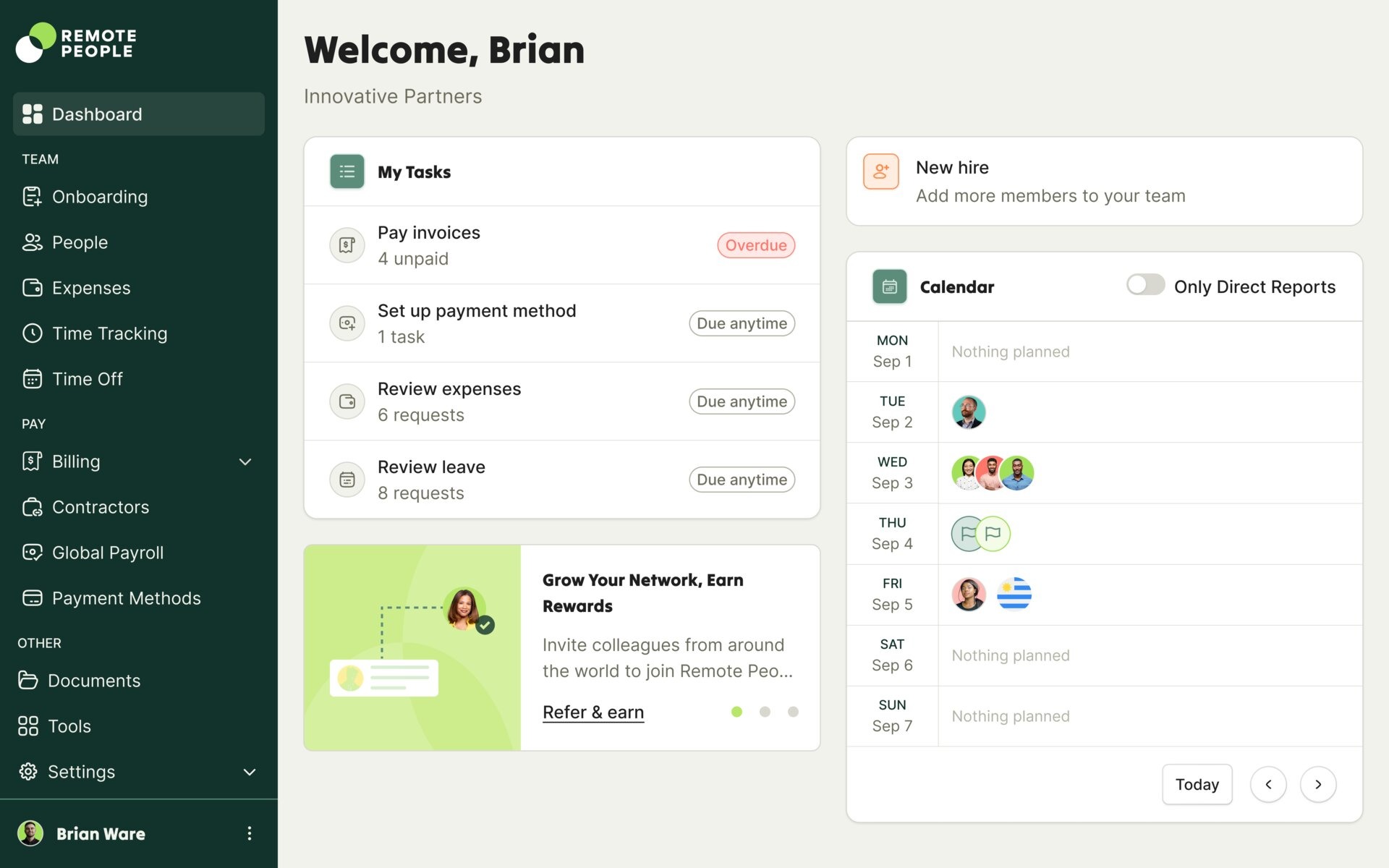 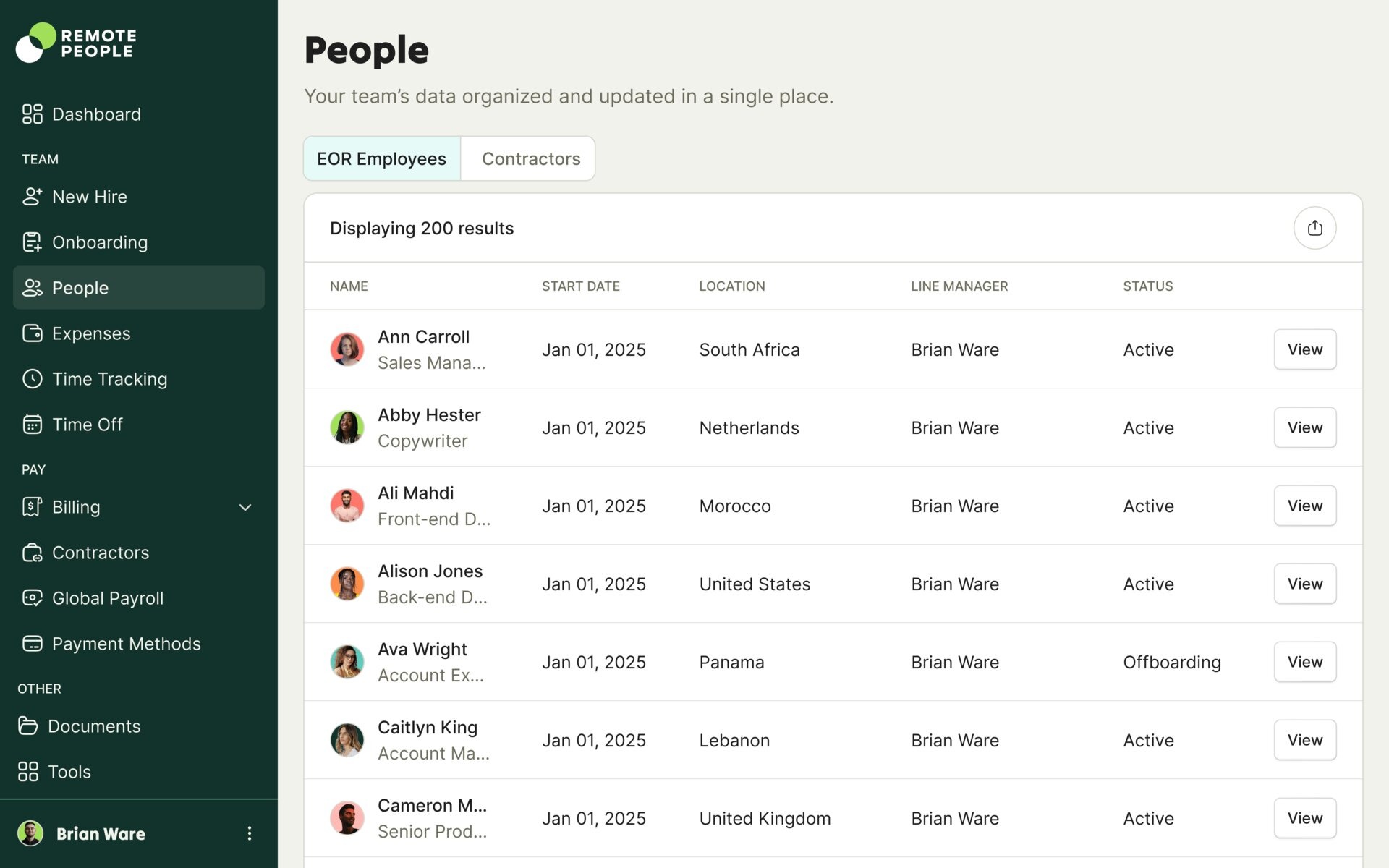 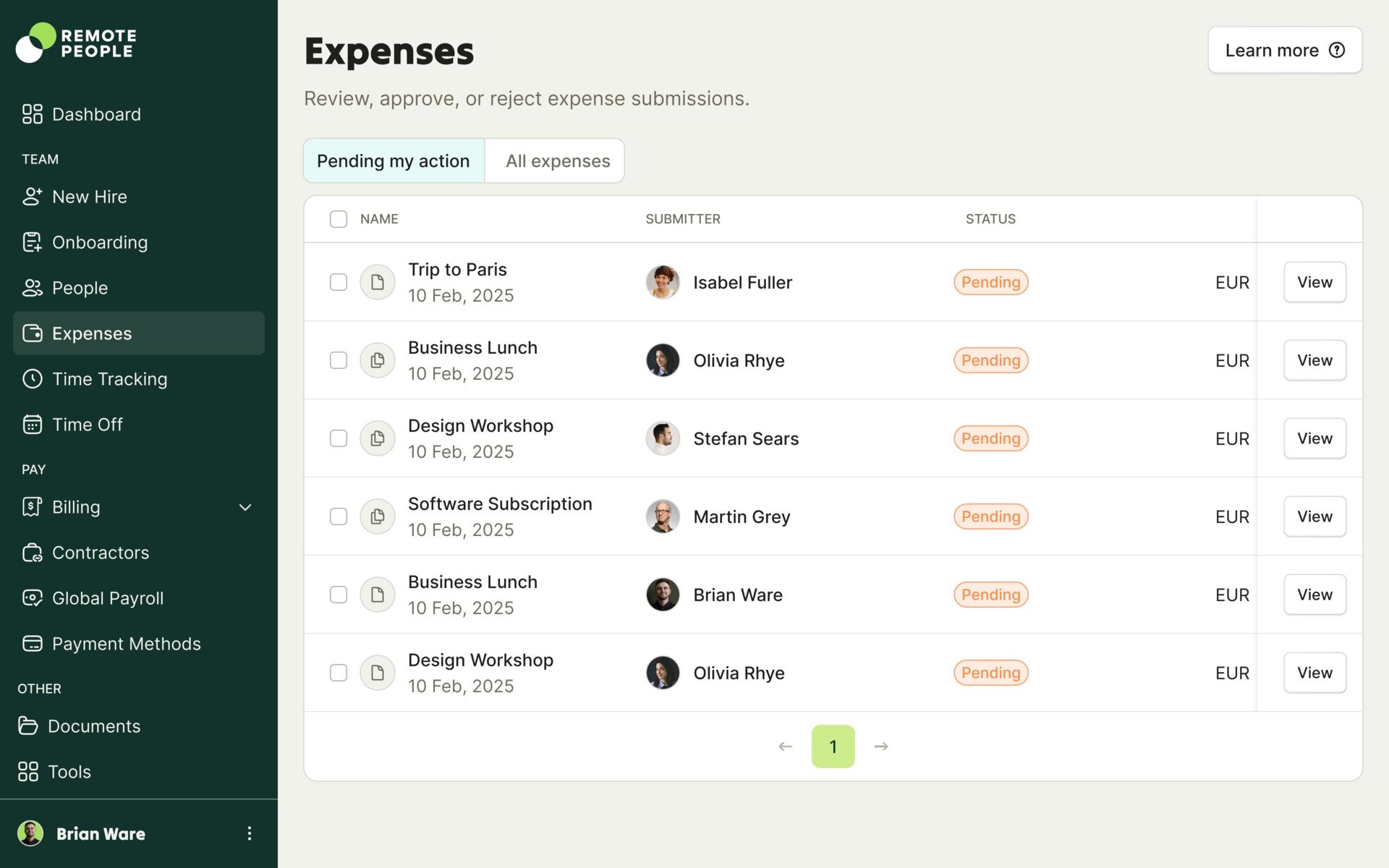 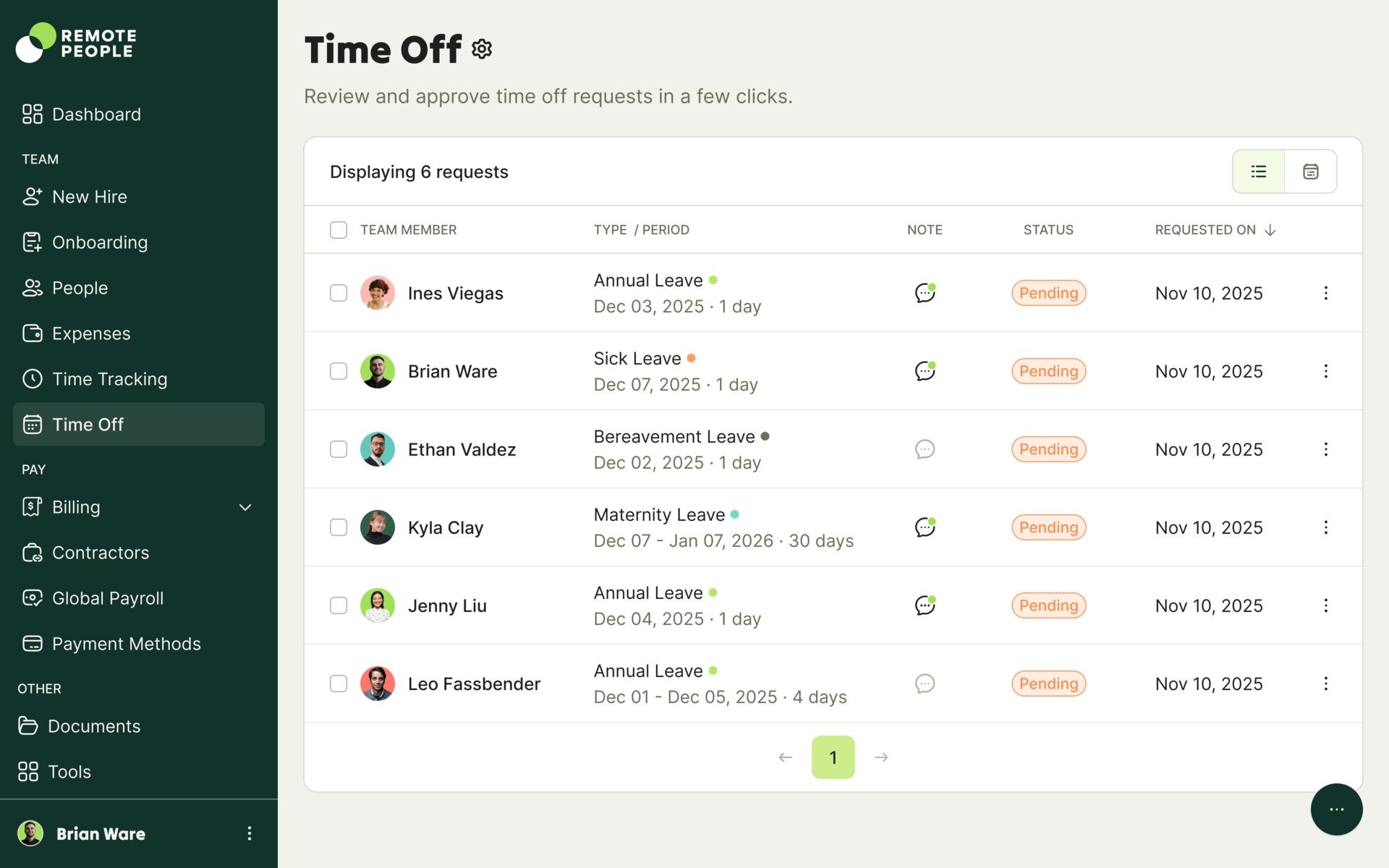 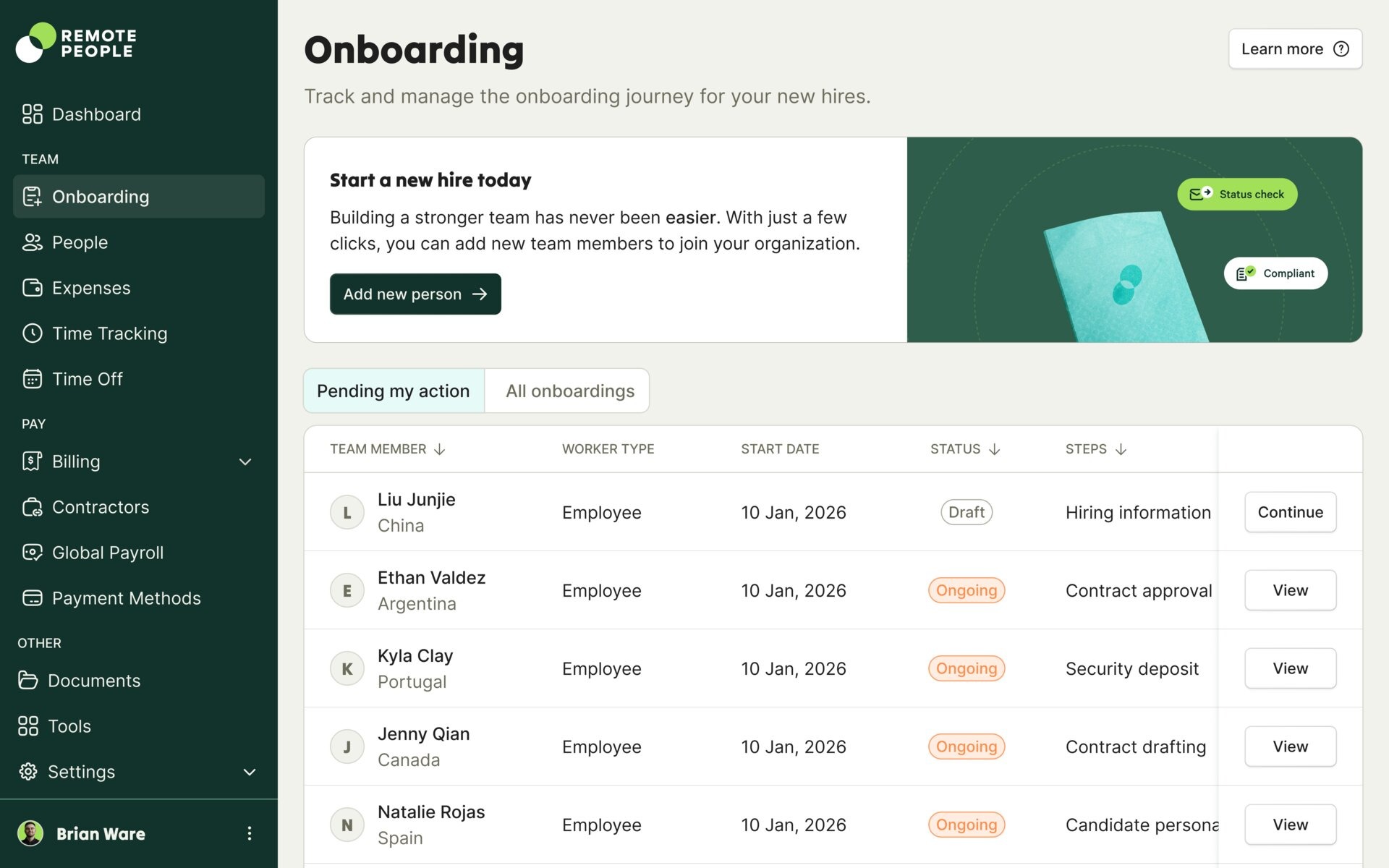 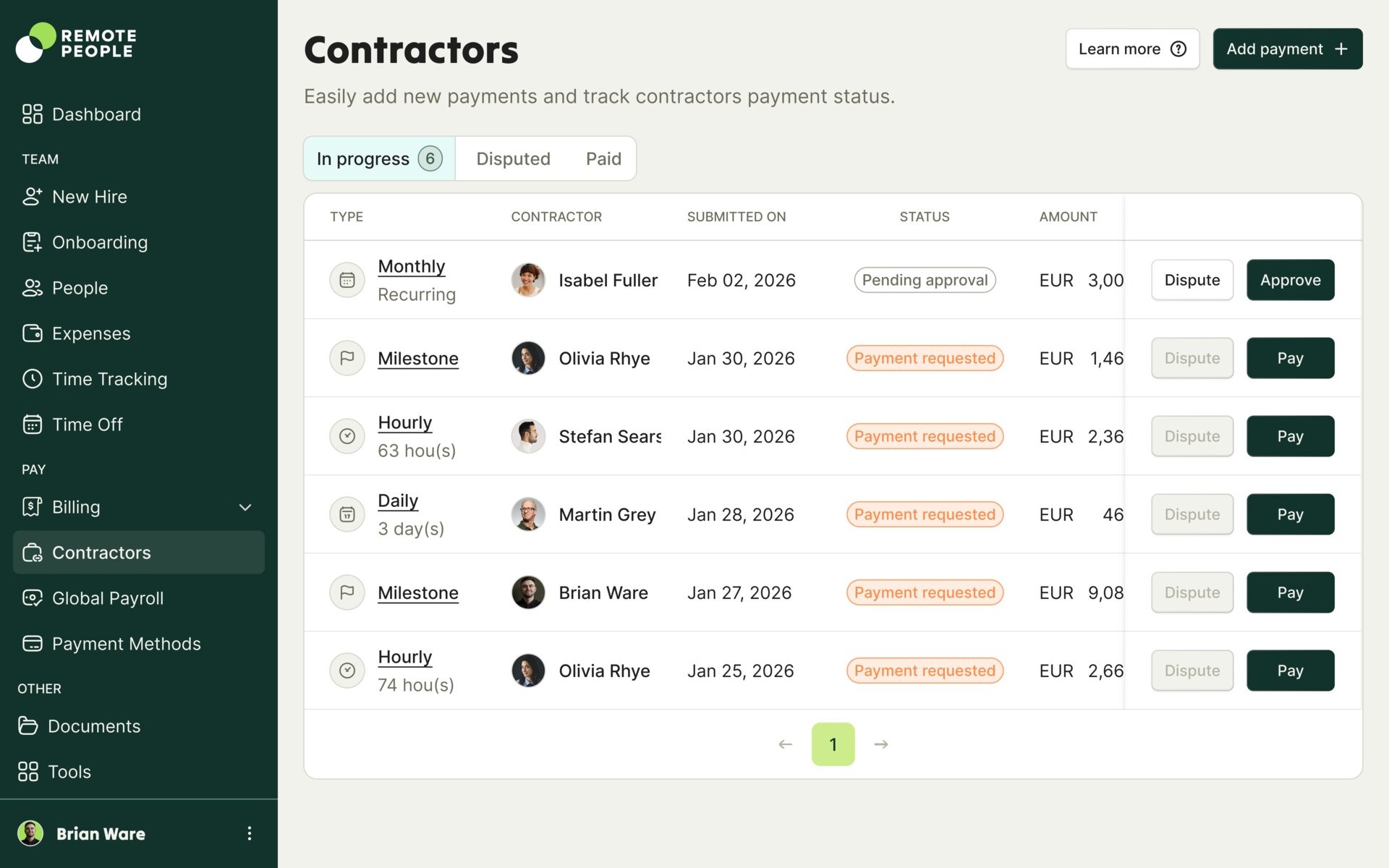 |