Hubdoc, a Xero company since the 2018 acquisition, is a bill management software solution, allowing users to capture and sync bills, receipts, bank statements and related documents to the user's preferred accounting software (e.g. Quickbooks, Xero, etc.).
$12
per month
Nitro PDF Pro
Score8.2 out of 10
N/A
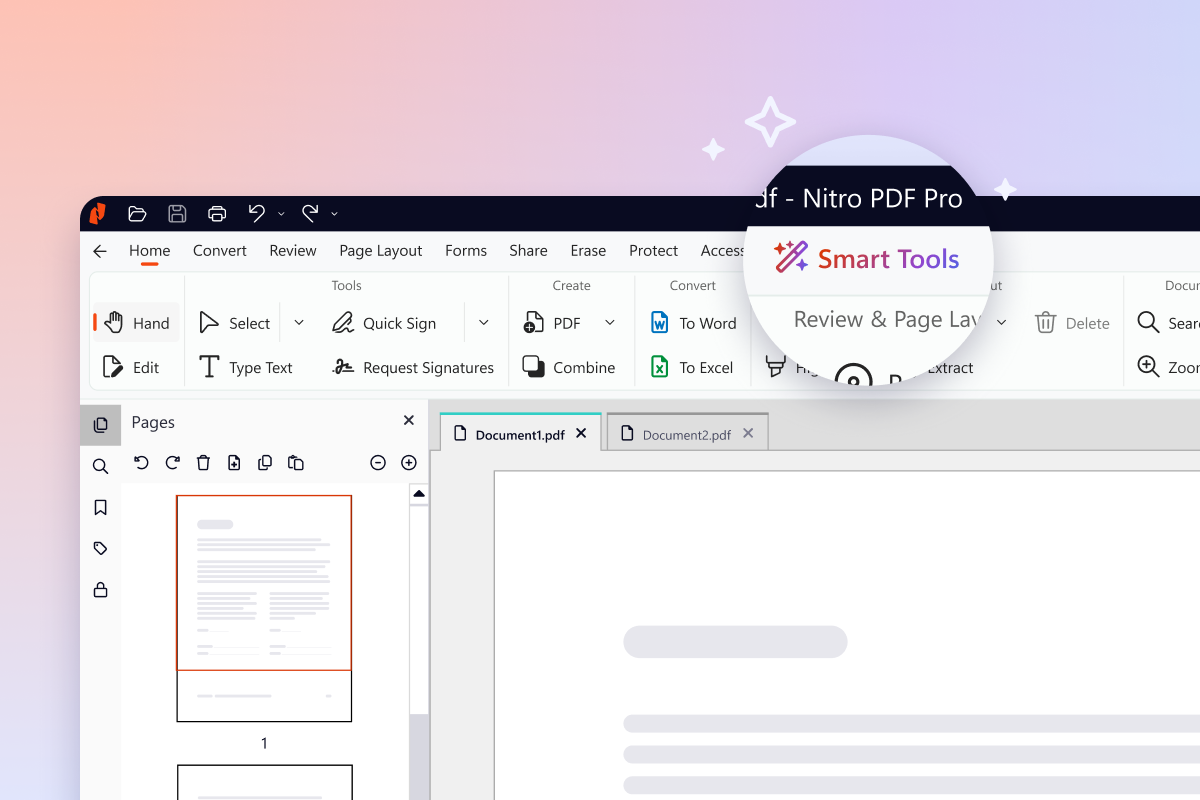
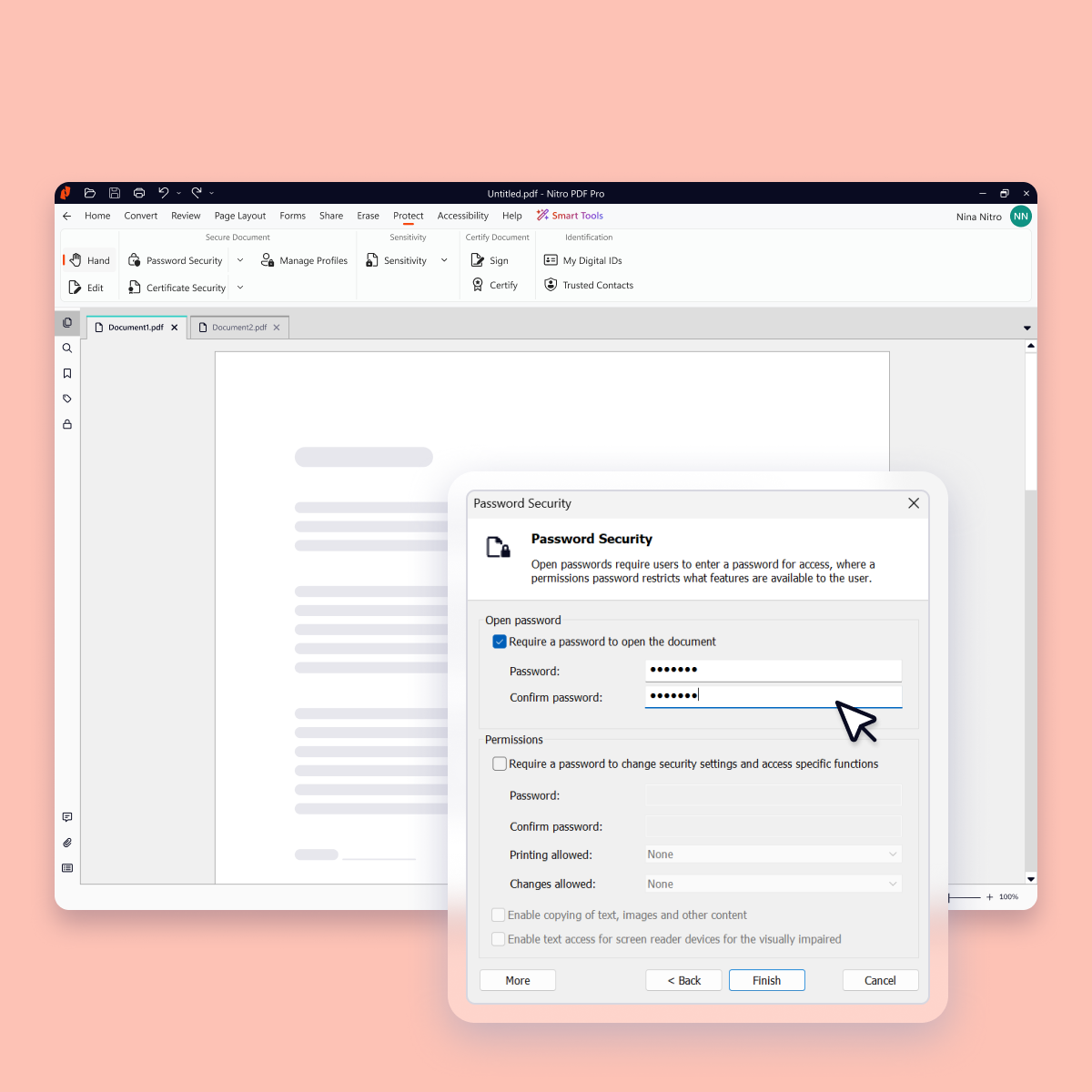
Nitro PDF Pro is a document management platform that supports PDF creation, modification, conversion, organization, review, and protection across Windows, Mac, and iOS environments. Key Capabilities Document Authoring & Modification: Native editing capabilities for PDF creation and content updates. Format Conversion: Conversion between PDF and standard office document formats. Document Organization & Management: File organization and management…
$7.50
Billed every 3 years. This is a subscription product with a 3-year fee of $270.00 per license. per seat
Pricing
Hubdoc
Nitro PDF Pro
Editions & Modules
Starting Price
$12.00
per month
Nitro PDF Classic
$7.5/month
Billed every 3 years. This is a subscription product with a 3-year fee of $270.00 per license. per seat
Nitro PDF Standard
$15/month
This is a subscription product with a yearly fee of $180.00 per license. per seat
When I am out purchasing items for my business I can quickly take photos of receipts and upload via the app and not have to worry if I lose or damage a receipt. This is very handy for me. Hubdoc also allows me to get all my invoices, payments and statements to my bookkeeper very easily which saves me money and time. I only use Hubdoc for business purposes which is where I feel it is most suitable. I probably wouldn't use it for personal stuff as I don't track personal that strictly.
A de minimis incentive was given to thank the reviewer for their time. The incentive was not used to bias or drive a particular response, nor was the incentive contingent on a positive endorsement. More Info
I run a professional services business from home. I need to edit documents quickly and easily and with minimal subscriptions to minimize overheads. I love that Nitro is a one-off payment to get a license to the software, and you can simply upgrade to the latest version if that's what you want, but you're not obligated to. I've been using the same version of Nitro for 7-8 years now. Despite the fact the upgraded versions have a lot of great, nice-to-have features, the version I'm on still does the job.
A de minimis incentive was given to thank the reviewer for their time. The incentive was not used to bias or drive a particular response, nor was the incentive contingent on a positive endorsement. More Info
A de minimis incentive was given to thank the reviewer for their time. The incentive was not used to bias or drive a particular response, nor was the incentive contingent on a positive endorsement. More Info
A de minimis incentive was given to thank the reviewer for their time. The incentive was not used to bias or drive a particular response, nor was the incentive contingent on a positive endorsement. More Info
A de minimis incentive was given to thank the reviewer for their time. The incentive was not used to bias or drive a particular response, nor was the incentive contingent on a positive endorsement. More Info
A de minimis incentive was given to thank the reviewer for their time. The incentive was not used to bias or drive a particular response, nor was the incentive contingent on a positive endorsement. More Info
A de minimis incentive was given to thank the reviewer for their time. The incentive was not used to bias or drive a particular response, nor was the incentive contingent on a positive endorsement. More Info
I think this is one of the easiest apps to use on both mobile and desktop. Once it was all set up by my bookkeeper all I needed to do was upload things. I recall the set up being quite simple and we've only made a few small changes over the years.
A de minimis incentive was given to thank the reviewer for their time. The incentive was not used to bias or drive a particular response, nor was the incentive contingent on a positive endorsement. More Info
For the most part, the entire software is extremely easy to navigate and use. You won't need to follow tutorials or anything for the bulk of the core features, as it's all pretty seamlessly designed.
A de minimis incentive was given to thank the reviewer for their time. The incentive was not used to bias or drive a particular response, nor was the incentive contingent on a positive endorsement. More Info
A de minimis incentive was given to thank the reviewer for their time. The incentive was not used to bias or drive a particular response, nor was the incentive contingent on a positive endorsement. More Info
At the time we implemented Hubdoc (more than 2 years ago) it was quite cutting edge and did have strong advances from the competition plus its pricing was definitely more competitive (flat rate vs price per data extraction model). However, currently the competition has caught up and now many of Hubdoc's core features are being built into online accounting software natively.
A de minimis incentive was given to thank the reviewer for their time. The incentive was not used to bias or drive a particular response, nor was the incentive contingent on a positive endorsement. More Info
Nitro checks all the boxes for what we need. It is fairly priced, it allows us to read and edit PDF documents, convert PDF to MS Word and convert MS Word to PDF. It allows us to combine multiple files and do all the post processing like adding page numbers and adding headers and footers
A de minimis incentive was given to thank the reviewer for their time. The incentive was not used to bias or drive a particular response, nor was the incentive contingent on a positive endorsement. More Info
We did not get far into evaluating other solutions we were looking at because Hubdoc came highly recommended from peers, coupled with Xero and Gusto. The cost for Thompson-Reuters is high. We quickly honed in on Hubdoc due to cost and recommendation and are very glad that we did.
A de minimis incentive was given to thank the reviewer for their time. The incentive was not used to bias or drive a particular response, nor was the incentive contingent on a positive endorsement. More Info
Every 1-2 years will do a check on current PDF options to include trialing the software. Have tried Foxit and several that seem to have failed in the marketplace. Over the last 4 years, I have always stuck with Nitro. Unfortunately, we still need to keep Adobe Acrobat (free version) installed to view a small percentage of some PDFs we receive.
A de minimis incentive was given to thank the reviewer for their time. The incentive was not used to bias or drive a particular response, nor was the incentive contingent on a positive endorsement. More Info
A de minimis incentive was given to thank the reviewer for their time. The incentive was not used to bias or drive a particular response, nor was the incentive contingent on a positive endorsement. More Info
A de minimis incentive was given to thank the reviewer for their time. The incentive was not used to bias or drive a particular response, nor was the incentive contingent on a positive endorsement. More Info