
IBM Cloud Monitoring vs. N-able N-central
IBM Cloud Monitoring vs. N-able N-central
| Product | Rating | Most Used By | Product Summary | Starting Price |
|---|---|---|---|---|
 IBM Cloud Monitoring | N/A | IBM Cloud Monitoring service is a fully managed monitoring service for administrators, DevOps teams and developers, offering deep container visibility and comprehensive metrics to help users reduce costs and better manage the software lifecycle. | N/A | |
 N-able N-central | N/A | MSPs and IT professionals use N-able™ N-central® to monitor and manage devices and complex networks remotely. N-central provides visibility and efficiency as the user's needs scale. N-central can help users: 1. Proactively monitor everything on a customer network—not just servers and workstations—and troubleshoot. 2. Stay on top of threats with features like MFA, antivirus, integrated endpoint detection and response, data backup, disk encryption, email protection,… | N/A |
| IBM Cloud Monitoring | N-able N-central | |||||||||||||||
|---|---|---|---|---|---|---|---|---|---|---|---|---|---|---|---|---|
| Editions & Modules | No answers on this topic | No answers on this topic | ||||||||||||||
| Offerings |
| |||||||||||||||
| Entry-level Setup Fee | No setup fee | No setup fee | ||||||||||||||
| Additional Details | — | — | ||||||||||||||
| More Pricing Information | ||||||||||||||||
| IBM Cloud Monitoring | N-able N-central |
|---|
| IBM Cloud Monitoring | N-able N-central | |||||||||
|---|---|---|---|---|---|---|---|---|---|---|
| Monitoring Tasks |
| |||||||||
| Management Tasks |
|
| IBM Cloud Monitoring | N-able N-central | |
|---|---|---|
| Small Businesses |  Panda Systems Management Score 8.4 out of 10 | Panda Systems Management Score 8.4 out of 10 |
| Medium-sized Companies |  ManageEngine ADAudit Plus Score 9.1 out of 10 |  Action1 Score 9.4 out of 10 |
| Enterprises | ManageEngine ADAudit Plus Score 9.1 out of 10 |  TeamViewer Score 8.5 out of 10 |
| All Alternatives | View all alternatives | View all alternatives |
| IBM Cloud Monitoring | N-able N-central | |
|---|---|---|
| Likelihood to Recommend | 7.0 (1 ratings) | 8.6 (25 ratings) |
| Likelihood to Renew | - (0 ratings) | 9.1 (2 ratings) |
| Usability | - (0 ratings) | 7.3 (7 ratings) |
| Support Rating | - (0 ratings) | 1.0 (8 ratings) |
| Implementation Rating | - (0 ratings) | 8.4 (2 ratings) |
| IBM Cloud Monitoring | N-able N-central | |
|---|---|---|
| Likelihood to Recommend | IBM
 John Reeve Co-founder, Lead developer, Lead designer | N-able
 Joe Cullen Technical Manager |
| Pros | IBM
John Reeve Co-founder, Lead developer, Lead designer | N-able
 Nicolas Poague NOC Supervisor |
| Cons | IBM
John Reeve Co-founder, Lead developer, Lead designer | N-able
|
| Likelihood to Renew | IBM No answers on this topic | N-able
|
| Usability | IBM No answers on this topic | N-able
|
| Support Rating | IBM No answers on this topic | N-able
|
| Implementation Rating | IBM No answers on this topic | N-able
|
| Alternatives Considered | IBM No answers on this topic | N-able
|
| Return on Investment | IBM
John Reeve Co-founder, Lead developer, Lead designer | N-able
|
| ScreenShots | N-able N-central Screenshots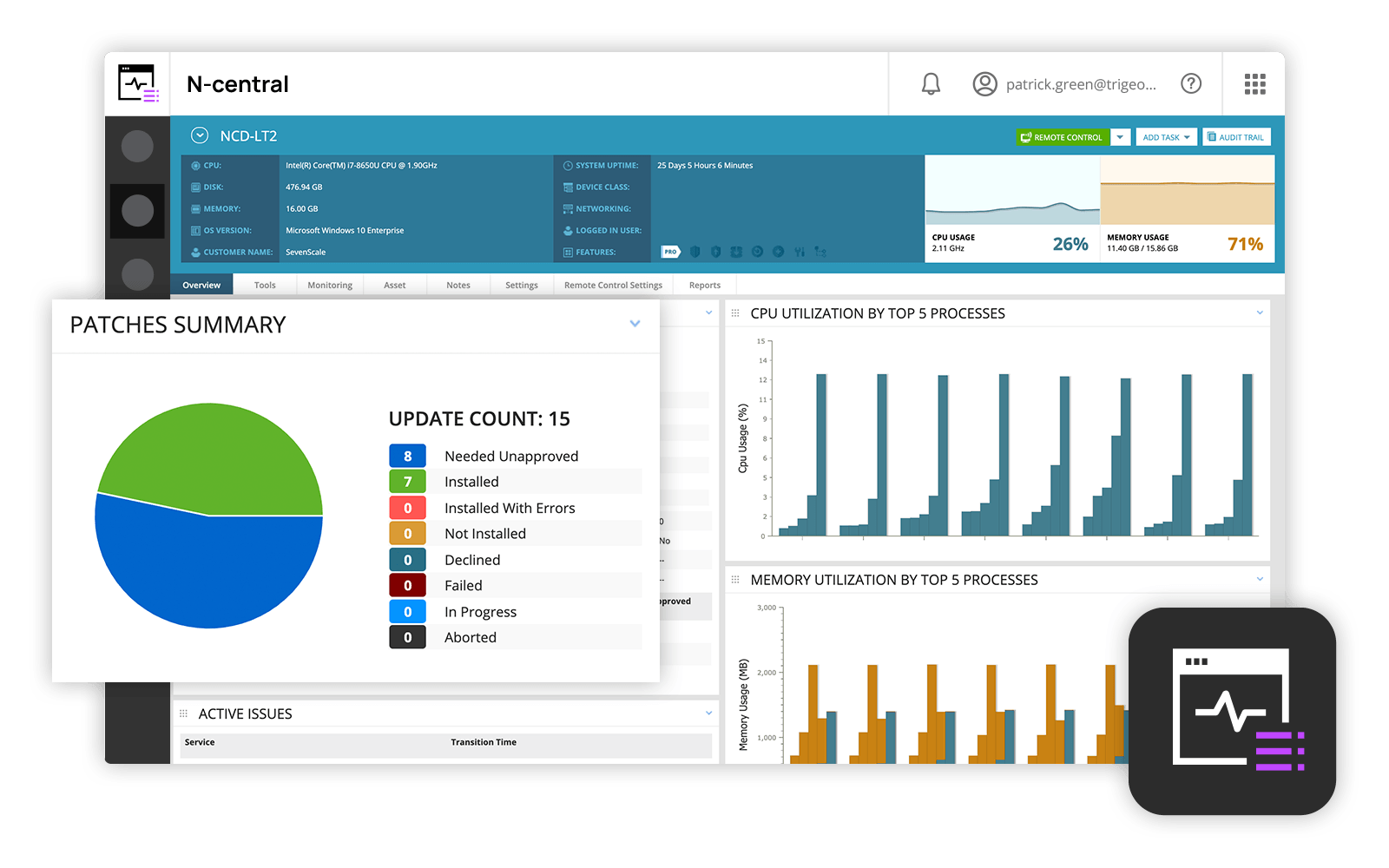  |