Netcool Network Management integrates the IBM Tivoli Network Manager IP Edition, Tivoli Netcool/OMNIbus and Netcool Configuration Manager products into a unified solution that consolidates the management of networks.
N/A
IBM SevOne
Score8.6 out of 10
N/A
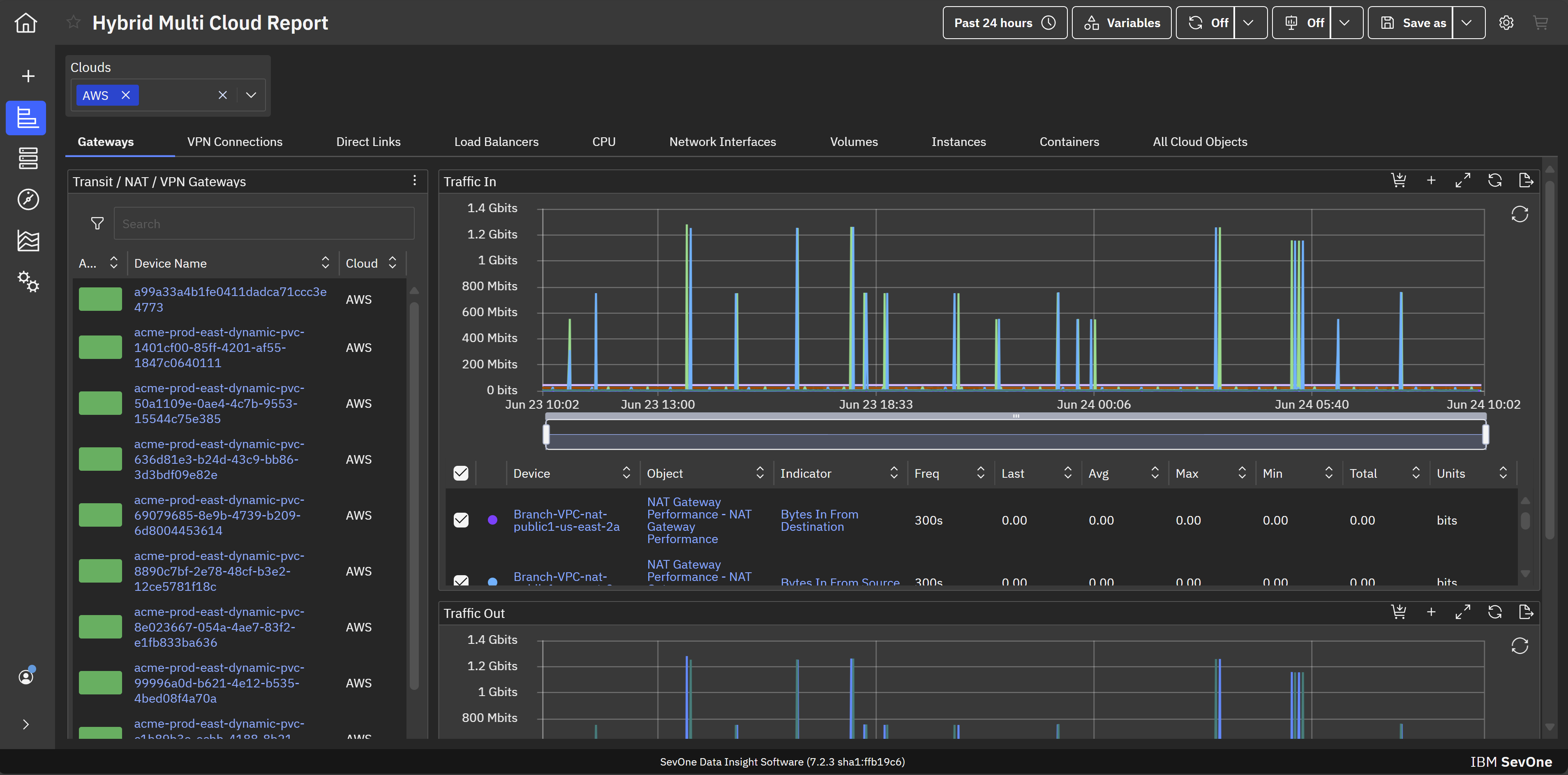
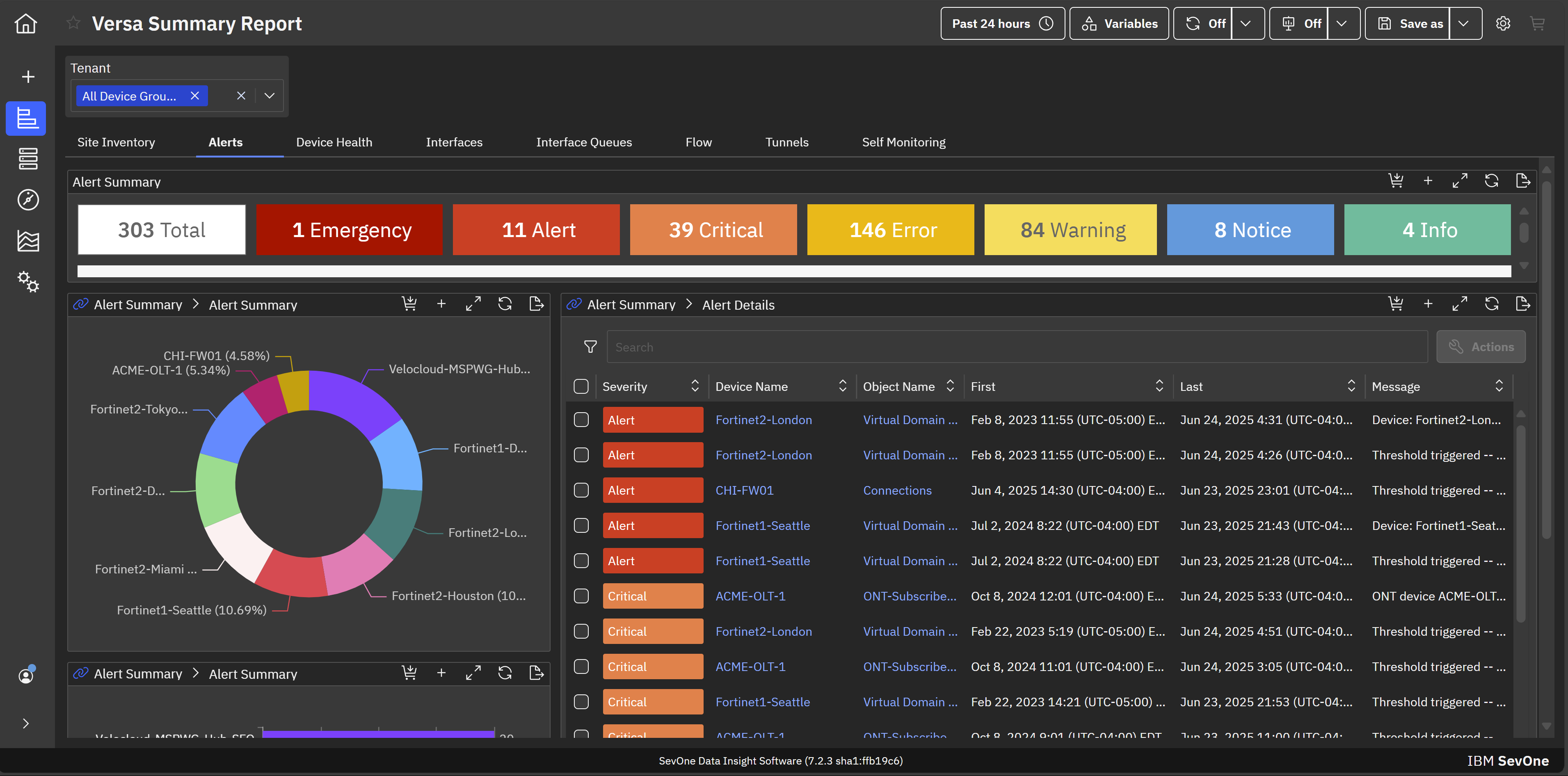
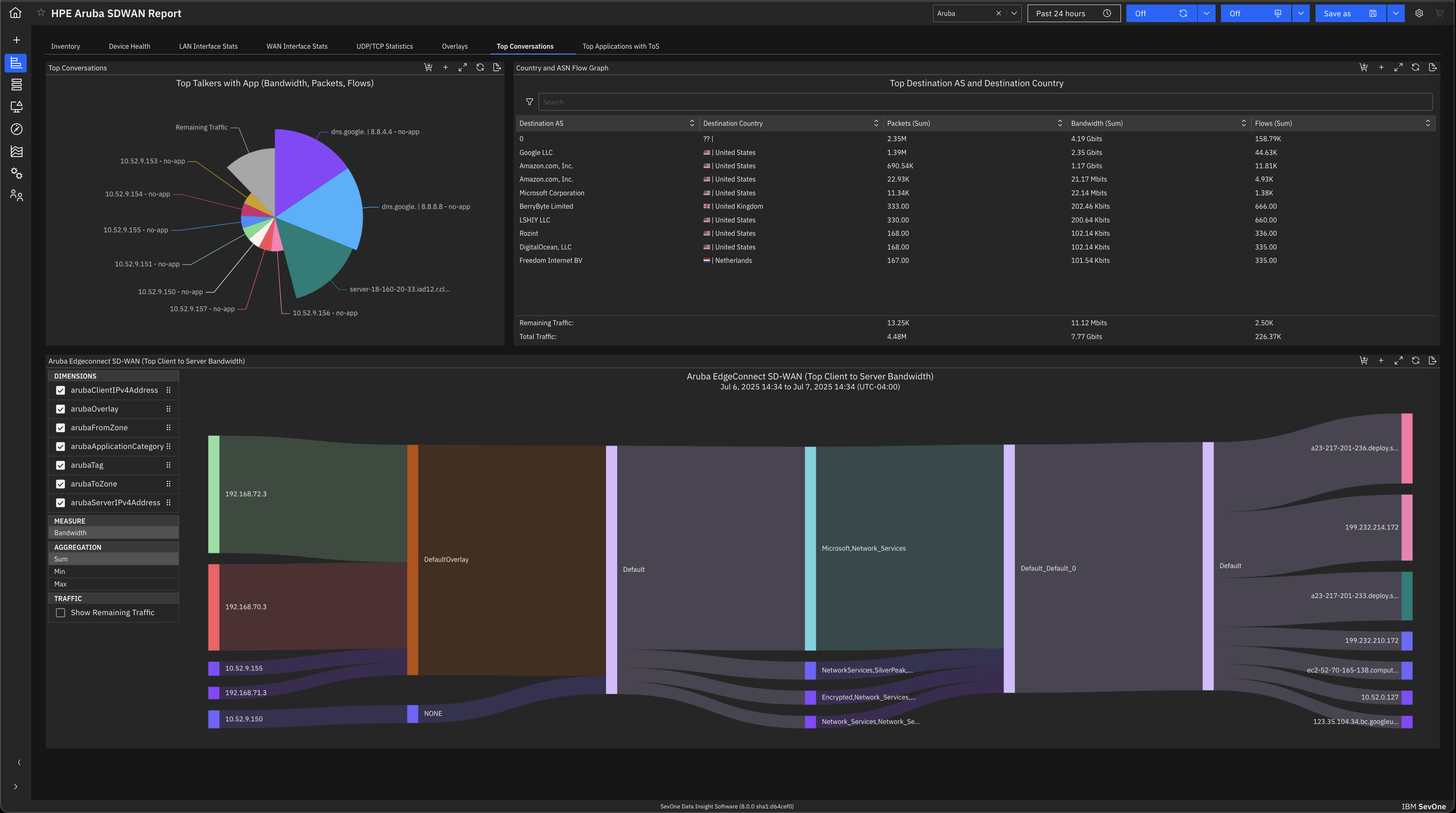
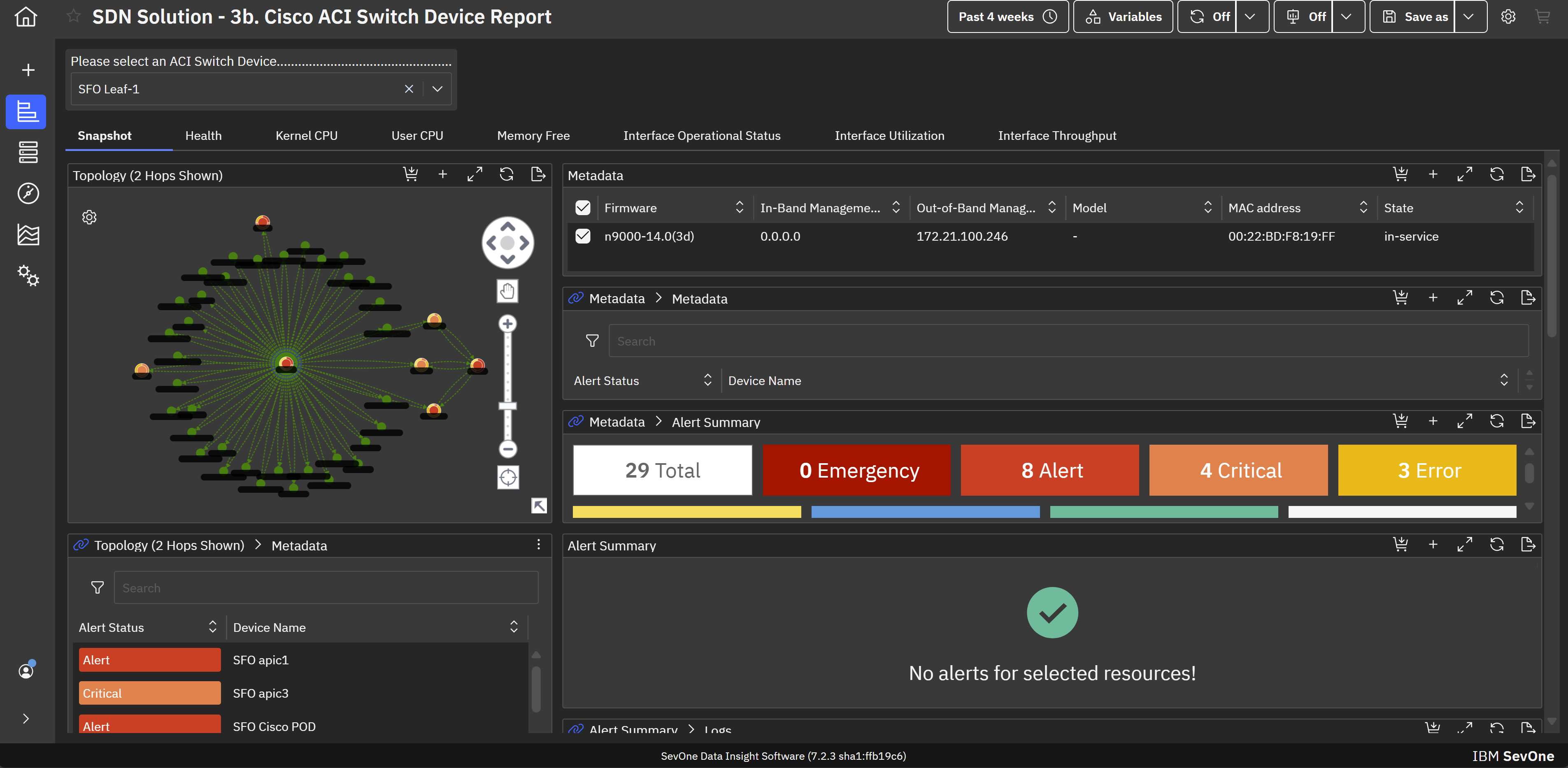
IBM SevOne’s app-centric, hybrid network observability empowers NetOps teams with ML-driven insights, enabling proactive issue prevention and resolution. With a single source of truth for network performance, it delivers visibility to optimize operations and support agility in complex, multi-cloud environments.
N/A
Pricing
IBM Netcool Network Management
IBM SevOne
Editions & Modules
No answers on this topic
No answers on this topic
Offerings
Pricing Offerings
IBM Netcool Network Management
IBM SevOne
Free Trial
No
No
Free/Freemium Version
No
No
Premium Consulting/Integration Services
No
Yes
Entry-level Setup Fee
No setup fee
No setup fee
Additional Details
—
IBM® SevOne® uses Managed Device (MD) and Managed Client Device (MCD) as pricing metrics. These can be mapped to managed devices for physical, virtualized and containerized functions in the managed environment.
More Pricing Information
Community Pulse
IBM Netcool Network Management
IBM SevOne
Considered Both Products
IBM
No answer on this topic
IBM
Verified User
Chose IBM SevOne
Zabbix is very cost effective, good flexibility, easy to start and customizable. This is a plus compared to IBM SevOne. However it is more manual work, less polished user interface and may need more effort to handle larger networks. IBM Netcool has service provider network, …
A de minimis incentive was given to thank the reviewer for their time. The incentive was not used to bias or drive a particular response, nor was the incentive contingent on a positive endorsement. More Info
This tool was integrated with Control-M, so whenever we receive any job failure, long-running job, job not started yet, etc, we receive an alert against it. This tool is also integrated with Maximo where we receive the incidents as well for it. Alert's color was as per the criticality of the job and that makes it very easy for an associate to act on it to resolve. We have the SLAs for the jobs as per the urgency of the jobs.
A de minimis incentive was given to thank the reviewer for their time. The incentive was not used to bias or drive a particular response, nor was the incentive contingent on a positive endorsement. More Info
IBM SevOne ensures deep performance and in depth monitoring and allows customization according to specific organisation or business needs. Availability of real-time alerts and unlimited customization. The software integrates freely with many third party applications and has reliable analytics and reporting systems. Ability of the software in automating routine network monitoring tasks which reduces operational costs. Software pricing is a major challenge towards smooth implementation of the software. It is expensive and not affordable to small businesses and organisations.
A de minimis incentive was given to thank the reviewer for their time. The incentive was not used to bias or drive a particular response, nor was the incentive contingent on a positive endorsement. More Info
A de minimis incentive was given to thank the reviewer for their time. The incentive was not used to bias or drive a particular response, nor was the incentive contingent on a positive endorsement. More Info
A de minimis incentive was given to thank the reviewer for their time. The incentive was not used to bias or drive a particular response, nor was the incentive contingent on a positive endorsement. More Info
Documentation for the embedded help pages in NMS and more. In my opinion, these do not provide anything of any depth or maybe anything helpful at all. If anything it just seems to be a guide of what actually exists on the page. It is nicely searchable documentation though.
It is very surprising and disappointing for us to learn that it isn't until the latest version of IBM SevOne that bulk editing was introduced. I think this is such a basic and foundational feature that should have been a part of the original rollout. My team is still trying to configure the REST API.
It was disappointing for the webinar to start with a speaker who had a thick accent and simply read from slides. To me, it felt hopeless until the second speaker, who was engaging and easy to understand. It's as if this fact wasn't considered. I'm sure the first speaker lost a lot of viewers who didn't stick around to discover the 2nd speaker.
I asked three different questions during the webinar and none were answered.
A de minimis incentive was given to thank the reviewer for their time. The incentive was not used to bias or drive a particular response, nor was the incentive contingent on a positive endorsement. More Info
This is one of the essential tools for monitoring. This tool was integrated with Maximo and Control-M in my organization. So whenever any job failed in Control-M, we receive an alert against it in the IBM Netcool/OMNIbus. We receive the alerts in different colors as per the criticality. Black for critical ones(Sev1), red for urgent (Sev2), yellow for major(Sev3), and orange for minor(Sev4). So it makes an easy to operate and act on the alerts as per the severity. This tool is very user-friendly and easy to use. No additional training is required for the tool to operate, just a simple KT is enough.
A de minimis incentive was given to thank the reviewer for their time. The incentive was not used to bias or drive a particular response, nor was the incentive contingent on a positive endorsement. More Info
IBM SevOne was selected instead of Datadog because it is perfect for large insurance networks and also connects trouble-free between the on-premise and cloud environments. Its alerts are in real-time, it offers comprehensive dashboards and it allows to gain a better grip on the network issues, thus helping to keep the downtime small and the operations well managed thanks to the good communication.
A de minimis incentive was given to thank the reviewer for their time. The incentive was not used to bias or drive a particular response, nor was the incentive contingent on a positive endorsement. More Info
A de minimis incentive was given to thank the reviewer for their time. The incentive was not used to bias or drive a particular response, nor was the incentive contingent on a positive endorsement. More Info
A de minimis incentive was given to thank the reviewer for their time. The incentive was not used to bias or drive a particular response, nor was the incentive contingent on a positive endorsement. More Info