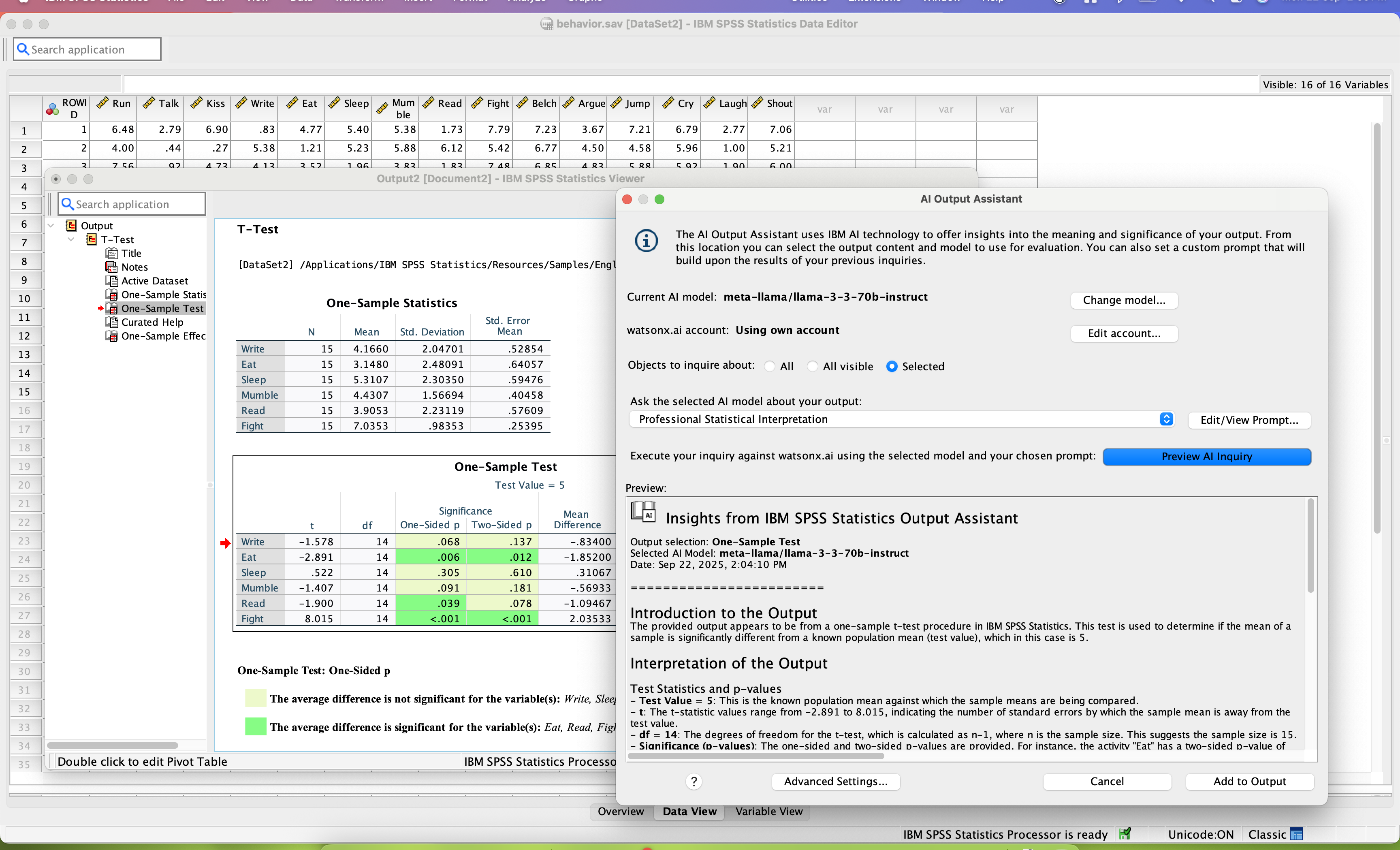
SPSS Statistics is a software package used for statistical analysis. It is now officially named "IBM SPSS Statistics". Companion products in the same family are used for survey authoring and deployment (IBM SPSS Data Collection), data mining (IBM SPSS Modeler), text analytics, and collaboration and deployment (batch and automated scoring services).
$105
per month per user
MATLAB
Score9 out of 10
N/A
MatLab is a predictive analytics and computing platform based on a proprietary programming language. MatLab is used across industry and academia.
Graduate Research Assistant at Icahn School of Medicine at Mount Sinai (Hospital & Health Care, 1001-5000 employees)
Chose IBM SPSS Statistics
MATLAB is far more powerful at modeling massive data sets and allows for further individualizations that are often needed at research. MATLAB can also analyze pictures and run analysis on them. However SPSS is very good for what it is meant for.
A de minimis incentive was given to thank the reviewer for their time. The incentive was not used to bias or drive a particular response, nor was the incentive contingent on a positive endorsement. More Info
Verified User
Chose IBM SPSS Statistics
IBM SPSS Statistics stacks up much better and overall gives the user a much better as well as simpler means to achieve their end goal. It provides a comprehensive set of well tested data management, along with statistical procedures in an easy to use and all in one package …
A de minimis incentive was given to thank the reviewer for their time. The incentive was not used to bias or drive a particular response, nor was the incentive contingent on a positive endorsement. More Info
Professor at CSU Fullerton (Education Management, 1001-5000 employees)
Chose IBM SPSS Statistics
IBM SPSS Statistics is much easier to use, even in classes with students, compared to other similar data analytic software that I have used previously. I selected it because of this reason and I plan to continue using it in the future. The interface is user friendly and the …
A de minimis incentive was given to thank the reviewer for their time. The incentive was not used to bias or drive a particular response, nor was the incentive contingent on a positive endorsement. More Info
A de minimis incentive was given to thank the reviewer for their time. The incentive was not used to bias or drive a particular response, nor was the incentive contingent on a positive endorsement. TR verified that a representative sample of customers was invited. More Info
internal it in Information Technology at FM (Information Technology & Services, 201-500 employees)
Chose IBM SPSS Statistics
We tend to shy away from open source where possible. with SPSS from our feeder university system for our co-op interns, this is a great transition and a low barrier to getting them working quickly.
A de minimis incentive was given to thank the reviewer for their time. The incentive was not used to bias or drive a particular response, nor was the incentive contingent on a positive endorsement. TR verified that a representative sample of customers was invited. More Info
Verified User
Chose IBM SPSS Statistics
SPSS is much easier to learn even for people with basic knowledge of statistics.
A de minimis incentive was given to thank the reviewer for their time. The incentive was not used to bias or drive a particular response, nor was the incentive contingent on a positive endorsement. More Info
Business Development Manager in Sales at EMTEX ENGINEERING PRIVATE LIMITED (Machinery, 201-500 employees)
Chose IBM SPSS Statistics
Stacks up pretty well, as this is the best geospatial analysis tool next only to ArcGIS, but does almost everything that other packages do almost as well. However, there is a considerable need to improve and include new techniques like the random forest, etc. which IBM SPSS …
A de minimis incentive was given to thank the reviewer for their time. The incentive was not used to bias or drive a particular response, nor was the incentive contingent on a positive endorsement. More Info
Graduate Research Assistant in Research & Development at Western Kentucky University (Higher Education, 1001-5000 employees)
Chose MATLAB
MATLAB is much better at performing statistical analysis processes. It is a much more powerful program for dealing with large amounts of, or complicated, data sets. While other programs have a more friendly user interface, MATLAB is good if you have some experience with coding, …
A de minimis incentive was given to thank the reviewer for their time. The incentive was not used to bias or drive a particular response, nor was the incentive contingent on a positive endorsement. More Info
Postdoctoral Research Associate in Research & Development at University of Mryland Center for Environmental Science Horn Point Laboratory (Higher Education, 51-200 employees)
Chose MATLAB
I use MATLAB, R Studio, and SPSS for data analysis needs. Each has their own positives and negatives that they bring to the table. I primarily use MATLAB for modeling due to ease of use and the maintenance of base code in this format.
A de minimis incentive was given to thank the reviewer for their time. The incentive was not used to bias or drive a particular response, nor was the incentive contingent on a positive endorsement. More Info
Product Manager in Product Management at ANS Commerce - E-commerce Solutions for India (Internet, 11-50 employees)
Chose MATLAB
This is the most unpolished and raw product out of these three products which make this product to reach high scale in operations. The in-depth and strong open source support makes it a great product to work with. However, the visualization, UI still needs improvement in MATLAB …
A de minimis incentive was given to thank the reviewer for their time. The incentive was not used to bias or drive a particular response, nor was the incentive contingent on a positive endorsement. More Info
IBM SPSS Statistics is well suited for pretty much any data analytic scenario. It can handle extremely complex and large-scale datasets with ease. It especially shines if you have to do any kind of analyses that involve significance testing. Being able to do any number of significance tests (i.e., t-tests, chi-square, ANOVAs, etc.) right inside the tool is very valuable. The only scenario I would say it is less appropriate is if you need to work on a very small dataset and answer very simple questions, like frequencies or averages. In those cases, something like Excel could probably do the job just as easily.
A de minimis incentive was given to thank the reviewer for their time. The incentive was not used to bias or drive a particular response, nor was the incentive contingent on a positive endorsement. TR verified that a representative sample of customers was invited. More Info
MATLAB really does best for solving computational problems in math and engineering. Especially when you have to use a lot of functions in your solving process, or if you have a nonlinear equation that must be iteratively solved. [MATLAB] can also perform things like integration and derivation on your equations that you put into it.
A de minimis incentive was given to thank the reviewer for their time. The incentive was not used to bias or drive a particular response, nor was the incentive contingent on a positive endorsement. More Info
SPSS has been around for quite a while and has amassed a large suite of functionality. One of its longest-running features is the ability to automate SPSS via scripting, AKA "syntax." There is a very large community of practice on the internet who can help newbies to quickly scale up their automation abilities with SPSS. And SPSS allows users to save syntax scripting directly from GUI wizards and configuration windows, which can be a real life-saver if one is not an experienced coder.
Many statistics package users are doing scientific research with an eye to publish reproducible results. SPSS allows you to save datasets and syntax scripting in a common format, facilitating attempts by peer reviewers and other researchers to quickly and easily attempt to reproduce your results. It's very portable!
SPSS has both legacy and modern visualization suites baked into the base software, giving users an easily mountable learning curve when it comes to outputting charts and graphs. It's very easy to start with a canned look and feel of an exported chart, and then you can tweak a saved copy to change just about everything, from colors, legends, and axis scaling, to orientation, labels, and grid lines. And when you've got a chart or graph set up the way you like, you can export it as an image file, or create a template syntax to apply to new visualizations going forward.
SPSS makes it easy for even beginner-level users to create statistical coding fields to support multidimensional analysis, ensuring that you never need to destructively modify your dataset.
In closing, SPSS's long and successful tenure ensures that just about any question a new user may have about it can be answered with a modicum of Google-fu. There are even several fully-fledged tutorial websites out there for newbie perusal.
A de minimis incentive was given to thank the reviewer for their time. The incentive was not used to bias or drive a particular response, nor was the incentive contingent on a positive endorsement. More Info
A de minimis incentive was given to thank the reviewer for their time. The incentive was not used to bias or drive a particular response, nor was the incentive contingent on a positive endorsement. More Info
Availability of procedures in the base package seems to be dwindling.
The copy-and-paste function from output to Excel is not as easy as it once was (now I have to do a "paste special").
Text and date handling are terrible.
Need to include AI-based NLP for survey verbatims and other text-based fields. This is becoming increasingly important in the CX world, yet SPSS seems to be ignoring it.
A de minimis incentive was given to thank the reviewer for their time. The incentive was not used to bias or drive a particular response, nor was the incentive contingent on a positive endorsement. More Info
A de minimis incentive was given to thank the reviewer for their time. The incentive was not used to bias or drive a particular response, nor was the incentive contingent on a positive endorsement. More Info
Both money and time are essential for success in terms of return on investment for any kind of research based project work. Using a Likert-scale questionnaire is very easy for data entry and analysis using IBM SPSS. With the help of IBM SPSS, I found very fast and reliable data entry and data analysis for my research. Output from SPSS is very easy to interpret for data analysis and findings
A de minimis incentive was given to thank the reviewer for their time. The incentive was not used to bias or drive a particular response, nor was the incentive contingent on a positive endorsement. More Info
Probably because I have been using it for so long that I have used all of the modules, or at least almost all of the modules, and the way SPSS works is second nature to me, like fish to swimming.
A de minimis incentive was given to thank the reviewer for their time. The incentive was not used to bias or drive a particular response, nor was the incentive contingent on a positive endorsement. More Info
MATLAB is pretty easy to use. You can extend its capabilities using the programming interface. Very flexible capabilities when it comes to graphical presentation of your data (so many different kinds of options for your plotting needs). Anytime you are working with large data sets, or with matrices, MATLAB is likely to be very helpful.
A de minimis incentive was given to thank the reviewer for their time. The incentive was not used to bias or drive a particular response, nor was the incentive contingent on a positive endorsement. More Info
A de minimis incentive was given to thank the reviewer for their time. The incentive was not used to bias or drive a particular response, nor was the incentive contingent on a positive endorsement. More Info
A de minimis incentive was given to thank the reviewer for their time. The incentive was not used to bias or drive a particular response, nor was the incentive contingent on a positive endorsement. More Info
I have not contacted IBM SPSS for support myself. However, our IT staff has for trying to get SPSS Text Analytics Module to work. The issue was never resolved, but I'm not sure if it was on the IT's end or on SPSS's end
The built-in search engine is not as performing as I wish it would be. However, the YouTube channel has a vast library of informative video that can help understanding the software. Also, many other software have a nice bridge into MATLAB, which makes it very versatile. Overall, the support for MATLAB is good.
A de minimis incentive was given to thank the reviewer for their time. The incentive was not used to bias or drive a particular response, nor was the incentive contingent on a positive endorsement. More Info
Have a plan for managing the yearly upgrade cycle. Most users work in the desktop version, so there needs to be a mechanism for either pushing out new versions of the software or a key manager to deal with updated licensing keys. If you have a lot of users this needs to be planned for in advance.
A de minimis incentive was given to thank the reviewer for their time. The incentive was not used to bias or drive a particular response, nor was the incentive contingent on a positive endorsement. More Info
If you have made it this far, you should have a very good idea of how SPSS stacks up the competition (data processing and analytics tools). Even the free ones, such as r Studio or Stata, are leaps and bounds ahead of SPSS. IBM is resting on a reputation developed nearly 30 years ago and has shown no desire to improve.
A de minimis incentive was given to thank the reviewer for their time. The incentive was not used to bias or drive a particular response, nor was the incentive contingent on a positive endorsement. TR verified that a representative sample of customers was invited. More Info
How MATLAB compares to its competition or similar open access tools like R (programming language) or SciLab is that it's simply more powerful and capable. It embraces a wider spectrum of possibilities for far more fields than any other environment. R, for example, is intended primarily for the area of statistical computing. SciLab, on the other hand, is a similar open access tool that falls very short in its computing capabilities. It's much slower when running larger scripts and isn't documented or supported nearly as well as MATLAB.
A de minimis incentive was given to thank the reviewer for their time. The incentive was not used to bias or drive a particular response, nor was the incentive contingent on a positive endorsement. More Info
A de minimis incentive was given to thank the reviewer for their time. The incentive was not used to bias or drive a particular response, nor was the incentive contingent on a positive endorsement. More Info
I found SPSS easier to use than SAS as it's more intuitive to me.
The learning curve to use SPSS is less compared to SAS.
I used SAS, to a much lesser extent than SPSS. However, it seems that SAS may be more suitable for users who understand programming. With SPSS, users can perform many statistical tests without the need to know programming.
A de minimis incentive was given to thank the reviewer for their time. The incentive was not used to bias or drive a particular response, nor was the incentive contingent on a positive endorsement. TR verified that a representative sample of customers was invited. More Info
MATLAB helps us quickly sort through large sets of data because we keep the same script each time we run an analyzation, making it very efficient to run this whole process.
The software makes it super easy for us to create plots that we can then show to investors or clients to display our data.
We are also looking to create an app for our product, and we will not be able to do that on MATLAB, therefore creating a limiting issue and a new learning curve for a programming language.
A de minimis incentive was given to thank the reviewer for their time. The incentive was not used to bias or drive a particular response, nor was the incentive contingent on a positive endorsement. More Info