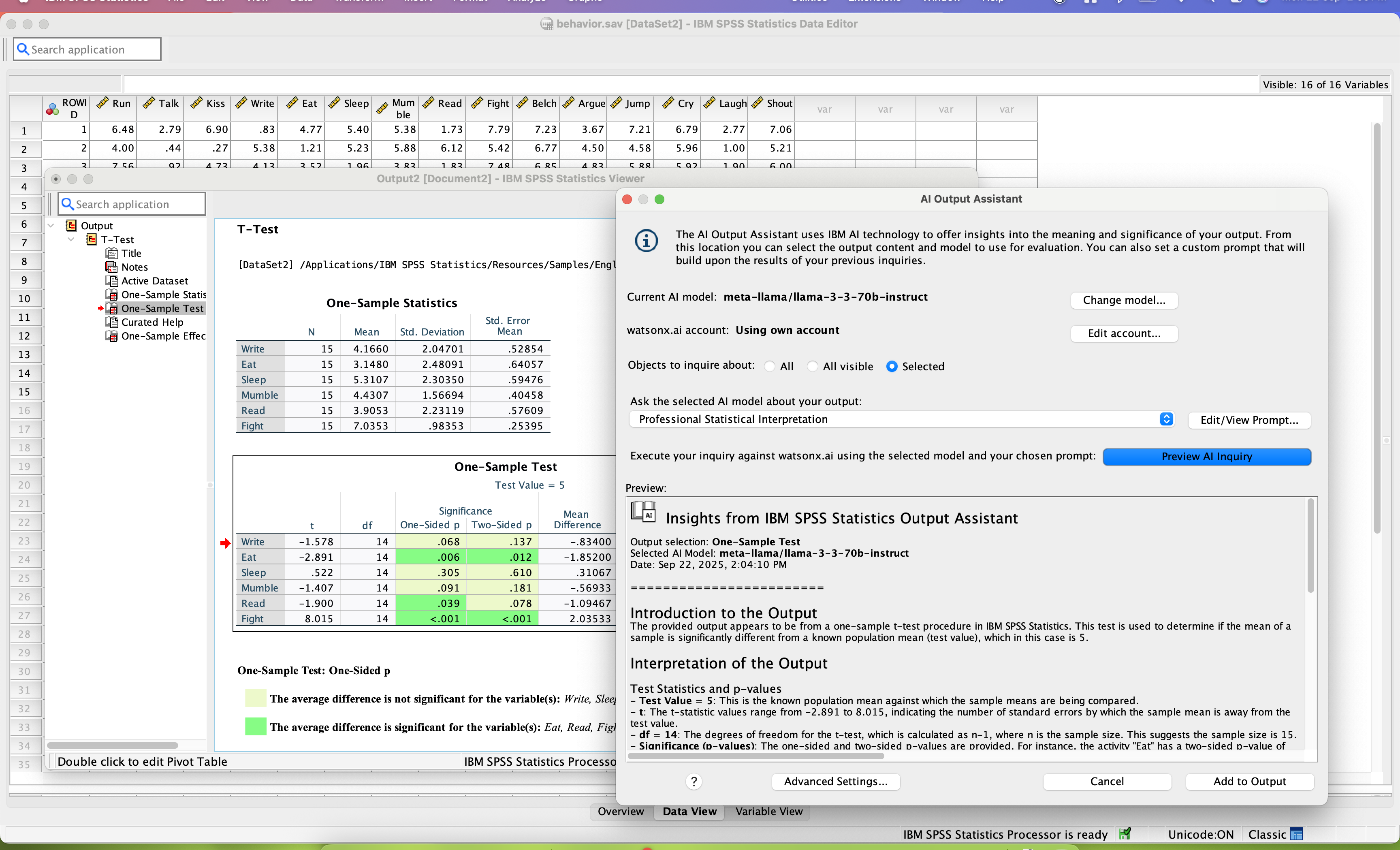
SPSS Statistics is a software package used for statistical analysis. It is now officially named "IBM SPSS Statistics". Companion products in the same family are used for survey authoring and deployment (IBM SPSS Data Collection), data mining (IBM SPSS Modeler), text analytics, and collaboration and deployment (batch and automated scoring services).
$99
per month per user
Oracle Database
Score 8.0 out of 10
N/A
Oracle Database, currently in edition 23ai, is a converged, multimodel database management system. It is designed to simplify development for AI, microservices, graph, document, spatial, and relational applications.
I described earlier that the only scenarios where I use SPSS are those where we have legacy projects that were developed in the late 90s or early 2000s using SPSS, and for some reason, the project (data set, scope, etc.) hasn't changed in 24+ years. This counts for 1-2 out of around 80 projects that I run. Whenever possible, I actively have my team move away from SPSS, even when that process is painful.
I believe Oracle Database is still the best RDBMS database which is the database to consider for OLTP applications and for Adhoc requests. They are good in Datawarehousing in certain aspects but not the best. Oracle is also a great database for scaling up with their Clusterware solution which also makes the database highly available with services moving to the live instance without much trouble.
SPSS has been around for quite a while and has amassed a large suite of functionality. One of its longest-running features is the ability to automate SPSS via scripting, AKA "syntax." There is a very large community of practice on the internet who can help newbies to quickly scale up their automation abilities with SPSS. And SPSS allows users to save syntax scripting directly from GUI wizards and configuration windows, which can be a real life-saver if one is not an experienced coder.
Many statistics package users are doing scientific research with an eye to publish reproducible results. SPSS allows you to save datasets and syntax scripting in a common format, facilitating attempts by peer reviewers and other researchers to quickly and easily attempt to reproduce your results. It's very portable!
SPSS has both legacy and modern visualization suites baked into the base software, giving users an easily mountable learning curve when it comes to outputting charts and graphs. It's very easy to start with a canned look and feel of an exported chart, and then you can tweak a saved copy to change just about everything, from colors, legends, and axis scaling, to orientation, labels, and grid lines. And when you've got a chart or graph set up the way you like, you can export it as an image file, or create a template syntax to apply to new visualizations going forward.
SPSS makes it easy for even beginner-level users to create statistical coding fields to support multidimensional analysis, ensuring that you never need to destructively modify your dataset.
In closing, SPSS's long and successful tenure ensures that just about any question a new user may have about it can be answered with a modicum of Google-fu. There are even several fully-fledged tutorial websites out there for newbie perusal.
collaboration - SPSS lacks collaboration features which makes it near impossible to collaborate with my team on analysis. We have to send files back and forth, which is tedious.
integration - I wish SPSS had integration capabilities with some of the other tools that I use (e.g., Airtable, Figma, etc.)
user interface - this could definitely be modernized. In my experience, the UI is clunky and feels dated, which can negatively impact my experience using the tool.
Both money and time are essential for success in terms of return on investment for any kind of research based project work. Using a Likert-scale questionnaire is very easy for data entry and analysis using IBM SPSS. With the help of IBM SPSS, I found very fast and reliable data entry and data analysis for my research. Output from SPSS is very easy to interpret for data analysis and findings
There is a lot of sunk cost in a product like Oracle 12c. It is doing a great job, it would not provide us much benefit to switch to another product even if it did the same thing due to the work involved in making such a switch. It would not be cost effective.
Probably because I have been using it for so long that I have used all of the modules, or at least almost all of the modules, and the way SPSS works is second nature to me, like fish to swimming.
Many of the powerful options can be auto-configured but there are still many things to take into account at the moment of installing and configuring an Oracle Database, compared with SQL Server or other databases. At the same time, that extra complexity allows for detailed configuration and guarantees performance, scalability, availability and security.
I have not contacted IBM SPSS for support myself. However, our IT staff has for trying to get SPSS Text Analytics Module to work. The issue was never resolved, but I'm not sure if it was on the IT's end or on SPSS's end
1. I have very good experience with Oracle Database support team. Oracle support team has pool of talented Oracle Analyst resources in different regions. To name a few regions - EMEA, Asia, USA(EST, MST, PST), Australia. Their support staffs are very supportive, well trained, and customer focused. Whenever I open Oracle Sev1 SR(service request), I always get prompt update on my case timely. 2. Oracle has zoom call and chat session option linked to Oracle SR. Whenever you are in Oracle portal - you can chat with the Oracle Analyst who is working on your case. You can request for Oracle zoom call thru which you can share the your problem server screen in no time. This is very nice as it saves lot of time and energy in case you have to follow up with oracle support for your case. 3.Oracle has excellent knowledge base in which all the customer databases critical problems and their solutions are well documented. It is very easy to follow without consulting to support team at first.
Have a plan for managing the yearly upgrade cycle. Most users work in the desktop version, so there needs to be a mechanism for either pushing out new versions of the software or a key manager to deal with updated licensing keys. If you have a lot of users this needs to be planned for in advance.
Overall the implementation went very well and after that everything came out as expected - in terms of performance and scalability. People should always install and upgrade a stable version for production with the latest patch set updates, test properly as much as possible, and should have a backup plan if anything unexpected happens
I have used R when I didn't have access to SPSS. It takes me longer because I'm terrible at syntax but it is powerful and it can be enjoyable to only have to wrestle with syntax and not a difficult UI.
Oracle is more of an enterprise-level database than Access and SAP Adaptive Server Enterprise isn't getting developed much (some people wonder how close it is to end of life) but SQL Server is miles ahead of Oracle IMO in terms of user experience and comparable in terms of performance AFAIK. As stated, a vendor forced our hand to use Oracle so we did not have a choice. If you are looking for help with an issue you are having, there are lots of SQL Server articles, etc. on the web and the community of SQL Server developers and DBA's is very strong and supportive. Oracle's help on the web is much more limited and often has an attitude that goes with it of superiority and lacking in compassion, IMO. For instance, check out the Ask Tom Oracle blog - a world of difference. If you choose Oracle, go into it with eyes wide open.
I found SPSS easier to use than SAS as it's more intuitive to me.
The learning curve to use SPSS is less compared to SAS.
I used SAS, to a much lesser extent than SPSS. However, it seems that SAS may be more suitable for users who understand programming. With SPSS, users can perform many statistical tests without the need to know programming.
Oracle Database 12c has had a very positive impact on our ability to build strong and robust custom applications in house without the need to come up with our own methods of data storage and management.
Oracle Database 12c has the strongest user interface of any database I have worked with and continuously is improving its strength with the addition of support for JSON and XML type objects in the database.
Oracle Database 12c is sometimes very heavy and DBA intensive, but the benefits far outweigh the costs, which we need to spend on DBA support for enabling security and access features.