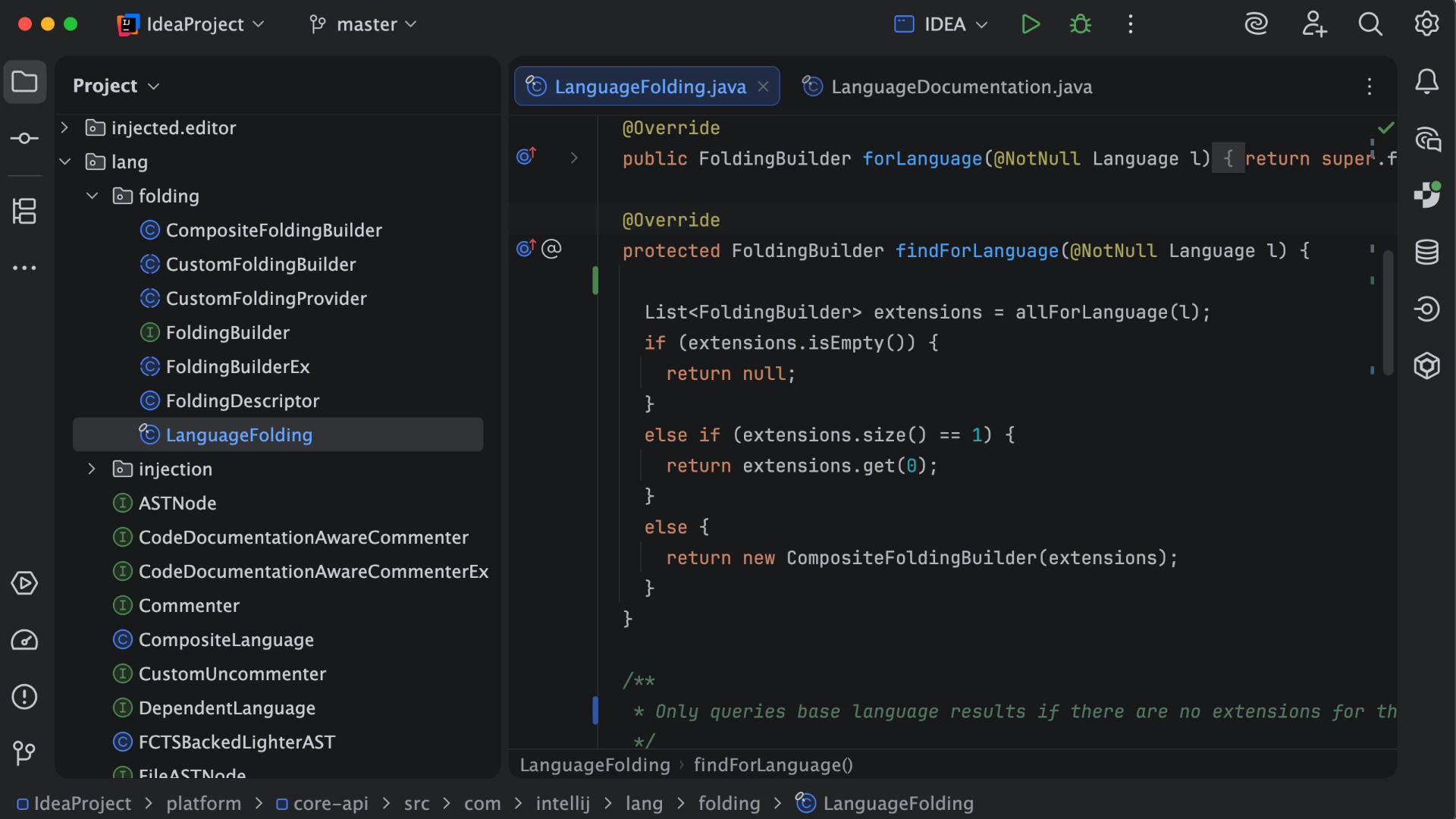
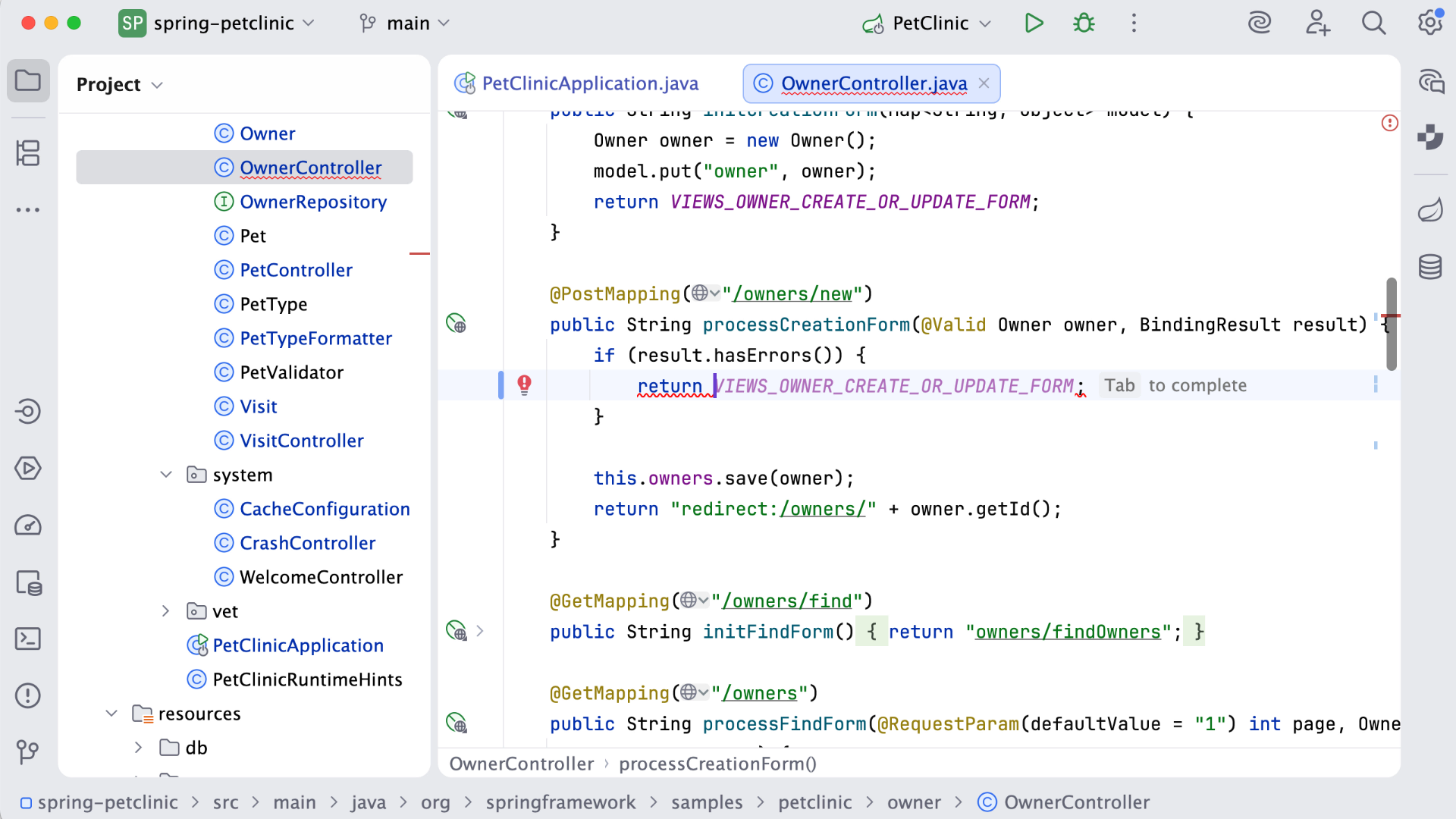
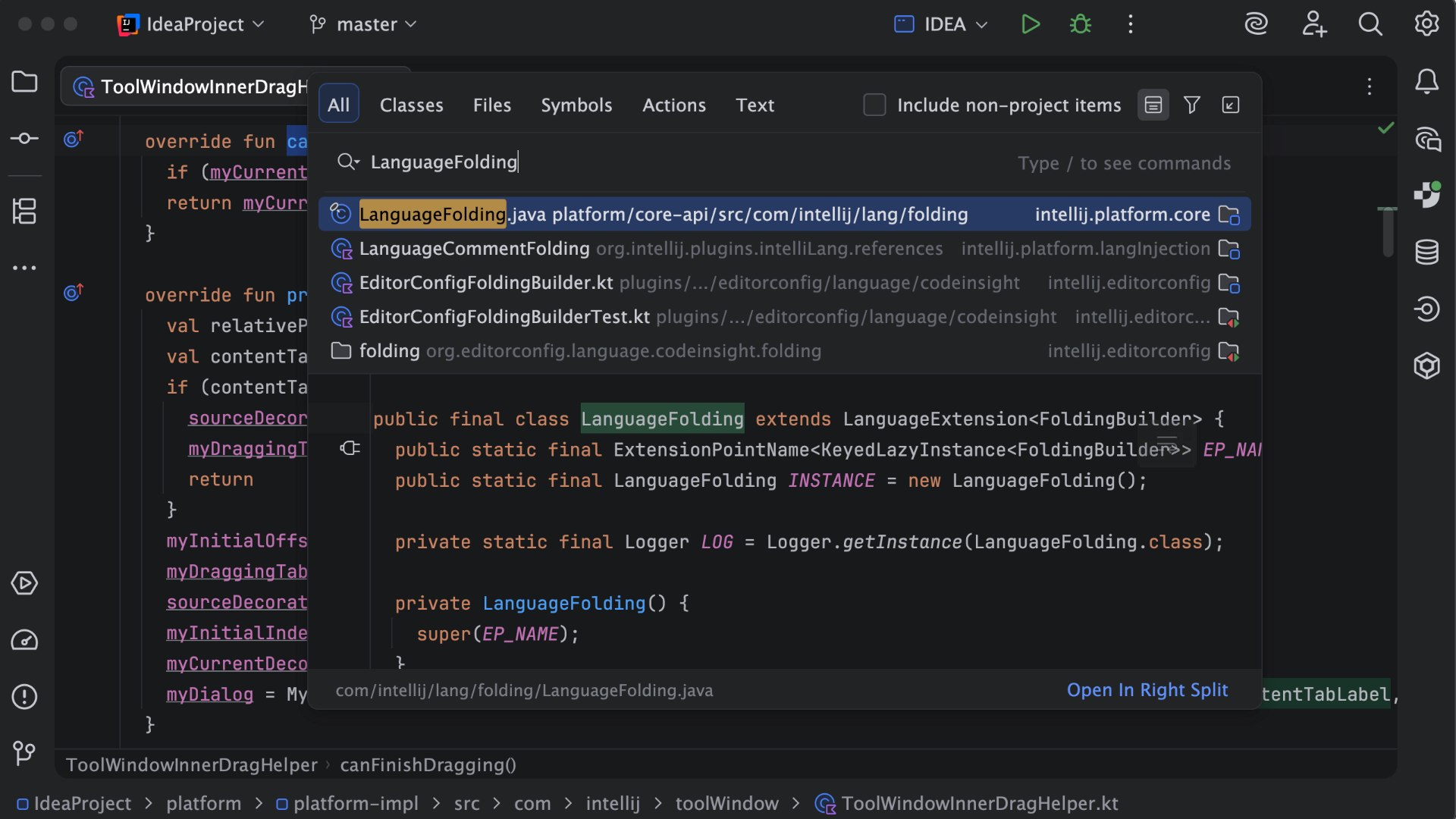
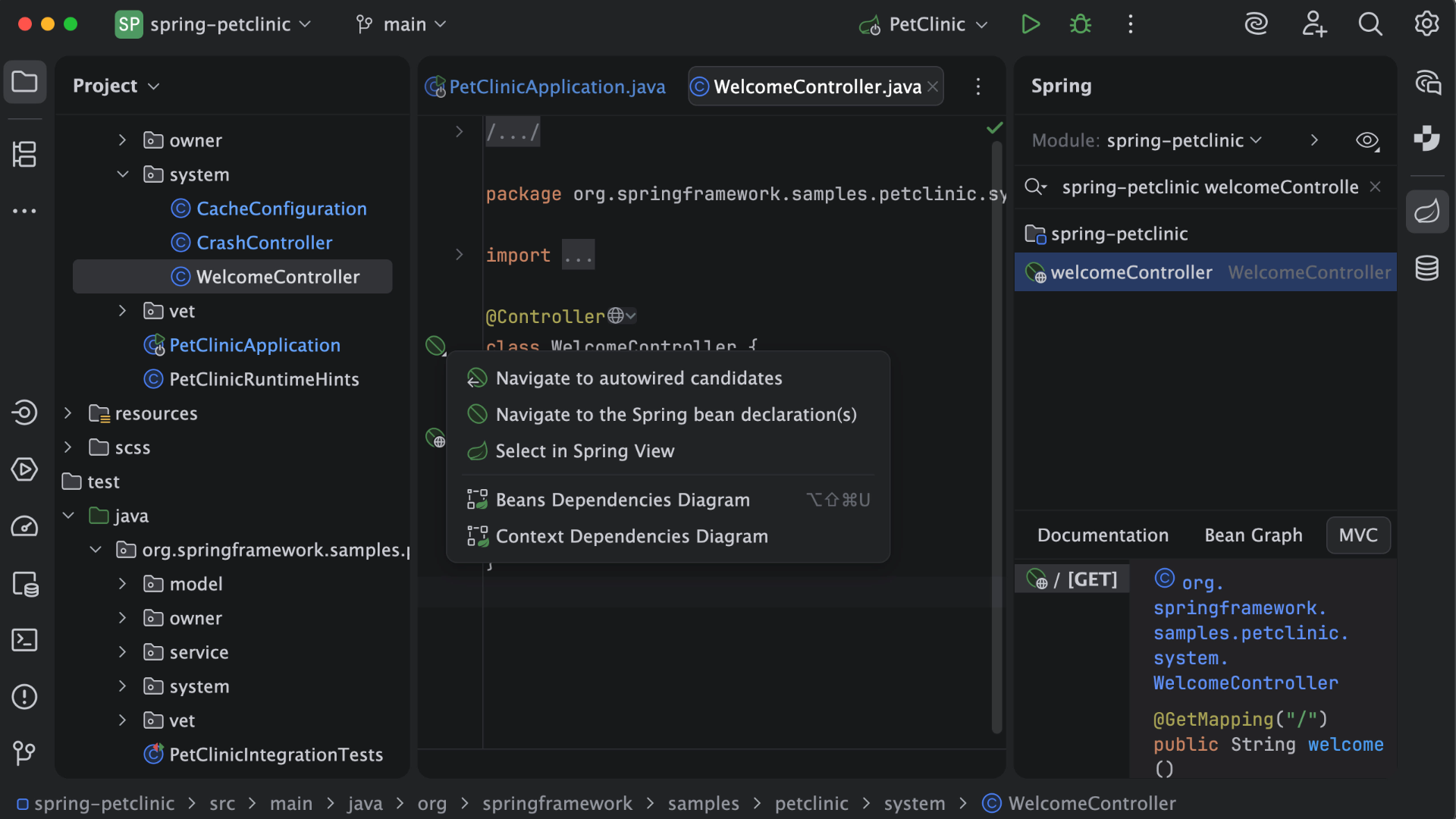
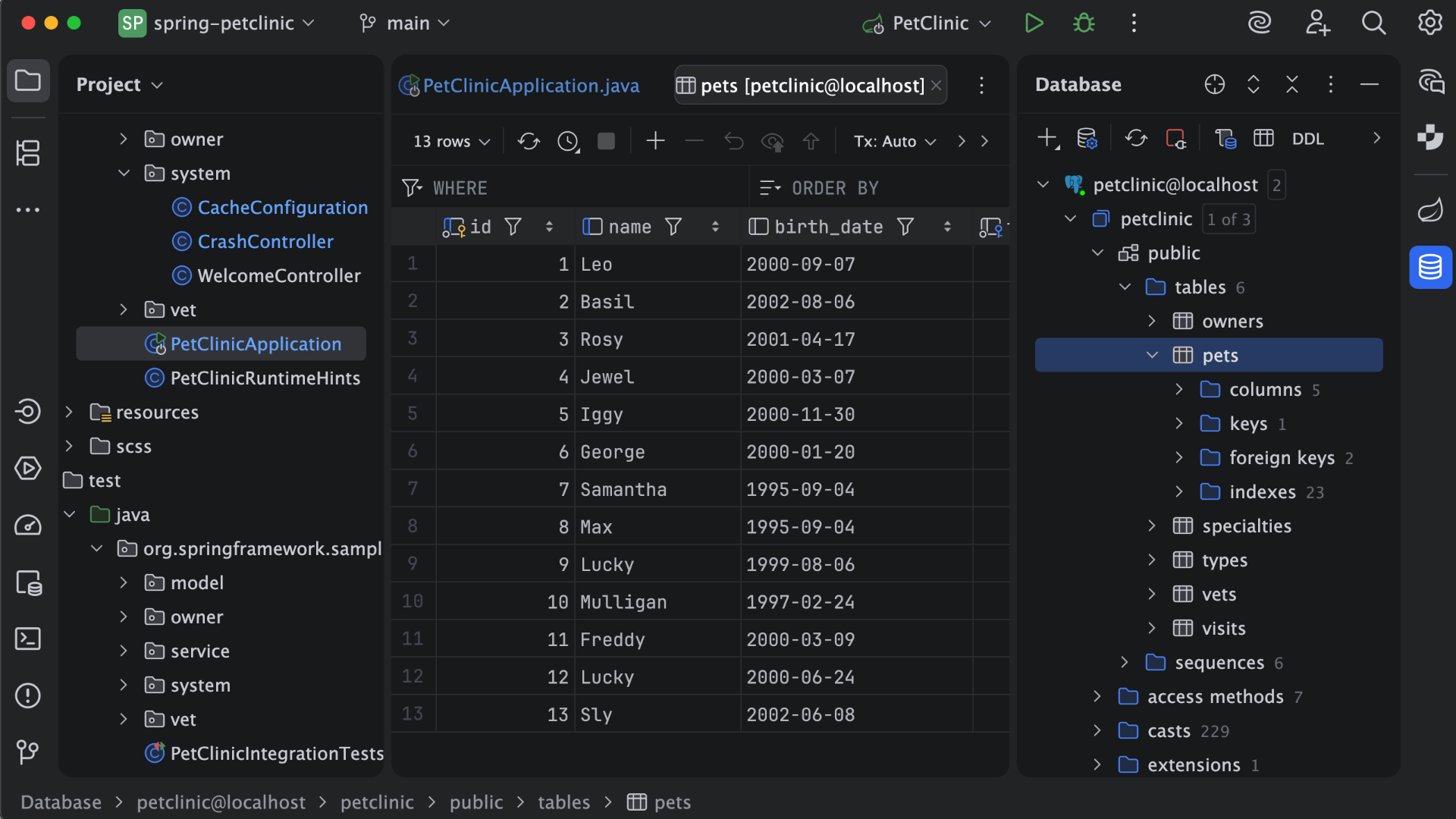
IntelliJ IDEA is an IDE that aims to give Java and Kotlin developers everything they need out of the box, including a smart code editor, built-in developer tools, framework support, database support, web development support, and much more.
$19.90
per month
NetBeans
Score7 out of 10
N/A
NetBeans is a free and open source platform and integrated development environment (IDE).
N/A
Skyvia
Score10 out of 10
Mid-Size Companies (51-1,000 employees)
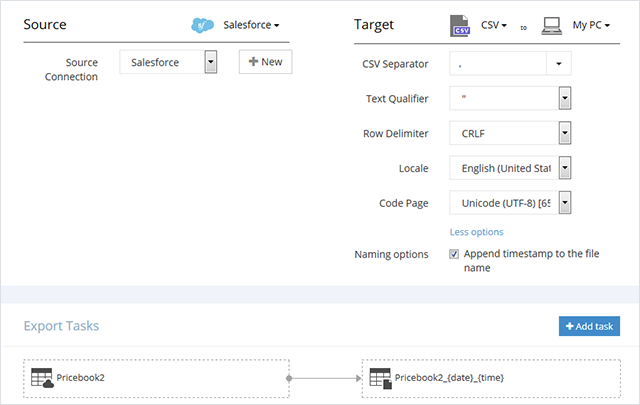
Skyvia is a no-code cloud data integration platform for ETL, ELT, Reverse ETL, data migration, one-way and bi-directional data sync, workflow automation, and real-time connectivity. Benefits of Using Skyvia: • Cost efficiency: With flexible pricing plans for each product, Skyvia suites for businesses of any size. • Flexibility: Skyvia provides adaptable, no-code integration tools for both basic and advanced business…
$99
per month
Pricing
IntelliJ IDEA
NetBeans
Skyvia
Editions & Modules
For Individual Use (Monthly billing)
$19.90
per month
For Organizations (Monthly billing)
$71.90
per month
For Individual Use (Yearly billing)
$199
per year
For Organizations (Yearly billing)
$719
per year
No answers on this topic
Basic
$99
per month
Standard
$199
per month
Professional
$249
per month
Offerings
Pricing Offerings
IntelliJ IDEA
NetBeans
Skyvia
Free Trial
Yes
No
Yes
Free/Freemium Version
Yes
No
Yes
Premium Consulting/Integration Services
No
No
No
Entry-level Setup Fee
No setup fee
No setup fee
No setup fee
Additional Details
All Products Pack (For Individual Use) – $299 /1st year, $ 239 /2nd year and $ 179 /3d year onwards
All Products Pack (For Organizations) – $979 / year
—
20% discount for annual pricing.
More Pricing Information
Community Pulse
IntelliJ IDEA
NetBeans
Skyvia
Considered Multiple Products
JetBrains
Verified User
Chose IntelliJ IDEA
Before IntelliJ IDEA developers were using NetBeans or Eclipse for the development. There are many reasons to change from that application to IntelliJ. Firstly, both Eclipse and NetBeans are free and they are not providing support as IntelliJ supports for its users. Eclipse and …
A de minimis incentive was given to thank the reviewer for their time. The incentive was not used to bias or drive a particular response, nor was the incentive contingent on a positive endorsement. More Info
Ab Initio Developer in Research & Development at Tata Consultancy Services (Information Technology and Services, 10,001+ employees)
Chose IntelliJ IDEA
The number of features provided by the IntelliJ and looking at those amazing features it's very clear that everyone will choose IntelliJ over Eclipse and NetBeans. But if you don't have a good machine with a high RAM size then it will be difficult to use this tool on your …
A de minimis incentive was given to thank the reviewer for their time. The incentive was not used to bias or drive a particular response, nor was the incentive contingent on a positive endorsement. More Info
Verified User
Chose IntelliJ IDEA
I selected IntelliJ IDEA over Eclipse and NetBeans because of the easy to use interface, great customizable features, and it comes with features for the development of Android applications. It is the most stable IDE among the 3, it has never crashed since the moment that I have …
A de minimis incentive was given to thank the reviewer for their time. The incentive was not used to bias or drive a particular response, nor was the incentive contingent on a positive endorsement. More Info
Verified User
Chose IntelliJ IDEA
Back in the day, there weren't too many PHP IDEs with proper syntax and code checks, but PHPStorm and IDEA worked great. So great that when I needed a Java IDE the next time, I gave it a go and have never looked back since (okay, I did keep checking the competition and …
A de minimis incentive was given to thank the reviewer for their time. The incentive was not used to bias or drive a particular response, nor was the incentive contingent on a positive endorsement. More Info
Salesforce/Apttus Developer in Information Technology at Wipro Limited (Computer Software, 5001-10,000 employees)
Chose IntelliJ IDEA
Previously we were using Eclipse but due to the ease of understanding and easy to navigate user interface with drop downs, wizards they are better in IntelliJ moreover for experienced developers migrating to IntelliJ as compared to Eclipse. It has an easy to understand UI and …
A de minimis incentive was given to thank the reviewer for their time. The incentive was not used to bias or drive a particular response, nor was the incentive contingent on a positive endorsement. More Info
Software Engineer in Information Technology at Enactor (pvt) ltd (Computer Software, 51-200 employees)
Chose IntelliJ IDEA
UI--IntelliJ IDEA is the winner. IntelliSense--Again, IntelliJ IDEA is the winner. Performance and CPU usage - IntelliJ IDEA has a lot of room to improve on this. Eclipse handle the large projects more effectively than IntelliJ IDEA.
A de minimis incentive was given to thank the reviewer for their time. The incentive was not used to bias or drive a particular response, nor was the incentive contingent on a positive endorsement. More Info
Software Engineer Intern in Research & Development at UBC (Computer Software, 11-50 employees)
Chose IntelliJ IDEA
They are memory friendly. The boot-up really fast as compared to IntelliJ IDE. Open-source and freely available to use is one of the major reasons if someone can switch from IntelliJ. Vast community support is available in case of any issue. They occupy less space as compared …
A de minimis incentive was given to thank the reviewer for their time. The incentive was not used to bias or drive a particular response, nor was the incentive contingent on a positive endorsement. More Info
Software Developer in Engineering at Webvalto Ltd. (Banking, 51-200 employees)
Chose IntelliJ IDEA
IntelliJ surpassed every single competitor. The only viable alternative I still use is VisualStudio Code build in a browser for demo purposes... other than that, IDEA does everything better, faster, and in a more comfy way. This is the best IDE out there. This is just as good …
A de minimis incentive was given to thank the reviewer for their time. The incentive was not used to bias or drive a particular response, nor was the incentive contingent on a positive endorsement. More Info
Verified User
Chose IntelliJ IDEA
Compared to the other alternatives, IntelliJ is more complete, modern and robust. The other alternatives are dated and do not have features that exist by default in IntelliJ.
A de minimis incentive was given to thank the reviewer for their time. The incentive was not used to bias or drive a particular response, nor was the incentive contingent on a positive endorsement. More Info
Verified User
Chose IntelliJ IDEA
Out of all three, IntellIj is the best. The other two are light weight but don't have the plugins or code quality that Intellij provides.
A de minimis incentive was given to thank the reviewer for their time. The incentive was not used to bias or drive a particular response, nor was the incentive contingent on a positive endorsement. More Info
QA Test Lead in Quality Assurance at Action-MCFR Mediagroup (Information Services, 1001-5000 employees)
Chose IntelliJ IDEA
IDEA has great roadmap, every update brings useful features. Support is great. Excellent documentation. It's full-featured as it comes out of the box and even if you can't find something you'll get it via plugins.
A de minimis incentive was given to thank the reviewer for their time. The incentive was not used to bias or drive a particular response, nor was the incentive contingent on a positive endorsement. More Info
Co CEO in Corporate at Reality Geek (Computer Software, 1-10 employees)
Chose IntelliJ IDEA
For allowing me to modify to my own taste my graphic interface as my preferential option, in addition to having a wide field for high caliber project in any programming language.
A de minimis incentive was given to thank the reviewer for their time. The incentive was not used to bias or drive a particular response, nor was the incentive contingent on a positive endorsement. More Info
Software Engineer in Engineering at AlmaBay (Computer Software, 11-50 employees)
Chose IntelliJ IDEA
Against competition I can say about IntelliJ that:
1. It is definitely faster and efficient than other IDEs. Comparing with Eclipse it emerges as a clear winner in terms or raw performance. 2. More feature Rich with great support for modern technologies. It has great support for …
A de minimis incentive was given to thank the reviewer for their time. The incentive was not used to bias or drive a particular response, nor was the incentive contingent on a positive endorsement. More Info
Software Engineer in Research & Development at AdroitLogic (Computer Software, 11-50 employees)
Chose IntelliJ IDEA
IDEA is much more intuitive, user-friendly and feature-rich than any of the other IDEs that I have encountered so far. It's not just the Ultimate - the Community Edition has the same UX (just missing a few features), and although the community may be smaller, JetBrains has an …
A de minimis incentive was given to thank the reviewer for their time. The incentive was not used to bias or drive a particular response, nor was the incentive contingent on a positive endorsement. More Info
Verified User
Chose IntelliJ IDEA
To be honest, I've used IDEA for so long and am happy to the extent that I don't look at the competitors anymore. IDEA lets us do what we need to do quickly and efficiently. Support from JetBrains is good with an excellent early access programme and regular releases. There's …
A de minimis incentive was given to thank the reviewer for their time. The incentive was not used to bias or drive a particular response, nor was the incentive contingent on a positive endorsement. More Info
Sr. Director, Engineering in Engineering at VMware (Computer Software, 51-200 employees)
Chose IntelliJ IDEA
There are a number of alternatives to IntelliJ IDEA on the market, some free, some paid. Overall, IntelliJ IDEA is easier to use and far more full-featured as it comes out of the box. It provides a simpler level of customization and the ability to share this customization with …
A de minimis incentive was given to thank the reviewer for their time. The incentive was not used to bias or drive a particular response, nor was the incentive contingent on a positive endorsement. More Info
Open Source
Verified User
Chose NetBeans
IntelliJ IDEA is more feature-rich and has professional support available, but comes with increased licensing costs.
Eclipse is widely used, and some of our developers still prefer Eclipse over NetBeans. However, developers spend more time working around IDE bugs when using Eclip…
A de minimis incentive was given to thank the reviewer for their time. The incentive was not used to bias or drive a particular response, nor was the incentive contingent on a positive endorsement. More Info
Senior Software Engineer in Information Technology at University of Moratuwa (Computer Software, 51-200 employees)
Chose NetBeans
I would say NetBeans only shines when it comes to smaller projects. I prefer using Eclipse and Intellij over NetBeans when it comes to developing larger projects.
A de minimis incentive was given to thank the reviewer for their time. The incentive was not used to bias or drive a particular response, nor was the incentive contingent on a positive endorsement. More Info
Verified User
Chose NetBeans
Netbeans is great as a stand-alone java ide and for compiling your java code. The platform provides easy access to better make use of your repos. Between the other ide, NetBeans is easier for us to integrate with android SDK. The only problem is the UI and for all other code …
A de minimis incentive was given to thank the reviewer for their time. The incentive was not used to bias or drive a particular response, nor was the incentive contingent on a positive endorsement. More Info
Business Intelligence Consultant in Information Technology at EMO A.Ş (Information Technology & Services, 501-1000 employees)
Chose NetBeans
It is supported primarily by Oracle and is free. This is a very important plus. Also, many things come embedded. You don't have to worry about adding library or framework. Finally, one of my favorite features is you can design the interface with drag and drop. This feature is …
A de minimis incentive was given to thank the reviewer for their time. The incentive was not used to bias or drive a particular response, nor was the incentive contingent on a positive endorsement. More Info
Verified User
Chose NetBeans
NetBeans holds its own in comparison to other IDEs. Versus IntelliJ and Eclipse, it's a matter of preference and familiarity.
A de minimis incentive was given to thank the reviewer for their time. The incentive was not used to bias or drive a particular response, nor was the incentive contingent on a positive endorsement. More Info
A de minimis incentive was given to thank the reviewer for their time. The incentive was not used to bias or drive a particular response, nor was the incentive contingent on a positive endorsement. More Info
This is a superb tool if your project involves a lot of backend development, especially in Java/Spring Boot and Kotlin. The support for the front end is great as well, but some developers may prefer to use the GitHub copilot add-on. I especially love using the GitHub copilot add-on. It may be less appropriate if your project requires heavy use of HotSwaps for backend debugging, as sometimes the support for that can be limited.
A de minimis incentive was given to thank the reviewer for their time. The incentive was not used to bias or drive a particular response, nor was the incentive contingent on a positive endorsement. More Info
NetBeans is extremely user friendly and easy to start developing complex applications. Adding and configuring external libraries is much simpler than in Eclipse. It is highly cost effective and most of the latest framework based libraries required are automatically downloaded to the projects. The overall tool is also light weight and consumes less memory as compared to other competitor tools.
A de minimis incentive was given to thank the reviewer for their time. The incentive was not used to bias or drive a particular response, nor was the incentive contingent on a positive endorsement. More Info
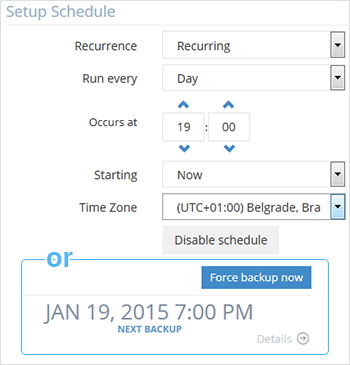
Skyvia is easy to use and set up automated backups. It was one of several tools that we vetted for this purpose – and had the most favorable pricing and integrations to suit our needs. We wanted to have multiple CRM instances backed up daily and allow non-technical team members to manage this, as well as restore them in times of need. Skyvia has allowed us to do this with ease.
A de minimis incentive was given to thank the reviewer for their time. The incentive was not used to bias or drive a particular response, nor was the incentive contingent on a positive endorsement. More Info
Unit testing: Fully integrated into IntelliJ IDEA. Your unit tests will run smoothly and efficiently, with excellent debugging tools for when things get tricky.
Spring integration: Our Spring project using Maven works flawlessly in IntelliJ IDEA. I know firsthand that Apache is also easily and readily supported too. The integration is seamless and very easy to set up using IntelliJ IDEA's set up wizard when importing new projects.
Customization: IntelliJ IDEA comes out of the box with a bunch of handy shortcuts, as well as text prediction, syntax error detection, and other tools to help keep your code clean. But even better is that it allows for total customization of shortcuts you can easily create to suit your needs.
A de minimis incentive was given to thank the reviewer for their time. The incentive was not used to bias or drive a particular response, nor was the incentive contingent on a positive endorsement. More Info
A de minimis incentive was given to thank the reviewer for their time. The incentive was not used to bias or drive a particular response, nor was the incentive contingent on a positive endorsement. More Info
A de minimis incentive was given to thank the reviewer for their time. The incentive was not used to bias or drive a particular response, nor was the incentive contingent on a positive endorsement. More Info
NetBeans [should] work smoothly with systems having less RAM. Systems with less RAM face trouble with NetBeans.
File open history also requires improvement. Once NetBeans is restarted, all files are closed automatically and there is no shortcut to open last opened files.
A de minimis incentive was given to thank the reviewer for their time. The incentive was not used to bias or drive a particular response, nor was the incentive contingent on a positive endorsement. More Info
VS Code is maturing and has a Scala plugin now. The overall experience with VS Code - for web development at least - is very snappy/fast. IntelliJ feels a bit sluggish in comparison. If that Scala plugin for VS Code is deemed mature enough - we may not bother renewing and resort to the Community Edition if we need it.
A de minimis incentive was given to thank the reviewer for their time. The incentive was not used to bias or drive a particular response, nor was the incentive contingent on a positive endorsement. More Info
A de minimis incentive was given to thank the reviewer for their time. The incentive was not used to bias or drive a particular response, nor was the incentive contingent on a positive endorsement. More Info
There is always room for improvement, but I haven't met any IDE that I liked more so far. Even if it did not fit a use case right out of the box, there is always a way to configure how it works to do just that.
A de minimis incentive was given to thank the reviewer for their time. The incentive was not used to bias or drive a particular response, nor was the incentive contingent on a positive endorsement. More Info
Netbeans enhances my coding work, shows me where I have errors and helps find variable instances. I would be lost without find/replace in projects functionality as I use projects as templates for new projects. Occasionally the code hints aggravate me, but I understand that it is actually making me a better coder, working to get the 'green light' of a clean file with no errors or clumsy code.
A de minimis incentive was given to thank the reviewer for their time. The incentive was not used to bias or drive a particular response, nor was the incentive contingent on a positive endorsement. More Info
Loved using Skyvia for our projects, it saved time, allowed us to reach the desired outcome quickly and was easy to maintain. When we first used it we weren't sure we would be able achieve the outcome desired but during the trial it was quickly obvious we would be able to achieve what we needed for data connection and reporting.
Customer support is really good in the case of IntelliJ. If you are paying for this product then, the company makes sure that you will get all the services adequately. Regular update patches are provided to improve the IDE. An online bug report makes it easier for the developers to find the solution as fast as possible. The large online community also helps to find the various solutions to the issues.
A de minimis incentive was given to thank the reviewer for their time. The incentive was not used to bias or drive a particular response, nor was the incentive contingent on a positive endorsement. More Info
NetBeans has a very strong user community. We can find solutions here for almost all the problems we face. In addition, we can forward NetBeans Support teams the problems we cannot solve. We can get quick feedback from the support teams, but I generally try to solve my problems by following the forums.
A de minimis incentive was given to thank the reviewer for their time. The incentive was not used to bias or drive a particular response, nor was the incentive contingent on a positive endorsement. More Info
This installs just like any other application - its pretty straight forward. Perhaps licensing could be more challenging - but if you use the cloud licensing they offer its as simple as having engineers login to the application and it just works.
A de minimis incentive was given to thank the reviewer for their time. The incentive was not used to bias or drive a particular response, nor was the incentive contingent on a positive endorsement. More Info
A de minimis incentive was given to thank the reviewer for their time. The incentive was not used to bias or drive a particular response, nor was the incentive contingent on a positive endorsement. More Info
Eclipse is just so old, like a dinosaur, compared to IntelliJ. There are still formats that Eclipse supports better, especially old and/or propriety ones. Still, most of the modern software development needs can be done on IntelliJ, & in a much better way, some of them are not even supported on Eclipse.
A de minimis incentive was given to thank the reviewer for their time. The incentive was not used to bias or drive a particular response, nor was the incentive contingent on a positive endorsement. More Info
It works very smoothly as compared to other tools . The problem of restarting and reimporting the projects is not in the netbeans IDE . The front end development features are good . Netbeans connector is one of the best thing which enables us to deeply integrate netbeans IDE with google chrome browser
A de minimis incentive was given to thank the reviewer for their time. The incentive was not used to bias or drive a particular response, nor was the incentive contingent on a positive endorsement. More Info
Compared to similar user-friendly data integration systems like Integrate.io, Stitch, or Azure, Skyvia still wins in the number of connectors and pricing policy. Skyvia is a tool for companies like ours, starving for simple but, at the same time, robust and cost-effective data transfer solutions. It doesn't require additional knowledge for implementation and usage because it's no code. We'd recommend Skyvia as the best solution for non-technical staff.
A de minimis incentive was given to thank the reviewer for their time. The incentive was not used to bias or drive a particular response, nor was the incentive contingent on a positive endorsement. More Info
A de minimis incentive was given to thank the reviewer for their time. The incentive was not used to bias or drive a particular response, nor was the incentive contingent on a positive endorsement. More Info
By working on Netbeans I just learned one more tool and can teach others about it. One should learn every tool so that it might help someday if another editor is not available and you have to use different software for your work.
Compiling code became easy as it is not a feature of normal text editors. Only IDE can do this.
A de minimis incentive was given to thank the reviewer for their time. The incentive was not used to bias or drive a particular response, nor was the incentive contingent on a positive endorsement. More Info
The core of our business lies in analyzing data from various sources, and while ETL itself is not our primary focus, it is a necessary process to achieve our goals. Thanks to Skyvia, we are able to streamline the ETL process at a reasonable price, allowing us to dedicate our efforts to data analysis without the burden of ETL complexities.
A de minimis incentive was given to thank the reviewer for their time. The incentive was not used to bias or drive a particular response, nor was the incentive contingent on a positive endorsement. More Info