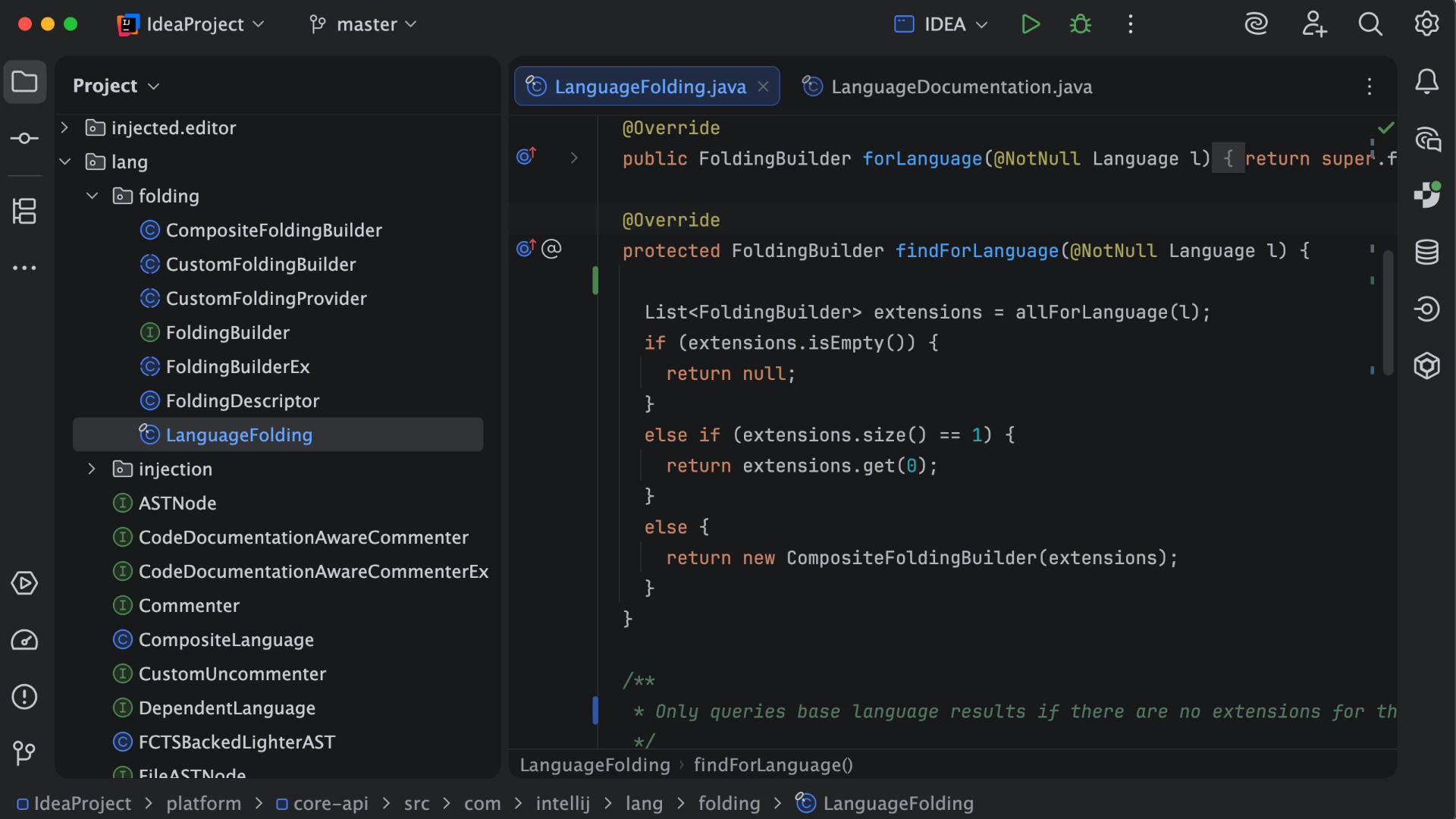
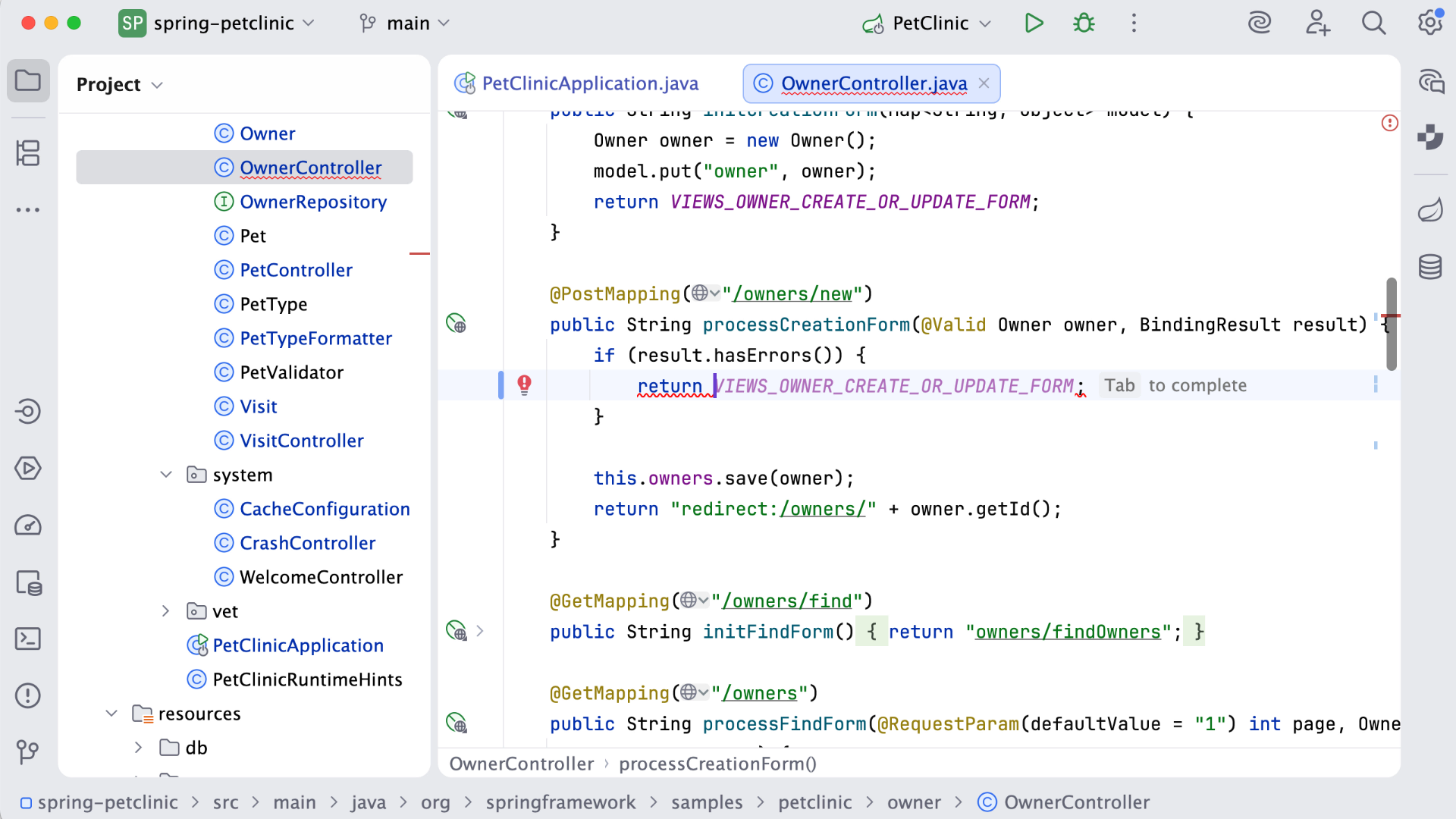
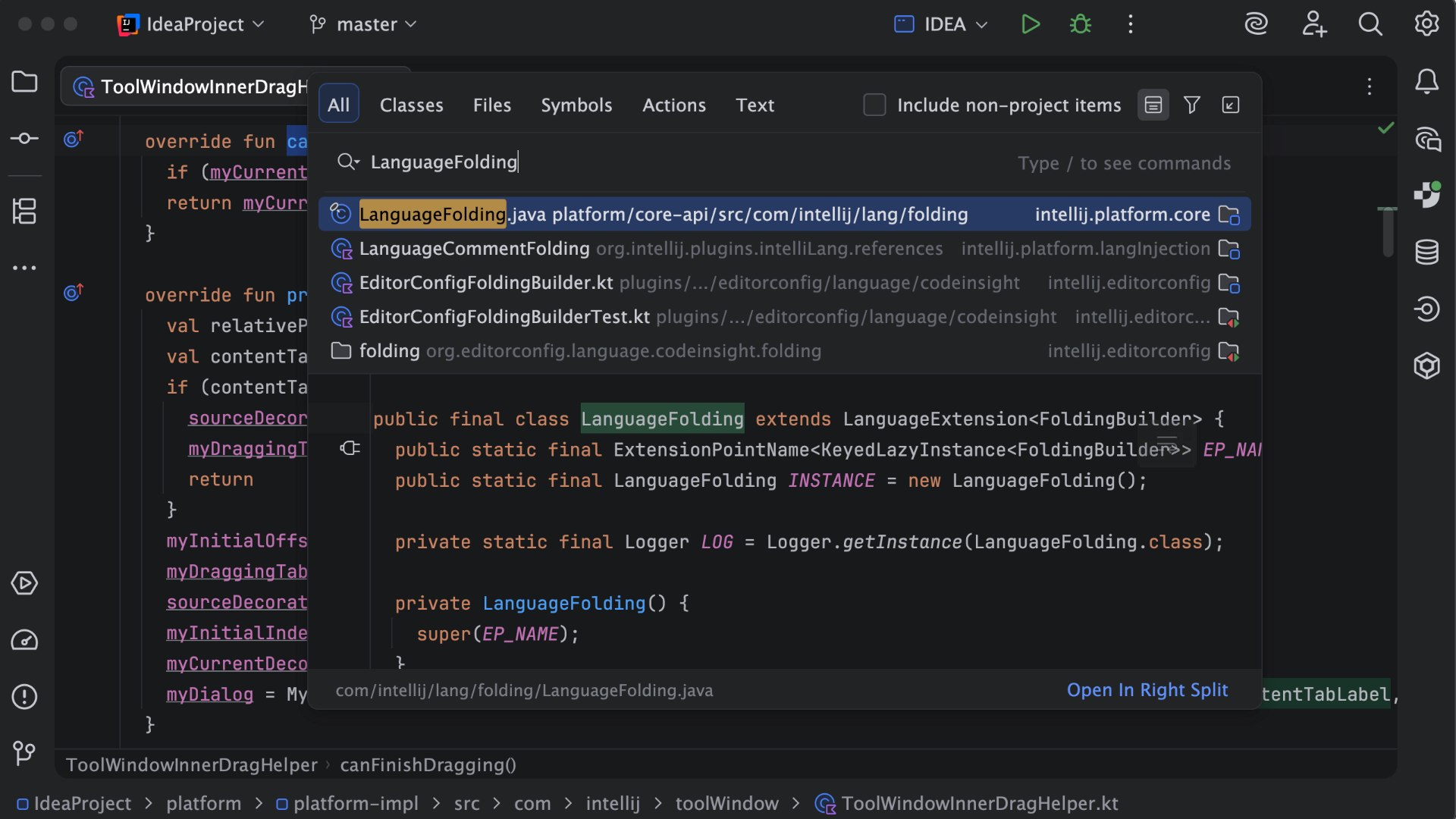
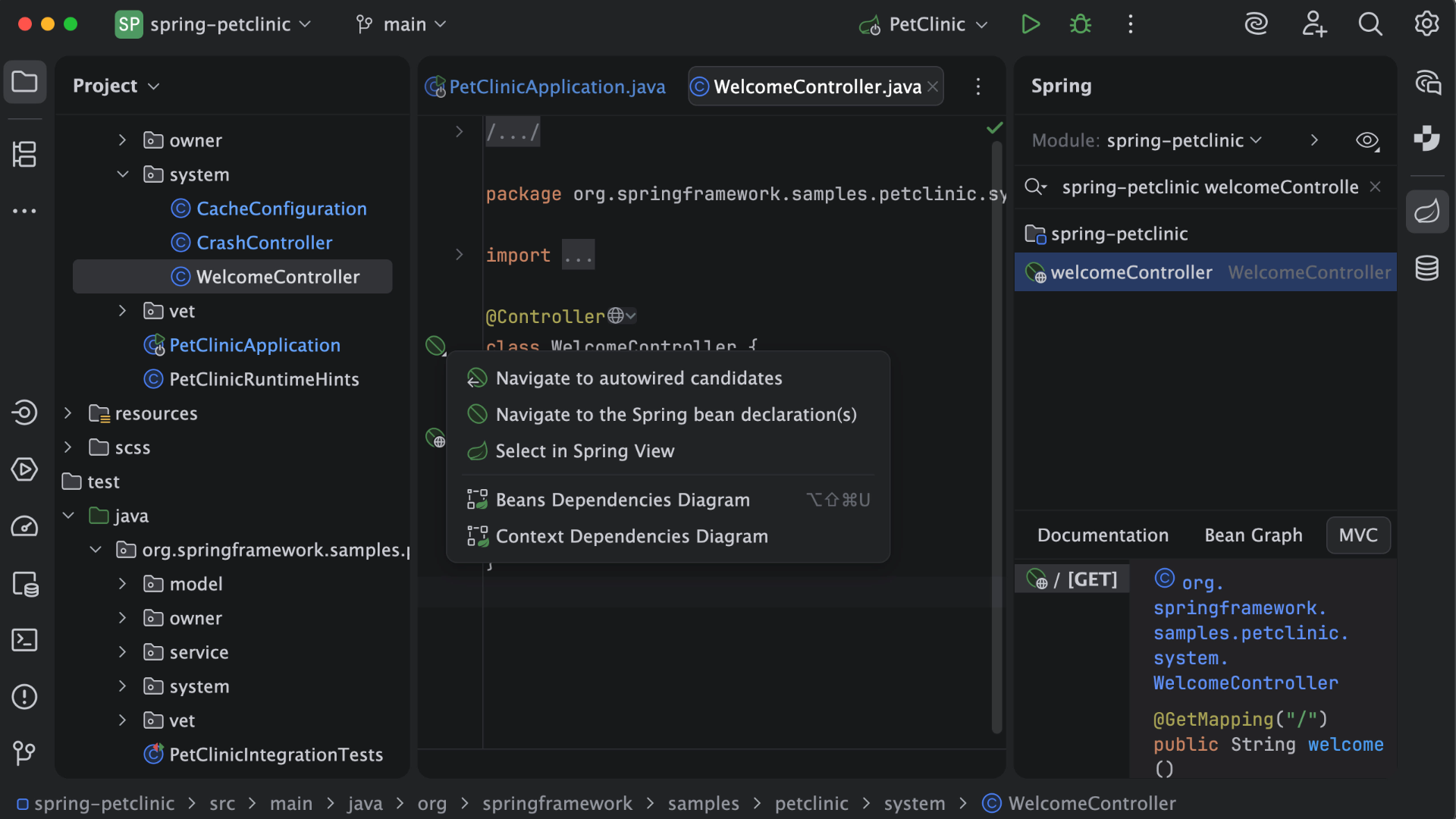
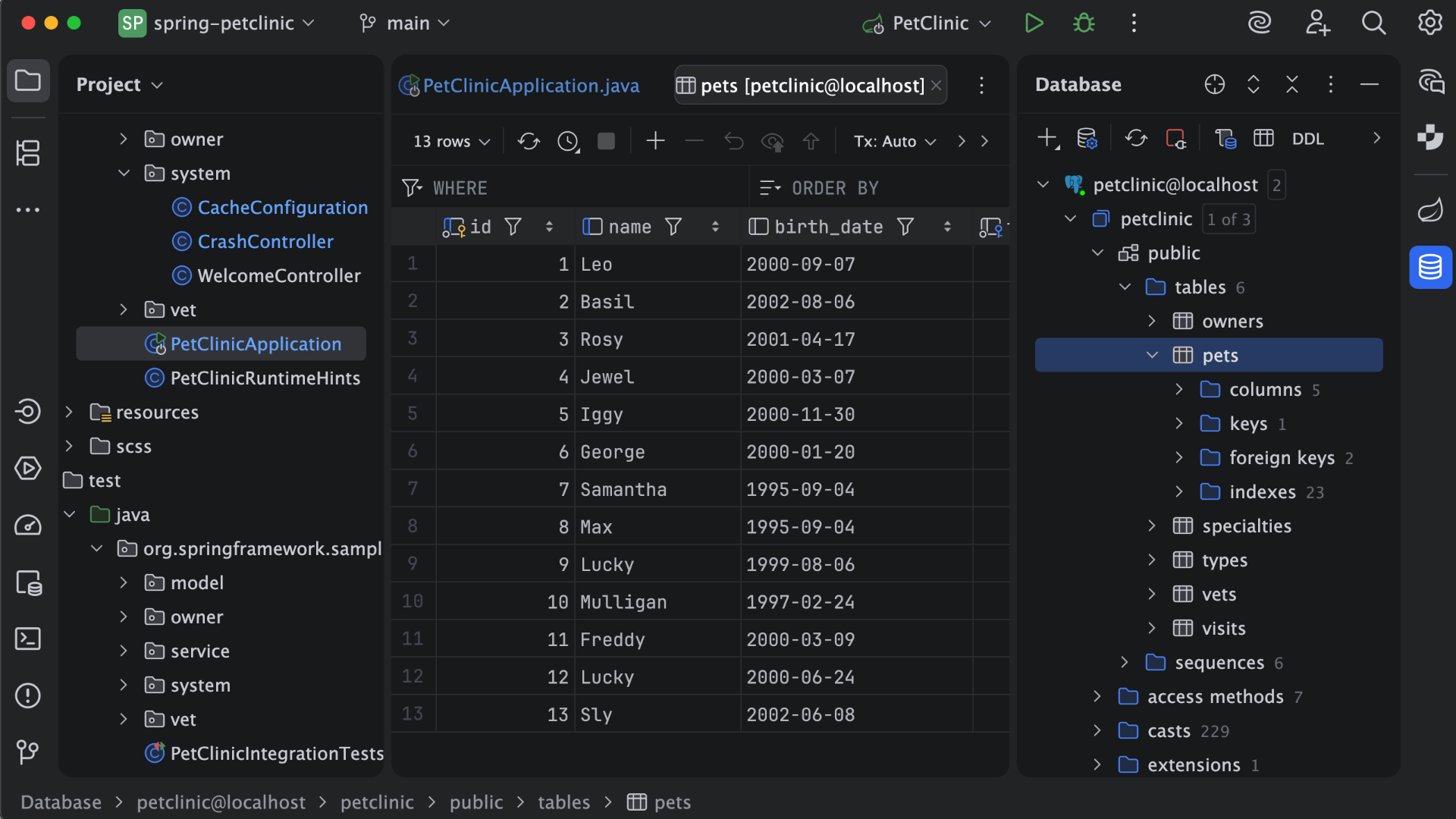
IntelliJ IDEA is an IDE that aims to give Java and Kotlin developers everything they need out of the box, including a smart code editor, built-in developer tools, framework support, database support, web development support, and much more.
$19.90
per month
Winshuttle
Score9.2 out of 10
N/A
Winshuttle is an SAP-focused data management and robotic process automation platform. It is designed to enable the building and adaptation of Excel and SharePoint-based interactive forms and workflows for SAP without programming.
N/A
Pricing
IntelliJ IDEA
Winshuttle
Editions & Modules
For Individual Use (Monthly billing)
$19.90
per month
For Organizations (Monthly billing)
$71.90
per month
For Individual Use (Yearly billing)
$199
per year
For Organizations (Yearly billing)
$719
per year
No answers on this topic
Offerings
Pricing Offerings
IntelliJ IDEA
Winshuttle
Free Trial
Yes
No
Free/Freemium Version
Yes
No
Premium Consulting/Integration Services
No
No
Entry-level Setup Fee
No setup fee
No setup fee
Additional Details
All Products Pack (For Individual Use) – $299 /1st year, $ 239 /2nd year and $ 179 /3d year onwards
All Products Pack (For Organizations) – $979 / year
This is a superb tool if your project involves a lot of backend development, especially in Java/Spring Boot and Kotlin. The support for the front end is great as well, but some developers may prefer to use the GitHub copilot add-on. I especially love using the GitHub copilot add-on. It may be less appropriate if your project requires heavy use of HotSwaps for backend debugging, as sometimes the support for that can be limited.
A de minimis incentive was given to thank the reviewer for their time. The incentive was not used to bias or drive a particular response, nor was the incentive contingent on a positive endorsement. More Info
Winshuttle is well suited to help any company who has data that needs to move from SAP to 'somewhere'. The output file can be Excel, Text, or Access. Query has been greatly expanded in its ability to use SQL statements directly in the product at the 'pre-download' point. For example, you want to have one column do calculations on the data that is being pulled out of SAP via the Query and placed in a specific cell - this can be done - right in the Query script and the result will be produced in your receiving Excel file. I have another small scenario I call 'On the fly" uses. When our asset team had to change their depreciation on a very large number of assets mid-year, Winshuttle Transaction was very helpful. The update would have taken DAYS and lots of shredded nerves to update.
Unit testing: Fully integrated into IntelliJ IDEA. Your unit tests will run smoothly and efficiently, with excellent debugging tools for when things get tricky.
Spring integration: Our Spring project using Maven works flawlessly in IntelliJ IDEA. I know firsthand that Apache is also easily and readily supported too. The integration is seamless and very easy to set up using IntelliJ IDEA's set up wizard when importing new projects.
Customization: IntelliJ IDEA comes out of the box with a bunch of handy shortcuts, as well as text prediction, syntax error detection, and other tools to help keep your code clean. But even better is that it allows for total customization of shortcuts you can easily create to suit your needs.
A de minimis incentive was given to thank the reviewer for their time. The incentive was not used to bias or drive a particular response, nor was the incentive contingent on a positive endorsement. More Info
"Training" I feel Winshuttle was extremely easy to learn' my team and I went to a week long training class on the uses of the software upon finishing the course we all became internal (company) support as well as expert functional users.
"Ease of use" once a user learns the basics processes of the software it is functionally very easy to use and if there are problems with in the processing that cannot be supported internally Winshuttle community and support quickly helped clear up those issues, "if they occurred"
"Processes data FAST" once the transaction is mapped and recorded the user can move through (process) large amounts of data very quickly, saving lots of time by eliminating manual steps.
"Data Error Correction" through the transactional processing of large amounts of data, nothing is ever perfect, usually during data migration process if a single line fails the process stops, the correction is made to the data and the process starts all over again. Winshuttle data migration process doesn't stop it will provide a list of exceptions upon completion of the data load. It does this by only processing the "good" data and when bad data is encountered it is skipped and an error message is created and added to the data sheet. With this process the user now only has to worry about exceptions that didn't load and also knows why the line failed so making correction are easier and faster.
A de minimis incentive was given to thank the reviewer for their time. The incentive was not used to bias or drive a particular response, nor was the incentive contingent on a positive endorsement. More Info
A de minimis incentive was given to thank the reviewer for their time. The incentive was not used to bias or drive a particular response, nor was the incentive contingent on a positive endorsement. More Info
The use of Winshuttle is particularly helpful with systems where data volumes are always very high. If data volumes are not an issue, the use of Winshuttle for cut-over activities might not result in a significant perceivable difference in time savings.
For businesses and sectors that rely on business processes that are complex and tedious with a lot of manual interventions, Winshuttle comes in real handy. However, in situations of fairly straightforward business cases, it would be hard to see perceivable gains from the use of Winshuttle.
At times, the use of complex business process with multiple fields from one transaction needs to be fed into the next for further processing, if the screen sequence changes based on each set of information, the processing could fail. However, these could be overcome by grouping similar screened transactions into one chunk and others into another.
A de minimis incentive was given to thank the reviewer for their time. The incentive was not used to bias or drive a particular response, nor was the incentive contingent on a positive endorsement. More Info
VS Code is maturing and has a Scala plugin now. The overall experience with VS Code - for web development at least - is very snappy/fast. IntelliJ feels a bit sluggish in comparison. If that Scala plugin for VS Code is deemed mature enough - we may not bother renewing and resort to the Community Edition if we need it.
A de minimis incentive was given to thank the reviewer for their time. The incentive was not used to bias or drive a particular response, nor was the incentive contingent on a positive endorsement. More Info
Fantastic tool and honestly the best out there for the particular need. I cannot think of any reason we wouldn't renew as it truly offers the perfect solution to what is often a supremely difficult process. Also, I believe that from a cost perspective it is quite agreeable given the amount of benefit/ROI received
A de minimis incentive was given to thank the reviewer for their time. The incentive was not used to bias or drive a particular response, nor was the incentive contingent on a positive endorsement. More Info
There is always room for improvement, but I haven't met any IDE that I liked more so far. Even if it did not fit a use case right out of the box, there is always a way to configure how it works to do just that.
A de minimis incentive was given to thank the reviewer for their time. The incentive was not used to bias or drive a particular response, nor was the incentive contingent on a positive endorsement. More Info
- I have used Winshuttle Transaction and Direct and the interface is simple, intuitive and easy to understand. - Not much technical knowledge of SAP is required before loading the data. - Data can be loaded for any sheet of an Excel spreadsheet - Output messages from Winshuttle are very clear and can be used to as an input to other data loads that use these output data
A de minimis incentive was given to thank the reviewer for their time. The incentive was not used to bias or drive a particular response, nor was the incentive contingent on a positive endorsement. More Info
Customer support is really good in the case of IntelliJ. If you are paying for this product then, the company makes sure that you will get all the services adequately. Regular update patches are provided to improve the IDE. An online bug report makes it easier for the developers to find the solution as fast as possible. The large online community also helps to find the various solutions to the issues.
A de minimis incentive was given to thank the reviewer for their time. The incentive was not used to bias or drive a particular response, nor was the incentive contingent on a positive endorsement. More Info
The winshuttle staff are some of the best in the business. I have been working with them for several years and always have had a positive interaction. There support staff are very knowledgeable. There product managers are very supportive as well and always open to hear feedback on how you like the product and any gaps that you would like to find a solution to better improve the products.
A de minimis incentive was given to thank the reviewer for their time. The incentive was not used to bias or drive a particular response, nor was the incentive contingent on a positive endorsement. More Info
This installs just like any other application - its pretty straight forward. Perhaps licensing could be more challenging - but if you use the cloud licensing they offer its as simple as having engineers login to the application and it just works.
A de minimis incentive was given to thank the reviewer for their time. The incentive was not used to bias or drive a particular response, nor was the incentive contingent on a positive endorsement. More Info
Eclipse is just so old, like a dinosaur, compared to IntelliJ. There are still formats that Eclipse supports better, especially old and/or propriety ones. Still, most of the modern software development needs can be done on IntelliJ, & in a much better way, some of them are not even supported on Eclipse.
A de minimis incentive was given to thank the reviewer for their time. The incentive was not used to bias or drive a particular response, nor was the incentive contingent on a positive endorsement. More Info
Winshuttle works better with SAP than UiPath does in terms of performance and stability. The time to deploy a Process in Winshuttle is faster and less complex. It doesn't require coding skills as much as for UiPath. Winshuttle excels in batch input operations and also has a useful query reporting tool.
A de minimis incentive was given to thank the reviewer for their time. The incentive was not used to bias or drive a particular response, nor was the incentive contingent on a positive endorsement. More Info
A de minimis incentive was given to thank the reviewer for their time. The incentive was not used to bias or drive a particular response, nor was the incentive contingent on a positive endorsement. More Info