LiveAction’s LiveNX is a network performance monitoring and analytics platform. It supports packet-level, network-wide visibility and proactive alerts. It can be deployed on-premise, virtually, or in the cloud.
N/A
Retrace (legacy)
Score8 out of 10
N/A
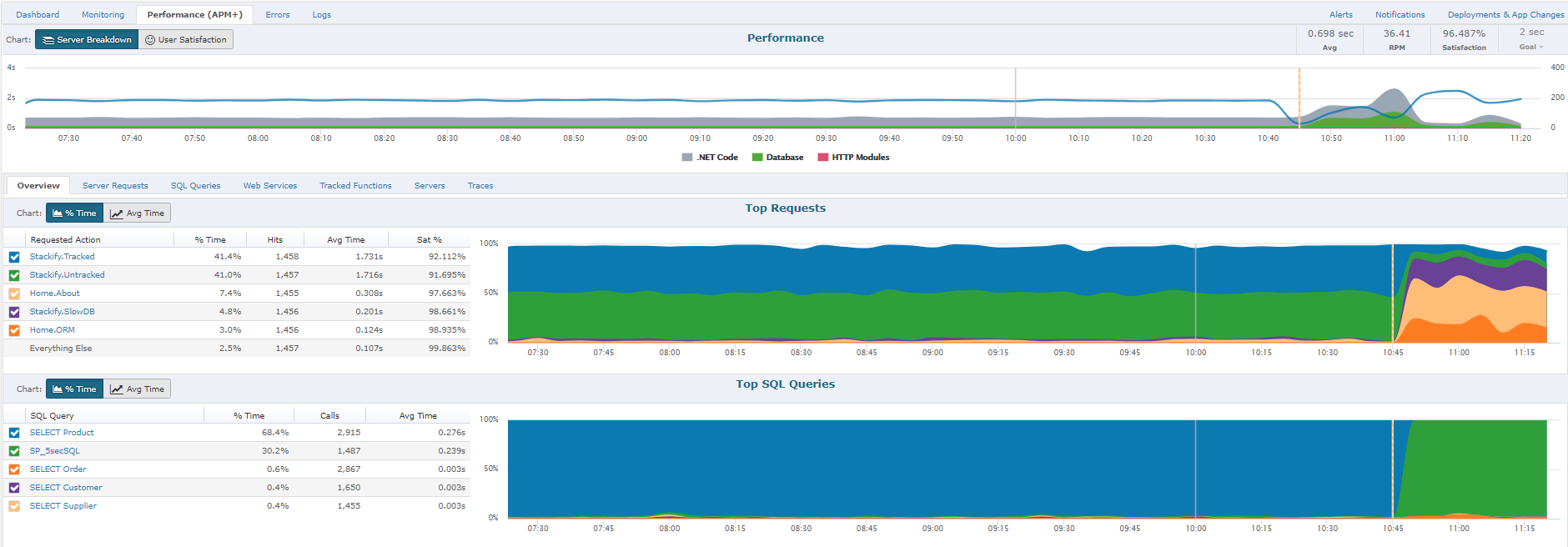
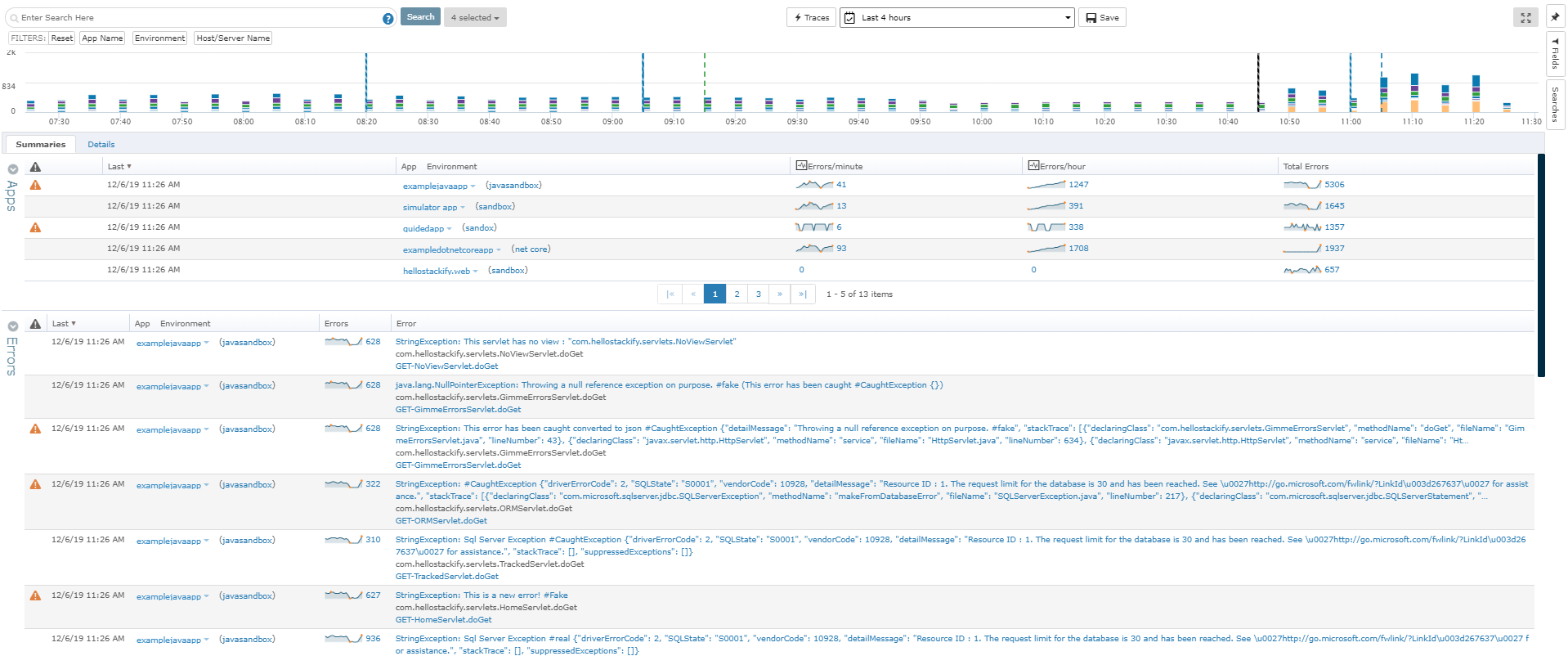
Stackify Retrace provides application performance management across the entire stack. Coupled with aggregated logs from common logging frameworks, find every exception in code. Retrace code with lightweight code profiling and track and monitor all key application and server metrics. The vendor states that with coverage for full lifecycle development, the Stackify Retrace software offering is tailored to be inclusive for multiple role types, and presents everything your team needs to know about…
$99
up to 3 servers, 500,000 traces, and 1,000,000 logs
Pricing
LiveAction
Retrace (legacy)
Editions & Modules
No answers on this topic
Essentials
$99
up to 3 servers, 500,000 traces, and 1,000,000 logs
Standard
249+
2,000,000+ traces and 5,000,000+ logs
Enterprise
Custom
Customer number of traces and logs
Offerings
Pricing Offerings
LiveAction
Retrace (legacy)
Free Trial
No
Yes
Free/Freemium Version
No
No
Premium Consulting/Integration Services
No
No
Entry-level Setup Fee
No setup fee
No setup fee
Additional Details
—
Pricing is based on trace and log usage.
More Pricing Information
Features
LiveAction
Retrace (legacy)
Network Performance Monitoring
Comparison of Network Performance Monitoring features of LiveAction and Retrace (legacy)
Feature
LiveAction
6.9
2 Ratings
14% below category average
Retrace (legacy)
-
Ratings
Automated network device discovery
7.22 Ratings
00 Ratings
Network monitoring
7.22 Ratings
00 Ratings
Baseline threshold calculation
5.01 Ratings
00 Ratings
Alerts
6.32 Ratings
00 Ratings
Network capacity planning
6.01 Ratings
00 Ratings
Packet capture analysis
7.22 Ratings
00 Ratings
Network mapping
6.32 Ratings
00 Ratings
Customizable reports
10.01 Ratings
00 Ratings
Wireless infrastructure monitoring
8.01 Ratings
00 Ratings
Hardware health monitoring
6.01 Ratings
00 Ratings
Application Performance Management
Comparison of Application Performance Management features of LiveAction and Retrace (legacy)
From a packet tracing standpoint, it was easy to setup and analyze an issue we were having with eigrp errors between 2 data centers. Took a few minutes to stand up on both sides and compare the traffic to determine hellos weren't being sent. On the other spectrum, had it had the analytics of such products as Extrahop, it could have recognized and alerted us of an internal DNS attack we had.
A de minimis incentive was given to thank the reviewer for their time. The incentive was not used to bias or drive a particular response, nor was the incentive contingent on a positive endorsement. More Info
If I need to change a logo design on the invoice, the new logo is slightly larger or smaller so the type below the logo is in a different area than before. In this case, you would need to load the new version of the document into APM Plus and redo the mapping of the field areas to properly grab the information needed to process the document. Without doing this, the document could fail or go to the wrong archive based on the fields.
A de minimis incentive was given to thank the reviewer for their time. The incentive was not used to bias or drive a particular response, nor was the incentive contingent on a positive endorsement. More Info
A de minimis incentive was given to thank the reviewer for their time. The incentive was not used to bias or drive a particular response, nor was the incentive contingent on a positive endorsement. More Info
I use it primarily as a monitoring tool from a security standpoint, so one complaint is that the filter creation process takes a little time to learn.
In the digital days of printing less, I do still need to print network diagrams for compliance documentation and some of the larger network diagrams documents do not print easily.
I wish the network connection lines were easier to see. They are typically very light and you have to drill down to see them more clearly.
A de minimis incentive was given to thank the reviewer for their time. The incentive was not used to bias or drive a particular response, nor was the incentive contingent on a positive endorsement. More Info
To set up the fields that APM Plus monitors, you need to map each field area on each document.
APM Plus could use a way to link the documents back into the finance or business software so you can find the document under the PO, Sales Order, Invoice, etc.
APM Plus setup is only for the professionals. There are many areas that need tweaking on setup, having a better default setup would lessen the learning curve to set it up for use.
A de minimis incentive was given to thank the reviewer for their time. The incentive was not used to bias or drive a particular response, nor was the incentive contingent on a positive endorsement. More Info
Can't really rate this, we never had to call support. The product wasn't complicated to setup and learn. We have a high level of network knowledge so the product was self-explanatory.
A de minimis incentive was given to thank the reviewer for their time. The incentive was not used to bias or drive a particular response, nor was the incentive contingent on a positive endorsement. More Info
There is not any other product that does exactly what LiveAction does. Some come about halfway close, like scrutinizer by Plixer. However, there is a gap with that product as it doesn't give proper quality of service recommendations, or to update l2/l3 configs to head off problems. Plixer's scrutinizer product costs about the same. It was a no-brainer to pick LiveAction.
A de minimis incentive was given to thank the reviewer for their time. The incentive was not used to bias or drive a particular response, nor was the incentive contingent on a positive endorsement. More Info
It is a very impressive tool which doesn't overwhelm you with unnecessary data. They have combination of tools that haven't seen by any other company which makes it a very powerful tool
A de minimis incentive was given to thank the reviewer for their time. The incentive was not used to bias or drive a particular response, nor was the incentive contingent on a positive endorsement. More Info
APM Plus has freed up users from having to manually attach documents to each place they are sending it. APM Plus will do it automatically.
APM Plus provides a searchable archive to re-visit sent documents with customers and vendors. Having to reprint a document you risk the potential that something has changed since it was last printed.
APM Plus does need IT staff for adjustments and to review sending problems. Not for an average user.
A de minimis incentive was given to thank the reviewer for their time. The incentive was not used to bias or drive a particular response, nor was the incentive contingent on a positive endorsement. More Info