TrustRadius: an HG Insights company

Save this comparison

Save this comparison

Add Product

Recommended Comparisons

    Overview
    ProductRatingMost Used ByProduct SummaryStarting Price

    Lyssna

    Score7.8 out of 10
    N/ALyssna (formerly UsabilityHub) is a user research platform used to test digital products with real users and gain insights into their audience. Its tools and features help Lyssna to optimize users' designs and create more engaging user-friendly experiences. Lyssna is a research platform, offering a broad range of testing features including: Five Second Testing - Used to quickly test the effectiveness of landing pages, messaging and designs by showing users a…

    $0

    per month (3 seats included)

    Videolink

    Score9.1 out of 10
    N/AVideolink brings clarity and collaboration to team conversations through video recording, sharing and instant playback. It can be used to record a screen or camera in seconds, send a link, and add visual context to information – whether it’s customer feedback, internal updates, or product walkthroughs. Instead of chasing down details in chat logs or ambiguous tickets, Videolink lets teams share ideas that are clear, direct, and…

    $0

    per active video

    Pricing
    LyssnaVideolink
    Editions & Modules
    Free
    $0
    3 seats included
    Growth
    $199
    per month 5 seats included
    Enterprise
    Contact Sales
    custom seats
    Free
    $0
    per month Up to 25 active videos and unlimited users
    Pro
    $20
    per month For 100 active videos and unlimited users
    Advanced
    Custom Plans
    Offerings
    Pricing Offerings
    LyssnaVideolink
    Free Trial
    YesNo
    Free/Freemium Version
    YesYes
    Premium Consulting/Integration Services
    NoNo
    Entry-level Setup FeeNo setup feeOptional
    Additional DetailsDiscount available for annual plan. Panel responses are priced seperately.Only saved videos are counted. If a video is deleted, it only counts for the month it was active — never after. Videolink has no per-seat usage fees. You’re only billed for videos your team actually keeps.
    More Pricing Information
    Best Alternatives
    LyssnaVideolink
    Small Businesses
    No answers on this topic
    Sendspark
    Score10 out of 10
    Medium-sized Companies
    Dovetail
    Score8.6 out of 10
    Snagit
    Score9.7 out of 10
    Enterprises
    Optimal
    Score8.5 out of 10
    Snagit
    Score9.7 out of 10
    All AlternativesView all alternativesView all alternatives
    User Ratings
    LyssnaVideolink
    Likelihood to Recommend
    8.0
    (5 ratings)
    9.1
    (2 ratings)
    Usability
    7.0
    (1 ratings)
    9.1
    (2 ratings)
    User Testimonials
    LyssnaVideolink
    Likelihood to Recommend
    Lyssna
    UsabilityHub is well suited for remote unmoderated testing. Responses are captured very quickly and live updates allow the user to keep track of how the test is performing. The types of testing that make the most sense to use on UsabilityHub are preference test, first click test, navigational, and design surveys. It is less appropriate for one-on-one testing and lengthy questionnaires.
    Incentivized
    Read full review
    Videolink
    The way we work is evolving. Remote teams — especially after the COVID-19 pandemic — rely more than ever on tools that bridge the gap between distance and real-time collaboration.
    Asynchronous updates have become a key part of solving daily challenges, and we’ve seen the benefits first-hand as an organisation.
    Incentivized
    Read full review
    Pros
    Lyssna
    • Rapid user feedback
    • Demographic targeting
    • Well presented results
    • Easy to use
    • Relatively inexpensive
    Incentivized
    Read full review
    Videolink
    • Quick video sharing
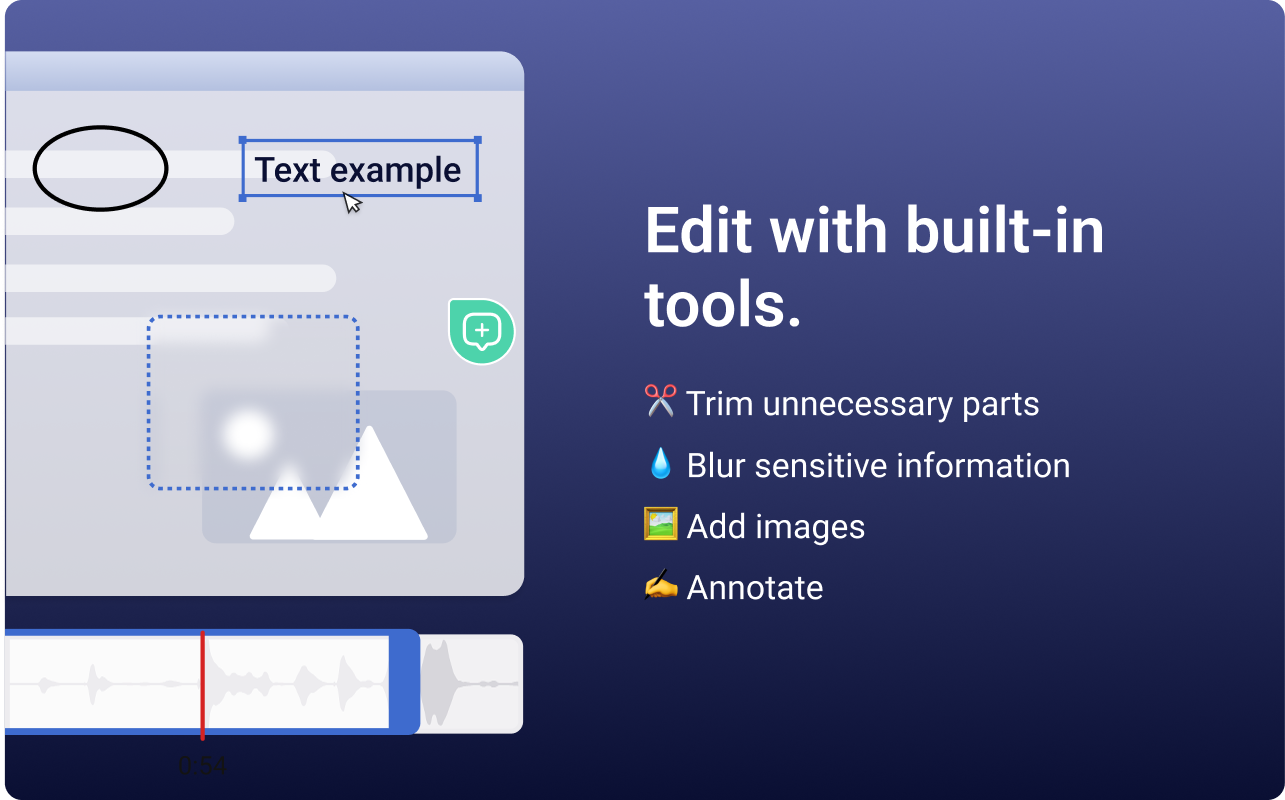
    • Basic editing
    • Inline comments
    Read full review
    Cons
    Lyssna
    • Add additional demographic sorting options for the audience to better meet the needs of B2B users - for example include industry type, functional area, etc.
    • Bring back the navigation test type
    • Add additional test types
    Incentivized
    Read full review
    Videolink
    • More video editing tools
    Incentivized
    Read full review
    Usability
    Lyssna
    Due to its simplicity and design it is really easy to navigate. You can clearly understand which sections you have completed and which are still left to be done. It is also really easy to change ordering of content etc, which I have found hasn’t been an option in other tools which means it is a really lengthy task of rewriting all of the tasks or questions to get them in the correct order that is desired.
    Incentivized
    Read full review
    Videolink
    The interface is clean, and features like video requests, in-browser editing, and commenting make the workflow seamless for our team.
    Read full review
    Alternatives Considered
    Lyssna
    UsabilityHub provides very fast, short responses to specific questions about a static image of a website. This is useful for checking what is most prominent on a page, what they would click on, what they see/read within the first 5 seconds of landing etc. WhatUsersDo is a broader tool, that records the screen and audio as a user navigates the website. You can set tasks and ask questions, but it much more about the user journey experience and their opinion, rather than testing a particular feature. Feedback also takes a bit longer. Hotjar is a combination of both, its a screen recording which helps you to see where users click and move to, but there is no audio or text feedback, just heatmaps/click maps for watching user behaviour.
    Incentivized
    Read full review
    Videolink
    No answers on this topic
    Return on Investment
    Lyssna
    • Increase in testing frequency per quarter.
    • Increase in approved projects for developments.
    • Few reverts per project.
    Incentivized
    Read full review
    Videolink
    • Productivity
    • Delivery-driven communication
    Incentivized
    Read full review
    ScreenShots

    Lyssna Screenshots

    Product screenshotProduct screenshotProduct screenshotProduct screenshotProduct screenshotProduct screenshot

    Videolink Screenshots

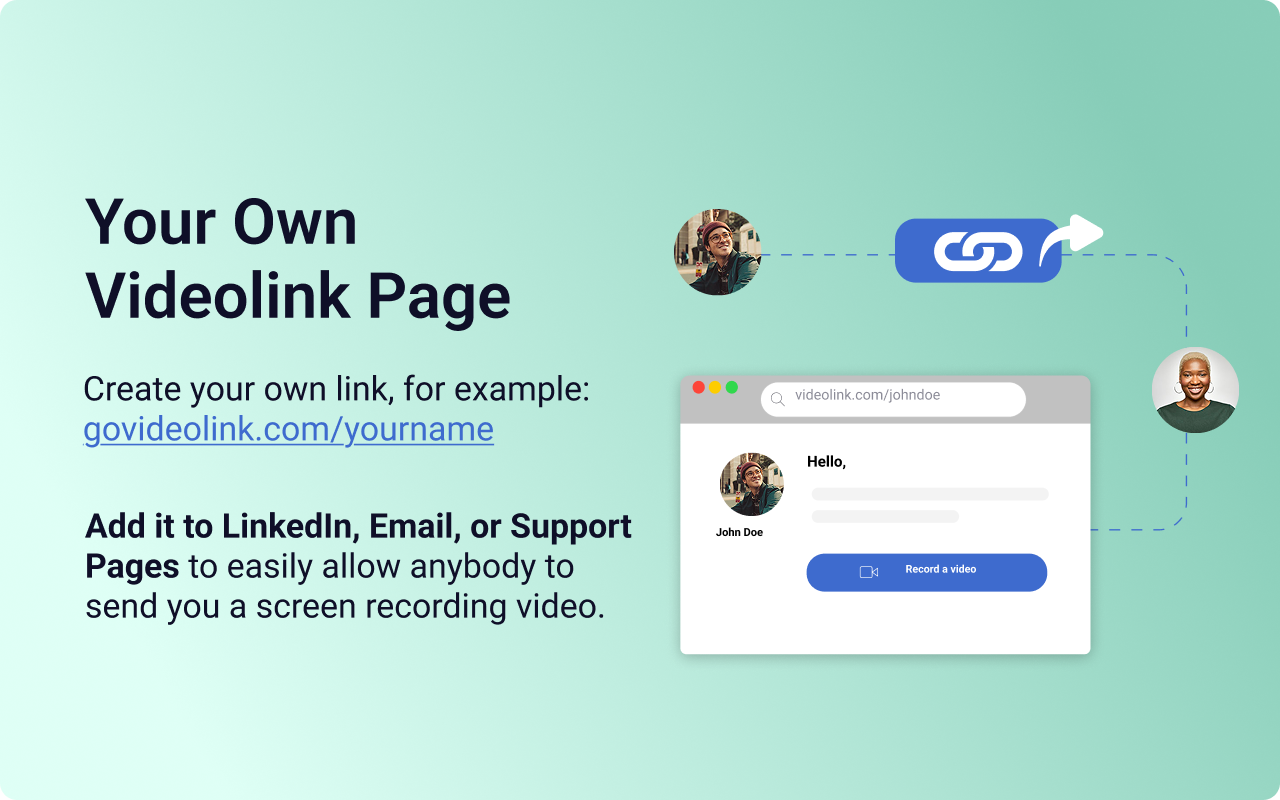
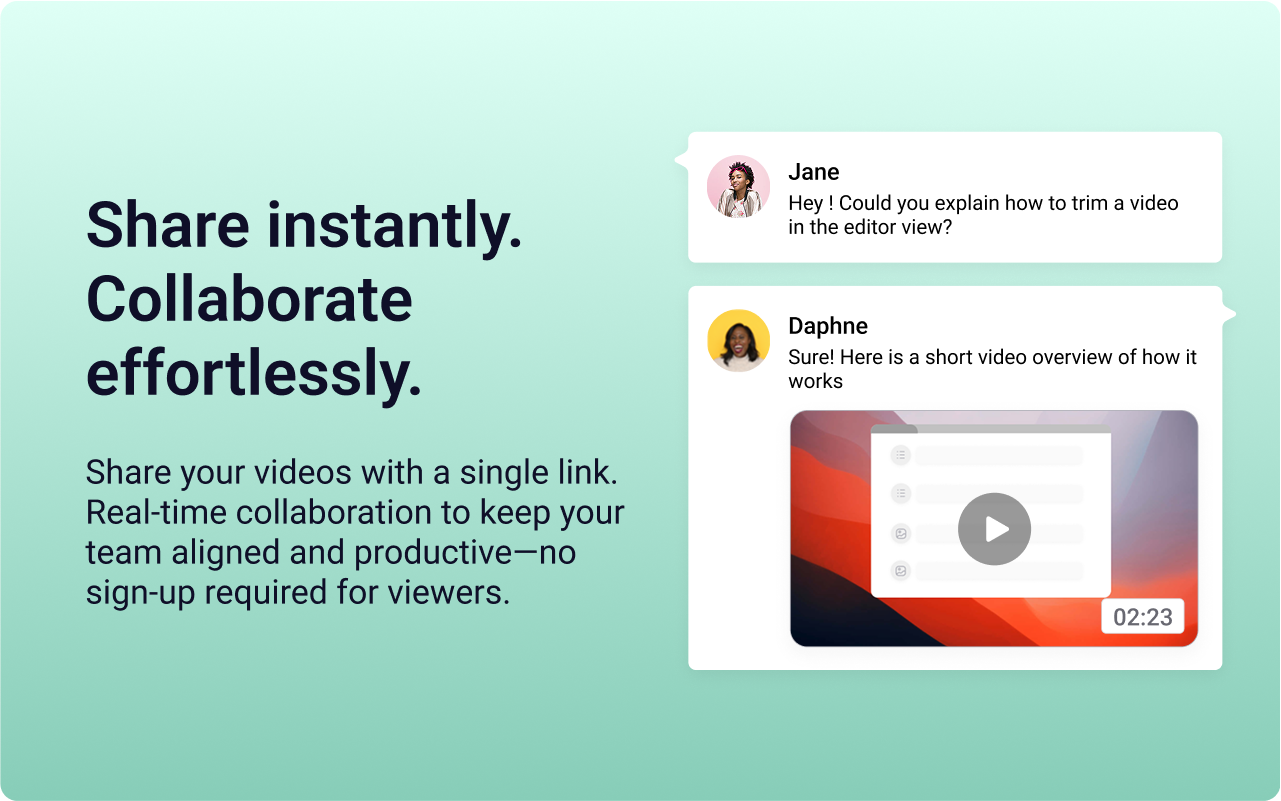
    Screenshot of the Videolink editor, used to trim out excess content, blur sensitive info, annotate key areas, and insert images.Screenshot of a Videolink page, used to create a personal shareable link – like govideolink.com/yourname – that lets anyone send a recorded video directly.Screenshot of single link sharing, so viewers don’t need an account to watch, comment, or provide feedback.