
Mailtrack vs. Vivaldi Browser
| Product | Rating | Most Used By | Product Summary | Starting Price |
|---|---|---|---|---|
 Mailtrack | Score9.7 out of 10 | N/A | Mailtrack is an email-tracking extension for Gmail and part of Mailsuite. It adds delivery and read-status indicators to sent messages, showing when recipients open an email or click a tracked link without requiring users to leave Gmail. Key Capabilities Gmail read receipts: Mailtrack adds one or two checkmarks to sent messages. Grey checkmarks indicate delivery; green checkmarks indicate that the message was opened. Open and… | $2.99 per month per user |
 Vivaldi | Score8.1 out of 10 | N/A | Vivaldi is a web browser that is free to use, but that includes a customizable interface, tab tiling and web panels as organizational elements, email management features, and an integrated calendar, to make it a task and work organization solution. It is developed by Vivaldi Technologies headquartered in Oslo, Norway. | $0 |
| Mailtrack | Vivaldi | |||||||||||||||
|---|---|---|---|---|---|---|---|---|---|---|---|---|---|---|---|---|
| Editions & Modules |
| No answers on this topic | ||||||||||||||
| Offerings |
| |||||||||||||||
| Entry-level Setup Fee | No setup fee | No setup fee | ||||||||||||||
| Additional Details | — | — | ||||||||||||||
| More Pricing Information | ||||||||||||||||
| Mailtrack | Vivaldi | |
|---|---|---|
| Considered Both Products | No answer on this topic | No answer on this topic |
| Key User Insights | ||
| Would buy again | ||
100% Would buy again 48 Answers | No answers on this topic | |
| Delivers good value for the price | ||
100% Delivers good value for the price 37 Answers | No answers on this topic | |
| Happy with the feature set | ||
100% Happy with the feature set 48 Answers | No answers on this topic | |
| Lived up to sales and marketing promises | ||
97% Lived up to sales and marketing promises 38 Answers | No answers on this topic | |
| Implementation went as expected | ||
100% Implementation went as expected 40 Answers | No answers on this topic | |
| Mailtrack | Vivaldi | |
|---|---|---|
| Small Businesses |  Yesware Score8.3 out of 10 | No answers on this topic |
| Medium-sized Companies | Yesware Score8.3 out of 10 | No answers on this topic |
| Enterprises | No answers on this topic | No answers on this topic |
| All Alternatives | View all alternatives | View all alternatives |
| Mailtrack | Vivaldi | |
|---|---|---|
| Likelihood to Recommend | 9.4 | 6.0 |
| Usability | 8.7 | 9.0 |
| Support Rating | 7.1 | - |
| Mailtrack | Vivaldi | |
|---|---|---|
| Likelihood to Recommend |
|
|
| Pros |
|
|
| Cons |
|
|
| Usability |
|
|
| Support Rating |
| No answers on this topic |
| Alternatives Considered |
|
|
| Return on Investment |
|
|
| ScreenShots | Mailtrack Screenshots    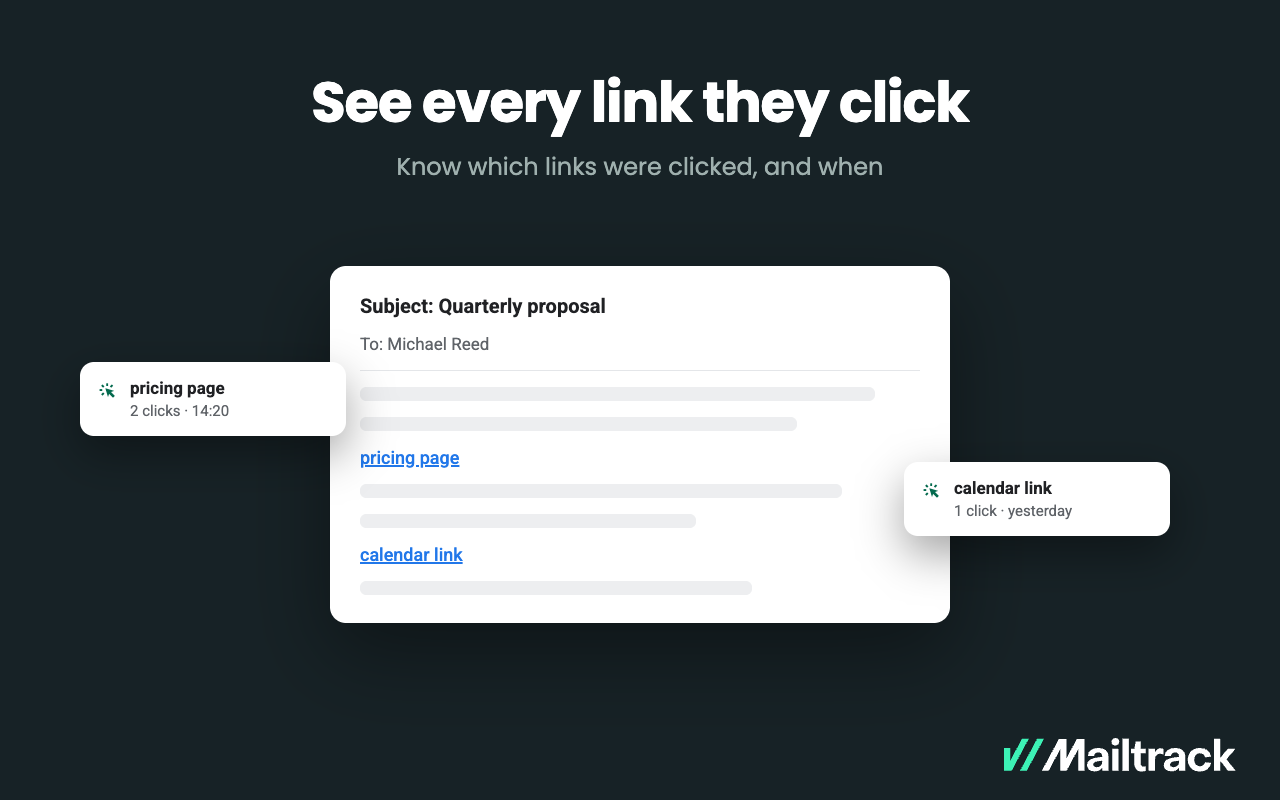 |


