
ManageEngine OpManager vs. Pandora FMS
ManageEngine OpManager vs. Pandora FMS
| Product | Rating | Most Used By | Product Summary | Starting Price |
|---|---|---|---|---|
 ManageEngine OpManager | N/A | ManageEngine's OpManager is network performance monitoring software. | $95 per year | |
 Pandora FMS | Enterprise companies (1,001+ employees) | Pandora FMS is a monitoring solution. It is presented as ideal for medium and big-sized environments with at least 100 devices. Users can monitor any device, infrastructure, application, IT as well as business processes and services. It allows business users to obtain information from their concerns in real time, visualizing the data in a direct way. The solution boasts users among companies and organizations in more than 40 countries around the world, who according… | $2,990 100 nodes |
| ManageEngine OpManager | Pandora FMS | |||||||||||||||
|---|---|---|---|---|---|---|---|---|---|---|---|---|---|---|---|---|
| Editions & Modules |
|
| ||||||||||||||
| Offerings |
| |||||||||||||||
| Entry-level Setup Fee | $245 per installation | Required | ||||||||||||||
| Additional Details | — | Licensed for individual nodes (agents), starting from 100 nodes. | ||||||||||||||
| More Pricing Information | ||||||||||||||||
| ManageEngine OpManager | Pandora FMS |
|---|
| ManageEngine OpManager | Pandora FMS | |||||||||||||||||||||||||||||||||
|---|---|---|---|---|---|---|---|---|---|---|---|---|---|---|---|---|---|---|---|---|---|---|---|---|---|---|---|---|---|---|---|---|---|---|
| Network Performance Monitoring |
|
| ManageEngine OpManager | Pandora FMS | |
|---|---|---|
| Small Businesses |  NinjaOne Score 9.0 out of 10 |  InfluxDB Score 9.0 out of 10 |
| Medium-sized Companies |  SolarWinds NetFlow Traffic Analyzer (NTA) Score 8.6 out of 10 |  Logz.io Score 8.4 out of 10 |
| Enterprises | SolarWinds NetFlow Traffic Analyzer (NTA) Score 8.6 out of 10 |  NetBrain Technologies Score 8.8 out of 10 |
| All Alternatives | View all alternatives | View all alternatives |
| ManageEngine OpManager | Pandora FMS | |
|---|---|---|
| Likelihood to Recommend | 8.5 (45 ratings) | 9.0 (2 ratings) |
| Likelihood to Renew | 8.0 (3 ratings) | 9.0 (1 ratings) |
| Usability | 8.9 (12 ratings) | 9.0 (1 ratings) |
| Support Rating | 8.1 (7 ratings) | 9.0 (2 ratings) |
| Implementation Rating | 9.0 (1 ratings) | 8.0 (1 ratings) |
| ManageEngine OpManager | Pandora FMS | |
|---|---|---|
| Likelihood to Recommend |  ManageEngine, A Div of Zoho Corporation Pvt Ltd
| Pandora FMS LLC
 Vctor Carrin Hontoria Sysadmin |
| Pros | ManageEngine, A Div of Zoho Corporation Pvt Ltd
| Pandora FMS LLC
 Guillermo Sanchez CEO, CTO & Co-Fundador |
| Cons | ManageEngine, A Div of Zoho Corporation Pvt Ltd
| Pandora FMS LLC
Vctor Carrin Hontoria Sysadmin |
| Likelihood to Renew | ManageEngine, A Div of Zoho Corporation Pvt Ltd
| Pandora FMS LLC No answers on this topic |
| Usability | ManageEngine, A Div of Zoho Corporation Pvt Ltd
| Pandora FMS LLC
Vctor Carrin Hontoria Sysadmin |
| Support Rating | ManageEngine, A Div of Zoho Corporation Pvt Ltd
| Pandora FMS LLC
Guillermo Sanchez CEO, CTO & Co-Fundador |
| Alternatives Considered | ManageEngine, A Div of Zoho Corporation Pvt Ltd
| Pandora FMS LLC
Guillermo Sanchez CEO, CTO & Co-Fundador |
| Return on Investment | ManageEngine, A Div of Zoho Corporation Pvt Ltd
 Matthias Boehm Head of IT | Pandora FMS LLC
Vctor Carrin Hontoria Sysadmin |
| ScreenShots | ManageEngine OpManager Screenshots    | Pandora FMS Screenshots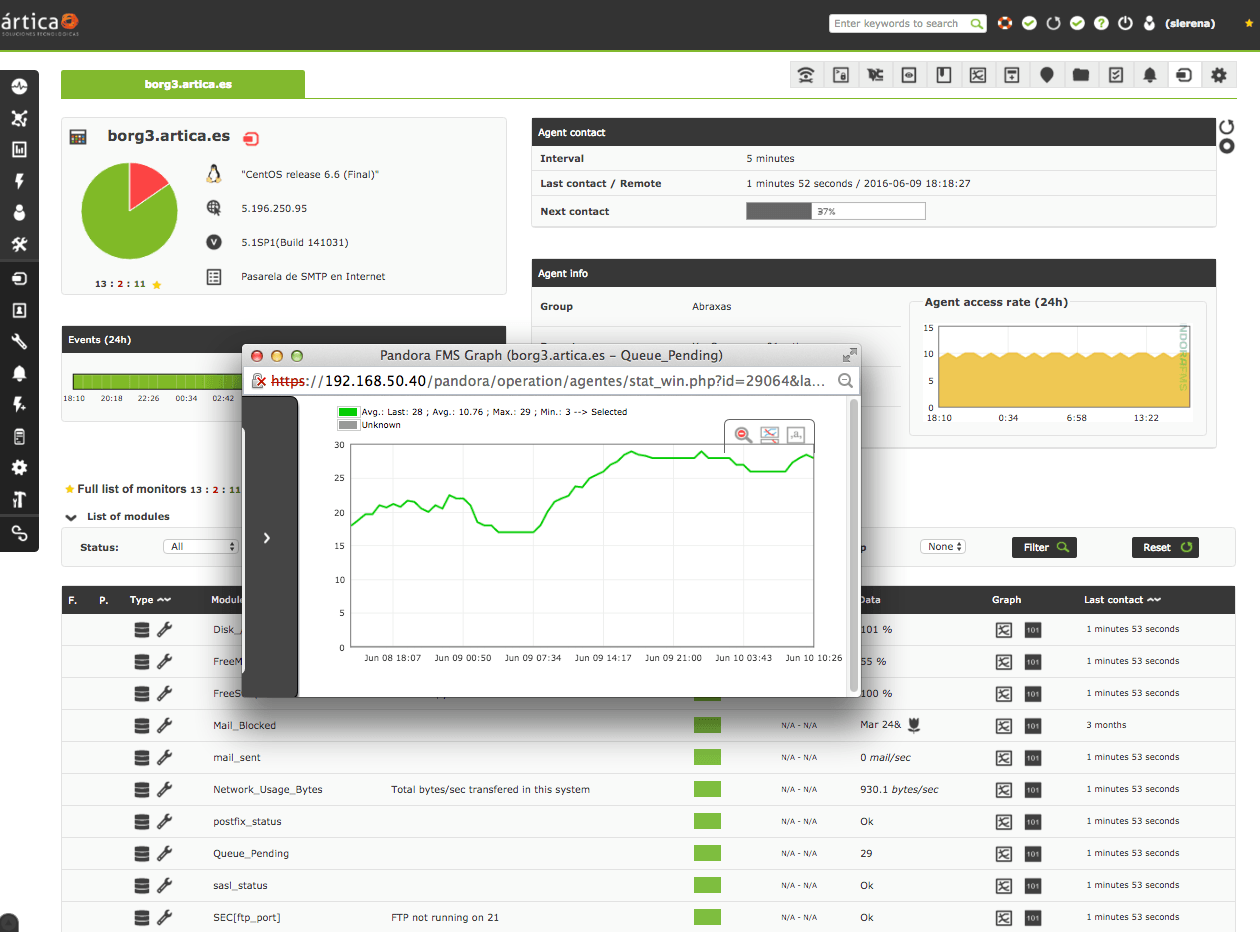   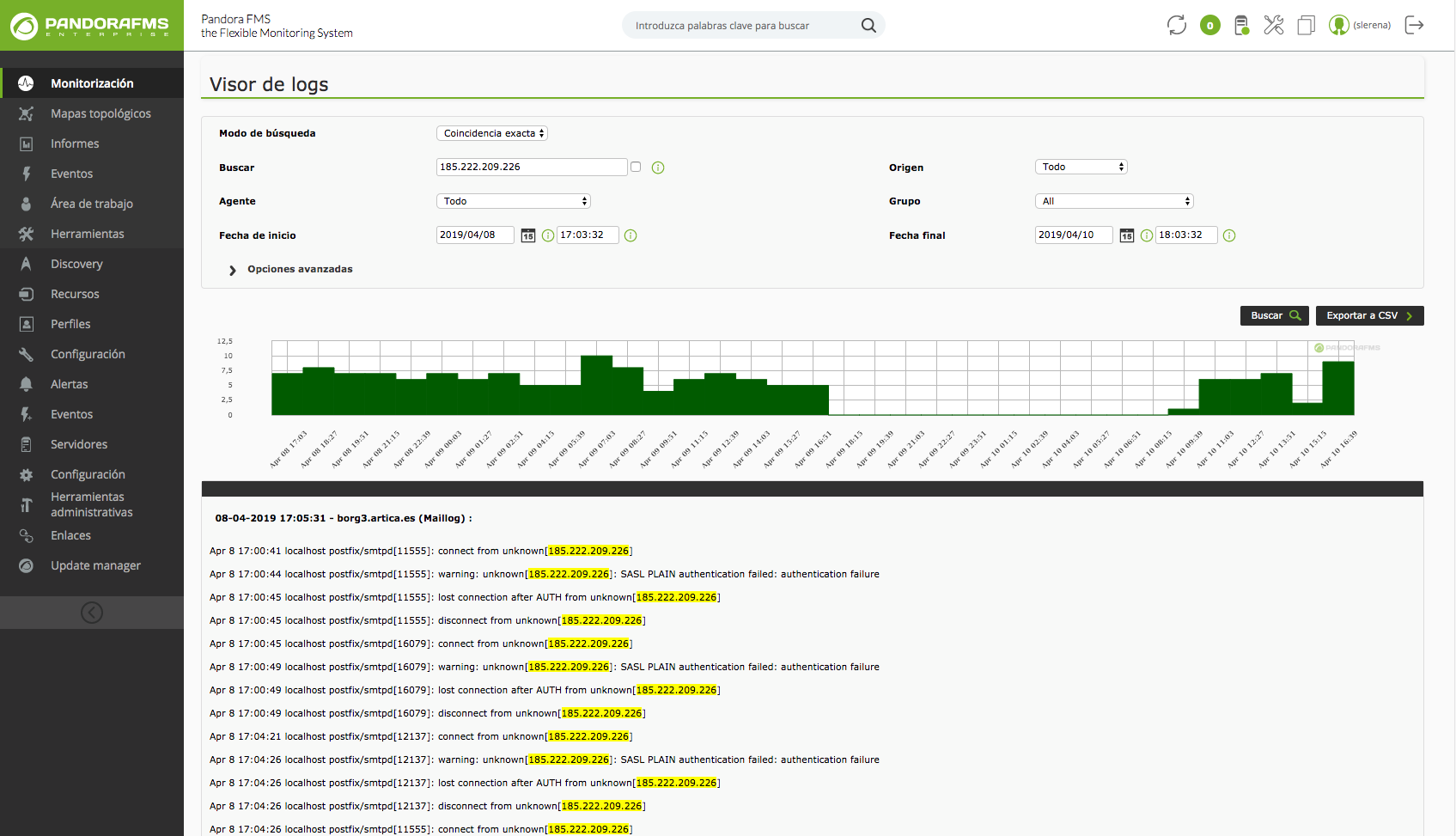   |