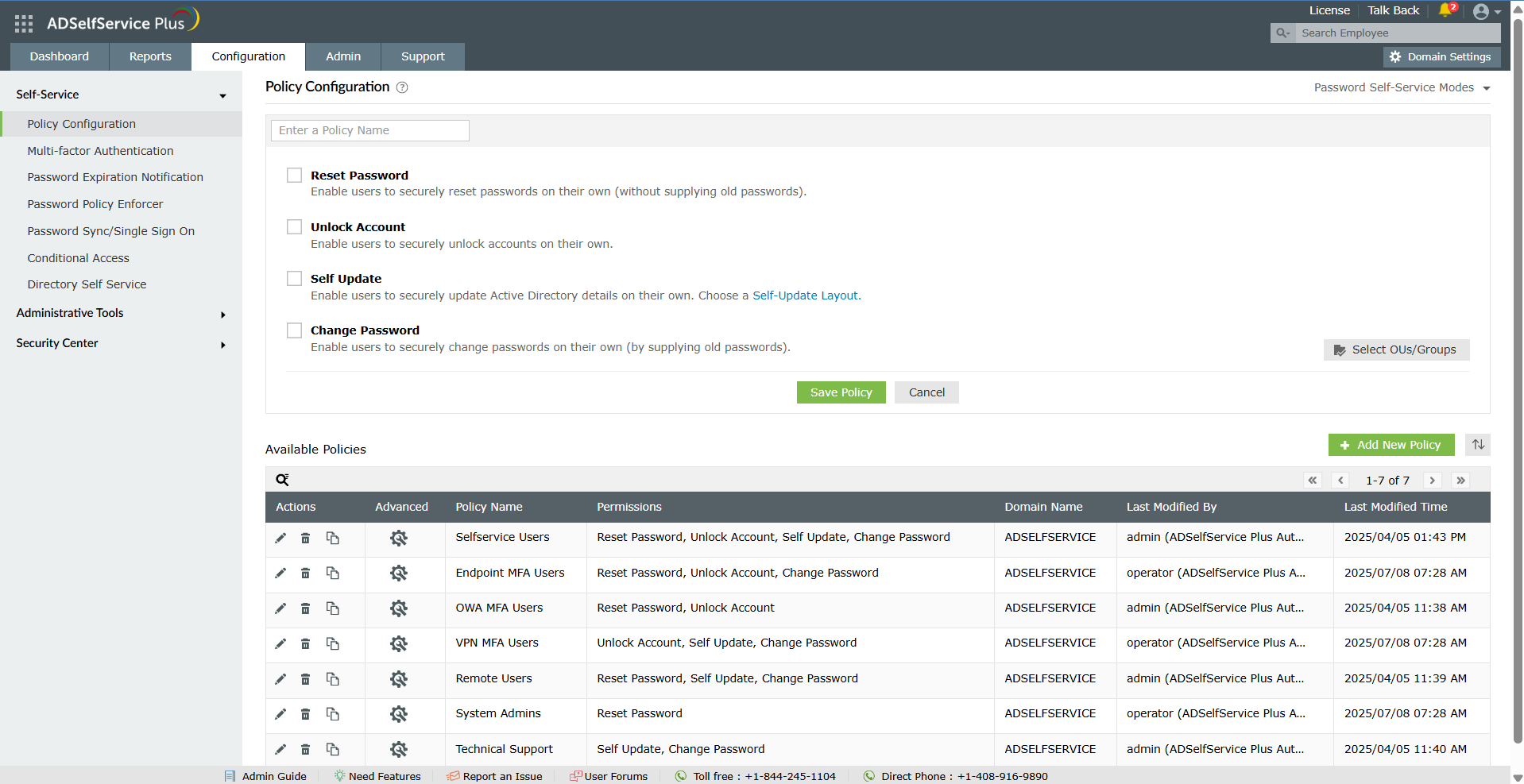
ManageEngine's Self-Service Plus provides self-service password management, multi‑factor authentication, and single sign-on solution.
$295
per year for 100 users
Norton 360
Score7.8 out of 10
N/A
The Norton products, including Norton 360, Norton Antivirus, and Norton Security, are consumer antivirus and privacy protection products. Features include password management, VPN, dark web and credit monitoring for individuals, and cloud backup for PCs.
$59.99
per year
Pricing
ManageEngine ADSelfService Plus
Norton 360
Editions & Modules
Free edition
$0
No Expiration Offers most of the features for up to 50 users.
Standard edition
Starts at $295
per year for 100 users.
Professional edition
Starts at $345
per year for 100 users.
Endpoint MFA Standard edition
Starts at $195
per year for 100 users.
Endpoint MFA Professional edition
Starts at $295
per year for 100 users.
Norton AntiVirus
$59.99
per year
Norton 360 Standard
$94.99
per year 3 PCs, Macs, tablets, or phones
Norton 360 Deluxe
$119.99
per year 5 PCs, Macs, tablets, or phones
Norton 360 with LifeLock Select Plus
$189.99
per year 10 PCs, Macs, tablets, or phones
Offerings
Pricing Offerings
ManageEngine ADSelfService Plus
Norton 360
Free Trial
Yes
No
Free/Freemium Version
Yes
No
Premium Consulting/Integration Services
Yes
No
Entry-level Setup Fee
Optional
No setup fee
Additional Details
Failover and Secure Gateway Services add-on is $395
SMS add-on starts at $595 for 2000 SMS credits.
If you need users to reset passwords but don't have VPN access to your network, this is one of the best options. It also works very well for helping a locked-out user, provided they have taken the time to set up their account. Then, of course, they need to remember the details, but when they have dotted all of the i's, it just works.
A de minimis incentive was given to thank the reviewer for their time. The incentive was not used to bias or drive a particular response, nor was the incentive contingent on a positive endorsement. TR verified that a representative sample of customers was invited. More Info
For a stand-alone business this should do the trick, but if using across multiple clients (multi-tenancy not an option). Default settings within the program will cause performance issues if not tweaked, meaning someone with networking experience may be necessary. Not ideal for MSP's unless they only have a few clients, as the manageability must be done within "the walls" of each company.
A de minimis incentive was given to thank the reviewer for their time. The incentive was not used to bias or drive a particular response, nor was the incentive contingent on a positive endorsement. TR verified that a representative sample of customers was invited. More Info
A de minimis incentive was given to thank the reviewer for their time. The incentive was not used to bias or drive a particular response, nor was the incentive contingent on a positive endorsement. TR verified that a representative sample of customers was invited. More Info
I did renew it before because support is great and cost is great. I believe that Norton has a very long experience in what they do and they are doing a great job with all the updates they provide and the work they are doing. Moreover Norton is going in the right direction for sure.
For end users the product is very easy to use. For administration, you may need to do some looking around or contact support to achieve complex tasks. However the product is very flexible. Every dialog box, banner, etc can be customized if needed. Also, support is very good at helping with any issues.
User interface is excellent. The green tickmark in the tray ensuring everything is undercontrol is so satisfying. I have turned on Auto updates so, I am not bothered about unnecessary download updates popup
A de minimis incentive was given to thank the reviewer for their time. The incentive was not used to bias or drive a particular response, nor was the incentive contingent on a positive endorsement. More Info
A de minimis incentive was given to thank the reviewer for their time. The incentive was not used to bias or drive a particular response, nor was the incentive contingent on a positive endorsement. More Info
A de minimis incentive was given to thank the reviewer for their time. The incentive was not used to bias or drive a particular response, nor was the incentive contingent on a positive endorsement. More Info
I did some research but did not find any other solutions that worked the same way or did what I needed it to do. I've used other manage engine products in the past and knew I could trust their software.
A de minimis incentive was given to thank the reviewer for their time. The incentive was not used to bias or drive a particular response, nor was the incentive contingent on a positive endorsement. TR verified that a representative sample of customers was invited. More Info
User-friendly interface (it's not just AV and users who were interacting with the product), performance, resource usage (most of the computers were not very fresh and that factor was very critical), efficiency, it shouldn't be just sitting on a PC - it should protect it, what was perfectly done with that product.
A de minimis incentive was given to thank the reviewer for their time. The incentive was not used to bias or drive a particular response, nor was the incentive contingent on a positive endorsement. More Info
A de minimis incentive was given to thank the reviewer for their time. The incentive was not used to bias or drive a particular response, nor was the incentive contingent on a positive endorsement. TR verified that a representative sample of customers was invited. More Info
Poor performance against Spyware and other threats despite claiming to act against them (recognizes very few and eliminates less) It is limited to viruses.
Regular blocking of incoming scripts (in front of other antivirus)
Little or almost no compatibility with the Windows XP Firewall, but they are involved.