ManageEngine Applications Manager is an application performance management solution that also provides the ability to manage end user experience of enterprise Internet Services and hosted Web Services.
$395
per year per user
TeamViewer DEX
Score8.8 out of 10
N/A
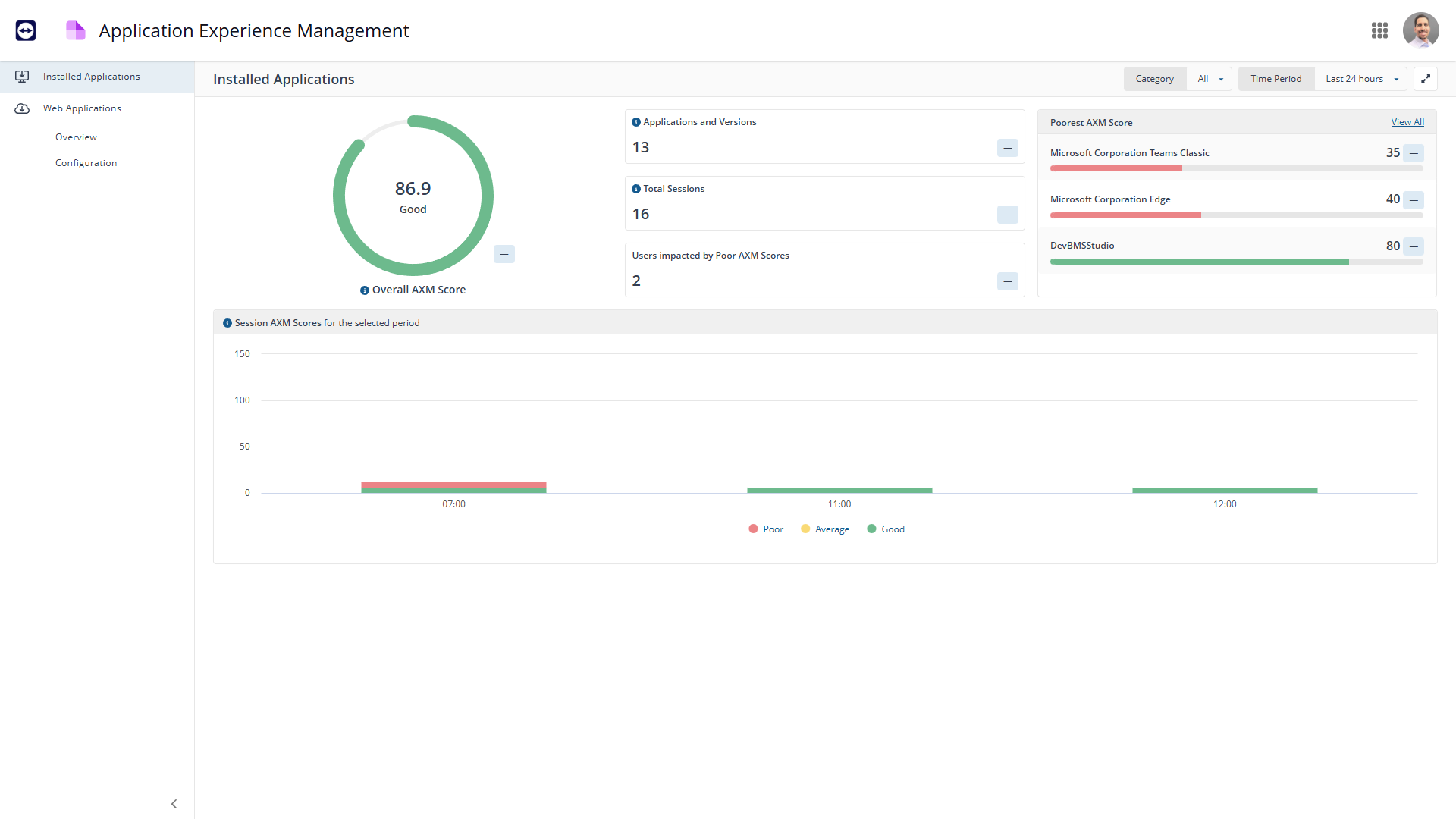
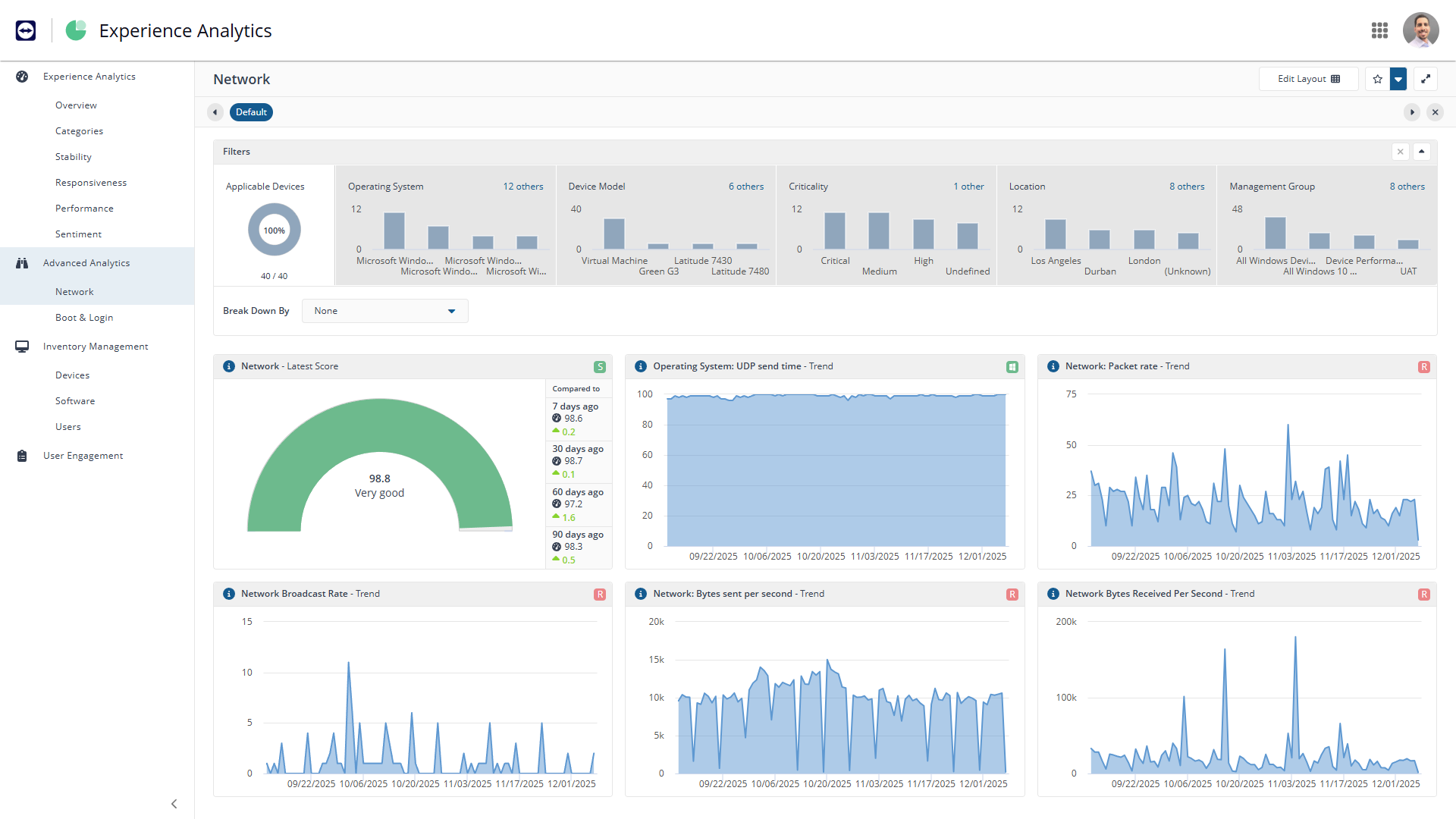
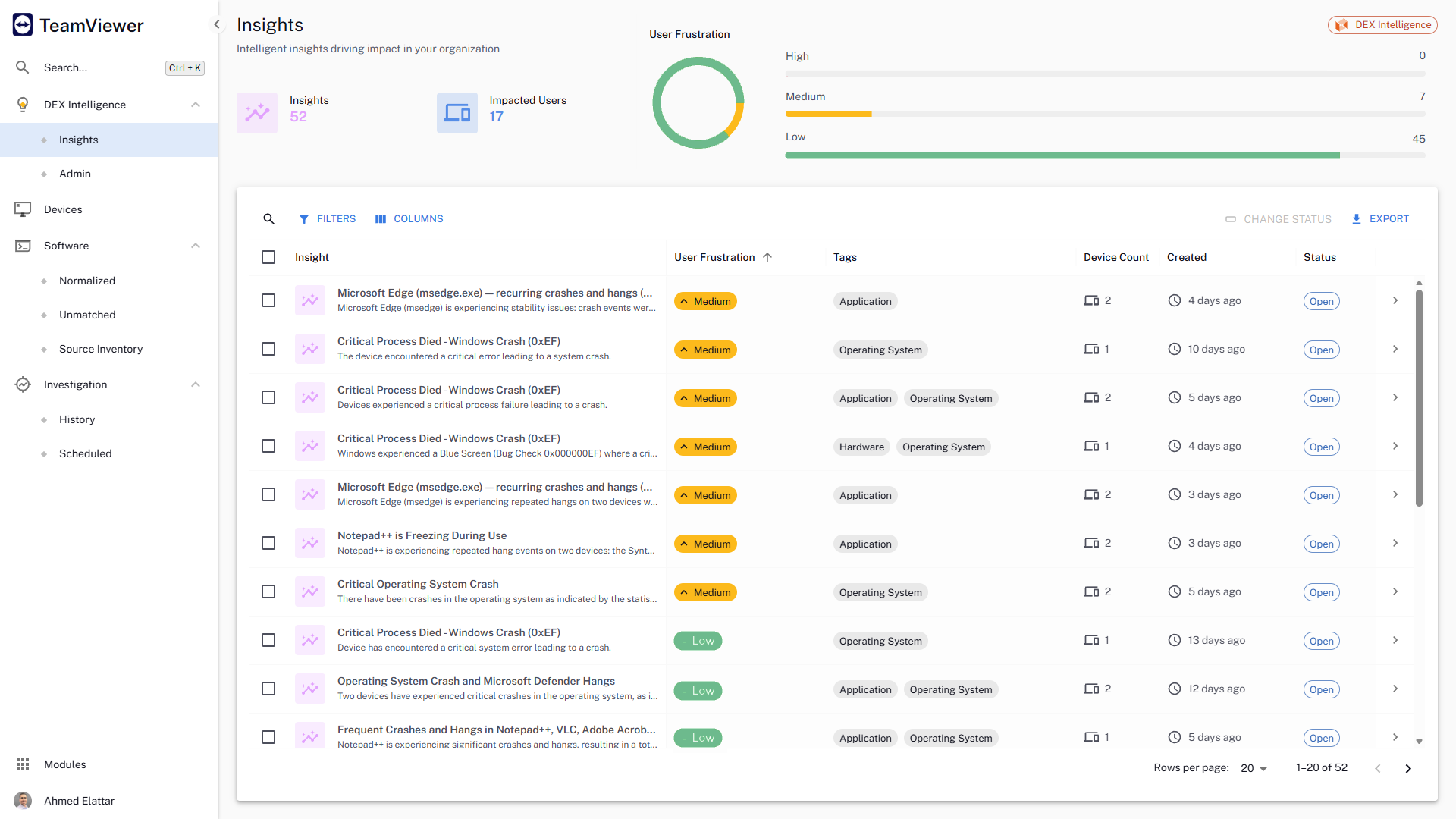
The TeamViewer DEX platform is a cloud-native, real-time, autonomous DEX solution that fixes digital worker experience issues before they impact users. It aims to remove friction from IT operations, improve compliance, and help IT deliver personalized digital experiences by bringing the user front and centre in the decision-making process.
It has strength in collecting information through SSH, WMI, Telnet, SNMP, http, https, MSSQL ports (several types of DB postgresql, db2, SAP MaxDB, HANA which we must monitor).The information it extracts is very useful to us since each type of monitor gives us visibility of what happens internally in them.The truth is that the needs that we have had during these years, ManageEngine Application Manager has been able to cover them especially with business core (ERP) with monitoring of SAP Server and SAP CCMS.
A de minimis incentive was given to thank the reviewer for their time. The incentive was not used to bias or drive a particular response, nor was the incentive contingent on a positive endorsement. More Info
When we are needing to patch workstations for zero-day vulnerabilities or security risks, Explorer is our go-to tool to push out those settings quickly. We have a TeamViewer DEX server stood up in our DMZ to communicate with the workstations outside of our VPN, so we can push those settings or patches to devices without needing them to attach to our network. It's really nice to be able to communicate with the computers that rarely connect to our corporate network and ensure that they are still protected. We do have the TeamViewer Client installed on all of our internal servers in order to get inventory and licensing information, but we don't typically utilize the TeamViewer software on the servers for much else. A different team handles those computers and often requires change management, so expedited changes don't happen often there. Standard deployment and patching tools do the job.
A de minimis incentive was given to thank the reviewer for their time. The incentive was not used to bias or drive a particular response, nor was the incentive contingent on a positive endorsement. More Info
A de minimis incentive was given to thank the reviewer for their time. The incentive was not used to bias or drive a particular response, nor was the incentive contingent on a positive endorsement. More Info
A de minimis incentive was given to thank the reviewer for their time. The incentive was not used to bias or drive a particular response, nor was the incentive contingent on a positive endorsement. More Info
A de minimis incentive was given to thank the reviewer for their time. The incentive was not used to bias or drive a particular response, nor was the incentive contingent on a positive endorsement. More Info
They currently don't have all of their products incorporated into the web interface, meaning that we need a separate administration console for using their Shopping product.
The TeamViewer DEX Exchange is an online repository for common or useful instructions, but it is still a bit lacking. New instructions aren't published very often.
Writing your own custom instructions for Explorer has a bit of a learning curve if you aren't already familiar with SQL queries or their SCALE language. There is published documentation for SCALE, but I'd like to see them add a basic functionality course to their online training portal.
A de minimis incentive was given to thank the reviewer for their time. The incentive was not used to bias or drive a particular response, nor was the incentive contingent on a positive endorsement. More Info
For the the trust, security and support that ManageEngine Application Manager has given us, for 12 years as clients, has made us very satisfied and grateful for the response times to resolve doubts or needs that we have had.
A de minimis incentive was given to thank the reviewer for their time. The incentive was not used to bias or drive a particular response, nor was the incentive contingent on a positive endorsement. More Info
The intuitive ease of the administration interface, the new features, improvements and security fixes that are quickly integrated with frequent updates. Tuning or more detailed reports associated with attributes of services, applications or containers that help us detect certain flaws in our services. The capacity for improvements that are implemented and the ease of integrating new monitors into the product, which we need, gives us the speed and ease of preventing interruptions or events that helps us avoid.
A de minimis incentive was given to thank the reviewer for their time. The incentive was not used to bias or drive a particular response, nor was the incentive contingent on a positive endorsement. More Info
TeamViewer DEX has plenty of features and functionality right out of the box. They offer an Exchange web portal where you can go to download new product packs as they become available through consulting engagements and customer requests. Sometimes you might need to do something more specific or customized than what is available to everyone, and that's when your own knowledge is put to the test. Being able to write your own SCALE code would be invaluable, but takes a while to learn if you aren't already familiar with SQL, PowerShell, or a few other popular languages. Making it your own can definitely take some work, but it's worth it in the end.
A de minimis incentive was given to thank the reviewer for their time. The incentive was not used to bias or drive a particular response, nor was the incentive contingent on a positive endorsement. More Info
The trust, security and support that ManageEngine Application Manager has given us, for 12 years as clients, has made us very satisfied and grateful for the response times to resolve doubts or needs that we have had.
A de minimis incentive was given to thank the reviewer for their time. The incentive was not used to bias or drive a particular response, nor was the incentive contingent on a positive endorsement. More Info
Other solutions like Microsoft EM and SCCM can be interdependent and cause all sorts of issues and additional costs. I think software should be optionally integrated and work on its own as a standalone solution. I like that ManageEngine allows for specific use of its software and not forcing users into an unneeded license or contract.
A de minimis incentive was given to thank the reviewer for their time. The incentive was not used to bias or drive a particular response, nor was the incentive contingent on a positive endorsement. More Info
Microsoft has good intentions, but they are often late to the table. On more than one occasion, we have seen Microsoft incorporate a new feature into their own products, but it's something that TeamViewer had already been offering for a year or more. By the time Microsoft adds a new feature, it has already been in our toolbox and even then doesn't seem to have all of the additional functionality that we get from the TeamViewer software. Currently, we're starting to see Microsoft's push for endpoint performance analytics, which TeamViewer DEX has already done impressively for some time now.
A de minimis incentive was given to thank the reviewer for their time. The incentive was not used to bias or drive a particular response, nor was the incentive contingent on a positive endorsement. More Info
By providing valuable insights into application performance and resource utilization, it has contributed to better decision-making and resource allocation.
It has helped us identify and resolve performance issues more quickly, minimizing the impact on business operations.
ManageEngine Application Manager has improved our ability to monitor and manage critical applications, reducing downtime and improving overall productivity.
A de minimis incentive was given to thank the reviewer for their time. The incentive was not used to bias or drive a particular response, nor was the incentive contingent on a positive endorsement. More Info
Being able to deploy configuration changes while devices are off-network was a real-life-saver for us during the sudden work-from-home scenarios we faced during the pandemic.
Reclaiming unused software licenses has provided some additional budget to use towards other products, and helps us to justify the cost of what we already have.
Using Experience to proactively troubleshoot performance issues not only reduces the number of help desk tickets but also provides a better work environment for our employees.
A de minimis incentive was given to thank the reviewer for their time. The incentive was not used to bias or drive a particular response, nor was the incentive contingent on a positive endorsement. More Info