ManageEngine NetFlow Analyzer vs. Progress WhatsUp Gold

Overview
ProductRatingMost Used ByProduct SummaryStarting Price
ManageEngine NetFlow Analyzer
Score 9.7 out of 10
N/A
NetFlow Analyzer is a complete bandwidth monitoring tool that utilizes flow technology to monitor and analyze network bandwidth usage. It helps users identify and avoid bandwidth delays and bottlenecks with customized reports, and set threshold-based email and SMS alerts to help understand the severity of an issue. This analytics tool detects, diagnoses, and troubleshoots network anomalies and zero-day intrusions, and plans future bandwidth needs based on application growth to…N/A
Progress WhatsUp Gold
Score 8.0 out of 10
Mid-Size Companies (51-1,000 employees)
WhatsUp Gold developed by Ipswitch (acquired by Progress Software May 2019) offers network performance monitoring and mapping. It supports core monitoring features, including automated workflows and network capacity planning, and monitors across hybrid environments.N/A
Pricing
ManageEngine NetFlow AnalyzerProgress WhatsUp Gold
Editions & Modules
No answers on this topic
Offerings
Pricing Offerings
ManageEngine NetFlow AnalyzerProgress WhatsUp Gold
Free Trial
YesYes
Free/Freemium Version
YesNo
Premium Consulting/Integration Services
NoNo
Entry-level Setup Fee$595 per installationOptional
Additional Details
More Pricing Information
Community Pulse
ManageEngine NetFlow AnalyzerProgress WhatsUp Gold
Considered Both Products
ManageEngine NetFlow Analyzer
Chose ManageEngine NetFlow Analyzer
Each of these solutions does what they aim to do. Based off of cost and need, ManageEngine fit better with our organization. We already use multiple ManageEngine products so bundling was a no brainer.
Chose ManageEngine NetFlow Analyzer
There were others, but I don't recall which ones. SolarWinds only comes to mind because they were the closest we came to purchase. Here is why we did not. 1) SolarWinds has very bad sales practices. You get a demo and they spend the next 2 years calling 2) They are expensive 3) …
Progress WhatsUp Gold
Chose Progress WhatsUp Gold
Progress WhatsUp Gold is able to do multi vendor and is able to do so without the need to install and maintain an agent. It used industry standard tools to pull data to monitor your systems and infrastructure.
Chose Progress WhatsUp Gold
Progress WhatsUp Gold (formerly Ipswitch WhatsUp Gold) is more network focused than some of the other products we looked at, which had basic capabilities but were not as strong on the reporting or programmatic resolution of issues. Progress WhatsUp Gold (formerly Ipswitch …
Chose Progress WhatsUp Gold
The network monitoring tools and suites are abundant and you must be very thorough when evaluating the plethora of solutions out there. SNMP MIBs make it easy to gather information and discover your network, so you should concentrate on usability features, reporting, and …
Chose Progress WhatsUp Gold
It's just more affordable and offers more flexibility than PagerDuty.
Chose Progress WhatsUp Gold
Ease of deployment and use the product. Friendly user interface and quick network discovery with a large number of monitors.
Chose Progress WhatsUp Gold
For the sake of simplicity, WhatsUp Gold is better. It is cheaper and more cost-effective for what we need. I am sure it will scale up easily in the future if that growth comes.
Chose Progress WhatsUp Gold
WhatsUp Gold is an industry leading product providing excellent monitoring and reporting capabilities for systems and resources that allow us as the customer to work proactively before system outages occur, which minimizes potential downtime
Chose Progress WhatsUp Gold
WhatsUp Gold gives you a much better in-depth analysis and understanding of both your network and endpoint devices but the emphasis should be laid more on report generation. WhatsUp Gold has the ability to generate a report (e.g device uptime, bandwidth utilization, device …
Chose Progress WhatsUp Gold
From a initial setup, WhatsUp takes Splunk down. I had WhatsUp up within minutes of monitoring and rebooting. From a PRTG perspective, setup was about the same. Now PRTG doesn't have all the bells and whistle WhatsUp has but for tracking and monitoring Netflow and Syslog …
Chose Progress WhatsUp Gold
WhatsUp Gold was much easier to install and setup. I ran into many issues installing Spiceworks, and had such a learning curve. I'm not an expert in Linux and that is the platform that it installed on. I'm very comfortable in a Windows environment, and Whatsup Gold installs on …
Chose Progress WhatsUp Gold
More customizable UI, more relavant monitoring statistics, less false positive alerts.
Features
ManageEngine NetFlow AnalyzerProgress WhatsUp Gold
Network Performance Monitoring
Comparison of Network Performance Monitoring features of Product A and Product B
ManageEngine NetFlow Analyzer
-
Ratings
Progress WhatsUp Gold
6.6
Ratings
18% below category average
Automated network device discovery00 Ratings8.00 Ratings
Network monitoring00 Ratings7.40 Ratings
Alerts00 Ratings8.70 Ratings
Network capacity planning00 Ratings4.30 Ratings
Packet capture analysis00 Ratings5.10 Ratings
Network mapping00 Ratings6.80 Ratings
Customizable reports00 Ratings6.40 Ratings
Wireless infrastructure monitoring00 Ratings4.20 Ratings
Hardware health monitoring00 Ratings8.90 Ratings
Best Alternatives
ManageEngine NetFlow AnalyzerProgress WhatsUp Gold
Small Businesses
Auvik
Auvik
Score 8.7 out of 10
NinjaOne
NinjaOne
Score 9.0 out of 10
Medium-sized Companies
SolarWinds NetFlow Traffic Analyzer (NTA)
Score 9.3 out of 10
SolarWinds NetFlow Traffic Analyzer (NTA)
Score 9.3 out of 10
Enterprises
SolarWinds NetFlow Traffic Analyzer (NTA)
Score 9.3 out of 10
SolarWinds NetFlow Traffic Analyzer (NTA)
Score 9.3 out of 10
All AlternativesView all alternativesView all alternatives
User Ratings
ManageEngine NetFlow AnalyzerProgress WhatsUp Gold
Likelihood to Recommend
9.8
(0 ratings)
8.3
(0 ratings)
Usability
9.7
(0 ratings)
-
(0 ratings)
Support Rating
10.0
(0 ratings)
4.2
(0 ratings)
User Testimonials
ManageEngine NetFlow AnalyzerProgress WhatsUp Gold
Likelihood to Recommend
If you need to monitor traffic, this is a good choice of application for the price. It does that very well. If you need to take a deep deep dive into the traffic, you will have to use something else but that is just standard with network troubleshooting... it takes multiple applications to get a complete picture... or a lot of money on 1 application. Beyond that, this application does what it is designed to do and does it very well. So to answer this question directly, this application is well suited for time when you need a high-level view of traffic and not suited well for times when you need to see more detailed information of what exactly is being sent.
Read full review
[Progress WhatsUp Gold (formerly Ipswitch WhatsUp Gold)] is good for what it is. An inexpensive but accurate monitor for alerting on systems and services. However, it is time consuming to configure, The GUI leaves a lot to be desired and the formatting for txt alerts stinks (I just use it now as an alert to check my email to view the actual alert.)
Read full review
Pros
  • Network Bandwidth Utilization
  • Aid in performance troubleshooting
  • Reporting
Read full review
  • Easy to install and manage.
  • While it does require a whole server with IIS and a SQL db it is low impact on resources but still quick to respond.
  • Great for quick notifications about a server going above a configured resource threshold. We don't have to look at every server's resource utilization individually anymore.
  • Quick and easy to setup a service up or down notification.
Read full review
Cons
  • The interface could stand to flow a little better. It is functional, but there is room for improvement.
  • The dashboard creation process is just incomplete. For example, it would be nice to be able to add in a widget for IP groups.
Read full review
  • While it is easy to get up and running, I know I could utilize the software better if I had some formal training on it. There are a wealth of features available, but I don't have time to learn them all in depth.
  • The training classes offered are very expensive. I'd love it if IPSwitch offered some kind of reasonably priced training options.
Read full review
Usability
Easy to implement, it does not require much hardware for installation, it is very accurate in the process of discovering and analyzing network packets and traffic consumption, as well as its graphs and best practices to implement. On the other hand, we can keep track of network devices and identify security vulnerabilities.
Read full review
The web interface is really good, there are a few areas that could use a bit of polish but overall it is well designed and easy to navigate and use, even for a new user.
Read full review
Support Rating
The support is always on point, fast, reliable, and their employees go above and beyond to help when we need it. I have yet to call them on any product we use and not get the issue resolved in a fast and timely manner. Also, they are also very pleasant while on the phone and/or in teh email chain. Overall I just couldn't ask for better.
Read full review
Not too much to support as it doesn't do that much.
Read full review
Alternatives Considered
Each of these solutions does what they aim to do. Based off of cost and need, ManageEngine fit better with our organization. We already use multiple ManageEngine products so bundling was a no brainer.
Read full review
WhatsUp Gold gives you a much better in-depth analysis and understanding of both your network and endpoint devices but the emphasis should be laid more on report generation. WhatsUp Gold has the ability to generate a report (e.g device uptime, bandwidth utilization, device health etc) and track events that took place even as low as 5 minutes ago.
Read full review
Return on Investment
  • Lot of positive impacts
  • Low Budget
  • Great results
Read full review
  • As I mentioned earlier, the monitoring of the external environment and uptime is a necessity. An hour down is a 1% loss of revenue per day which may not sound like much but in a million dollar company, that 1% is a huge chunk.
  • The backup configuration has been very handy in turn around time for failed equipment. I did have a homegrown way of backing up configurations but had to check daily and verify every backup. This becomes very time consuming and a waste of company time.
  • Only negative is the mapping. In the Cisco world CDP is a great way to map connections and they don't seem to do it that way.
Read full review
ScreenShots

ManageEngine NetFlow Analyzer Screenshots

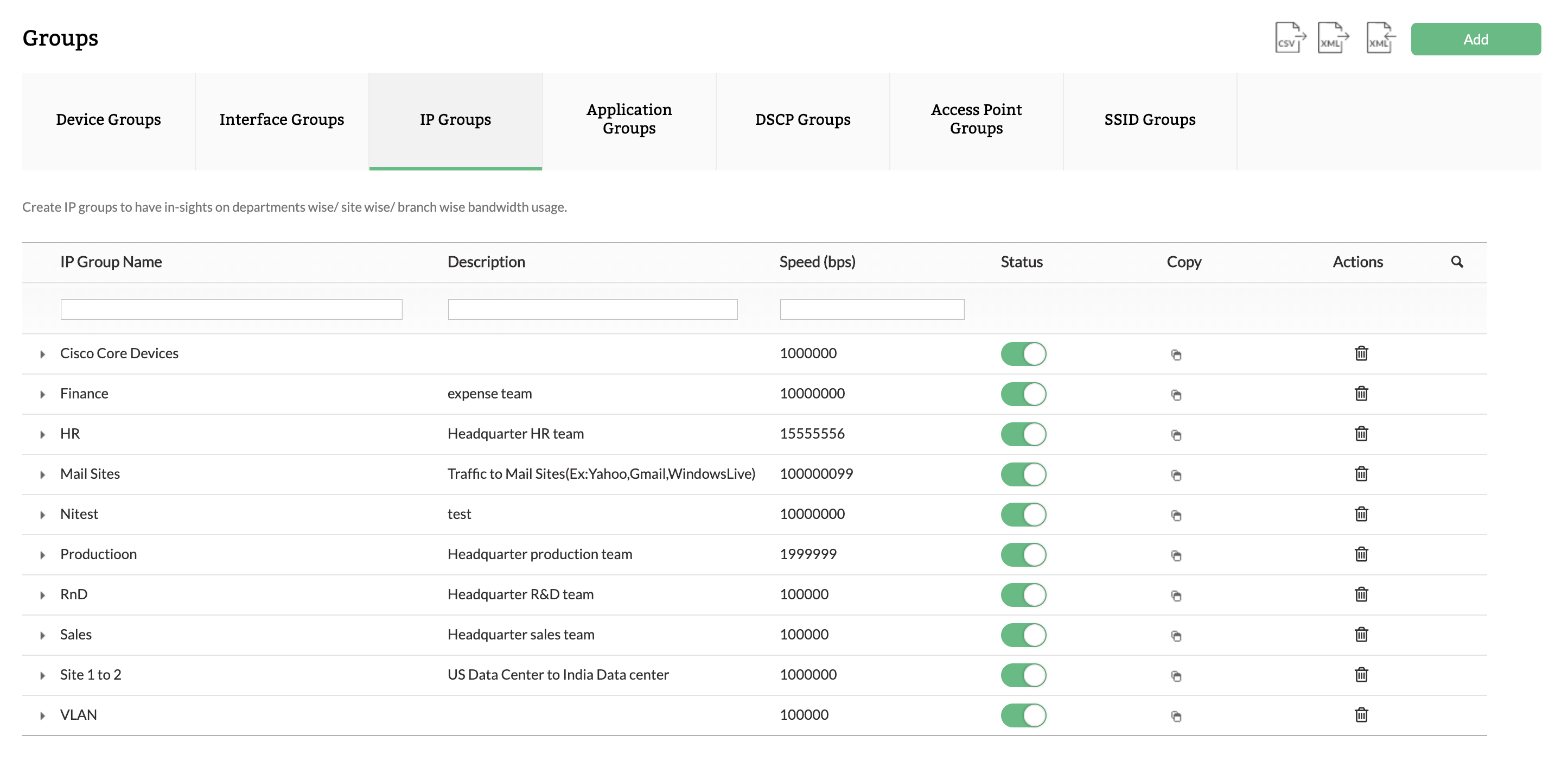
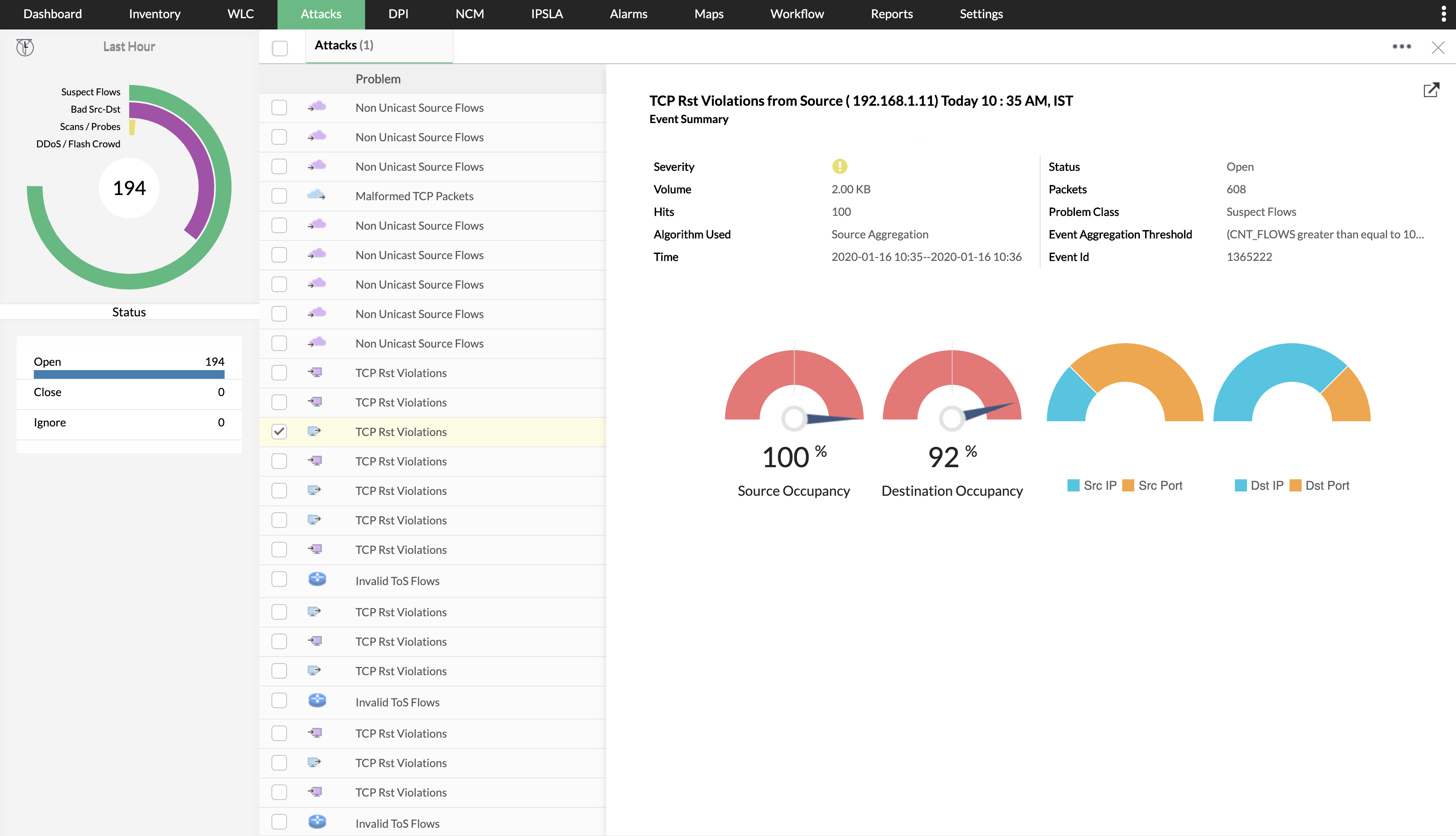
Screenshot of NetFlow Analyzer Dashboard overviewScreenshot of Drill-down to device and interface detailsScreenshot of Create logical groups for department-wise monitoringScreenshot of Track top conversations in your networkScreenshot of Identify security threatsScreenshot of Bandwidth trends forecasting and capacity planning

Progress WhatsUp Gold Screenshots

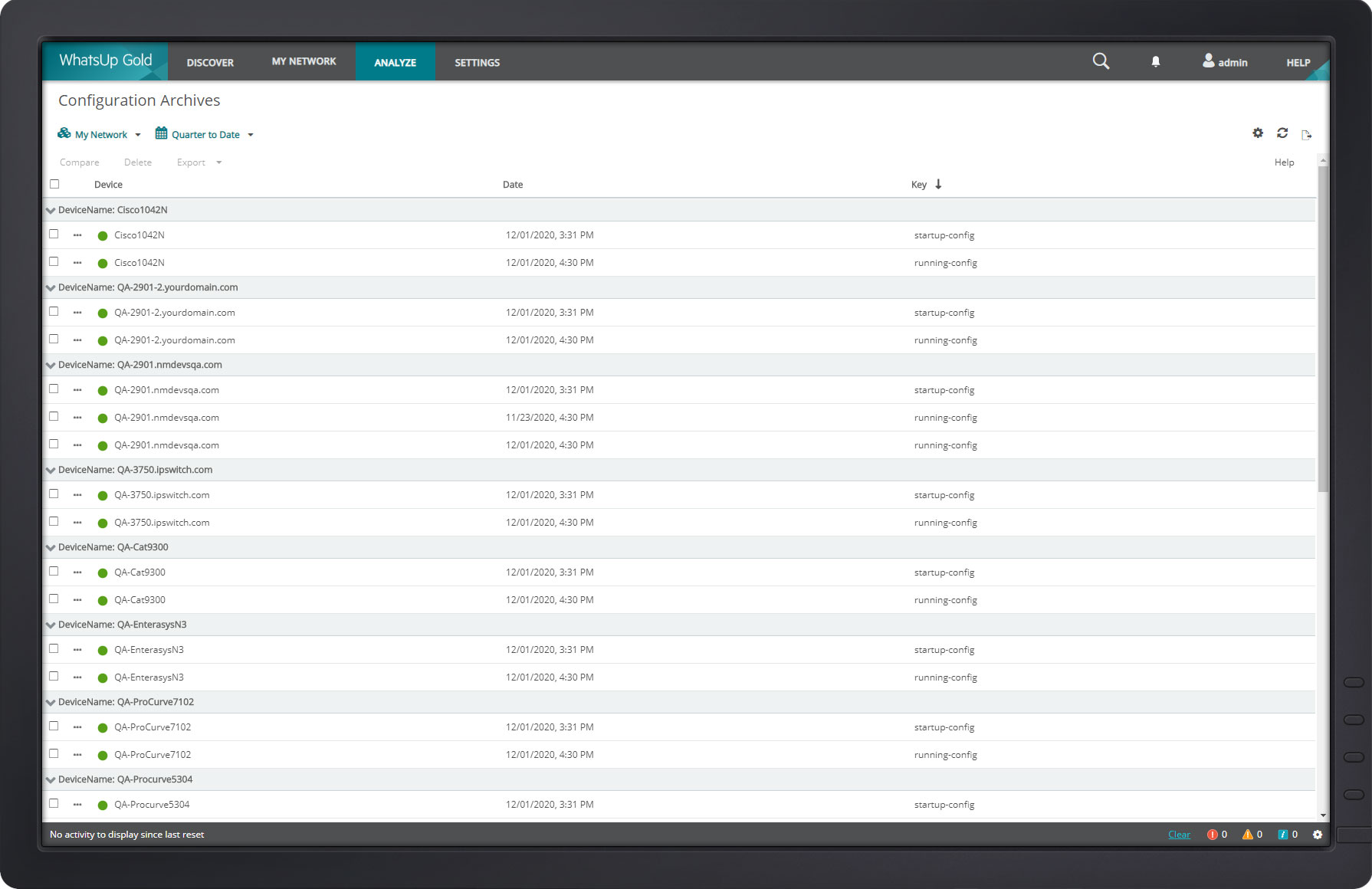
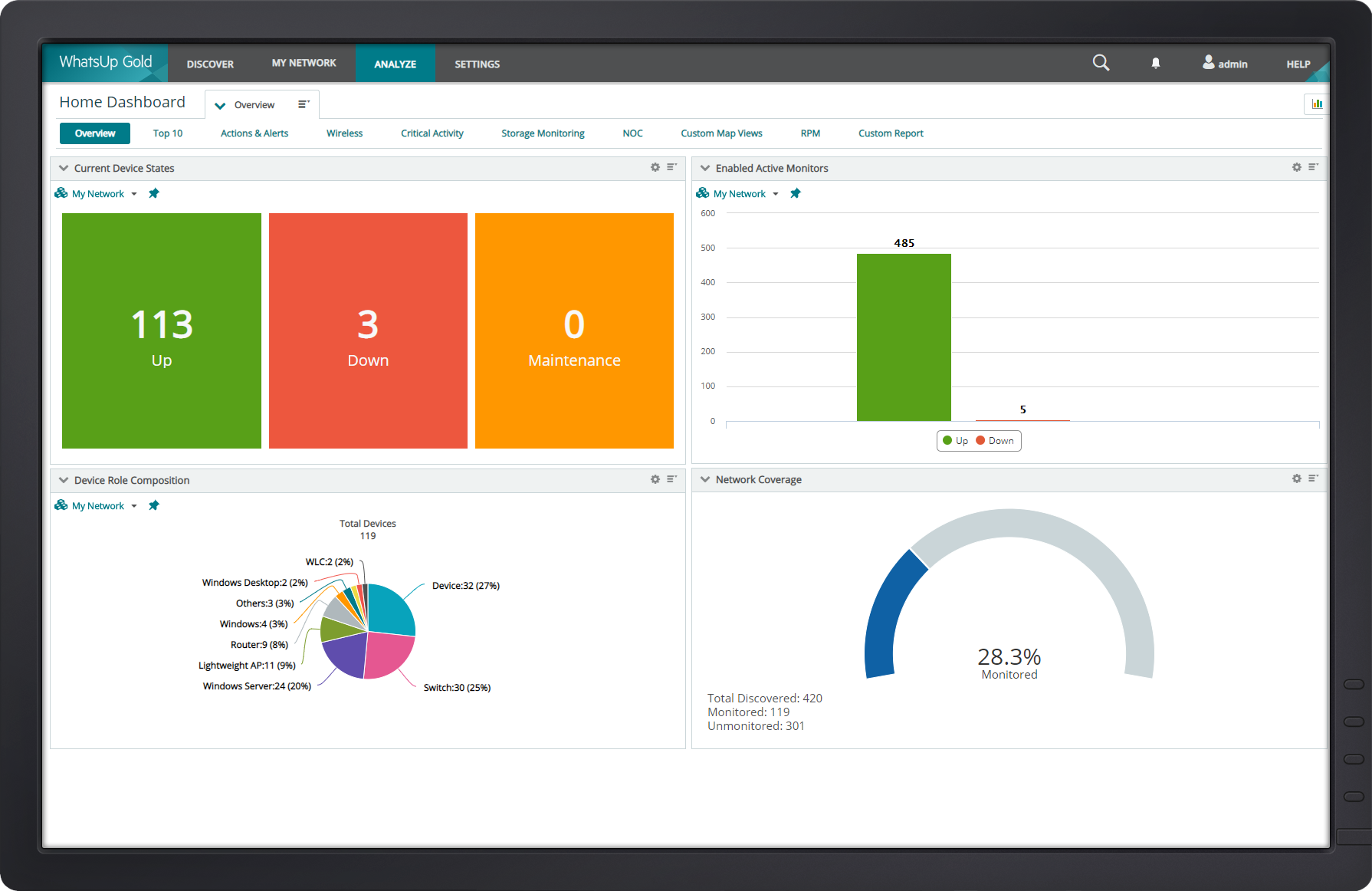
Screenshot of WhatsUp Gold Alert CenterScreenshot of WhatsUp Gold Cloud InfrastructureScreenshot of WhatsUp Gold Configuration ManagementScreenshot of WhatsUp Gold Custom MapScreenshot of WhatsUp Gold DashboardScreenshot of WhatsUp Gold Device Properties