Microsoft App-V supports the virtualization of applications, making them available to end users without an installation.
N/A
Firework by Startpack
Score 9.5 out of 10
N/A
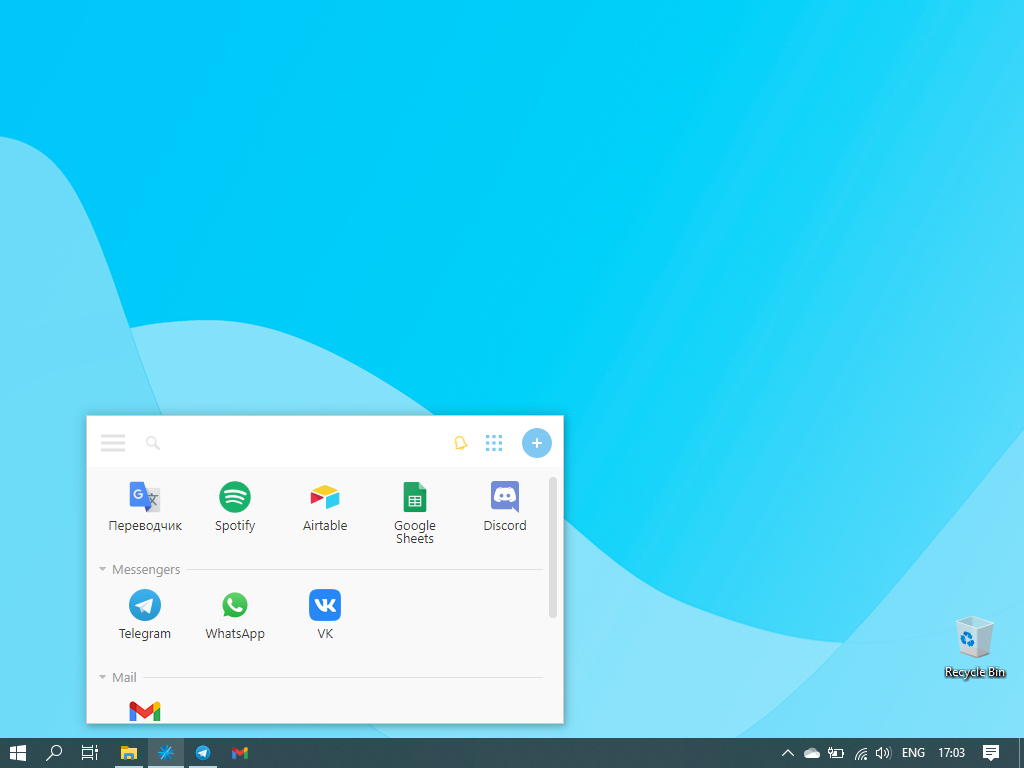
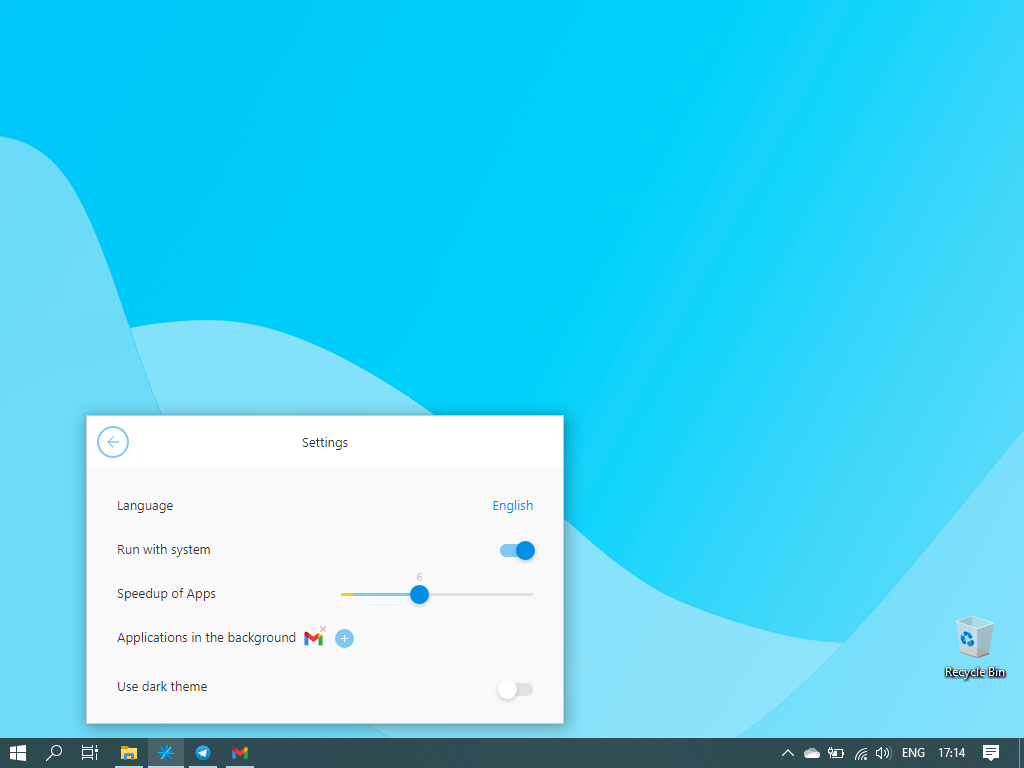
Firework is a program for turning web applications and websites into desktop apps, so that applications created in Firework look and function like regular programs. The vendor states applications will launch quickly and can be kept on the Taskbar or System Tray. Firework is useful for everyday web applications such as CRM systems or text editors, and Firework can be used for everyday web applications such as CRM systems or text editors. Users can customize icons and colors of apps,…
$2.99
per month
VMware ThinApp (discontinued)
Score 5.2 out of 10
N/A
VMware ThinApp was application virtualization software allowing legacy web applications to run on newer OSs, post-migration, also for running apps across a variety of devices (e.g. flash drives, locked-down computers, etc.) for accessibility and security.
N/A
Pricing
Microsoft Application Virtualization (App-V)
Firework by Startpack
VMware ThinApp (discontinued)
Editions & Modules
No answers on this topic
Firework Pro
$2.99
per month per user
Firework Ultimate
$38.99
one-time fee
No answers on this topic
Offerings
Pricing Offerings
Microsoft App-V
Firework by Startpack
VMware ThinApp (discontinued)
Free Trial
No
No
No
Free/Freemium Version
No
Yes
No
Premium Consulting/Integration Services
No
No
No
Entry-level Setup Fee
No setup fee
$2.99 per user
No setup fee
Additional Details
—
—
—
More Pricing Information
Community Pulse
Microsoft Application Virtualization (App-V)
Firework by Startpack
VMware ThinApp (discontinued)
Considered Multiple Products
Microsoft App-V
No answer on this topic
Firework by Startpack
No answer on this topic
VMware ThinApp (discontinued)
Verified User
Professional
Chose VMware ThinApp (discontinued)
VMware ThinApp capturing and publishing is way more simple than the App-V approach, but App-V seems to be more suitable for the largest deployments. Application Virtualization seems to be less and less common today, as VDI approaches can solve some issues (like publishing apps …
Using Microsoft Teams for small or large meetings is a great way to communicate and collaborate. Microsoft Application Virtualization is a terrific tool for presenting and sharing information, and its storage capacity is also excellent. Installing and centrally administering specialized apps to control who has access to it is one of the features I value most about this software. It also provides a separate UI for tracking the app's accesses. This program is not suitable for freelancers or clients that operate alone.
If you need to communicate through multiple apps e.g. Gmail, Slack, Whats App, and you want everything in one place - Firework is definitely your thing. Also perfect for people who have to track the time they spend on certain tasks. Firework would be useless for people who don't care about productivity and getting things done as fast as possible.
VMware ThinApp is really great for simple packaging projects, standalone apps, or older apps that needs specific runtimes or environment which are not available on target operating systems. Integration with VMware Horizon is simple, and deployment is easy by using shares for storing captured apps, or MSI packages for deploying by group strategies.
APP-V is no longer a supported technology and is on the way out, only on legacy support at this time. The changes in security emphasis in windows, as well as the changes in software development have meant that APP-V is no longer able to correctly package software. It has been superseded by the MSIX format and distribution via the Microsoft Store for Business.
Microsoft Teams is included in our current Office 365 product set; therefore, there is no additional fee to use the application. It saves our company money by not having to pay for Slack or another internal chat service. For us, Microsoft Teams has a better user experience and product features. Teams' usability is higher than Slack's since it has access to OneDrive, email, and OneNote applications. Screen sharing, chat, and file-sharing operate smoothly, and the performance appears great.
The only application that I have ever used that does exactly what VMware ThinApp does is Cameyo, and VMware is light years ahead of them in terms of usability. VMWare is the industry standard for application virtualization, and they do this by making a powerful product that is remarkably simple to use and top it off with A1 customer support.
You're way more productive when all of your tools are easily accessible
Health benefits! It prevents your mental state from deteriorating, it saves at least 10-15 minutes per day, and there's no need to be anxious while trying to remember the password from your work email again