
Microsoft To Do vs. Orangescrum
| Product | Rating | Most Used By | Product Summary | Starting Price |
|---|---|---|---|---|
 Microsoft To Do | Score7.9 out of 10 | N/A | Microsoft To Do replaces the former Wunderlist task management tool. | N/A |
 Orangescrum | Score7 out of 10 | Mid-Size Companies (51-1,000 employees) | Orangescrum is an integrated project management platform providing tools for task tracking, resource allocation, and project lifecycle management. The platform is available via a cloud-based SaaS model (Orangescrum Cloud) or through on-premises deployment. Deployment Options Cloud (SaaS): Managed hosting with automated maintenance and updates. On-Premises: Self-managed deployment for organizations requiring local data control and specific infrastructure… | $29 per month |
| Microsoft To Do | Orangescrum | |||||||||||||||
|---|---|---|---|---|---|---|---|---|---|---|---|---|---|---|---|---|
| Editions & Modules | No answers on this topic |
| ||||||||||||||
| Offerings |
| |||||||||||||||
| Entry-level Setup Fee | No setup fee | No setup fee | ||||||||||||||
| Additional Details | — | — | ||||||||||||||
| More Pricing Information | ||||||||||||||||
| Microsoft To Do | Orangescrum | |
|---|---|---|
| Considered Both Products | No answer on this topic | No answer on this topic |
| Key User Insights | ||
| Would buy again | ||
92% Would buy again 34 Answers | No answers on this topic | |
| Delivers good value for the price | ||
100% Delivers good value for the price 37 Answers | No answers on this topic | |
| Happy with the feature set | ||
95% Happy with the feature set 35 Answers | No answers on this topic | |
| Lived up to sales and marketing promises | ||
88% Lived up to sales and marketing promises 21 Answers | No answers on this topic | |
| Implementation went as expected | ||
93% Implementation went as expected 28 Answers | No answers on this topic | |
| Microsoft To Do | Orangescrum | ||||||||||||||||||||||||||||||||||||||||||||||
|---|---|---|---|---|---|---|---|---|---|---|---|---|---|---|---|---|---|---|---|---|---|---|---|---|---|---|---|---|---|---|---|---|---|---|---|---|---|---|---|---|---|---|---|---|---|---|---|
| Project Management |
| ||||||||||||||||||||||||||||||||||||||||||||||
| Professional Services Automation |
| ||||||||||||||||||||||||||||||||||||||||||||||
| Microsoft To Do | Orangescrum | |
|---|---|---|
| Small Businesses |  Any.do Score8 out of 10 | Any.do Score8 out of 10 |
| Medium-sized Companies |  KanbanFlow Score7.3 out of 10 | KanbanFlow Score7.3 out of 10 |
| Enterprises |  Workzone Score9.1 out of 10 | Microsoft To Do Score7.9 out of 10 |
| All Alternatives | View all alternatives | View all alternatives |
| Microsoft To Do | Orangescrum | |
|---|---|---|
| Likelihood to Recommend | 8.5 | 5.0 |
| Likelihood to Renew | 8.0 | - |
| Usability | 7.4 | - |
| Support Rating | 7.6 | - |
| Implementation Rating | 10.0 | - |
| Microsoft To Do | Orangescrum | |
|---|---|---|
| Likelihood to Recommend |
|
|
| Pros |
|
|
| Cons |
|
|
| Likelihood to Renew |
| No answers on this topic |
| Usability |
| No answers on this topic |
| Support Rating |
| No answers on this topic |
| Implementation Rating |
| No answers on this topic |
| Alternatives Considered |
|
|
| Return on Investment |
|
|
| ScreenShots | Orangescrum Screenshots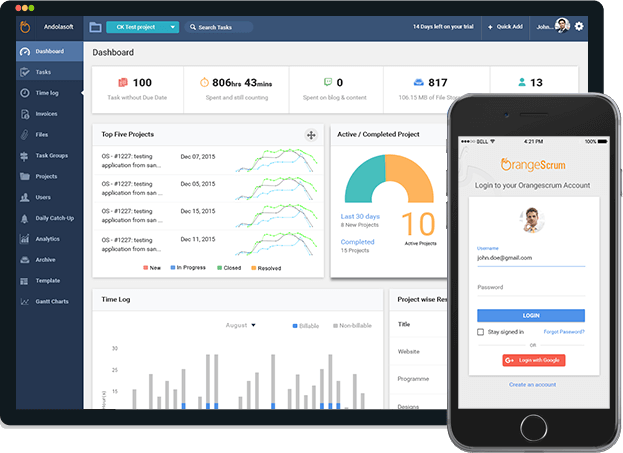   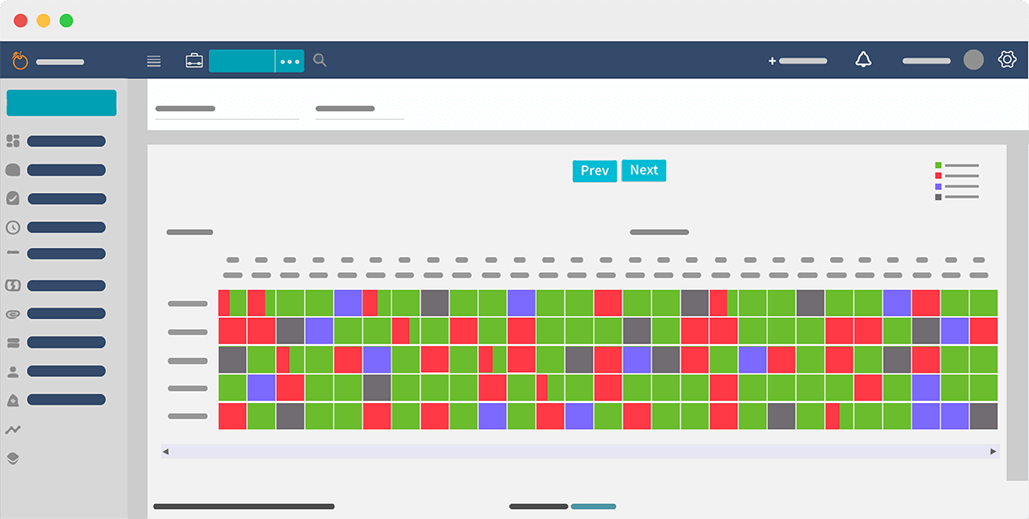  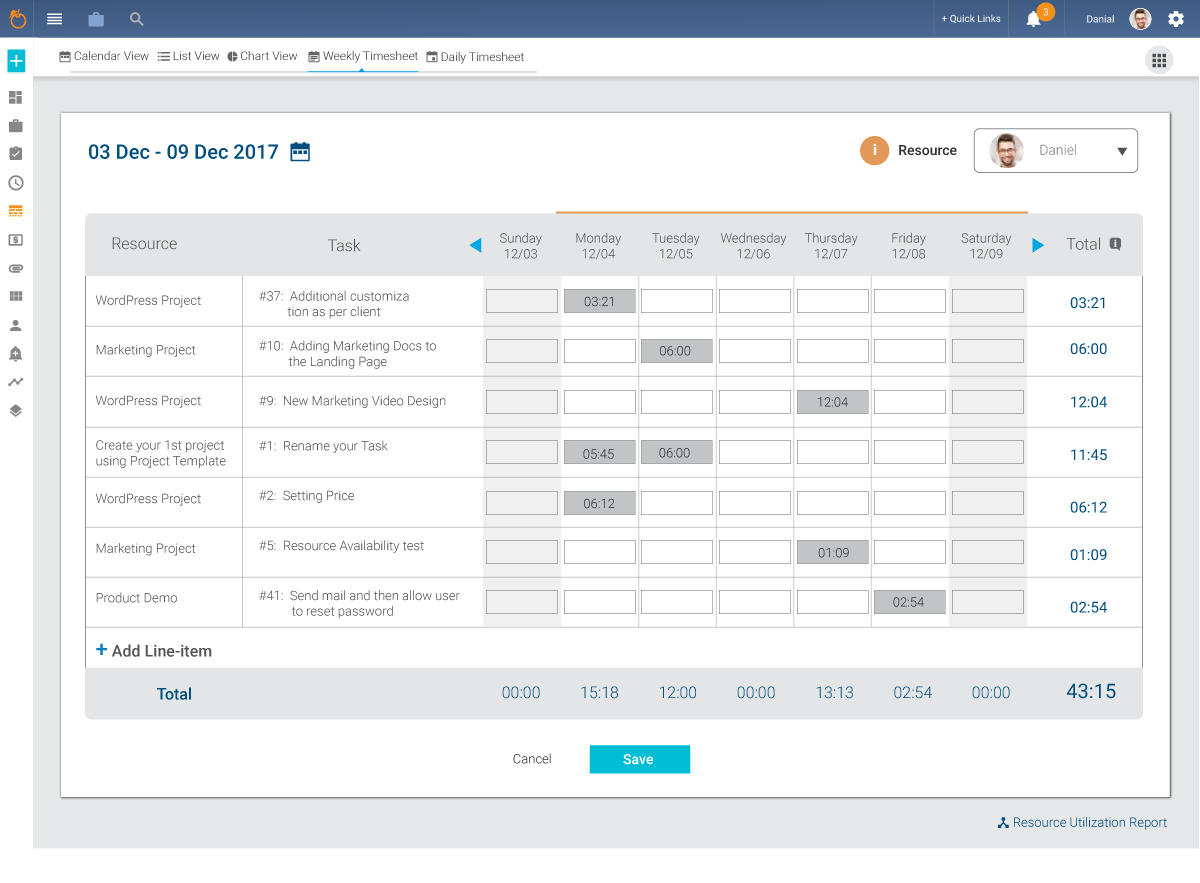 |




