MicroStrategy Mobile vs. Zeplin

Overview
ProductRatingMost Used ByProduct SummaryStarting Price
MicroStrategy Mobile
Score 8.0 out of 10
N/A
MicroStrategy Mobile enables users to bring analytics, transactions, mapping, multimedia, and business workflows to life in custom mobile apps, personalized for any industry or any role. Users can convert any information system or web application into a user-friendly, highly-performant native mobile app—optimized for both iOS and Android. Users can scale to the most demanding enterprise needs in terms of user numbers and data volume. With multi-factor and biometric…N/A
Zeplin
Score 7.5 out of 10
N/A
Zeplin, from the company of the same name, is a platform supporting collaboration in application development by engineers and designers by providing an API with popular collaboration, development and prototyping tools and creating a space where productions can be shared and reviewed.
$15
per month
Pricing
MicroStrategy MobileZeplin
Editions & Modules
No answers on this topic
Free
$0
up to 1 project
Advanced
$15
per month per seat (up to 50 projects)
Basic
$15
per month per project
Enterprise
Contact sales team
Offerings
Pricing Offerings
MicroStrategy MobileZeplin
Free Trial
NoYes
Free/Freemium Version
NoYes
Premium Consulting/Integration Services
NoNo
Entry-level Setup FeeNo setup feeNo setup fee
Additional Details
More Pricing Information
Community Pulse
MicroStrategy MobileZeplin
Features
MicroStrategy MobileZeplin
Project Management
Comparison of Project Management features of Product A and Product B
MicroStrategy Mobile
-
Ratings
Zeplin
4.7
4 Ratings
49% below category average
Task Management00 Ratings5.02 Ratings
Workflow Automation00 Ratings3.01 Ratings
Mobile Access00 Ratings4.52 Ratings
Search00 Ratings6.14 Ratings
Communication
Comparison of Communication features of Product A and Product B
MicroStrategy Mobile
-
Ratings
Zeplin
7.2
4 Ratings
10% below category average
Notifications00 Ratings7.24 Ratings
File Sharing & Management
Comparison of File Sharing & Management features of Product A and Product B
MicroStrategy Mobile
-
Ratings
Zeplin
5.0
5 Ratings
45% below category average
Versioning00 Ratings7.42 Ratings
Document collaboration00 Ratings3.53 Ratings
Access control00 Ratings4.45 Ratings
Advanced security features00 Ratings4.62 Ratings
Best Alternatives
MicroStrategy MobileZeplin
Small Businesses
Swiftify
Swiftify
Score 9.0 out of 10
Stackby
Stackby
Score 9.0 out of 10
Medium-sized Companies
Swiftify
Swiftify
Score 9.0 out of 10
Troop Messenger
Troop Messenger
Score 9.8 out of 10
Enterprises
Swiftify
Swiftify
Score 9.0 out of 10
HCL Connections
HCL Connections
Score 9.0 out of 10
All AlternativesView all alternativesView all alternatives
User Ratings
MicroStrategy MobileZeplin
Likelihood to Recommend
8.4
(3 ratings)
7.6
(22 ratings)
Likelihood to Renew
-
(0 ratings)
8.2
(1 ratings)
Usability
-
(0 ratings)
7.6
(4 ratings)
Support Rating
-
(0 ratings)
9.5
(4 ratings)
User Testimonials
MicroStrategy MobileZeplin
Likelihood to Recommend
MicroStrategy
One of best business intelligence enterprise reporting tools, it has loads of rich features available to the business user with ease of use and advanced analysis in a single end-to-end solution. I like MicroStrategy's simplicity in creating complex multi-pass SQL reports, visualizations over varied data sets, and the breath of areas in which the product can be used. I like mostly everything. I think there are some remaining improvements that could be done in the area of data visualization.
Read full review
Zeplin
I still have some issues, especially with color integration between the style guide and also project. When we update the colors, it's not automatically sync to every project. Aside from that, zeplin solves my problem for hand-off design from design to developer. I set zeplin is source of truth design file
Read full review
Pros
MicroStrategy
  • MicroStrategy has widgets that allow you to display data using elaborate and complex graphs such as maps, microcharts, thermometers, etc.
  • The same dashboards can also be viewed on the web by users who don't have mobile devices.
  • For mobile, MicroStrategy has created unique selectors that are more suited for smartphones and tablets.
  • MicroStrategy uses the features of mobile devices such as accelerometers to select different views and change the display when the device is tilted or rotated. In addition you can use inputs such as the camera to read barcode data and enter inventory data into the database.
Read full review
Zeplin
  • Ease in automatically building design style guides, saving time that might be spent on building style guides in another tool (such as InDesign).
  • Users can use Mac, PC, or web versions of this app to collaborate on a single project, enabling us to work with a wider pool of contractors.
  • Accelerates the design-to-development workflow, as it’s very easy to import Sketch or Photoshop files through plug-ins, and HTML/CSS codes are automatically created based on designs.
  • Provides cross-platform specifications for web, iOS, and Android, which can save developers time in figuring out specifications beyond the “main platform" on their own.
Read full review
Cons
MicroStrategy
  • Pop-ups.
  • Refresh rate.
Read full review
Zeplin
  • The uploading and syncing of assets is great for sketch and photoshop but we use illustrator and that can be cumbersome/tedious at times.
  • There are certain elements that have been a bit confusing to navigate at times, but for the most part, it's pretty user-friendly
  • More integrations
Read full review
Likelihood to Renew
MicroStrategy
No answers on this topic
Zeplin
Great tool
Read full review
Usability
MicroStrategy
No answers on this topic
Zeplin
Zeplin's component management and style guide help us to be consistent across whole product and it so easy to use for non-technical person. It is now easy to collaboration for designes between different teams like stackholders, product owner, UI/UX, developers and testers. Now there is only one point of reference is Zeplin so it is so easy to get details without asking designer or developer again and again.
Read full review
Support Rating
MicroStrategy
No answers on this topic
Zeplin
Zeplin has classic support with a chat from the website. It's working fine, and we're also getting the support needed when needed. However, Zeplin is very good at closing the incidents and moving on. It was a while ago we had a case with their support so that it might have improved since then.
Read full review
Alternatives Considered
MicroStrategy
MicroStrategy is much better.
Read full review
Zeplin
Zeplin is great to inspect and share user interfaces, specifications and assets, perfect for developers. Tools like InVision and Marvel are much better to create prototypes for both developers, coworkers and even stakeholders, but they don't have this kind of feature (inspection) as Zeplin does. So each of them can be used for different purposes, offering different approaches to share and interact with layouts for apps and websites.
Read full review
Return on Investment
MicroStrategy
No answers on this topic
Zeplin
  • Development time has reduced as the design updates are communicated in real time to developers and they don't have to write the boilerplate code as it's already generated.
  • Employee engagement has improved as every stakeholder is aware about the design changes from the beginning and can give their inputs.
  • Designers save a lot of time as they don't to explicitly communicate when the update or publish their designs and also it just takes a couple of clicks to publish their designs. Also, lot of rework is saved as every stakeholder is involved right from the beginning.
Read full review
ScreenShots

MicroStrategy Mobile Screenshots

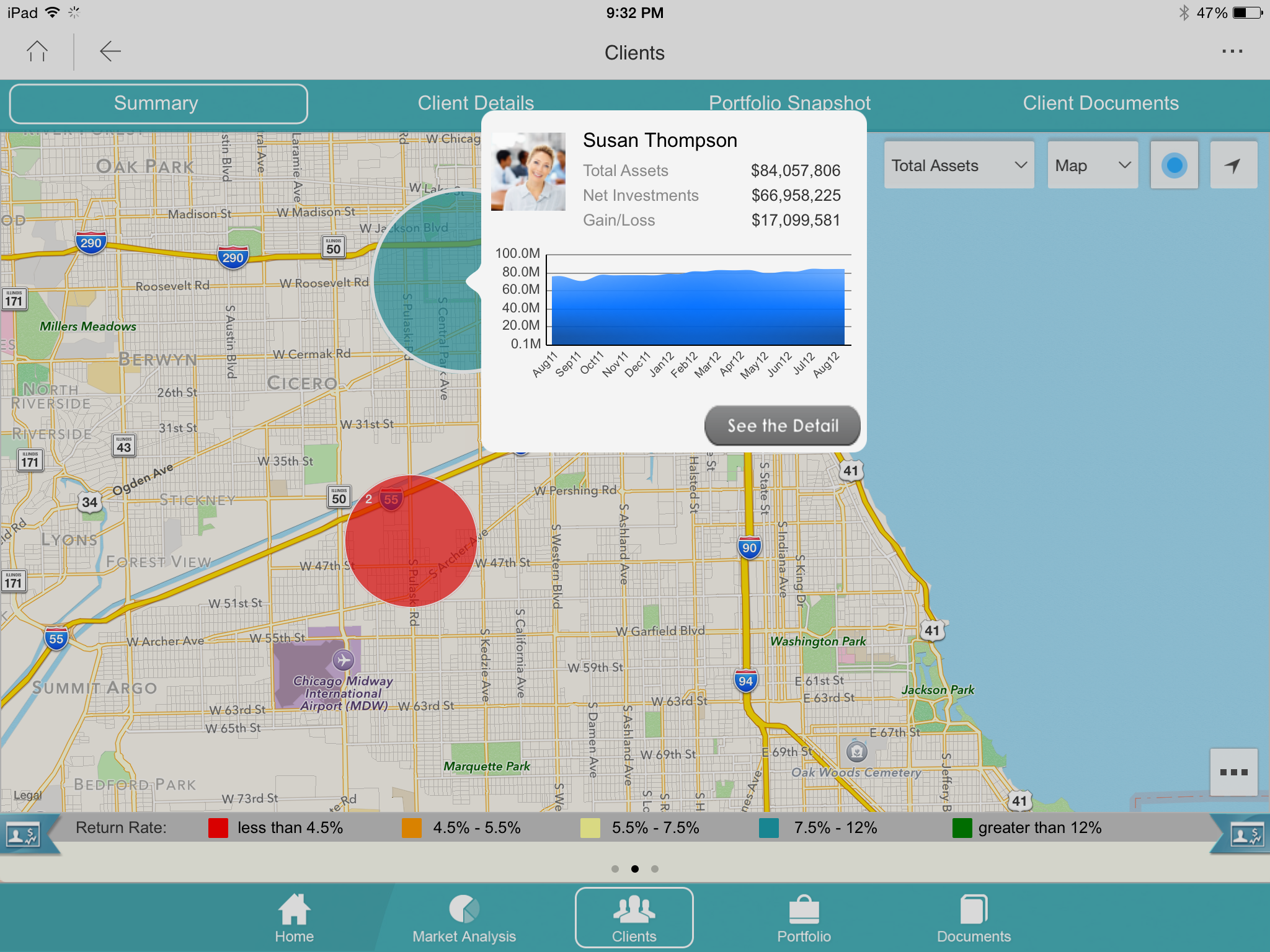
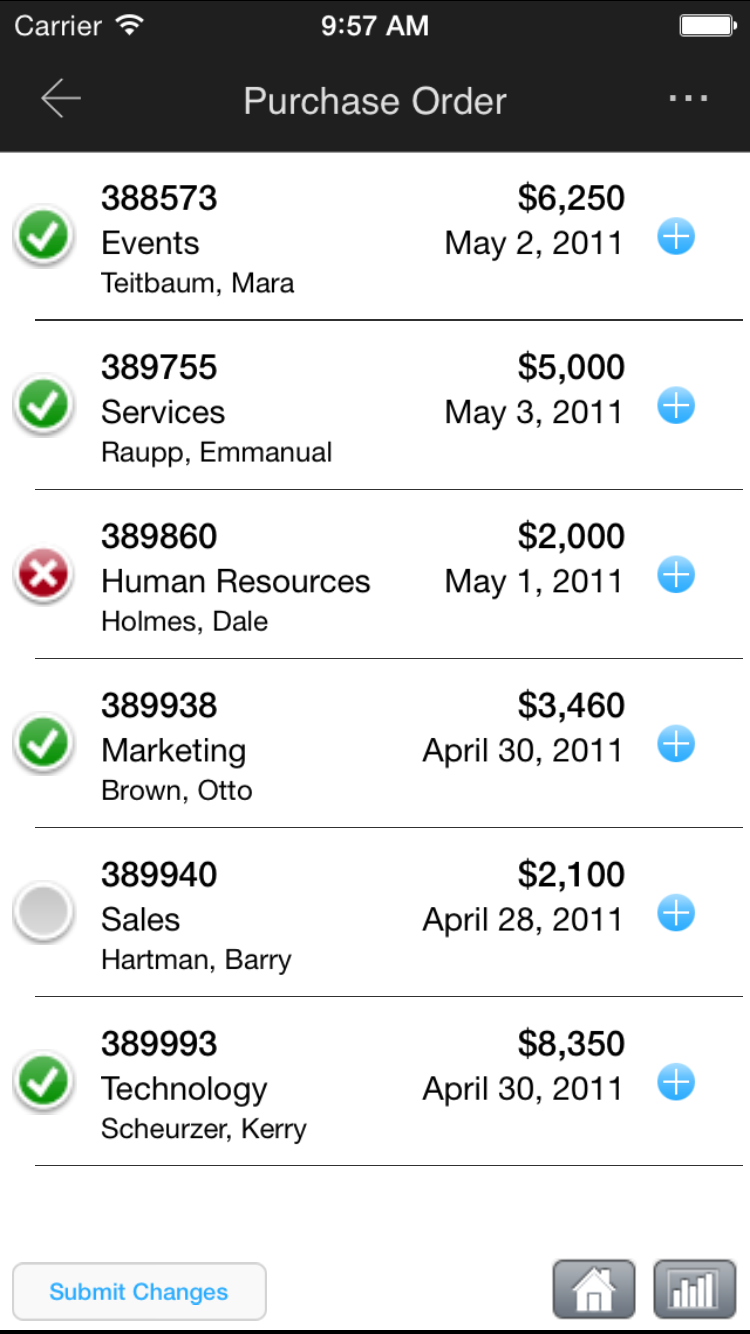
Screenshot of Monitor operational KPIs wherever, wheneverScreenshot of Look up detailed customer information while out in the fieldScreenshot of Log touchpoints or update CRM informationScreenshot of Approve or deny corporate requestsScreenshot of View customer buying trends and capture notesScreenshot of View performance and ranking