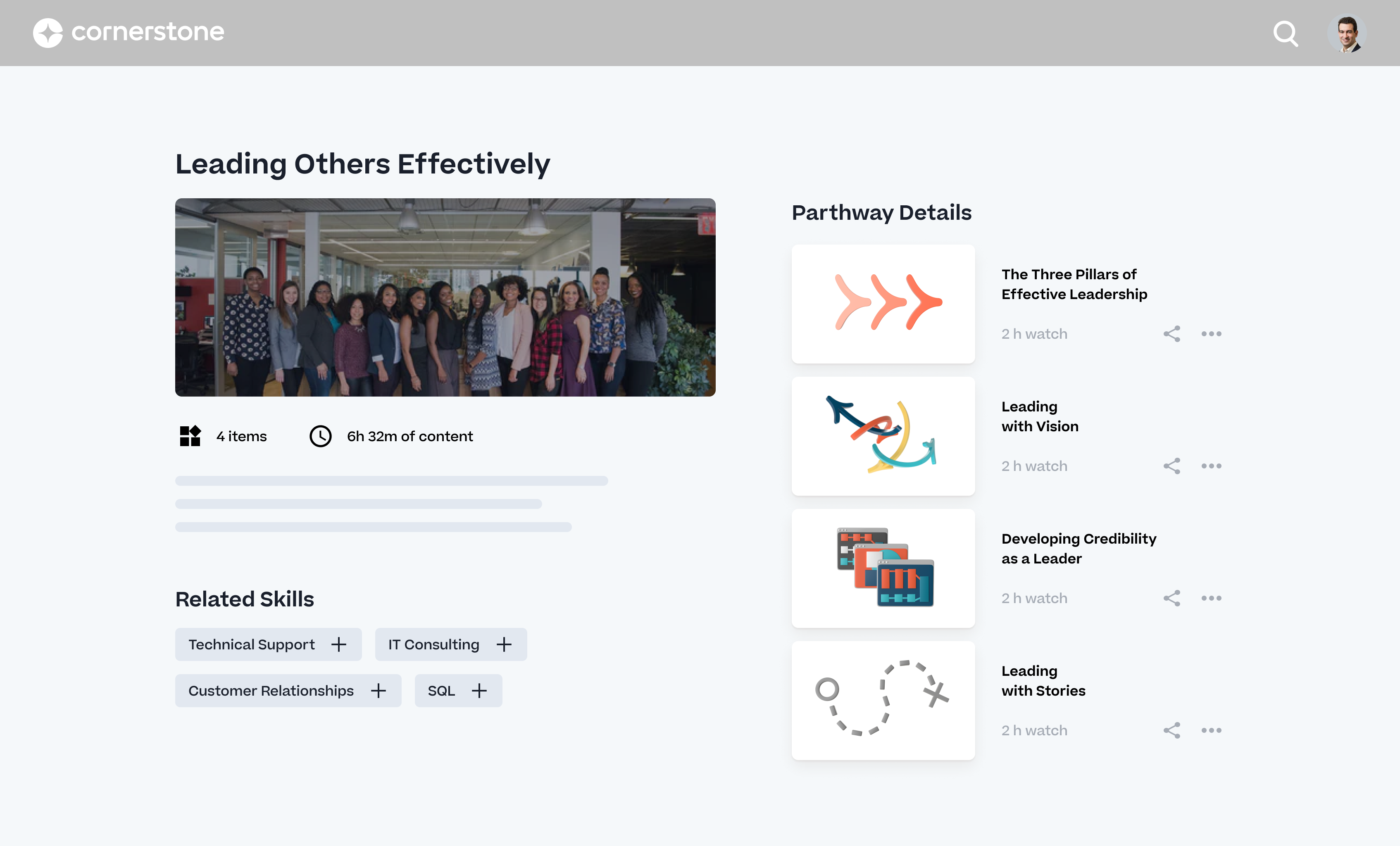
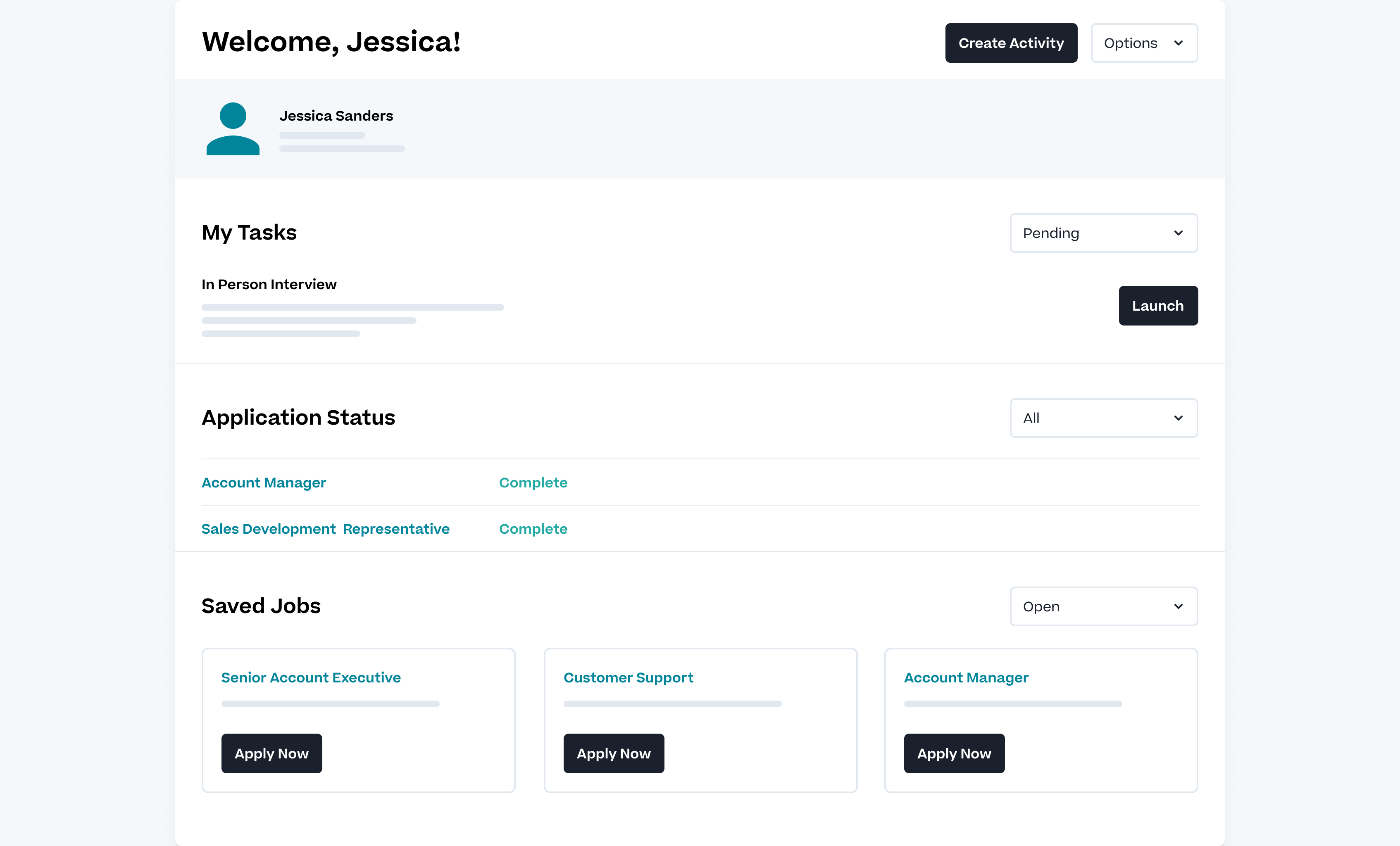
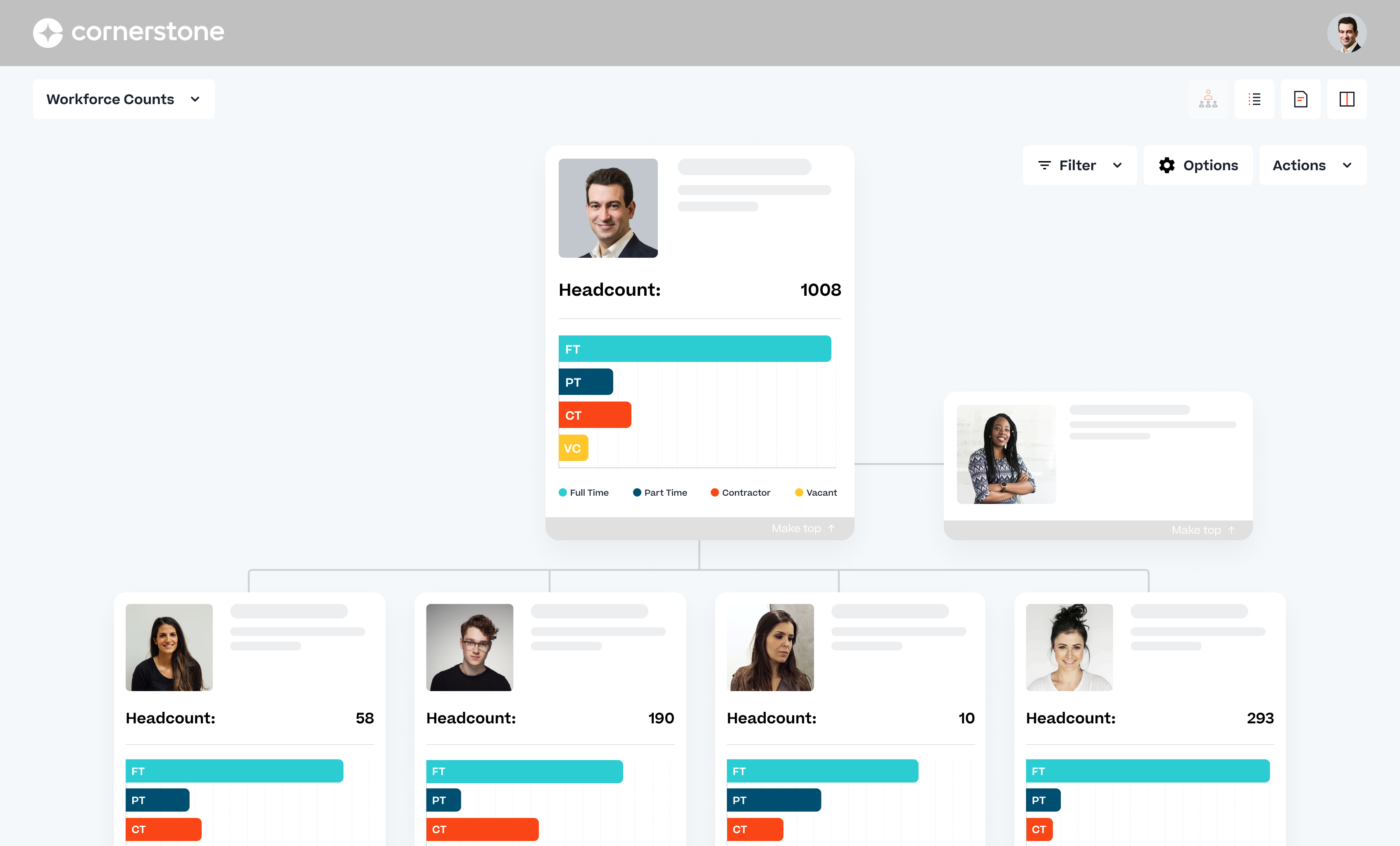
Cornerstone Galaxy is a cloud-based application for talent management. Cornerstone offers suites for recruiting, training, performance monitoring and planning, learning, and HR data management. It is scaled for enterprises.
N/A
Moodle
Score8.7 out of 10
N/A
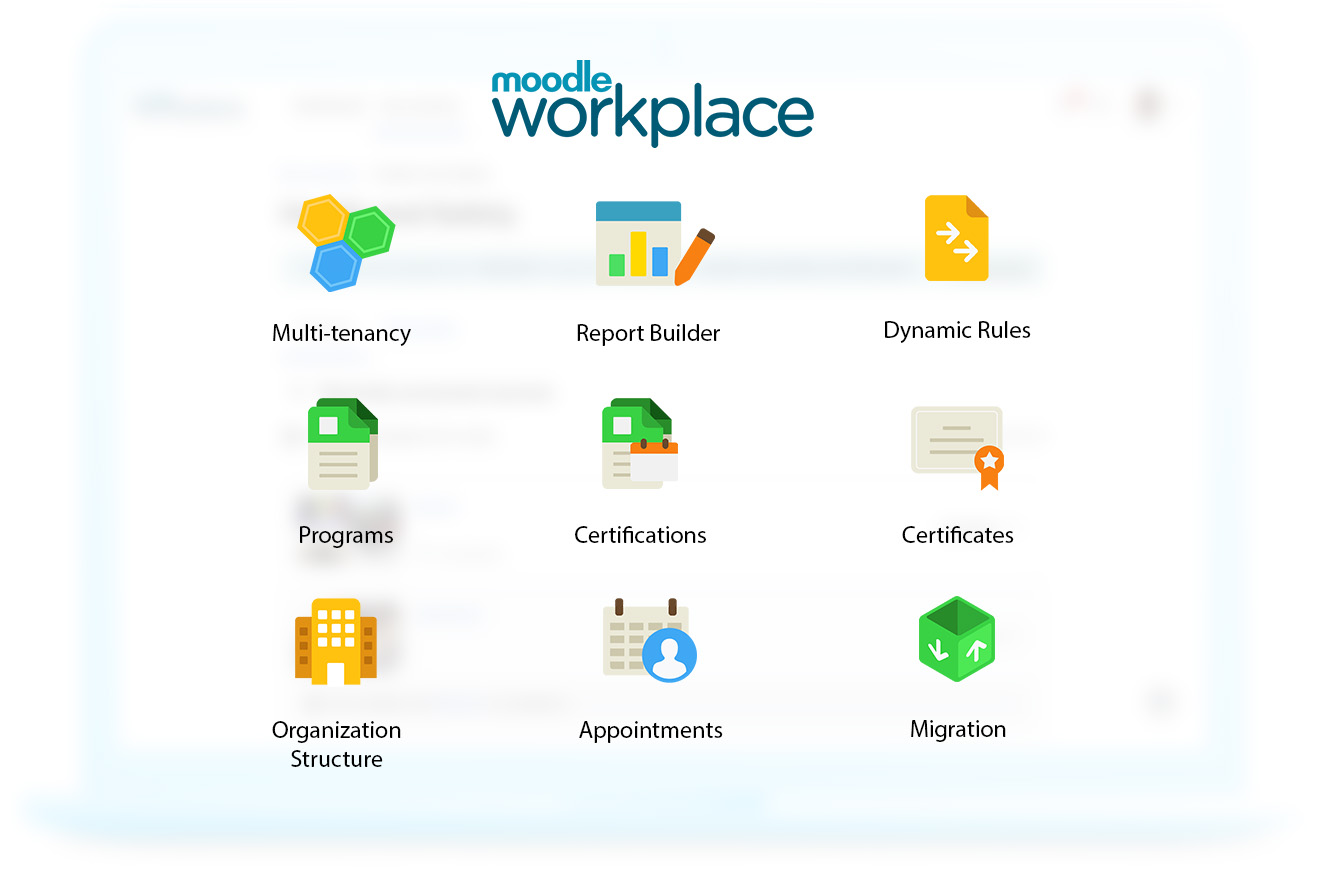
Moodle is an open source learning management system with hundreds of millions of users around the globe and translated into over 100 languages, used by organizations to support their education and training needs.
N/A
Pricing
Cornerstone Galaxy
Moodle
Editions & Modules
No answers on this topic
No answers on this topic
Offerings
Pricing Offerings
Cornerstone Galaxy
Moodle
Free Trial
No
Yes
Free/Freemium Version
No
Yes
Premium Consulting/Integration Services
Yes
Yes
Entry-level Setup Fee
Required
Optional
Additional Details
—
—
More Pricing Information
Community Pulse
Cornerstone Galaxy
Moodle
Considered Both Products
Cornerstone OnDemand
Verified User
Chose Cornerstone Galaxy
I have previously used SumTotal and Moodle and find Cornerstone OnDemand to be much more deep in terms of the amount of features available and custom configurations possible. From an admin perspective, Cornerstone OnDemand also has a much richer admin community and educational …
A de minimis incentive was given to thank the reviewer for their time. The incentive was not used to bias or drive a particular response, nor was the incentive contingent on a positive endorsement. More Info
Senior Software Test Engineer in Information Technology at Enosis Solutions (Information Technology & Services, 201-500 employees)
Chose Cornerstone Galaxy
Since the platform can be accessed not only through the website but also through users' cell phones, Cornerstone's virtual training tool offers great accessibility for employees receiving training.
It works with Android and iOS devices and collaborates with other apps to ensure …
A de minimis incentive was given to thank the reviewer for their time. The incentive was not used to bias or drive a particular response, nor was the incentive contingent on a positive endorsement. More Info
Manager of Education and Empowerment Technologies in Product Management at AdvanceNet Technology Services (Non-profit Organization Management, 1-10 employees)
Chose Cornerstone Galaxy
Cornerstone OnDemand exceeds the features of these other LMS systems by offering more modules and features. CSOD is a one-stop shop LMS for talent management. The robust reporting and customizable options also make this a step above the other Learning Management Systems out …
A de minimis incentive was given to thank the reviewer for their time. The incentive was not used to bias or drive a particular response, nor was the incentive contingent on a positive endorsement. TR verified that a representative sample of customers was invited. More Info
Verified User
Chose Cornerstone Galaxy
Cornerstone OnDemand consistently ranked in the highest among existing capability, streamlined administrator experience, and also based future product roadmap. Their vision for the future appears to be set much further out and ahead of their competition to remain competitive. …
A de minimis incentive was given to thank the reviewer for their time. The incentive was not used to bias or drive a particular response, nor was the incentive contingent on a positive endorsement. More Info
A de minimis incentive was given to thank the reviewer for their time. The incentive was not used to bias or drive a particular response, nor was the incentive contingent on a positive endorsement. TR verified that a representative sample of customers was invited. More Info
Education Development and Implementation Manager in Corporate at Hospice of the Western Reserve (Hospital & Health Care, 501-1000 employees)
Chose Moodle
Moodle met almost all of our needs, except two: eCommerce and multiple portals. For this, we used a Moodle overlay called Totara. As it was built on Moodle, we got to keep all of our current classes, the administration was the same, and our server needs remained unchanged. …
A de minimis incentive was given to thank the reviewer for their time. The incentive was not used to bias or drive a particular response, nor was the incentive contingent on a positive endorsement. More Info
Cornerstone Galaxy is a good solution for larger companies that focus on training and want to offer a variety of options to their employees and departments. It is highly customizable. It does require a tech savvy team to set-up, and maintain. This is not a set-it-and-forget-it system. From an LMS perspective, it wouldn't be my top choice for employees who only need a mobile-friendly approach.
Moodle is great for any environment where a class or other learning activity needs to be completed in an asynchronous manner. It can be used to post information, create interactive threads for discussion, issue quiz and exam work with grading, track and grade progress, and keep track of attendance. It is an overall wonderful solution for managing asynchronous learning.
Ability to provide multiple customizable access roles from general end user to full system admin and anything in between
Powerful reporting system in the LMS to track a plethora of data points within the platform (user data, training information, transcript information)
Great options to customize the look and feel of your "home page" to best meet your company's needs and goals.
Ability to customize the transcript view for learners (i.e. when Completed training will move to their Archived transcript, what to do with Inactive training on transcripts)
A de minimis incentive was given to thank the reviewer for their time. The incentive was not used to bias or drive a particular response, nor was the incentive contingent on a positive endorsement. More Info
A de minimis incentive was given to thank the reviewer for their time. The incentive was not used to bias or drive a particular response, nor was the incentive contingent on a positive endorsement. More Info
Sometimes finding the right answer to your support question can be a bit more difficult than it should be.
I would like to see more OSHA related courses.
At times, the administrative interface seems to need to be updated, but the tradeoff honestly might be the absolute rock-solid stability of the platform.
A de minimis incentive was given to thank the reviewer for their time. The incentive was not used to bias or drive a particular response, nor was the incentive contingent on a positive endorsement. TR verified that a representative sample of customers was invited. More Info
The interface is not very intuitive. You must know what you are looking for in order to navigate effectively.
Although installation of Moodle is easy, it is a little more difficult to configure it with your other Learning tools. As an example, LDAP synchronization is a little difficult.
The interface is a little dated, even though new releases keep coming out (which is great!) none of them really add value to the appearance of the platform.
A de minimis incentive was given to thank the reviewer for their time. The incentive was not used to bias or drive a particular response, nor was the incentive contingent on a positive endorsement. More Info
As long as pricing stays reasonable, we will likely stay with Cornerstone for at least one more contract renewal. It would be a large task to migrate all of our content to a new system. However, the LMS landscape is diversifying with new startups that are showing some real innovation.
A de minimis incentive was given to thank the reviewer for their time. The incentive was not used to bias or drive a particular response, nor was the incentive contingent on a positive endorsement. TR verified that a representative sample of customers was invited. More Info
We use it because it is what have committed to back in 2011. Perhaps Moodle will evolve and advance in a positive way that will alleviate most of our user-based gripes? Perhaps it will not appear to be as cost effective given the need for a certain level of engineering and support staff to maintain it at a future level of sustainability? It's hard to say. As an enterprise scale critical application, we like it, but don't love it. Our instructors don't particularly like it at all.
Easy to use, easy to learn, lots of support during the learning process. There are a few parts of the system we don't use and I'm hesitant to begin using because other clients have said they're difficult and cumbersome (certifications) or outdated (libraries)
Moodle can be used on a tablet, on a mobile phone, and on a PC. It is easy to navigate for learners and figure out for administrators. The learners can easily complete tasks and the administrators can easily track completion. The last thing about Moodle that one may not realize is that it somewhat resembles Facebook in its layout. This means that users are already familiar with the interface and therefore they are more comfortable using it.
A de minimis incentive was given to thank the reviewer for their time. The incentive was not used to bias or drive a particular response, nor was the incentive contingent on a positive endorsement. More Info
I haven't really had any major availability problems. The service is practically impeccable but it is true that at times, due to server and latency problems, the application has been slower. But these have been specific issues that have resolved themselves.
Yes, Moodle is always available. We are self-hosted and Moodle is always up and available. The only time that it is not available is when we are upgrading it each semester. It is then down for just a few planned hours. That is in-between semesters and we let the faculty and students know. We do it on a Friday evening and it is back up within a few hours.
A de minimis incentive was given to thank the reviewer for their time. The incentive was not used to bias or drive a particular response, nor was the incentive contingent on a positive endorsement. More Info
I haven't seen many issues at all with load times. Sometimes learning assignments will take longer then expected but it is still reasonable. They have taken great effort over the last couple years to speed things up like reports and search results so I expect that effort to continue in the coming year.
A de minimis incentive was given to thank the reviewer for their time. The incentive was not used to bias or drive a particular response, nor was the incentive contingent on a positive endorsement. TR verified that a representative sample of customers was invited. More Info
Moodle is an excellent LMS in relationship to any other one that I have seen or used. The pages load quickly and the reports complete in a reasonable time frame. Moodle has taken on Respondus, StudyMate, BigBlueButton, Turning Tech, Turnitin2, Certificates, Attendance, Tegrity, Questionnaire, Virtual Programming Lab, and Badges. All of these programs work right in with Moodle and do not cause any issues. Instructors may also use Camtasia and Snagit software as well as using webcams, downloading videos from the Internet, adding into books, or any of the many other areas within Moodle. Our instructors use the grade books without many problems and really don't ask questions much anymore. We upgrade Moodle every semester and are currently on 2.9+. Our instructors have basically learned to use most of the resources and activities.
A de minimis incentive was given to thank the reviewer for their time. The incentive was not used to bias or drive a particular response, nor was the incentive contingent on a positive endorsement. More Info
Its always important to have support when you are facing problems and when you are the main admin of the organization. Cornerstone Support is very supporting when you have not found the answer in the help guide. its very useful to have a team support to guide you.
A de minimis incentive was given to thank the reviewer for their time. The incentive was not used to bias or drive a particular response, nor was the incentive contingent on a positive endorsement. More Info
Moodle is open source, and must be evaluated in that context, but one also has to provide a fair comparison to competing products with commercial backing. Support varies depending on the component of Moodle. Bug reports in Moodle Core that affect security or stability are dealt with promptly. Functionality requests or features not working smoothly may or may not be addressed, depending on whether the functionality desired matches the "vision" of Moodle HQ. The user community provides excellent support for initial installation and configuration, but more complex questions may go unanswered, unless they are noticed by someone who happens to know the answer. The support forum feature at the Moodle site (the same feature used within Moodle itself) does not provide granular subscription to topic discussions, apparently by design, and Moodle HQ seems resistant to changing this feature.
A de minimis incentive was given to thank the reviewer for their time. The incentive was not used to bias or drive a particular response, nor was the incentive contingent on a positive endorsement. More Info
we use also to admin all our training in person events and sessions. Its easy to admin this kind of trainings and automatize some processes we have. Also de user experience and the integration with other systems helps to the employees to use more. All modules integrated oriented to develop people is the principal reason to have CSOD. The training administration is very complete and allows to automate many processes.
The online modules are pretty good. You can access them at any time, which we have done. You learn a lot in the beginning, but having the ability to retake short lessons when you are working on those items was very helpful.
A de minimis incentive was given to thank the reviewer for their time. The incentive was not used to bias or drive a particular response, nor was the incentive contingent on a positive endorsement. TR verified that a representative sample of customers was invited. More Info
A de minimis incentive was given to thank the reviewer for their time. The incentive was not used to bias or drive a particular response, nor was the incentive contingent on a positive endorsement. More Info
The implementation was pretty difficult. We felt they (Cornerstone) didn’t properly allocate the resources to complete our implementation in the timetable we wanted.
For example, we worked on Workday and SSO integrations - work that we had specifically contracted for in advance. When we were ready to work on that project, they didn’t have the people ready to help us, so it took a lot longer than necessary. That was my biggest pain point.
The implementation approach we went with was a self-led implementation. We would speak to the implementation manager once per week, and self-trained. We met with implementation manager to discuss issues, review things that we’d learned for 1 hour. We found that wasn’t enough. Other things would come up outside that one hour window that we couldn’t get answers to. We didn’t have anyone to ask about those things and we had to wait to ask during our weekly meeting.
The advantage of the self-led implementation approach was that it was really inexpensive – significantly less than the implementation cost for the other systems that we looked at. I also liked that we could pace ourselves. There were however big roadblocks. We would have to make sure the right resources were available. We had an implementation/project manager with a lot of experience and felt that the person was knowledgeable but missed on a few things.
In hindsight, I would still go with the self-led implementation, but knowing what I know now, I would ask for the integration person to be available more. I would work that into the contract. With single sign-on, we needed deep linking to build direct links through a Single Sign-On tool, e.g. when someone gets an email, it directs them to training. But it has to go through SSO to get them to the correct link. Deep linking wasn’t turned on in our system and they had to activate it. We encountered little things like that – sequencing pre-requisites which were problematic. We tried to troubleshoot ourselves.
I recommend you consider contracting for some extra implementation hours and determine when they are going to be available. Work it into the contract that you have the ability to call tech support during implementation. In addition to weekly implementation meetings, they have technical webexes – 4 every week, but 2 didn’t apply to us – one as we were using SSO. The challenge is they were not always relevant – we had specific questions that didn’t fall into those categories
Find a partner who will work with you during the implementation process. Be sure to provide ample training for veteran users on the changes and for newbies on the overall product.
A de minimis incentive was given to thank the reviewer for their time. The incentive was not used to bias or drive a particular response, nor was the incentive contingent on a positive endorsement. More Info
The user experience is a lot better than using SumTotal as an admin CSOD makes working easy. Without having workarounds. Reporting is a lot better than both platforms. Reporting in CSOD is complex however easy to manage and create when you understand the data points collected
A de minimis incentive was given to thank the reviewer for their time. The incentive was not used to bias or drive a particular response, nor was the incentive contingent on a positive endorsement. TR verified that a representative sample of customers was invited. More Info
Blackboard has clear advantages in rubric management, and offers a content management system of its own. The largest barrier is cost for smaller or financially-disadvantaged organizations. However, as in any IT project, adequate resources must be made for even "free" software.
A de minimis incentive was given to thank the reviewer for their time. The incentive was not used to bias or drive a particular response, nor was the incentive contingent on a positive endorsement. More Info
It is important to be familiar with the terms and annual increases in licenses and other aspects of the contract. I recommend analyzing this from the beginning and the permanence is relevant because Cornerstone updates its modules and brings out new features that may allow you to leave a module to acquire another
A de minimis incentive was given to thank the reviewer for their time. The incentive was not used to bias or drive a particular response, nor was the incentive contingent on a positive endorsement. TR verified that a representative sample of customers was invited. More Info
Well, I administer Moodle for a dozen of our divisions and there is a wide range of flexibility between offerings. I have course instructors who use every module i their course, chock full of videos, pictures, links to web tools for synchronous sessions within the asynchronous course. I also have others who are content with a syllabus, a few pdfs, links to podcast lectures and a few simple assignments. No matter if your organization is big or small, or if your requirements are strict for credentialing or non-existent (for internal know-how), Moodle can accommodate you.
A de minimis incentive was given to thank the reviewer for their time. The incentive was not used to bias or drive a particular response, nor was the incentive contingent on a positive endorsement. More Info
As I have said before, I have no doubt that the services of the Cornerstone sales people were very good. In particular, our salesperson spent a lot of time in contact with us to make the process go smoothly. Perhaps being a large company in some cases the times were slowed down but it is something normal to take into account.
A de minimis incentive was given to thank the reviewer for their time. The incentive was not used to bias or drive a particular response, nor was the incentive contingent on a positive endorsement. TR verified that a representative sample of customers was invited. More Info
While it certainly takes more time to develop an online training vs a face-to-face we can offer the same content over and over again and meet a larger audience. There's no way we could have offered these trainings face-to-face to the same size audience. Economically it's just not feasible. Moodle allows us to share multiple trainings on a variety of topics over extended periods of time in a cost effective way.
The impact on early interventionists is still being evaluated, but we do know that early interventionist now have more ways to access professional development than in the past. The ability to customize the registration page has allowed us to track which agencies in Virginia are having their staff participate and we can see which topics are favored above others.
Other LMS's were far too costly. Aside from the monthly hosting fees (less than $200 a year), and the time it took to do the initial install and setup, Moodle is free. Once it's setup the only elearning costs are related to the development and creation of each training and then the setup of training on Moodle. This allows us to devote more time and money to the development and creation of more courses vs. the management of the system.
Minimal tech support for the users is required and most requests are limited to lost/userid passwords. The course designer is able to manage tech support needs for the users because so few requests are received.
A de minimis incentive was given to thank the reviewer for their time. The incentive was not used to bias or drive a particular response, nor was the incentive contingent on a positive endorsement. More Info