MyPass LMS vs. Trakstar Learn

Overview
ProductRatingMost Used ByProduct SummaryStarting Price
MyPass LMS
Score 0.0 out of 10
Enterprise companies (1,001+ employees)
MyPass LMS is an Agentic AI–powered learning management system designed to reduce the manual effort and complexity involved in running training programs. Traditional LMS platforms rely on menus, configurations, and repetitive clicks to manage courses, users, and reports. MyPass LMS replaces these workflows with AI-driven execution. Administrators can simply type or speak requests—such as creating courses, enrolling learners, scheduling…
$129
per month Credits
Trakstar Learn
Score 9.0 out of 10
Enterprise companies (1,001+ employees)
Trakstar Learn (formerly Mindflash) is an online training platform. Users can create courses, add quizzes and track results. Users can upload external content and access the platform via mobile devices. It also provides user management and reporting for internal and external training and scaling purposes.
$149
per month
Pricing
MyPass LMSTrakstar Learn
Editions & Modules
Launch
$129
200 users Credit Based
Growth - 201-500 users
$319
per month Credit Based
Enterprise - 500+ users
Custom Pricing
per month Credit Based
Basic
249/mo
Advanced
599/mo
500 trainees
Pro
1,199/mo
1000 trainees
Enterprise
Call for details
Unlimited
Offerings
Pricing Offerings
MyPass LMSTrakstar Learn
Free Trial
YesYes
Free/Freemium Version
NoNo
Premium Consulting/Integration Services
YesNo
Entry-level Setup FeeNo setup feeNo setup fee
Additional DetailsMyPass LMS Pricing Plans - Signup bonus: 5,000 credits ($645 value), valid for 3 months for Launch & Growth 1. Launch Plan $129/month after the free period (or $91/month when billed annually — $1,092/year, saving $464). Includes 1,000 credits per month for user activity(2 credits for 1 activity such as taking course), or AI actions (1 credit for 10 commands). Signup bonus: 5,000 credits ($645 value), valid for 3 months. Ideal for small teams starting their LMS journey. 2. Growth Plan $319/month after the free period (or $224/month when billed annually — $2,688/year, saving $1,148). Includes 3,000 credits per month for scalable training needs. Signup bonus: 5,000 credits ($645 value), valid for 3 months. Designed for SMBs and growing organizations with regular training programs. 3. Non-Profit Plan Registered nonprofits receive a bonus of 20,000 credits ($2,580 value), valid for 6 months. After the bonus period, nonprofits can choose either the Launch or Growth plan at standard rates. Ensures affordable access to modern learning for mission-driven organizations. 4. Enterprise Plan Custom pricing tailored to organizational needs. Flexible credits, advanced workflows, integrations, and white-labeling. Ideal for large enterprises requiring scale, compliance management, and tailored solutions.
More Pricing Information
Community Pulse
MyPass LMSTrakstar Learn
Features
MyPass LMSTrakstar Learn
Learning Management
Comparison of Learning Management features of Product A and Product B
MyPass LMS
-
Ratings
Trakstar Learn
9.3
4 Ratings
13% above category average
Course authoring00 Ratings10.04 Ratings
Course catalog or library00 Ratings10.04 Ratings
Player/Portal00 Ratings9.04 Ratings
Learning content00 Ratings9.03 Ratings
Mobile friendly00 Ratings5.03 Ratings
Progress tracking & certifications00 Ratings10.04 Ratings
Assignments00 Ratings10.04 Ratings
Compliance management00 Ratings10.02 Ratings
Learning administration00 Ratings10.04 Ratings
Learning reporting & analytics00 Ratings10.04 Ratings
Best Alternatives
MyPass LMSTrakstar Learn
Small Businesses
iSpring LMS
iSpring LMS
Score 9.5 out of 10
iSpring LMS
iSpring LMS
Score 9.5 out of 10
Medium-sized Companies
iSpring LMS
iSpring LMS
Score 9.5 out of 10
iSpring LMS
iSpring LMS
Score 9.5 out of 10
Enterprises
Axonify
Axonify
Score 10.0 out of 10
Axonify
Axonify
Score 10.0 out of 10
All AlternativesView all alternativesView all alternatives
User Ratings
MyPass LMSTrakstar Learn
Likelihood to Recommend
-
(0 ratings)
10.0
(13 ratings)
Likelihood to Renew
-
(0 ratings)
10.0
(5 ratings)
Usability
-
(0 ratings)
9.0
(1 ratings)
Support Rating
-
(0 ratings)
10.0
(2 ratings)
Implementation Rating
-
(0 ratings)
9.0
(1 ratings)
User Testimonials
MyPass LMSTrakstar Learn
Likelihood to Recommend
Kprise LLC
No answers on this topic
Mitratech
We use Mindflash for a lot of our internal training needs, and it is very versatile to accomplish your needs in training employees in a variety of different areas. I've never tried to use it for external needs, but I feel like the software at the advanced level wouldn't suit that need very well at all. At the Pro level, you get a lot more flexibility, but the cost is prohibitive for the size of our company.
Read full review
Pros
Kprise LLC
No answers on this topic
Mitratech
  • Mindflash is very clean and user-friendly. Very easy for learners to navigate and understand.
  • Mindflash’s reporting tool is unmatched. You can pull any type of report you could want or need.
  • Customer service is top-notch. From our Sales Executive to our CSM, all the way up to the VP, our experience has been amazing.
Read full review
Cons
Kprise LLC
No answers on this topic
Mitratech
  • Integration with Salesforce using professional level software. Mindflash's limited integration to only work with the higher level of Salesforce product.
  • More brand customization for multiple product line trainings.
  • Communication of trainers using Mindflash and sales team. We have multiple trainers sending invitations for training with no way for them to communicate with our sales team when a person has completed training.
Read full review
Likelihood to Renew
Kprise LLC
No answers on this topic
Mitratech
The number of people using Mindflash is only going to rise and we need a system that remains easy to use for everyone involved. [update] This is especially vital now that we've lost head count in critical departments. Getting all of our training and Safety objectives met would be impossible without Mindflash.
Read full review
Usability
Kprise LLC
No answers on this topic
Mitratech
The interface is just so simple to understand. It's clean and efficient. We showed Mindflash off to the Safety group, who are not computer gurus and they were beyong excited to use it.
Read full review
Support Rating
Kprise LLC
No answers on this topic
Mitratech
Any problems or questions we have had with Mindflash have been handled promptly and effectively. I normally use the online chat option but have had to correspond with them through email and phone as well. We have never had an issue languish for weeks or months with Mindflash. They either fix the problem or let you know that the software isn't capable to handle the need at that point.
Read full review
Implementation Rating
Kprise LLC
No answers on this topic
Mitratech
If you're going to develop a short course to demo the product internally, don't bother avoiding your own topics. Mindflash rolls whatever content you create during the trial into your production environment when you decide to buy. The time taken to go from not having a system to being live with Mindflash is virtually instant. What you'll be wanting for is time to develop content and people to test it out.
Read full review
Alternatives Considered
Kprise LLC
No answers on this topic
Mitratech
This is an alternate software that we have looked into, right now we don't have the need for the increased flexibility that Lesson.ly provides with learning from your mobile or tablet. We haven't seen a lot of those things as particularly useful for our current training methods, but we see the quality to be similar.
Read full review
Return on Investment
Kprise LLC
No answers on this topic
Mitratech
  • Mindflash has had a positive impact on our business because it allows us to train more new users with less effort, and ensure that trainees have access to the course materials for a period of time after they have started using our software to do their daily jobs. Review of the course materials allows them to get answers to common questions without having to submit requests to our support team, thereby reducing the administrative burden on our resources.
Read full review
ScreenShots

MyPass LMS Screenshots

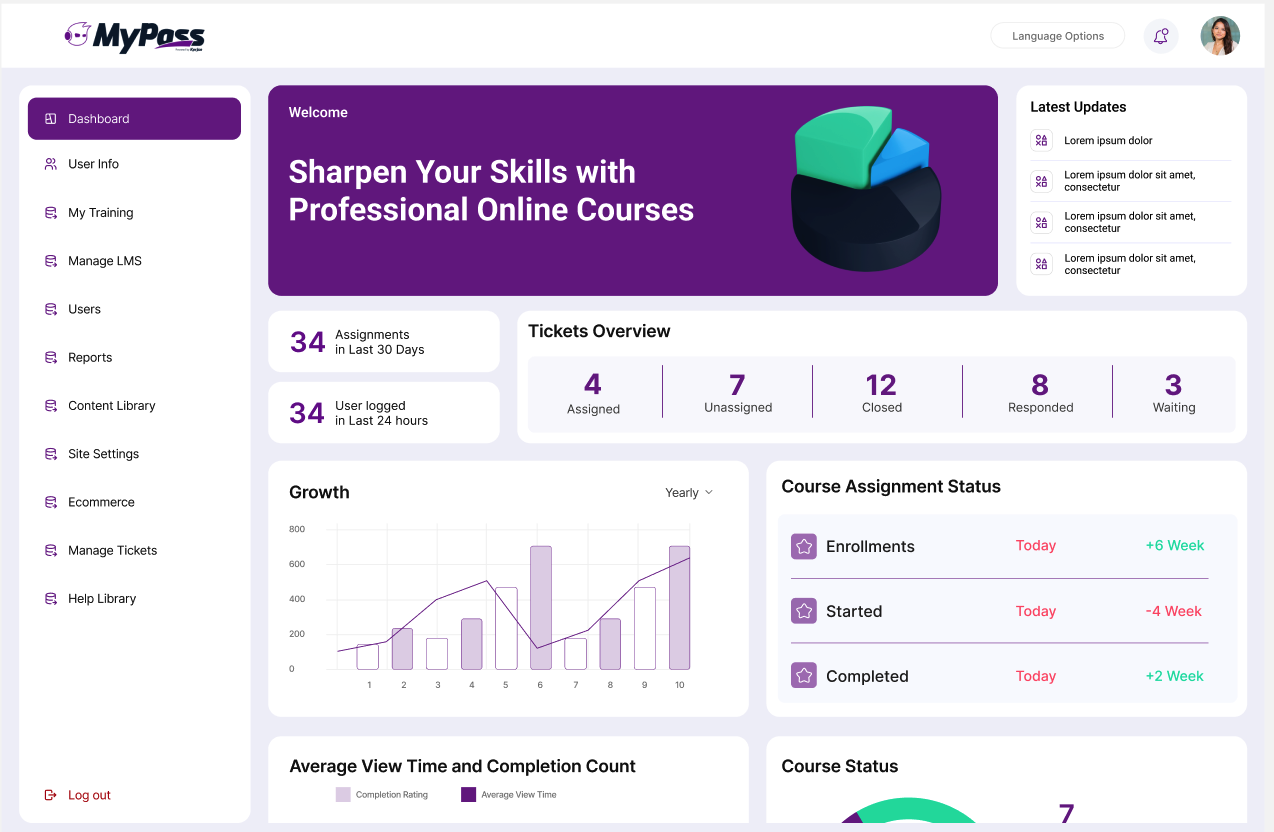
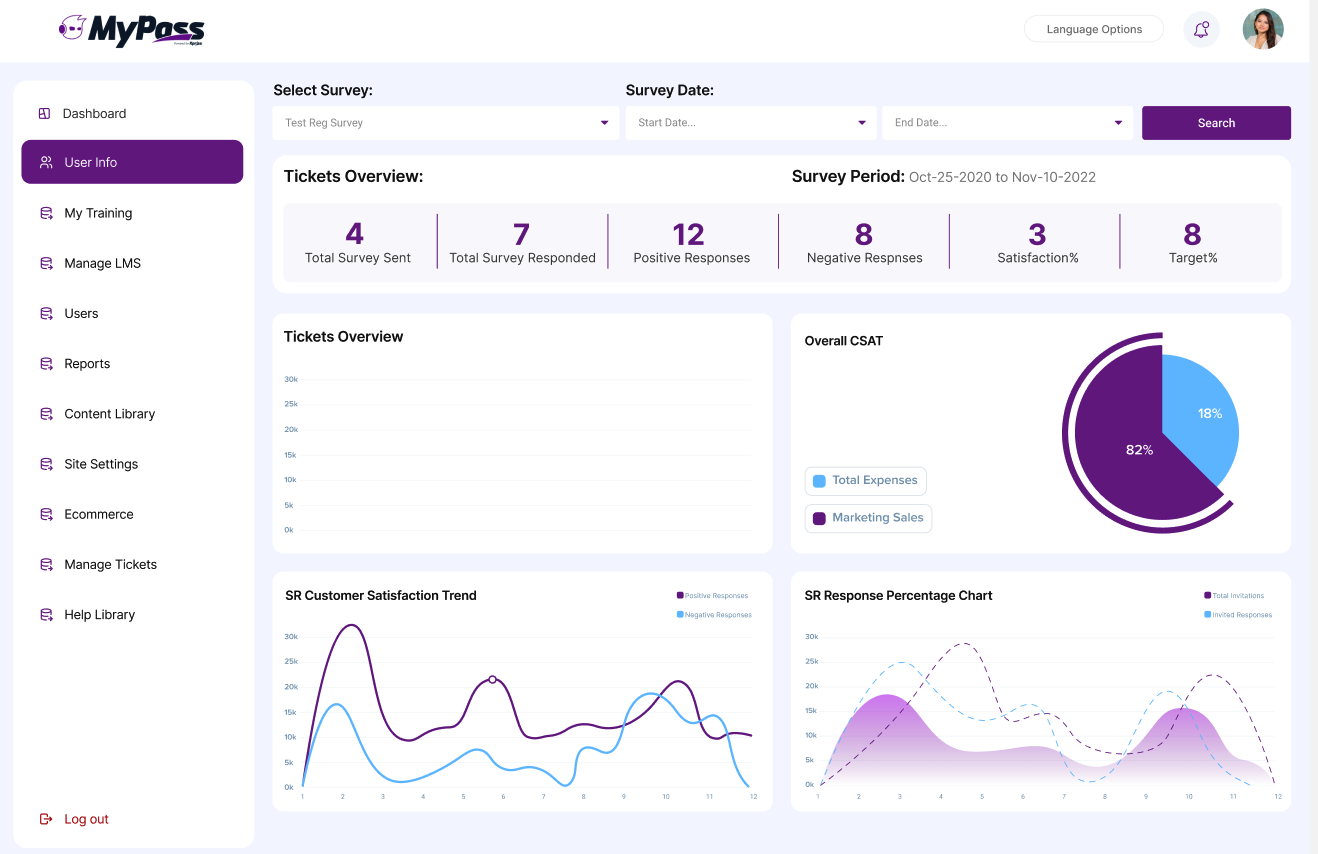
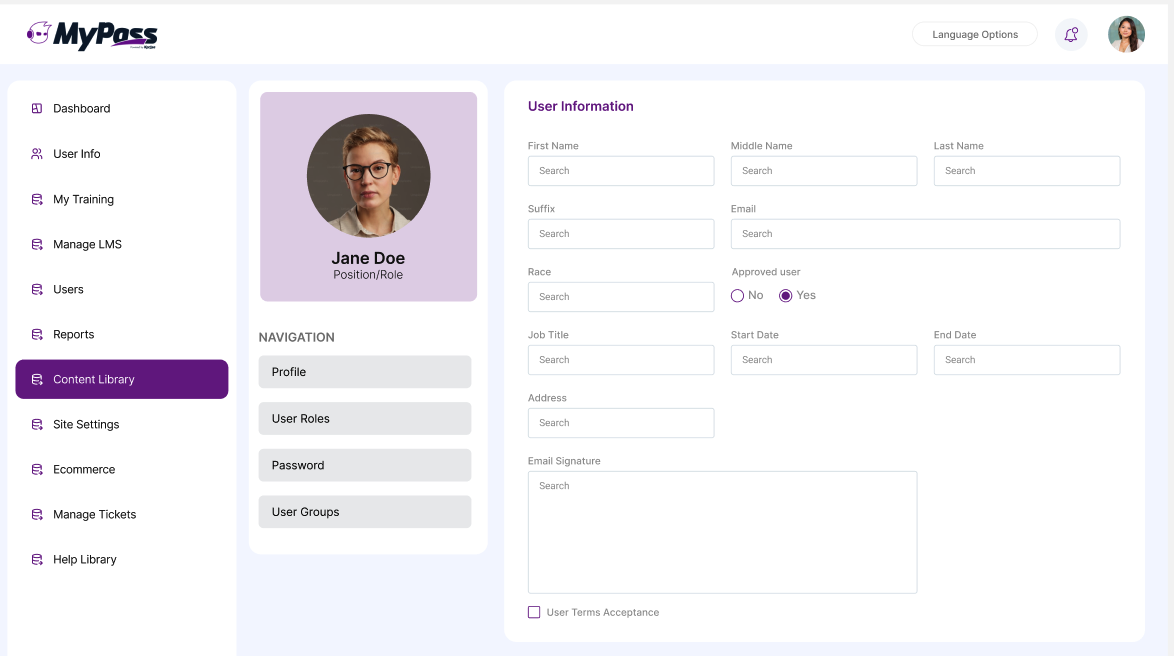
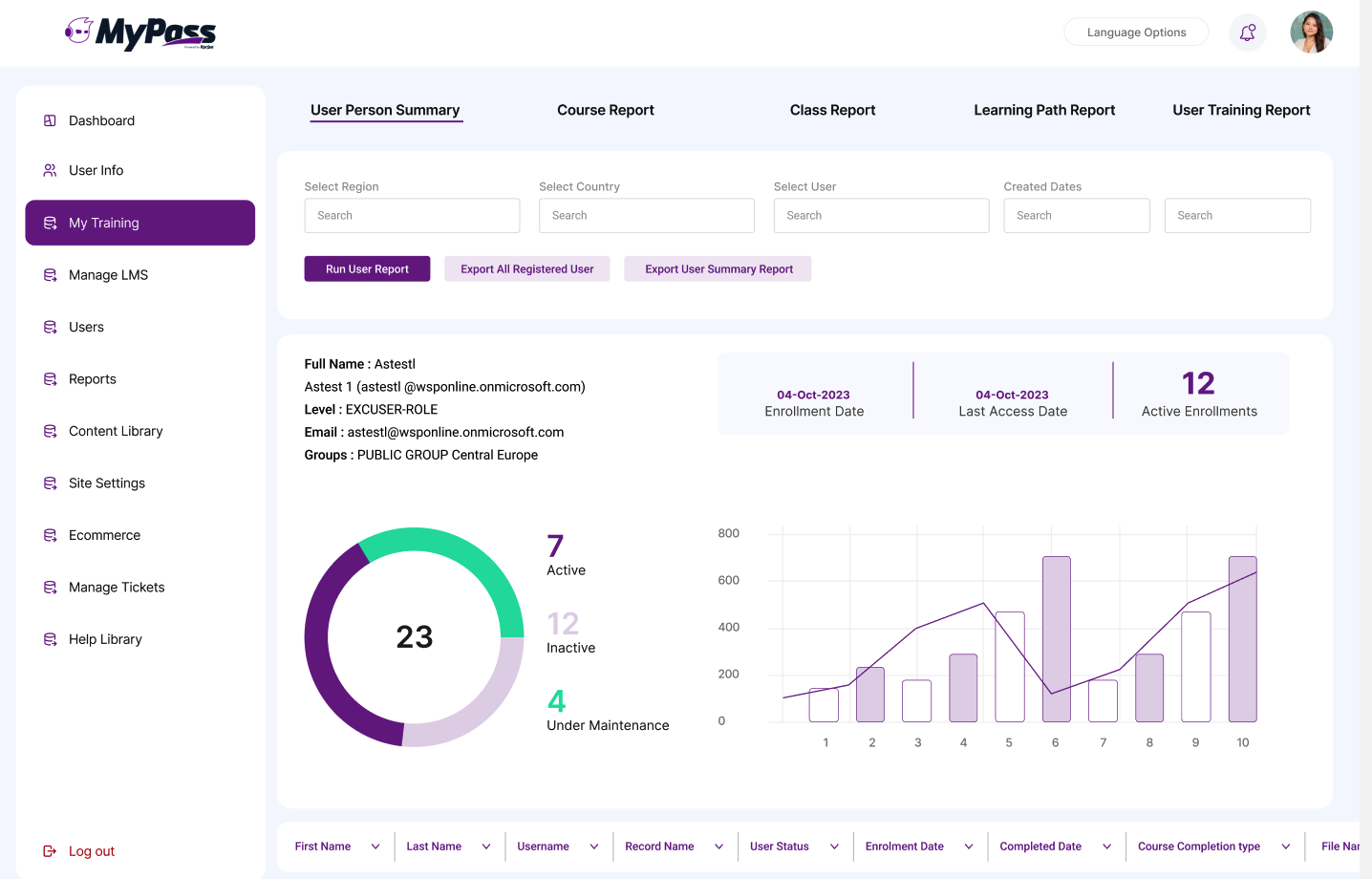
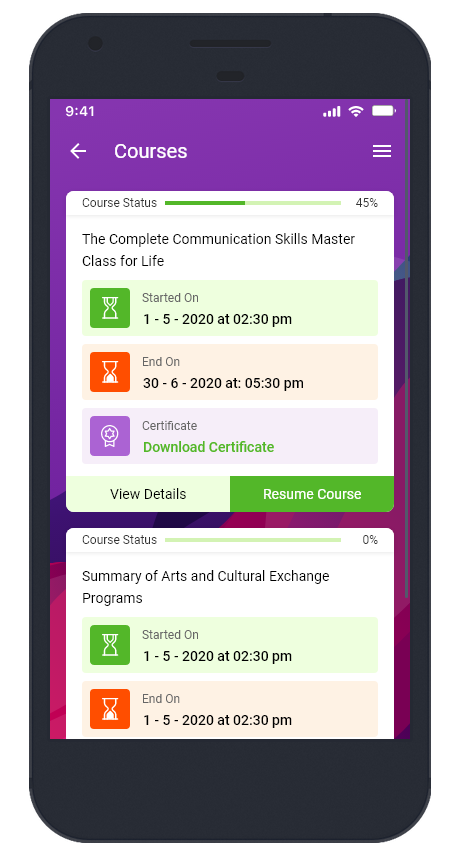
Screenshot of the admin dashboard.Screenshot of the learner dashboard.Screenshot of a learner profile.Screenshot of the reporting interface.Screenshot of the mobile app.Screenshot of the mobile app - a learner course view.

Trakstar Learn Screenshots

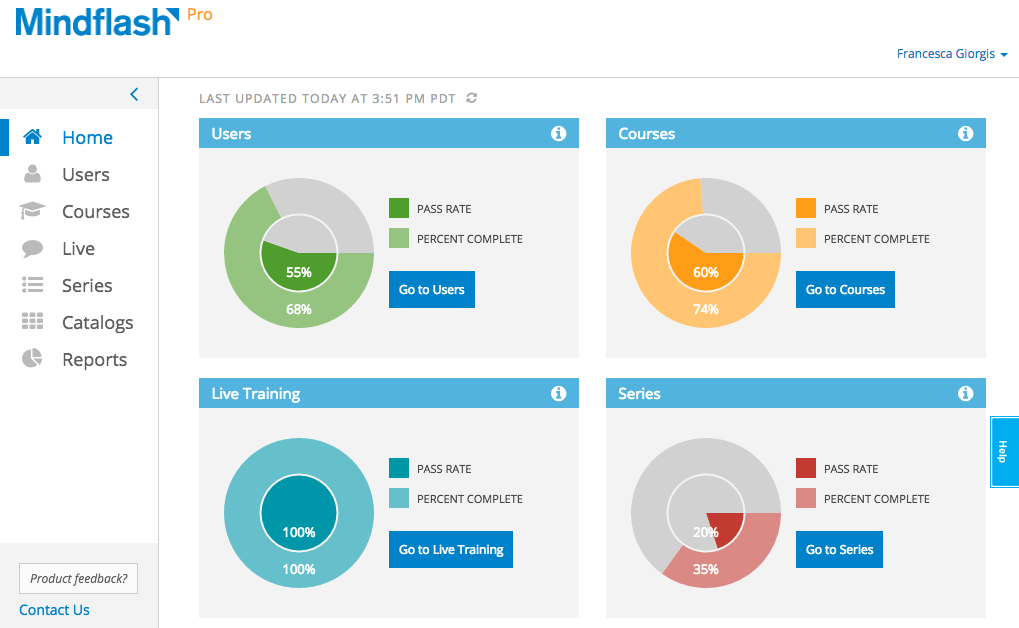
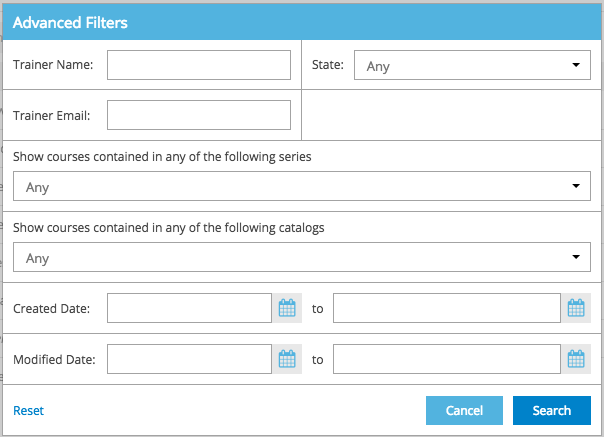
Screenshot of Trainer home - Get key information on how a program is doing with real-time graphs on the new Trainer Home. From here, viewers can dive into the details on users, courses and series using the convenient and persistent left navigation bar.Screenshot of Personalize the view - On every grid, the settings cog can be used to select the columns to view. This will be the new view even when logging in from a different computer. To maximize the content, collapse the left navigation bar to reveal just the icons.Screenshot of Filters - Advanced filters on users, courses, series and catalogs help get to just the list of items to focus on.Change, reset or keep these filters while moving across items.Screenshot of Bulk Actions - Once the list is filtered down to just the trainees to focus on, a couple of clicks a couple of clicks are required to take actions like setting a new deadline, reminding or dropping users.Screenshot of Export - Extract the whole list or the filtered list of trainees to Excel for further analysis.Screenshot of Trainer Photo - Take a photo in Mindflash and use it as a trainer photo.