
OnScreen vs. Userlane
| Product | Rating | Most Used By | Product Summary | Starting Price |
|---|---|---|---|---|
 OnScreen | Score9 out of 10 | N/A | OnScreen provides guided walkthrough help for business users on SAP GUI. OnScreen also provides rapidly developed interactive guides directly on the SAP screen to help business users complete processes or codes. | N/A |
 Userlane | Score10 out of 10 | Enterprise companies (1,001+ employees) | Userlane is a software adoption platform for organizations in healthcare, financial services, manufacturing, and pharma. Most organizations can see that people struggle with their software, but not where, or what it costs. Userlane closes that gap with a loop. It measures where people get stuck, acts inside the application at the moment it happens, and measures again to show what changed. Analytics tools find the problem but leave the fixing to… | N/A |
| OnScreen | Userlane | |||||||||||||||
|---|---|---|---|---|---|---|---|---|---|---|---|---|---|---|---|---|
| Editions & Modules | No answers on this topic | No answers on this topic | ||||||||||||||
| Offerings |
| |||||||||||||||
| Entry-level Setup Fee | No setup fee | Required | ||||||||||||||
| Additional Details | Contact vendor for pricing information. | The pricing is heavily dependent on your requirements therefore we ask you to contact us directly. | ||||||||||||||
| More Pricing Information | ||||||||||||||||
| OnScreen | Userlane | |
|---|---|---|
| Small Businesses |  Pendo.io Score8.5 out of 10 | Pendo.io Score8.5 out of 10 |
| Medium-sized Companies |  Whatfix Score10 out of 10 | Whatfix Score10 out of 10 |
| Enterprises | Whatfix Score10 out of 10 | Whatfix Score10 out of 10 |
| All Alternatives | View all alternatives | View all alternatives |
| OnScreen | Userlane | |
|---|---|---|
| Likelihood to Recommend | - | 9.1 |
| Usability | - | 9.1 |
| OnScreen | Userlane | |
|---|---|---|
| Likelihood to Recommend | No answers on this topic |
|
| Pros | No answers on this topic |
|
| Cons | No answers on this topic |
|
| Usability | No answers on this topic |
|
| Alternatives Considered | No answers on this topic |
|
| Return on Investment | No answers on this topic |
|
| ScreenShots | Userlane Screenshots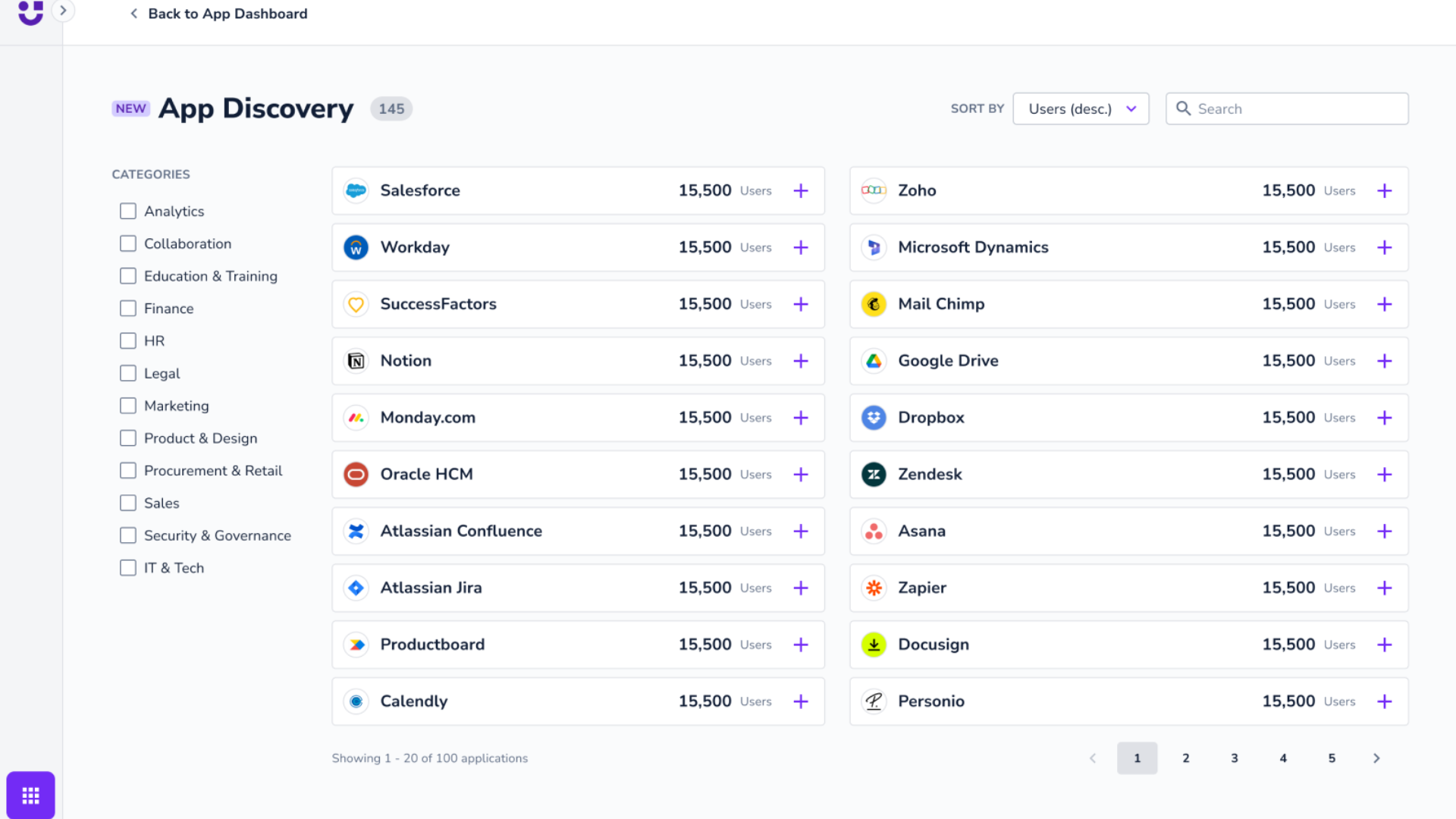  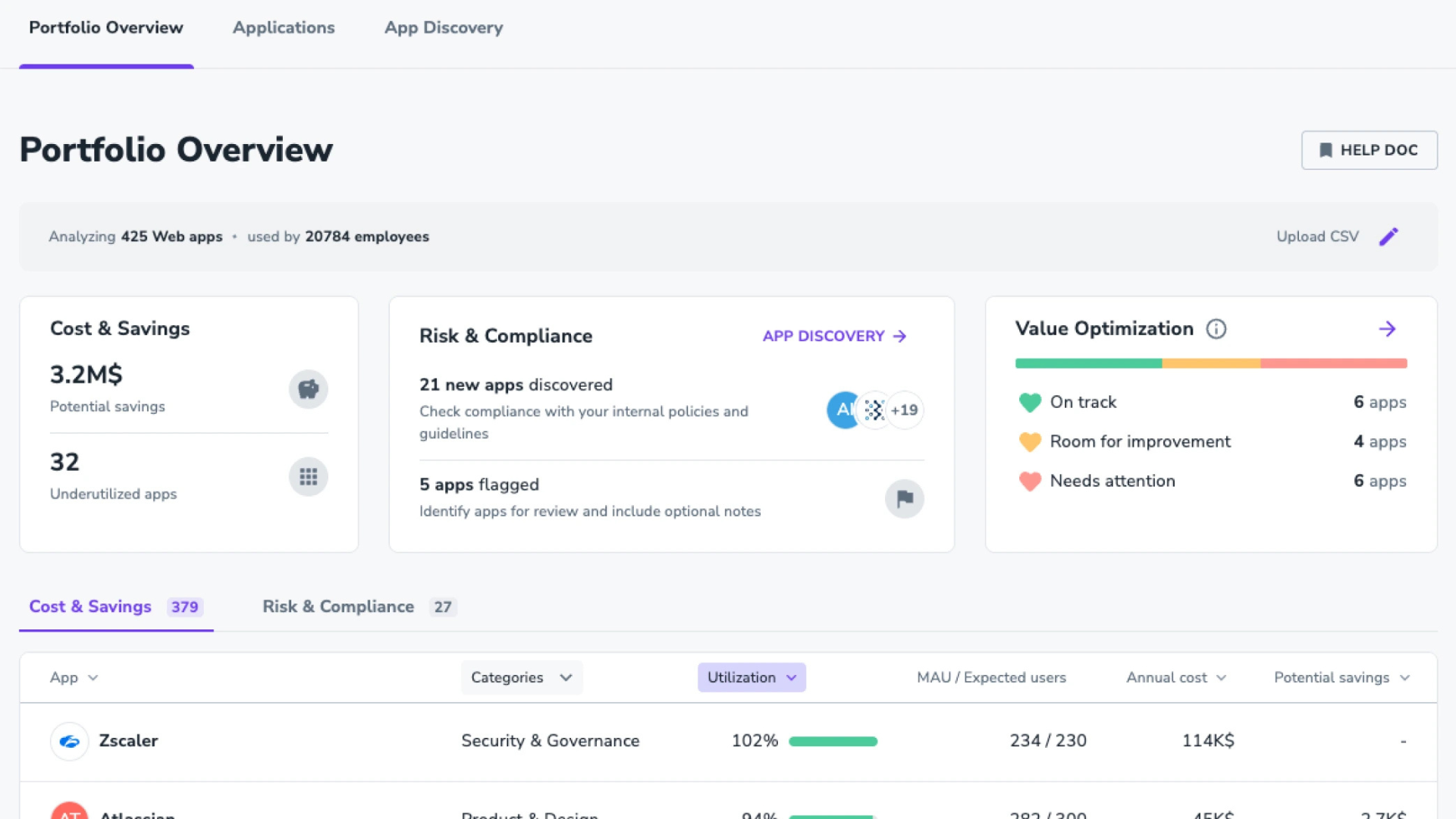  |
