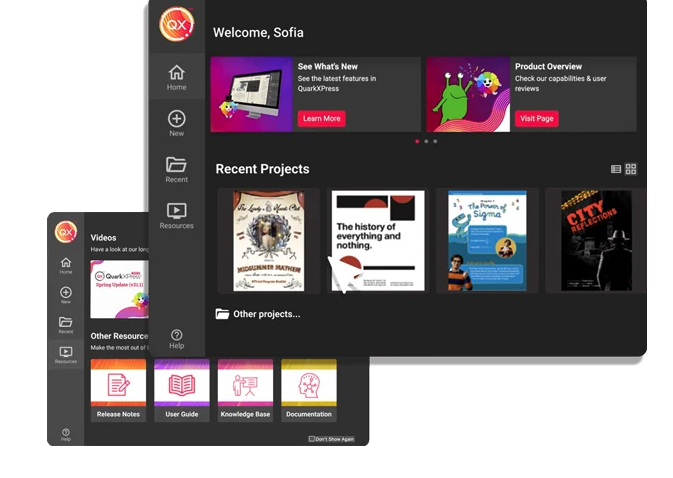
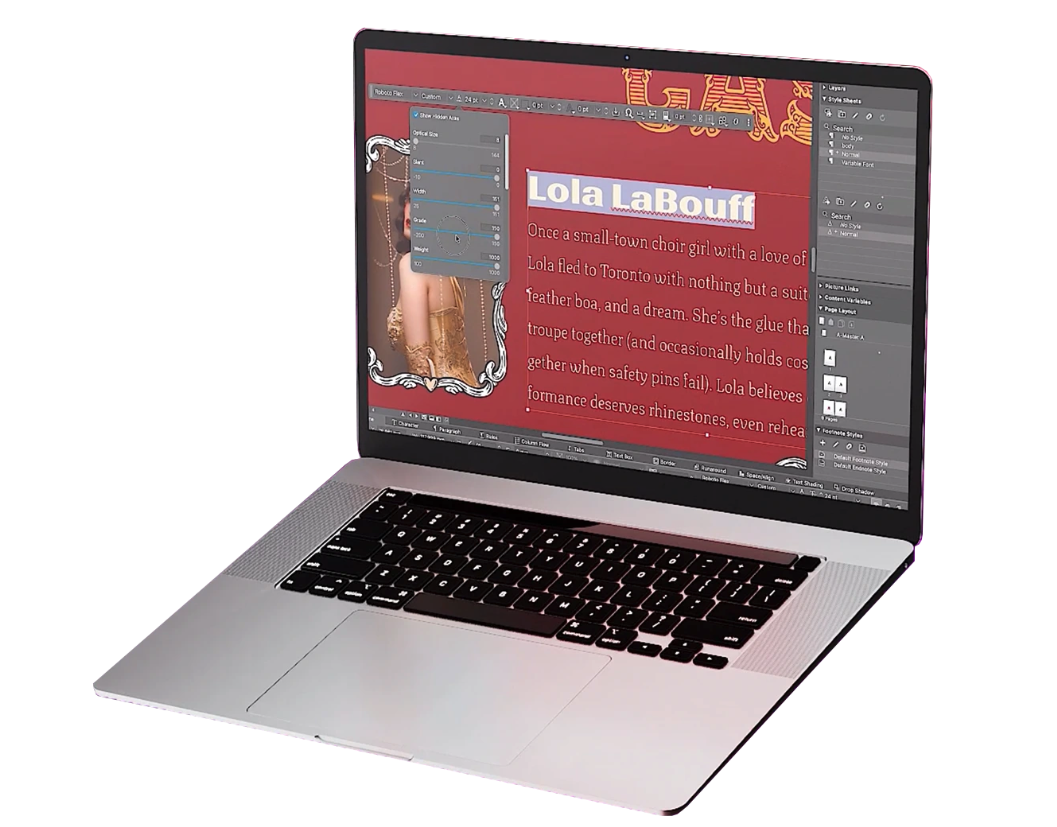
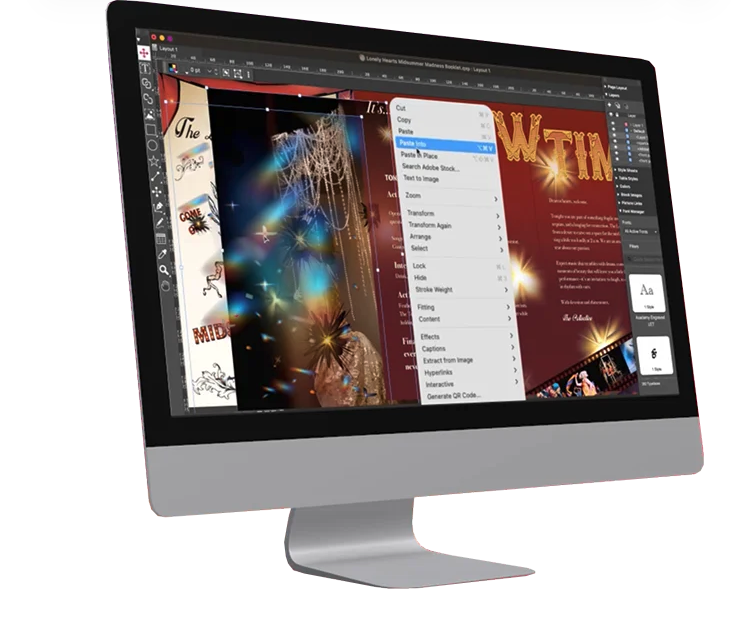
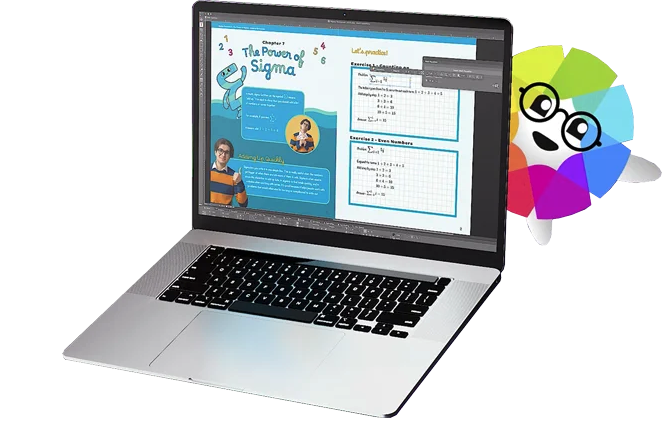
QuarkXPress from Quark Software headquartered in Denver introduces modern responsive web design with Flex Layouts, reimagined Tables, and productivity-boosting design features.
$279
per year
Venngage
Score 10.0 out of 10
Small Businesses (1-50 employees)
Venngage is an infographics creation platform. Users can create inforgraphics for their marketing team from scratch or from a template.
$19
per month per user
Pricing
QuarkXPress
Venngage
Editions & Modules
QuarkXPress Subscription License
$279
per year
QuarkXPress Perpetual License
$629
one-time fee
Premium
$19
per month per user
Business
$49
per month per user
Enterprise
starting at $499
per month 10+ seats (billed yearly)
Offerings
Pricing Offerings
QuarkXPress
Venngage
Free Trial
Yes
Yes
Free/Freemium Version
No
Yes
Premium Consulting/Integration Services
No
No
Entry-level Setup Fee
Optional
No setup fee
Additional Details
—
50% discount for Premium and Business plans for annual pricing.
I used QuarkXPress to maintain a proper page layout for the UI which I receive from a UIUX developer. I develop Graphic Illustrations on the digital canvas to create creative content on the page design set and to develop designer headlines and sub-headlines where writers and editors can amend the text and place the copped images.
I find it great for personal use especially when you are a visual person. As an assistant that needs a lot of organizing, it's wonderful. It helped me a lot and I usually don't require a lot of features. I also find it great for accessibility stuff, I respect that since I have a relative who has special needs. I didn't really need that specifically, but it's nice to know it was considered.
Extremely user-friendly: simple, easy-to-follow interface really made ramping up on the offering incredibly fast and painless.
Variety of templates: Venngage has a HUGE assortment of templates ranging from corporate reports and business decks to more visually-engaging, "fun" content such as infographics, awesome charts, and highly customizable social graphics.
Brand-alignment: we really appreciated the opportunity to tee up our brand guidelines and have those remain on the back-end and let us apply our style guide to multiple templates instantaneously.
It's hard to lock graphics into place in Venngage once you create something.
Layering is next to impossible. The feature is there but is very difficult to use and most times the user is better off copying the object over instead
Unless you have a business account (we have a professional account- middle grade) you cannot sort and organize your infographics. This is messy and cumbersome to go through and the price difference between professional and business grade accounts was quite large.
This is an industry standard. It is intuitive and pretty simple. I have been using it for 40 years and by no means do I use its potential, rather it does just what I want it to do.
I find it very user friendly, straight to the point, and the minor issues I found wasn't really impacting on my role. So I think it would depend? but personally I find it perfect for me. There were lots of templates I could use, and they were very open to feedback and customer service was very accommodating.
I think that the attention that I get as a small business owner from Venngage is excellent. They quickly respond to questions and provide information that helps to resolve the issue that I am having.
QuarkXPress simply blew the competition out of the water when it came to pricing and scalability in our business. Every employee that uses Quark always speaks very highly about using the software. We are not a large company but, the amount of money saved on the cost of each license was about 60% when compared to the competitors' products.
We prefer Canva but feel Venngage is easier for us. In comparison to Adobe, we prefer Venngage because of the ability to have everything in one system and not have to jump around.