
Read AI vs. ZoomMate
| Product | Rating | Most Used By | Product Summary | Starting Price |
|---|---|---|---|---|
 Read AI | Score8.4 out of 10 | N/A | Read AI is an AI copilot that helps to make meetings, emails, and messages more productive with summaries, content discovery, and recommendations. | $19.75 per month per user |
 ZoomMate | Score8.5 out of 10 | N/A | ZoomMate is Zoom’s next-generation "agentic" workspace, launched in June 2026 to transform how teams move from conversation to completion. Positioned as an "AI Teammate" or virtual "Chief of Staff," ZoomMate goes beyond standard chatbots by proactively executing tasks across a company's entire digital ecosystem. | $20 per month includes 2,200 AI credits |
| Read AI | ZoomMate | |||||||||||||||
|---|---|---|---|---|---|---|---|---|---|---|---|---|---|---|---|---|
| Editions & Modules |
| No answers on this topic | ||||||||||||||
| Offerings |
| |||||||||||||||
| Entry-level Setup Fee | No setup fee | No setup fee | ||||||||||||||
| Additional Details | 24% discount for annual pricing. | — | ||||||||||||||
| More Pricing Information | ||||||||||||||||
| Read AI | ZoomMate | |
|---|---|---|
| Considered Both Products | No answer on this topic | No answer on this topic |
| Key User Insights | ||
| Would buy again | ||
No answers on this topic | 97% Would buy again 33 Answers | |
| Delivers good value for the price | ||
No answers on this topic | 94% Delivers good value for the price 33 Answers | |
| Happy with the feature set | ||
No answers on this topic | 97% Happy with the feature set 34 Answers | |
| Lived up to sales and marketing promises | ||
No answers on this topic | 96% Lived up to sales and marketing promises 26 Answers | |
| Implementation went as expected | ||
No answers on this topic | 100% Implementation went as expected 28 Answers | |
| Read AI | ZoomMate | ||||||||||||||||
|---|---|---|---|---|---|---|---|---|---|---|---|---|---|---|---|---|---|
| Notetaking & Recording |
| ||||||||||||||||
| AI Assistance & Analysis |
| ||||||||||||||||
| Read AI | ZoomMate | |
|---|---|---|
| Small Businesses | No answers on this topic | No answers on this topic |
| Medium-sized Companies | No answers on this topic |  Cortana (discontinued) Score7.5 out of 10 |
| Enterprises | No answers on this topic | Cortana (discontinued) Score7.5 out of 10 |
| All Alternatives | View all alternatives | View all alternatives |
| Read AI | ZoomMate | |
|---|---|---|
| Likelihood to Recommend | 9.0 | 8.5 |
| Usability | 8.0 | 8.6 |
| Read AI | ZoomMate | |
|---|---|---|
| Likelihood to Recommend |
|
|
| Pros |
|
|
| Cons |
|
|
| Usability |
|
|
| Alternatives Considered |
|
|
| Return on Investment |
|
|
| ScreenShots | ZoomMate Screenshots   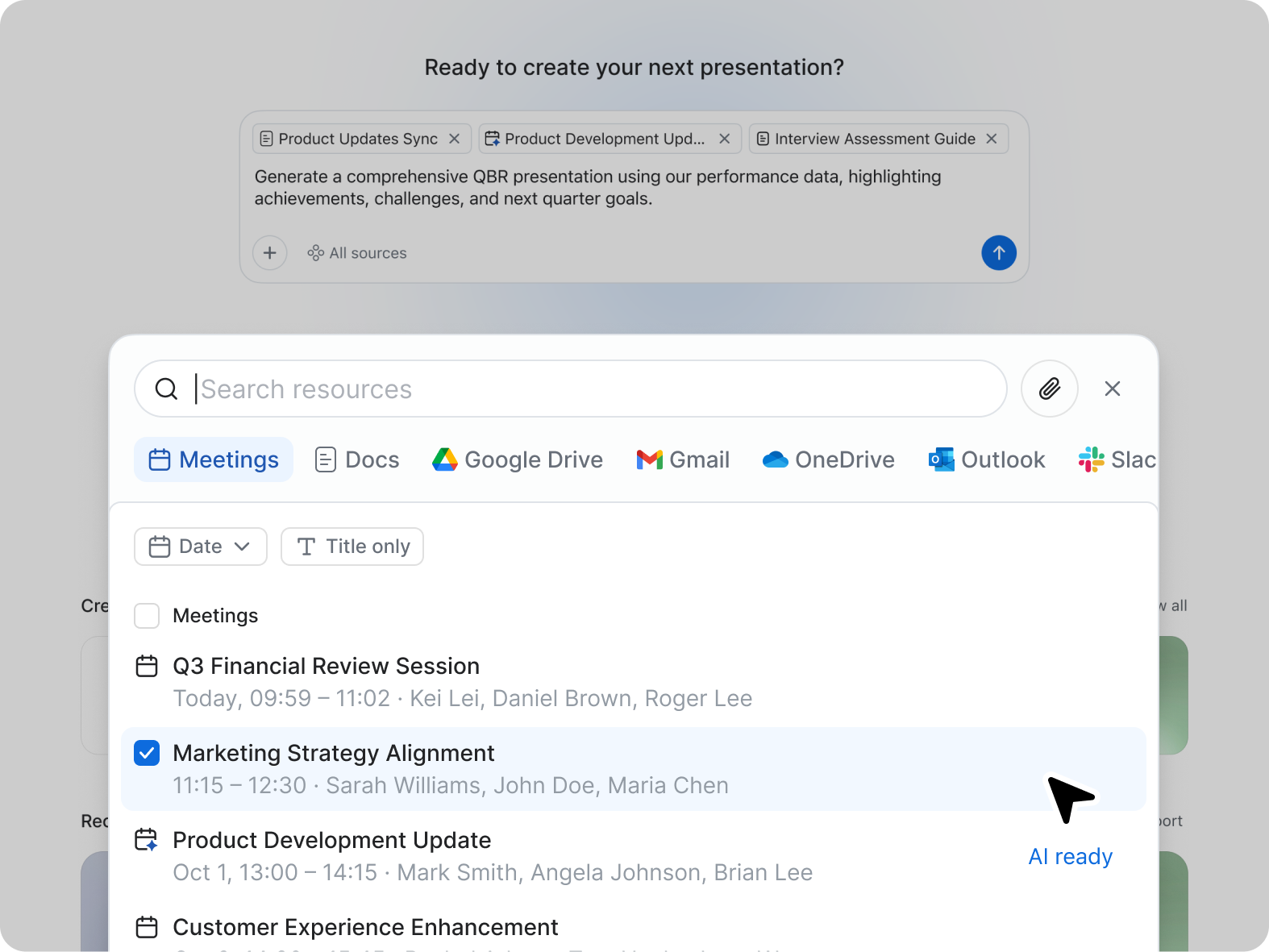 |


