Chose Roomzilla
great!

| Product | Rating | Most Used By | Product Summary | Starting Price |
|---|---|---|---|---|
 Roomzilla | N/A | A workplace management a room booking system supporting rooms of all sorts (meeting, class, gyms, etc.) and hot desks. It features a timeline interface that displays the availability of rooms at a glance, to make it simple to find the perfect space for a meeting or event. | $12 per month per resource | |
 TableAir | N/A | TableAir helps companies manage hybrid offices by providing integrated smart workplace solutions. From a simple workspace booking to a full hybrid office management: - Booking apps for desk reservation - Meeting room booking solution - Remote work booking solution - Office parking space booking and management -Analytics for insights - Workspace occupancy sensors - Meeting room displays - Smart… | N/A |
| Roomzilla | TableAir | |||||||||||||||
|---|---|---|---|---|---|---|---|---|---|---|---|---|---|---|---|---|
| Editions & Modules |
| No answers on this topic | ||||||||||||||
| Offerings |
| |||||||||||||||
| Entry-level Setup Fee | No setup fee | $500 null | ||||||||||||||
| Additional Details | The monthly base fee is lower with an annual subscription. Additionally, further discounts are available for accounts with 30+ resources and for non-profit organizations. | - Free 30-day trial - Initial System setup starts from EUR 500 - The user number is unlimited - Mobile app for free - The launch of the account within 1-2 workdays - Pricing per resource, not users - Licenses either annually or monthly | ||||||||||||||
| More Pricing Information | ||||||||||||||||
| Roomzilla | TableAir | |
|---|---|---|
| Considered Both Products |  Roomzilla  Adam Carter Program Director Chose Roomzilla I don't know others  Mateusz Szczepaniak Chief of Staff Chose Roomzilla It's easier to preview the room availability and co-coordinate between users from different organizations. It synchronises with tablets in each room allowing to confirm, schedule or cancel the meeting directly from the meeting room. Also allows to add multiple users and manage …  Román Josué de las Heras Torres Data Science Team Lead Chose Roomzilla We were using a shared spreadsheet before, so this was a great upgrade. No more collisions or reservation deletion/modification by someone else. |  TableAir No answer on this topic |
| Roomzilla | TableAir | |
|---|---|---|
| Small Businesses |  Zoho Calendar Score 7.9 out of 10 | Zoho Calendar Score 7.9 out of 10 |
| Medium-sized Companies |  Zoom Rooms Score 8.5 out of 10 | Zoom Rooms Score 8.5 out of 10 |
| Enterprises | No answers on this topic | No answers on this topic |
| All Alternatives | View all alternatives | View all alternatives |
| Roomzilla | TableAir | |
|---|---|---|
| Likelihood to Recommend | 9.9 (0 ratings) | - (0 ratings) |
| Likelihood to Renew | 10.0 (0 ratings) | - (0 ratings) |
| Usability | 8.6 (0 ratings) | - (0 ratings) |
| Support Rating | 10.0 (0 ratings) | - (0 ratings) |
| Implementation Rating | 10.0 (0 ratings) | - (0 ratings) |
| Roomzilla | TableAir | |
|---|---|---|
| Likelihood to Recommend |
| No answers on this topic |
| Pros |
| No answers on this topic |
| Cons |
| No answers on this topic |
| Likelihood to Renew |
Adam Carter Program Director | No answers on this topic |
| Usability |
| No answers on this topic |
| Support Rating |
| No answers on this topic |
| Implementation Rating |
Adam Carter Program Director | No answers on this topic |
| Alternatives Considered |
Mateusz Szczepaniak Chief of Staff | No answers on this topic |
| Return on Investment |
| No answers on this topic |
| ScreenShots | Roomzilla Screenshots    | TableAir Screenshots  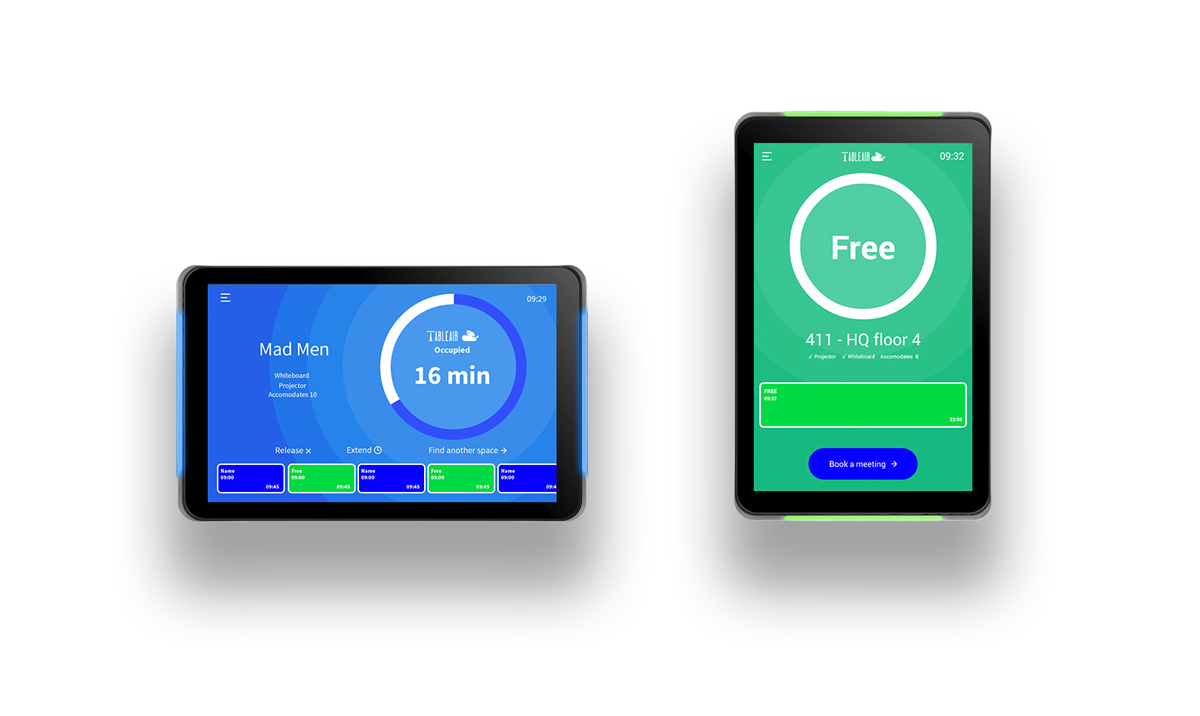 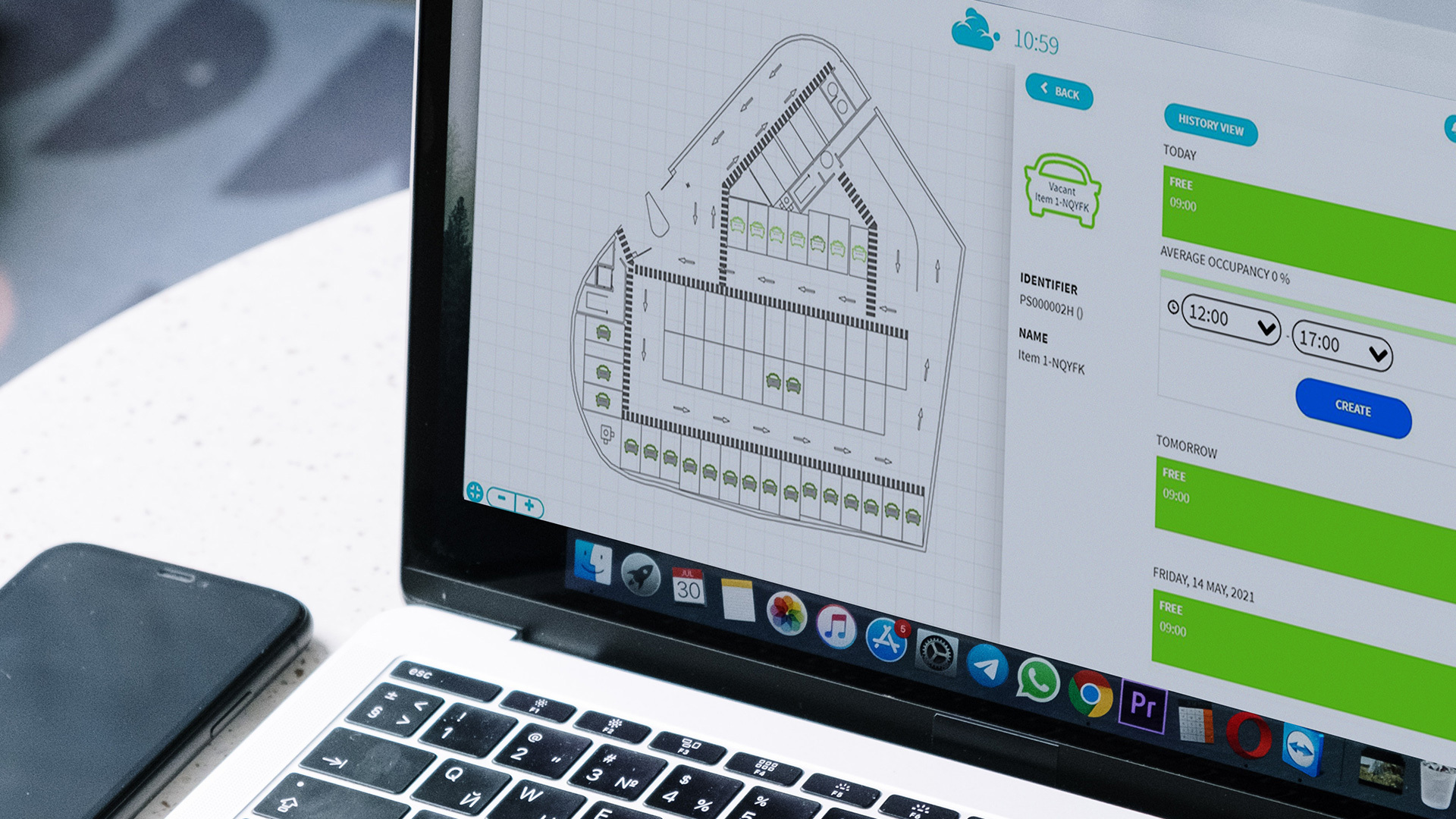 |