
Runn vs. Workday Workforce Management
| Product | Rating | Most Used By | Product Summary | Starting Price |
|---|---|---|---|---|
 Runn | Score9 out of 10 | N/A | Runn is a real-time resource management platform with integrated time tracking and forecasting capabilities. Users can plan projects and schedule resources with allocations, project phases, milestones, and time off. Flick between monthly, quarterly and half-yearly views to plan for the short and long term. Get a dynamic bird’s-eye view of the entire organization to manage capacity, workload and availability changes as plans are created. Runn features direct integrations with… | N/A |
 Workday Workforce Management | Score8.1 out of 10 | N/A | Workday Workforce Management is a workforce operations software that integrates HR, time, and scheduling data, to eliminate disjointed processes that halt day-to-day operations. Consistent with a worker-first approach, Workday provides mobile-first access to personalized pay, time, and schedules, giving workers frictionless on-the-go access. This helps overcome difficulties in retaining workers and keeps them engaged in a competitive labor… | N/A |
| Runn | Workday Workforce Management | |||||||||||||||
|---|---|---|---|---|---|---|---|---|---|---|---|---|---|---|---|---|
| Editions & Modules | No answers on this topic | No answers on this topic | ||||||||||||||
| Offerings |
| |||||||||||||||
| Entry-level Setup Fee | No setup fee | No setup fee | ||||||||||||||
| Additional Details | — | — | ||||||||||||||
| More Pricing Information | ||||||||||||||||
| Runn | Workday Workforce Management | |
|---|---|---|
| Considered Both Products | No answer on this topic | No answer on this topic |
| Key User Insights | ||
| Would buy again | ||
No answers on this topic | 86% Would buy again 12 Answers | |
| Delivers good value for the price | ||
No answers on this topic | 100% Delivers good value for the price 10 Answers | |
| Happy with the feature set | ||
No answers on this topic | 100% Happy with the feature set 14 Answers | |
| Lived up to sales and marketing promises | ||
No answers on this topic | 100% Lived up to sales and marketing promises 5 Answers | |
| Implementation went as expected | ||
No answers on this topic | 83% Implementation went as expected 5 Answers | |
| Runn | Workday Workforce Management | |||||||||||||||||||||||||
|---|---|---|---|---|---|---|---|---|---|---|---|---|---|---|---|---|---|---|---|---|---|---|---|---|---|---|
| Payroll Management |
| |||||||||||||||||||||||||
| Runn | Workday Workforce Management | |
|---|---|---|
| Small Businesses |  When I Work Score6.5 out of 10 |  Patriot Payroll Score8.6 out of 10 |
| Medium-sized Companies | When I Work Score6.5 out of 10 |  APS Score5.7 out of 10 |
| Enterprises | No answers on this topic |  ADP Streamline Payroll Score6.1 out of 10 |
| All Alternatives | View all alternatives | View all alternatives |
| Runn | Workday Workforce Management | |
|---|---|---|
| Likelihood to Recommend | 9.0 | 8.4 |
| Usability | - | 7.7 |
| Runn | Workday Workforce Management | |
|---|---|---|
| Likelihood to Recommend |
|
|
| Pros |
|
|
| Cons |
|
|
| Usability | No answers on this topic |
|
| Alternatives Considered |
|
|
| Return on Investment |
|
|
| ScreenShots | Runn Screenshots 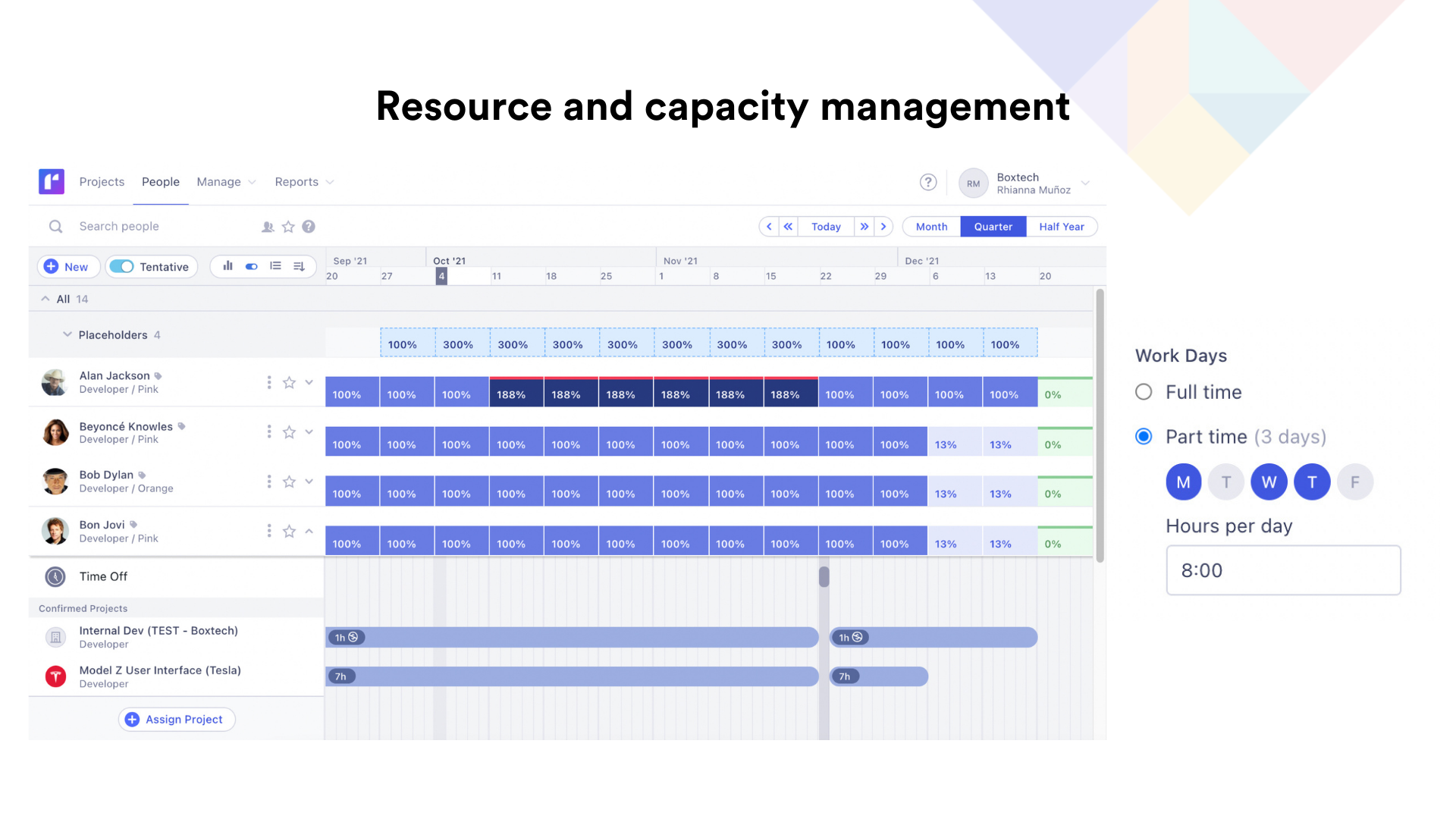    | Workday Workforce Management Screenshots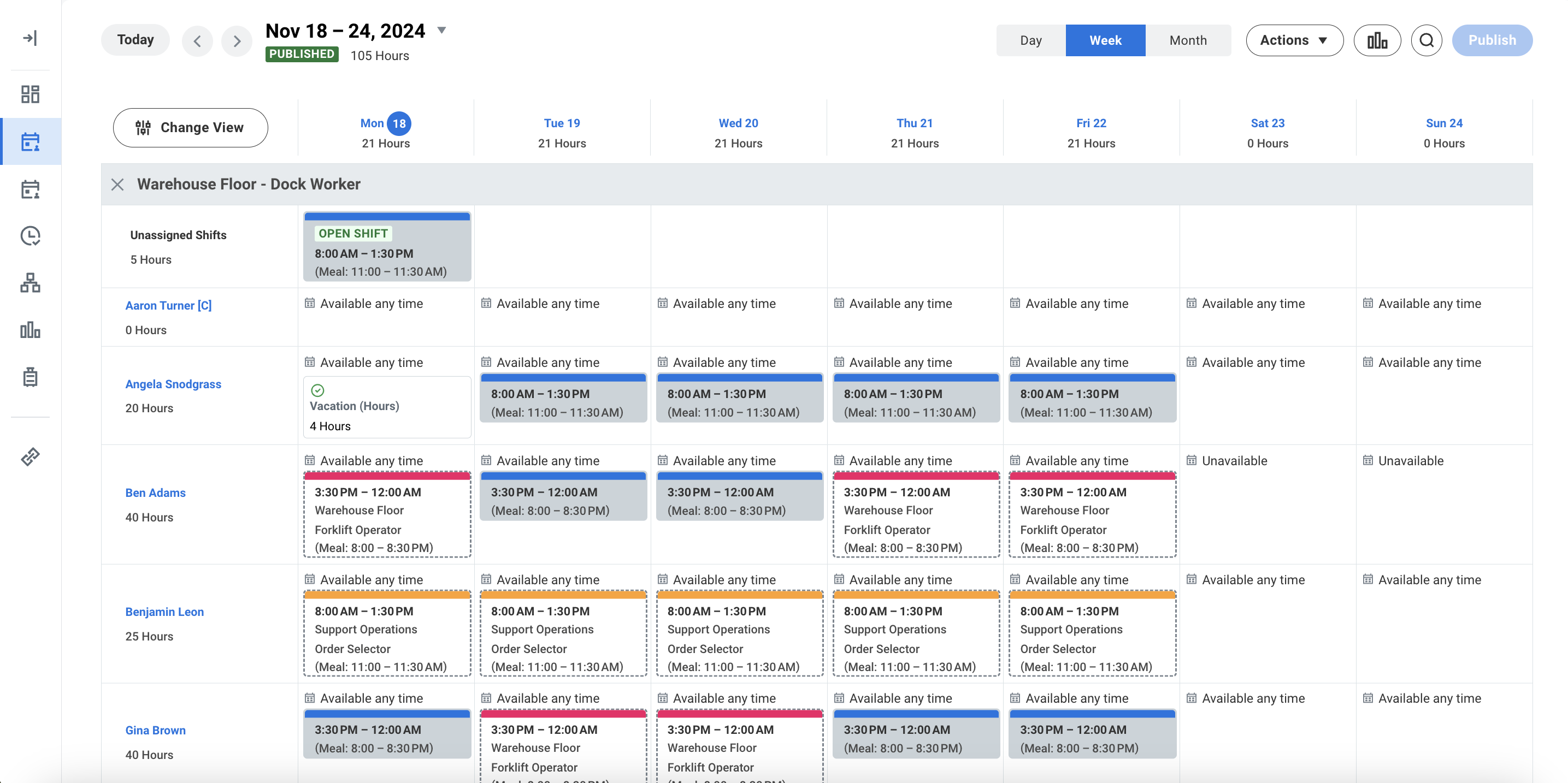 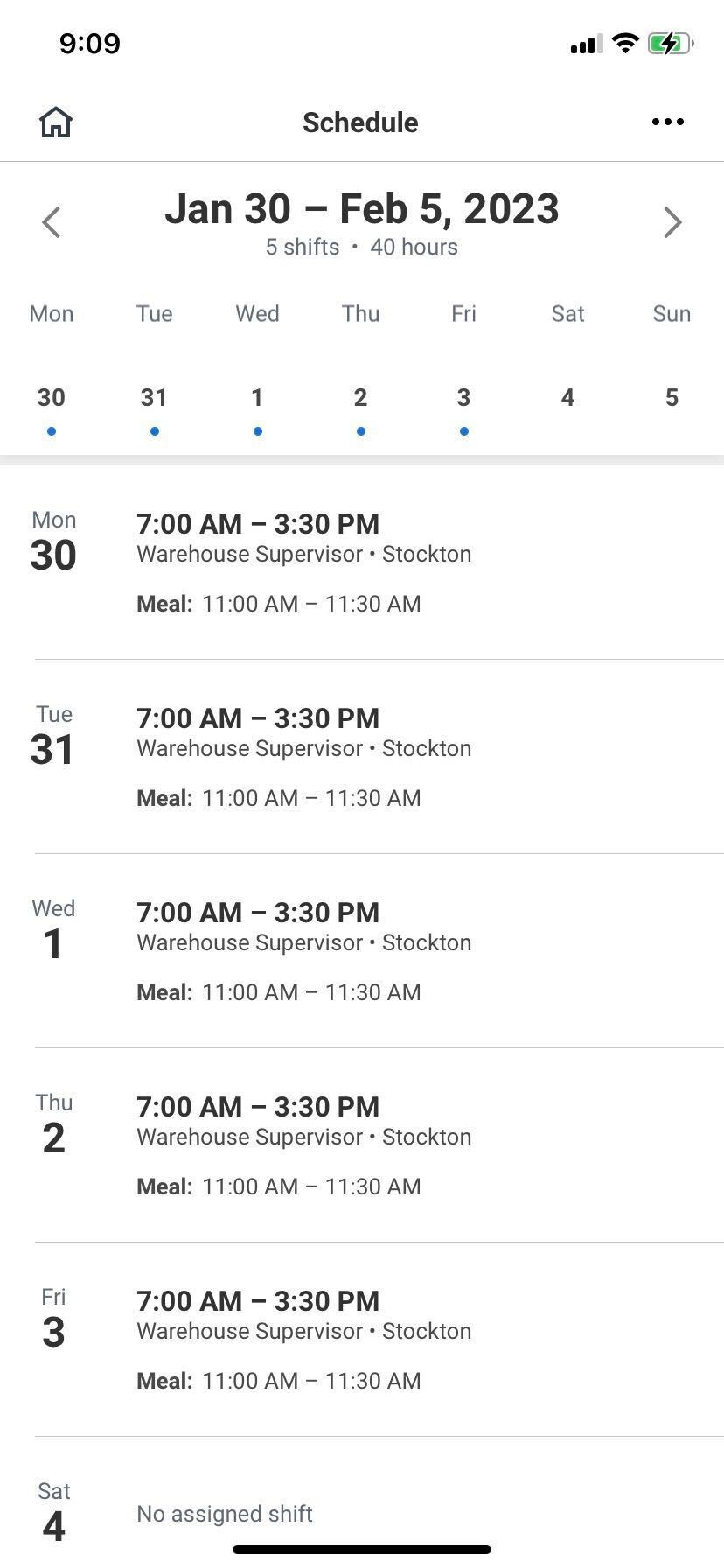 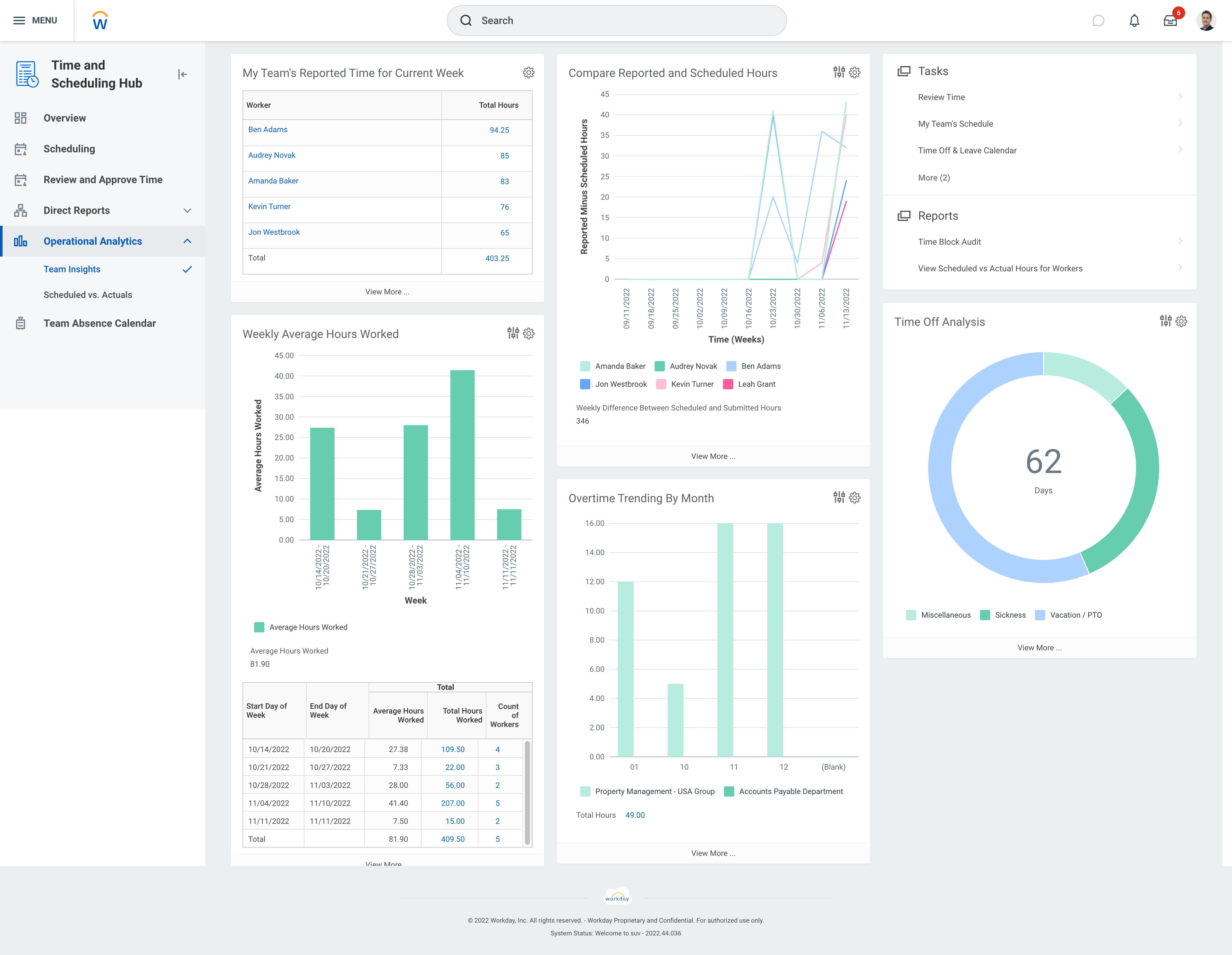 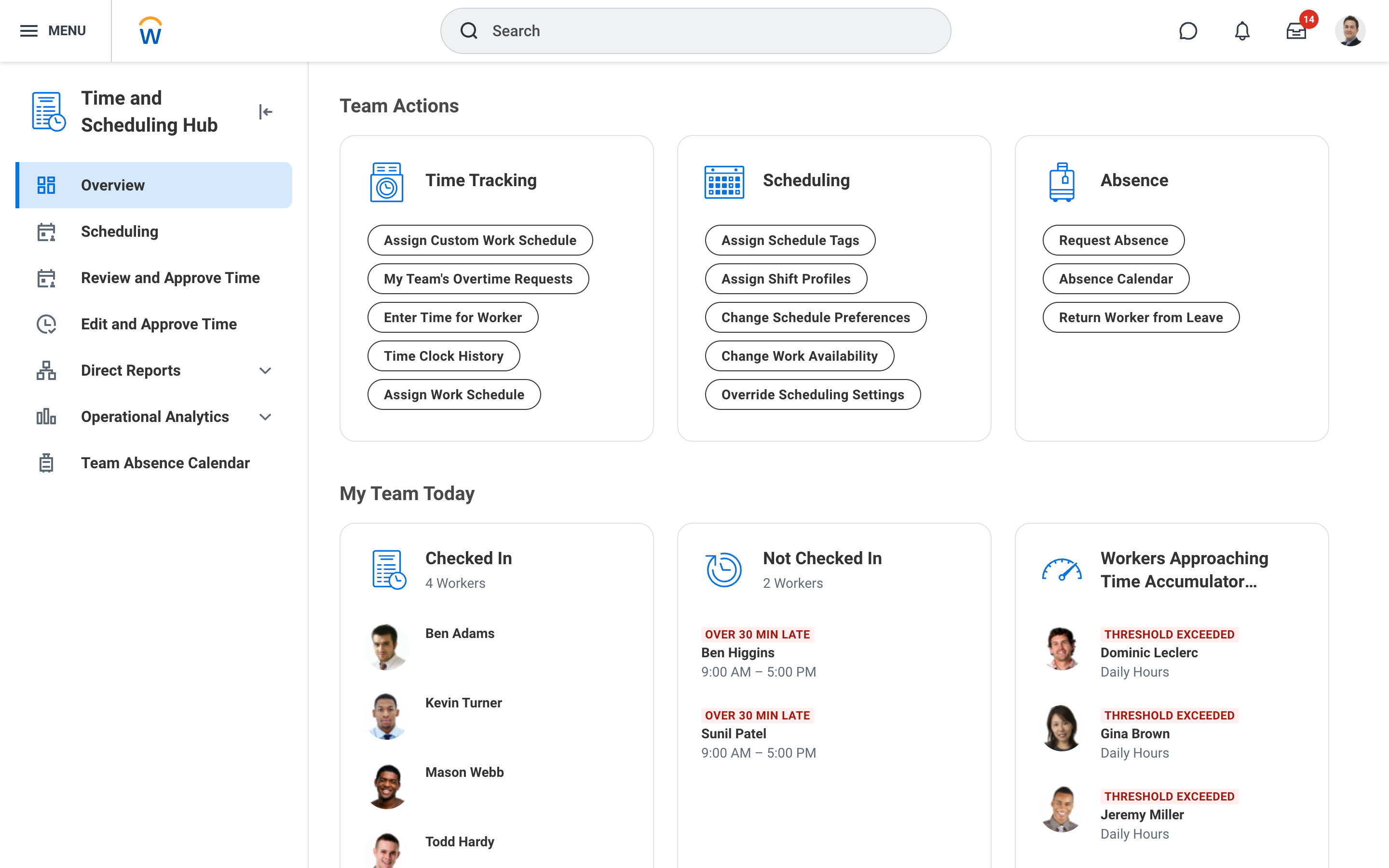 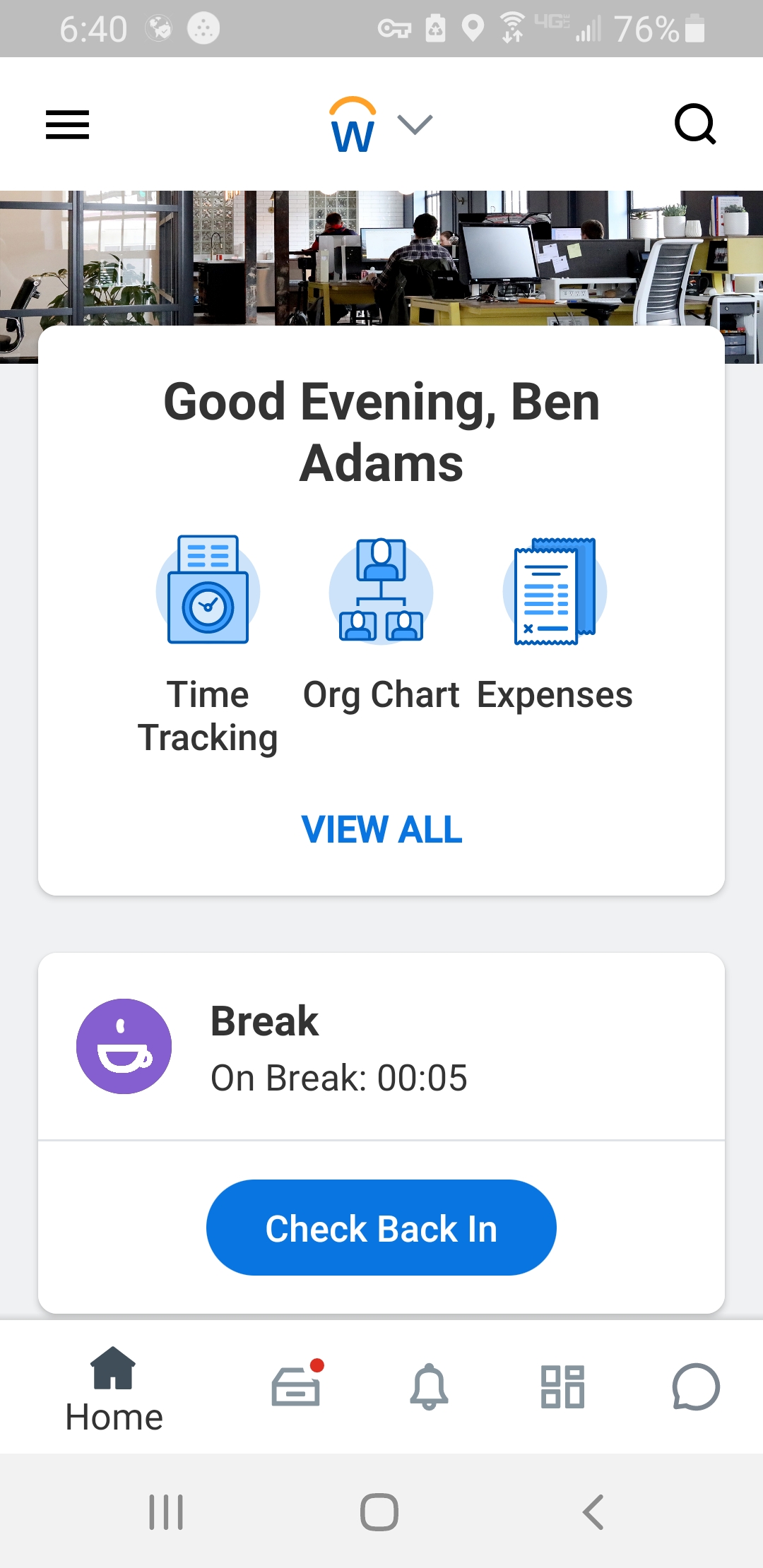 |
