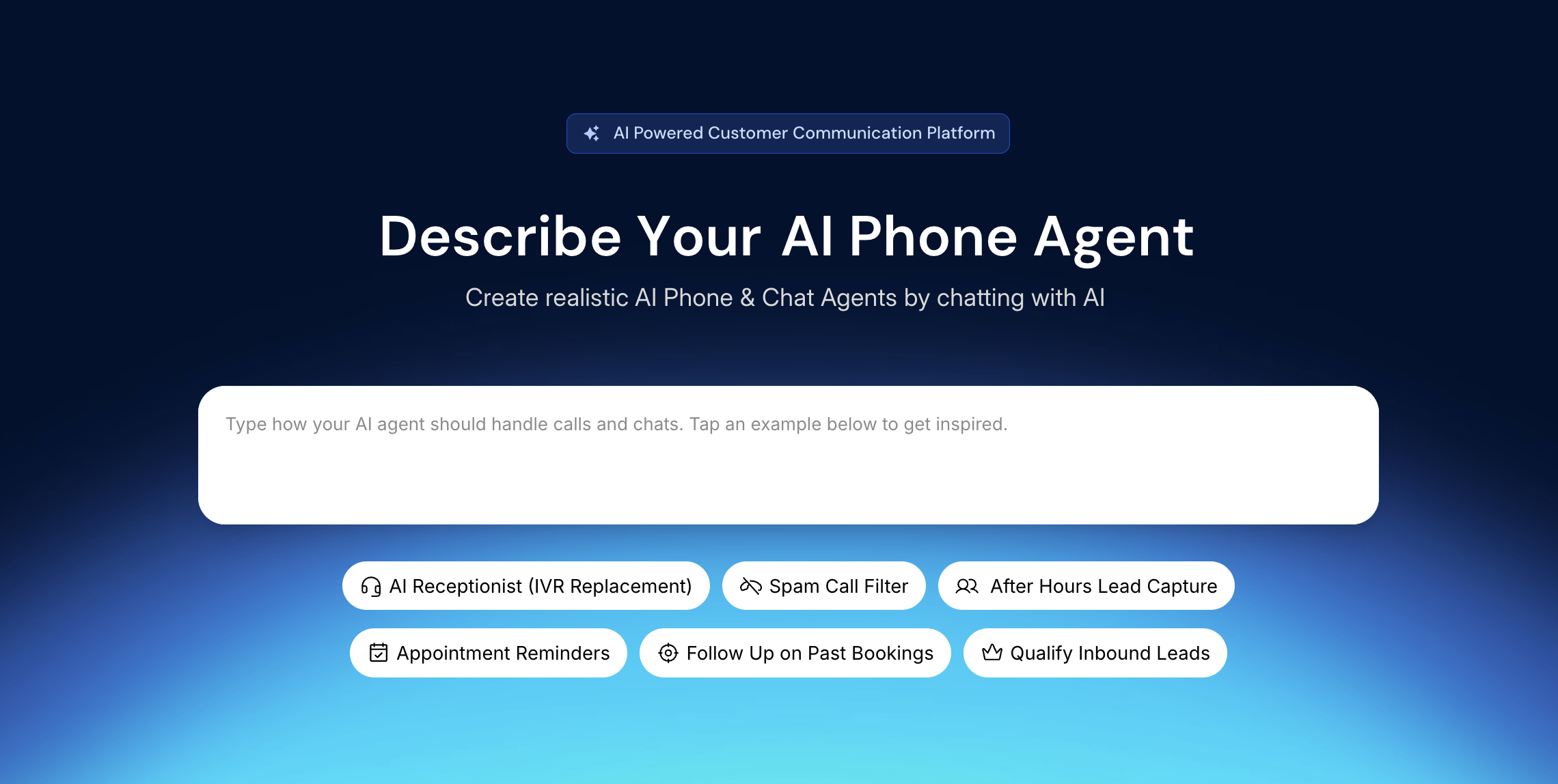
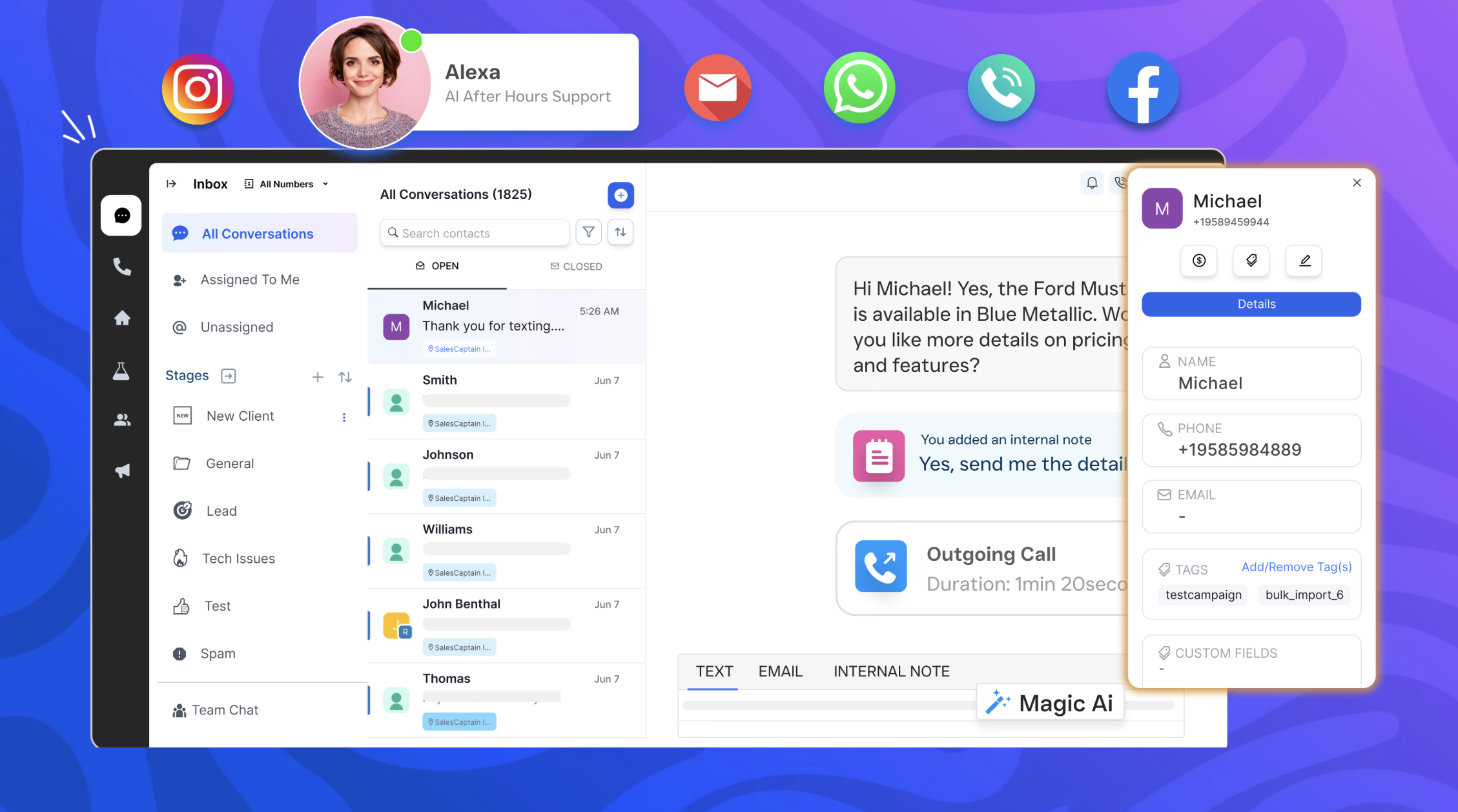
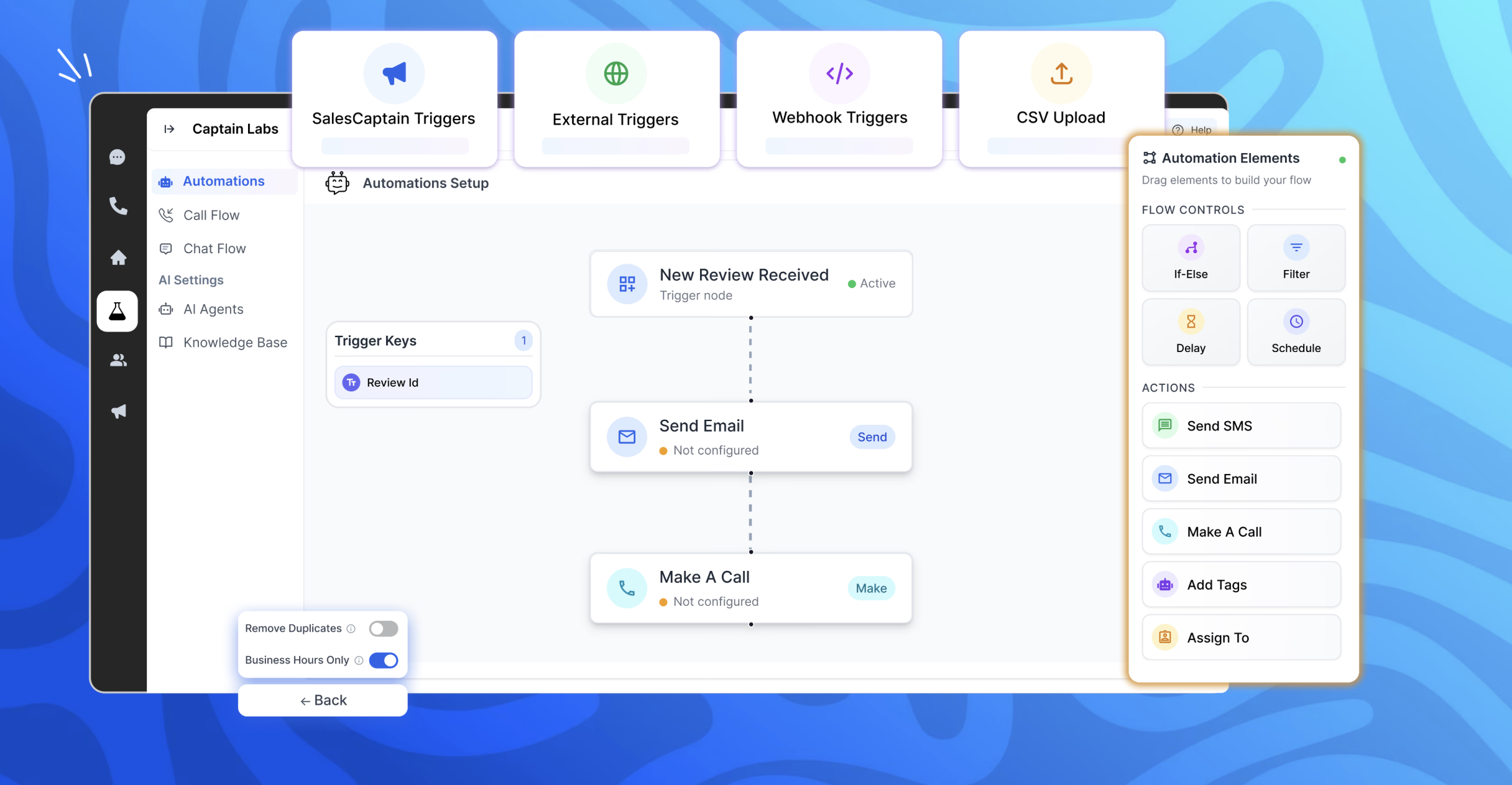
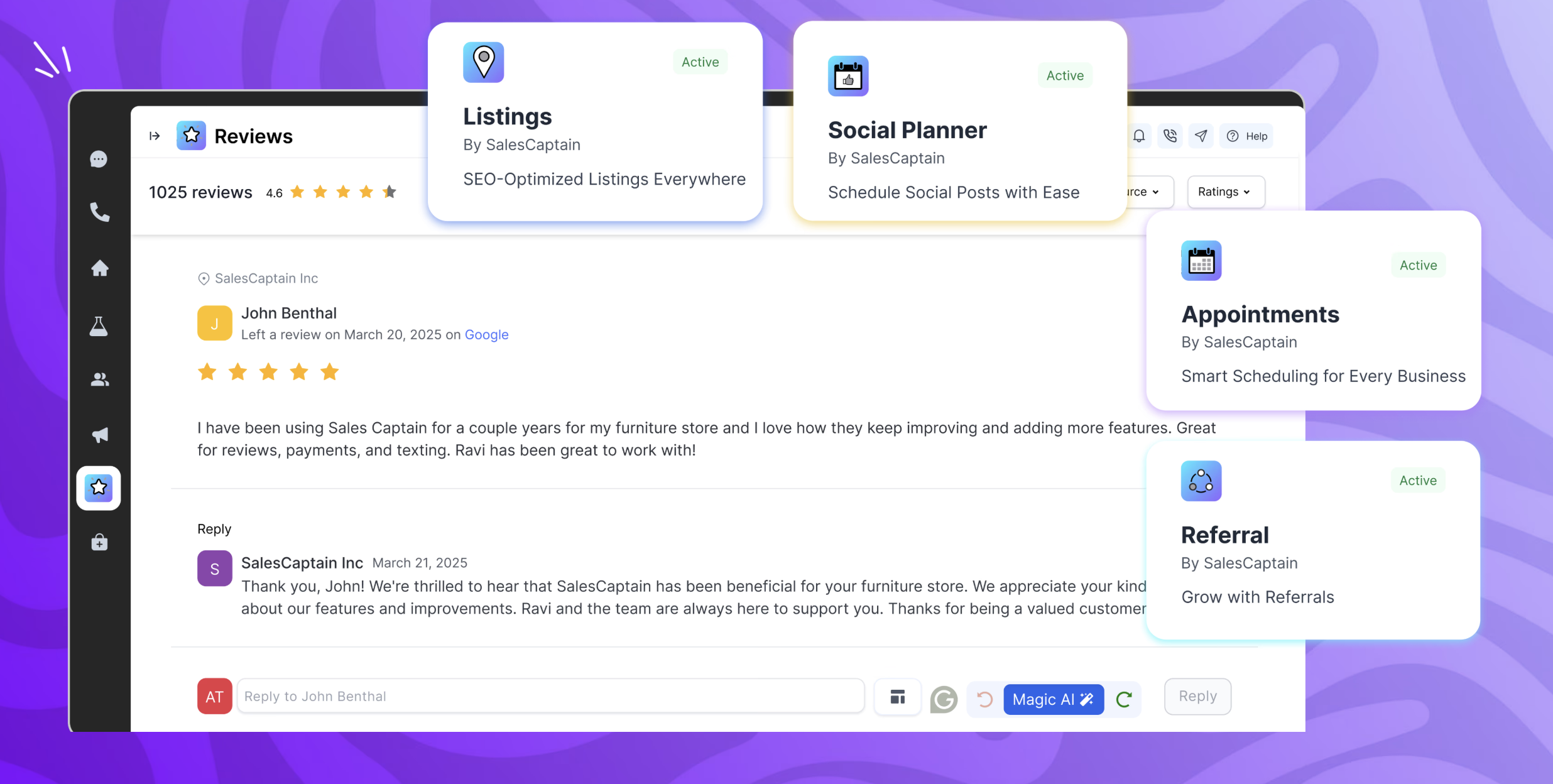
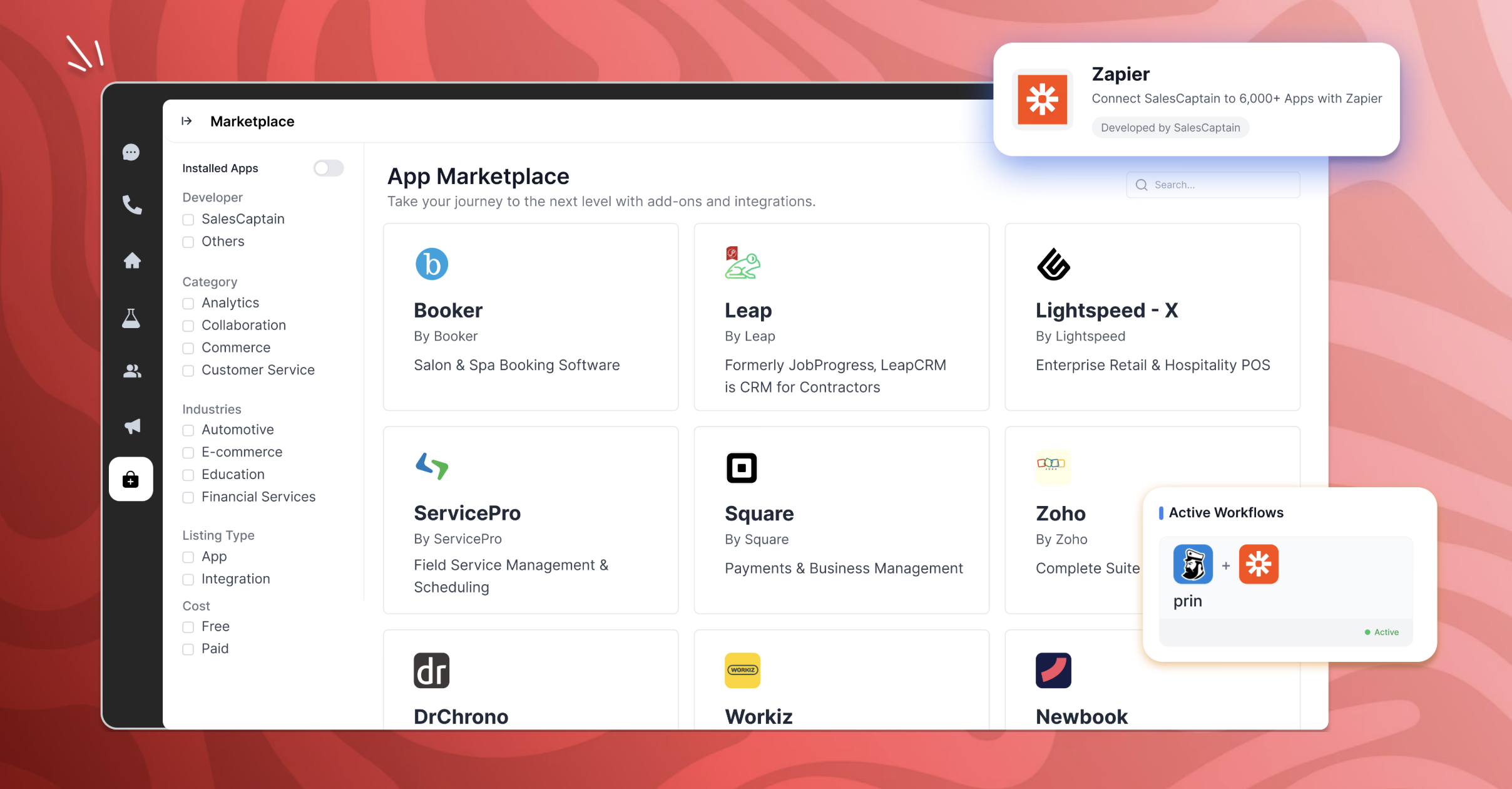
SalesCaptain is a communication platform with a chat based AI agent builder, designed for modern businesses. It unifies phone calls, texting, webchat, and social media messaging into a single collaborative inbox. SalesCaptain can be used to create AI-powered phone and text agents to handle calls, answer queries, route leads, filter spam, and automate tasks — without any technical expertise. SalesCaptain also includes a suite of built-in business apps for managing…
$159
per month per installation
Salesforce Agentforce Service
Score 8.6 out of 10
N/A
Service Cloud is a customer service platform that helps businesses manage and resolve customer inquiries and issues. It provides tools for case management, knowledge base, omni-channel support, automation, and analytics, enabling companies to deliver exceptional customer service experiences.
$25
per month
Pricing
SalesCaptain
Salesforce Agentforce Service
Editions & Modules
Business Plan
$159
per month per installation
Enterprise Plan
300 onwards
per month per installation
Enterprise Plan
starting at $300
per month per installation
Starter Suite
$25
per month
Pro Suite
$100
per month per user
Enterprise
$165
per month per user
Unlimited
$330
per month per user
Agentforce 1
$550
per month per user
Offerings
Pricing Offerings
SalesCaptain
Salesforce Agentforce Service
Free Trial
Yes
Yes
Free/Freemium Version
No
Yes
Premium Consulting/Integration Services
Yes
No
Entry-level Setup Fee
No setup fee
No setup fee
Additional Details
—
—
More Pricing Information
Community Pulse
SalesCaptain
Salesforce Agentforce Service
Features
SalesCaptain
Salesforce Agentforce Service
Incident and problem management
Comparison of Incident and problem management features of Product A and Product B
SalesCaptain
-
Ratings
Salesforce Agentforce Service
8.0
81 Ratings
2% below category average
Organize and prioritize service tickets
00 Ratings
8.279 Ratings
Expert directory
00 Ratings
7.857 Ratings
Subscription-based notifications
00 Ratings
8.367 Ratings
ITSM collaboration and documentation
00 Ratings
7.062 Ratings
Ticket creation and submission
00 Ratings
8.779 Ratings
Ticket response
00 Ratings
7.978 Ratings
Self Help Community
Comparison of Self Help Community features of Product A and Product B
SalesCaptain
-
Ratings
Salesforce Agentforce Service
8.7
76 Ratings
8% above category average
External knowledge base
00 Ratings
8.567 Ratings
Internal knowledge base
00 Ratings
8.874 Ratings
Multi-Channel Help
Comparison of Multi-Channel Help features of Product A and Product B
When several technicians are out in the field and the office is unable to respond to every call, SalesCaptain is particularly well suited for appliance service companies that manage a significant volume of calls and messages. We make extensive use of it for texting missed calls, gathering brief intake information, and keeping clients warm until we can set up a time. It’s also ideal for automated appointment confirmations/reminders, tech on the way updates, and post-service review requests, which reduces down on status-check calls and encourages repeat business. It is less suitable for really complicated diagnostic cases that necessitate a back-and-forth discussion with a senior technician, as well as edge cases where availability or pricing rely on on-site inspection, which are better managed by a human once the first data is obtained.
I think Service Cloud is best suited for medium to large operations that require both proactive and reactive service. It’s a great fit for post-sales support. However, I wouldn’t recommend it for very small companies because it can be quite costly, and many of the features may go unused. Salesforce also performs best when you have a capable team managing it, so it’s important to consider your organization’s size and readiness before starting. Once you do, I recommend exploring other parts of the Salesforce ecosystem—Service Cloud works even better when integrated with Sales Cloud, since it allows better visibility across teams.
Email to case is an interesting piece of it. The threading is very strong, sometimes too strong, but it does very well at handling the incoming emails.
The omnichannel routing, using skill-based routing is really effective.
Pathing. So making the workflow and helping the team understand what it is that they're trying to do, what they have to accomplish, those step-by-step pieces. That's really helpful.
We had a principle initially to try and use Omni as much as we can from the user experience perspective, but have found that fairly restrictive. It was very difficult to actually get the right customer experience and customer engagement going. So we're actually on a journey at the moment to replace all of our Omni with Lightning web components that gives us that flexibility. That's probably one area where we've had some challenges in terms of how we've used the product out of the box.
Professional edition works best for a small company with lower call volumes and is very useful but as you grow exponetially I think it has limited ability to do all the things we want to - SLA management, defect, release management to name a few. Reports and dashboards being available in real time.
Because the daily workflow is simple, I would give usability an 8 out of 10. The shared inbox is easy to manage, chats are arranged by client, and once you understand the builder, setting up typical automations like missed-call texts, appointment reminders, and review requests is quick. The platform facilitates communication between techs and administrators and saves our office team a great deal of manual follow-up. I would prefer additional appliance-service templates and better contact/duplicate management to speed up onboarding and scalability. The primary reason it isn't a 10 is that certain sophisticated configuration more intricate routing, deeper reporting, and fine-tuning automations can require some understanding.
I had Salesforce experience prior to using Service Cloud which made it a little easier to learn and navigate, but overall my team (some who had no Salesforce experience) caught on very quickly and found Service Cloud to be easy to use.
Working on an application that caters to customer needs requires a platform that acts as a mediator between the actual person and the client. This mediator handles the customer and resolves many of their doubts, helps them map through the entire process, and automates the processes. Such a platform is Salesforce Service Cloud. For queries that cannot be serviced by the platform, it creates a separate ServiceNow ticket for us, and it is assigned.
The Salesforce Service Cloud generally has very good performance, however the overall new Lightning user experience can bring that down. For example, if you have too many tabs open, then it can take a while for the Lightning UI to load. This UI is probably not well equipped to handle loading of all of that information at once, but Users tend to leave their tabs open all day long. It can also be fickle depending on which browser you use, what extensions you have installed, and whether you've cleared your cache. This can be the downfall with any software as a service though, not just Salesforce
Salesforce offers support, although it generally gets routed to overseas support teams first, and once they are unable to help, it gets escalated up the chain to higher tiers. Frequently, the answer back from support is that there is no native solution, and we either have to turn to the AppExchange for some solution provided by another developer, or custom build our own solution.
Our in-person training was provided by our implementation partner and it was quite good. This was in part because we were already working with them and so it naturally leant itself to a good training relationship. And because they were building our customizations and configuring things, they could then provide training on those things naturally.
Trailheads are great but it was often unclear what actually applied to our organization. This made it difficult to get a whole lot out of it. Part of it is that because the basic Salesforce features didn't quite work for us, we had to add customizations, which then nullified a lot of the training.
I would go through an implementation very differently knowing what I know now. It was difficult coming from systems we liked in post-sales service and having to adapt to the clunky and underwhelming feature set in Salesforce. I would trim back our expectations
We primarily assessed Podium and Birdeye for customer messaging and reputation management. Both are good at creating reviews and handling simple conversations, but we needed more end-to-end follow-up in our appliance service workflow. Specifically, we needed to convert missed calls into scheduled jobs, automatically gather service-intake information appliance type/brand, symptoms, address, preferred time, and run regular appointment reminders and post-job follow-ups from a single shared inbox. SalesCaptain is a better fit since it supports review requests and reputation procedures while being more adaptable for creating those appliance-specific automations and keeping the complete lead-to-job dialog in one location.
We selected this product because we already had some competencies in Salesforce. We own a Salesforce partner with expertise in this area, and on top of that, Salesforce purchased it — it was originally called Velocity. When Salesforce decided to acquire it, that finalized the decision for us.
We have cut our service team in half over the past 5 years due to the efficiency of the tool
The amount of direct inquiries to our technical team is less than 10% compared to the number support tickets that get entered in the system for them to work in a more organized manner
Responses are 100% more timely because tickets can be responded to by any individual in the queue or on the team, as opposed to direct emails to just one person