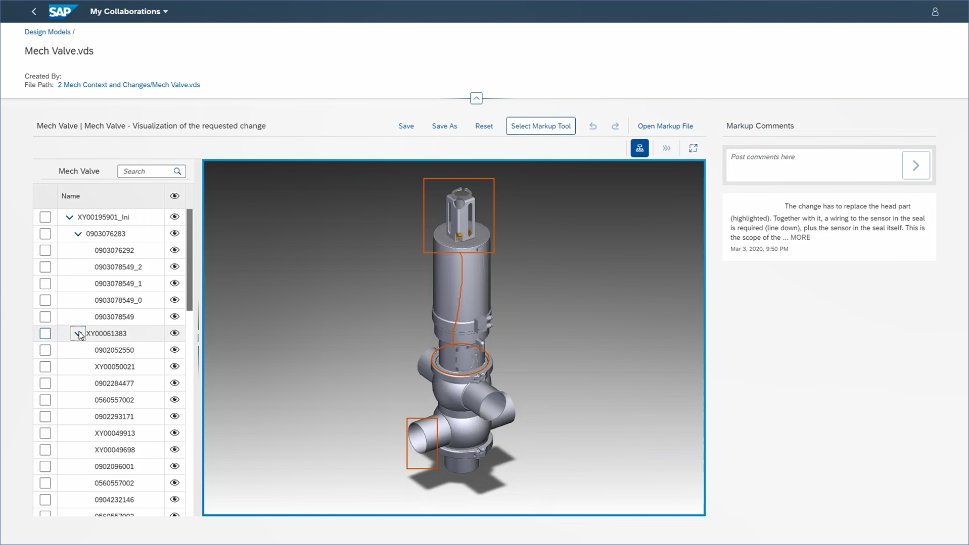
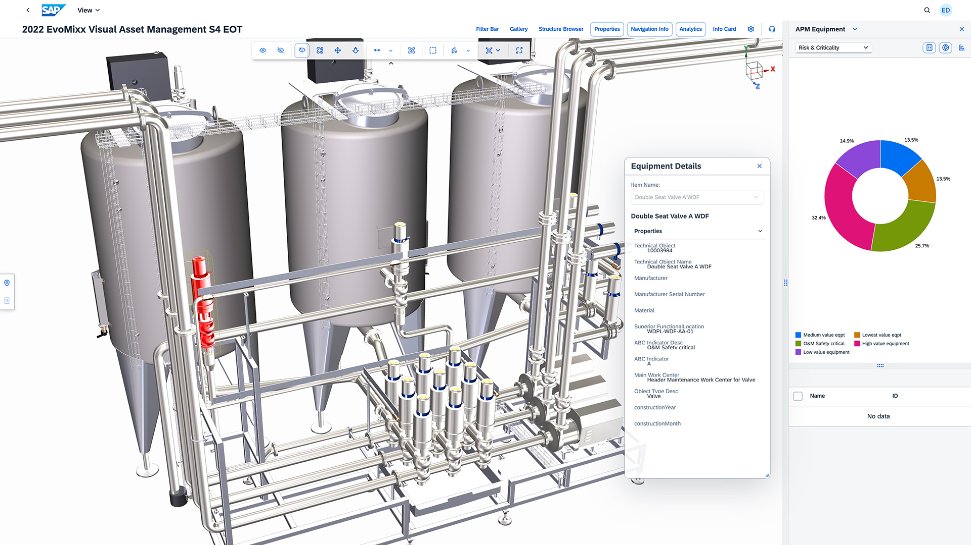
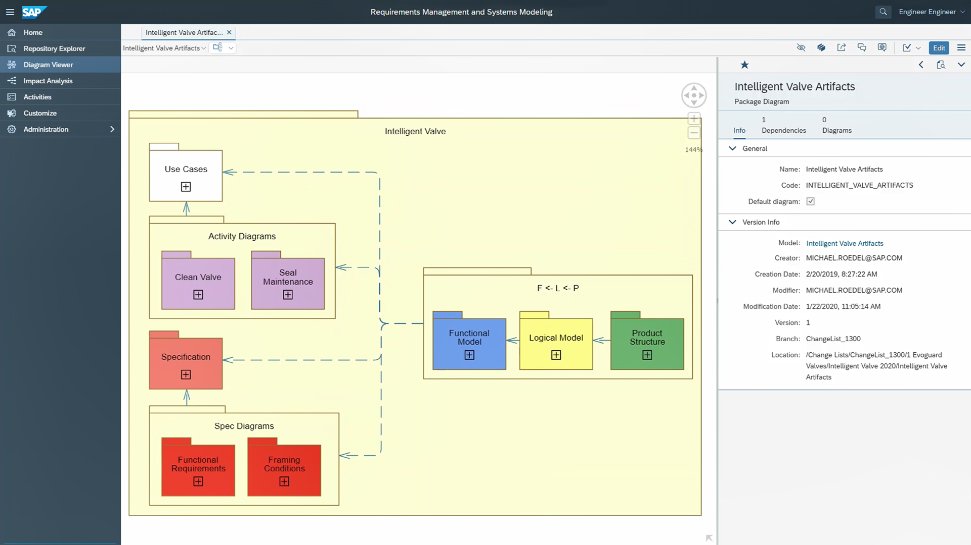
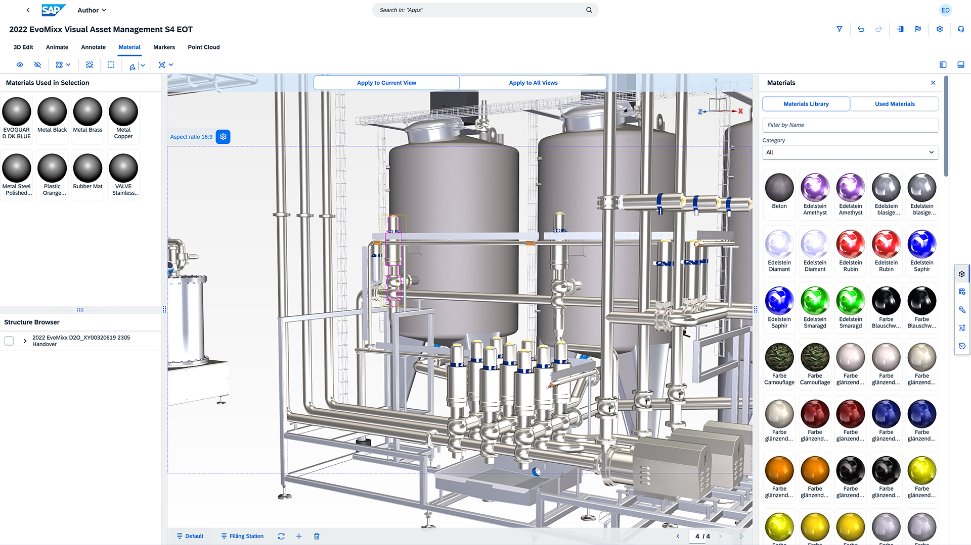
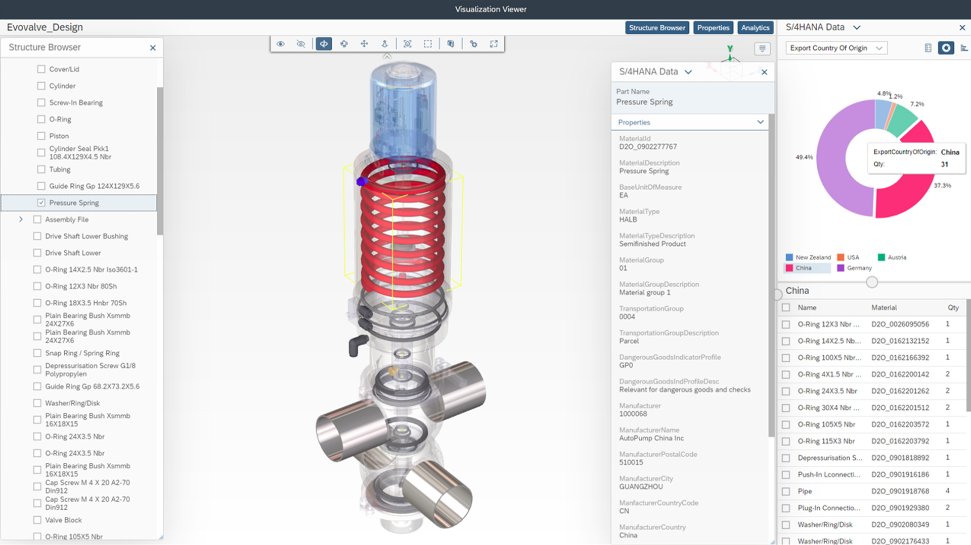
SAP Integrated Product Development is a product lifecycle management solution used to define, develop, and deliver innovative and sustainable products faster by connecting insights, processes, and people.
N/A
Designcenter
Score8.1 out of 10
N/A
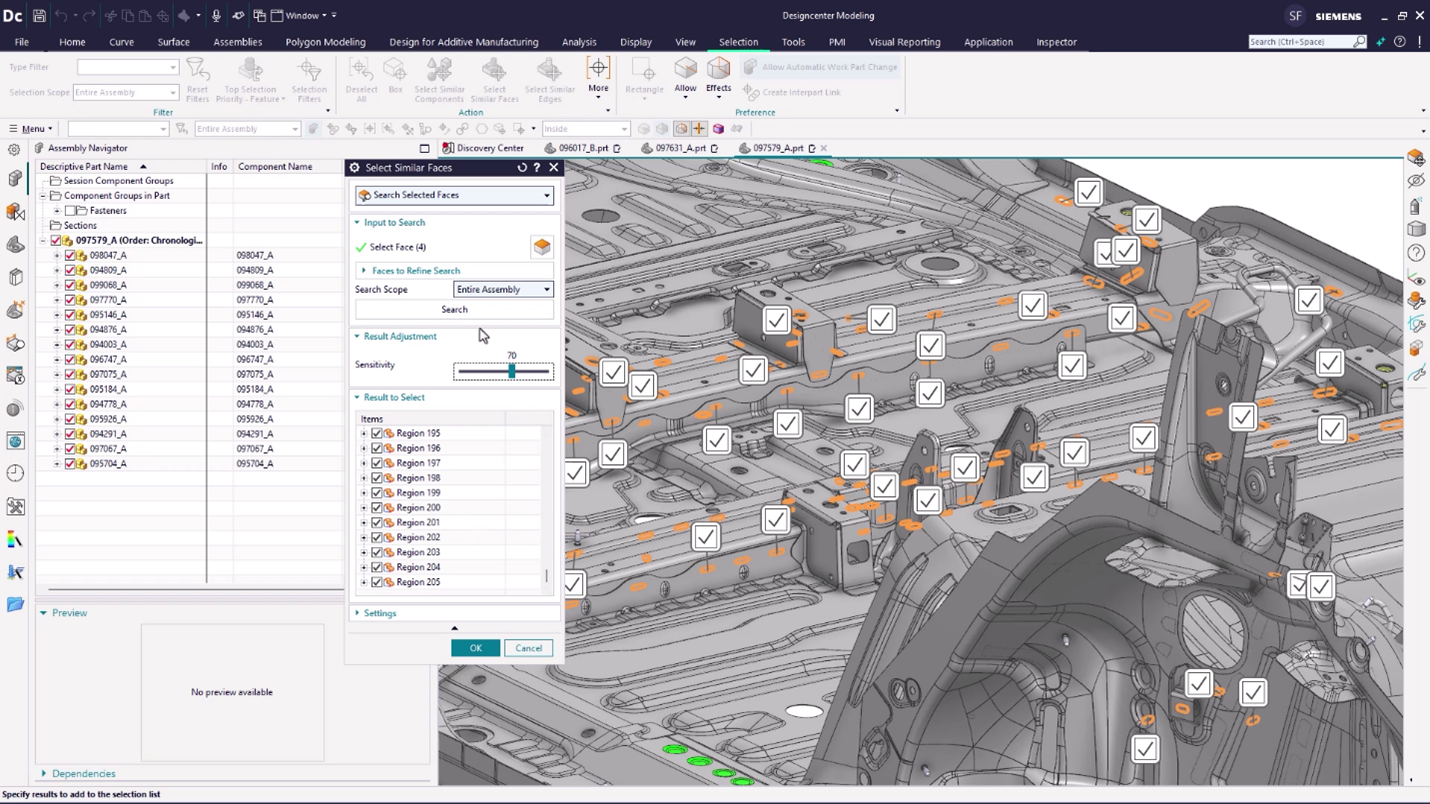
Designcenter™ software (formerly NX™ software) is an integrated product design and engineering solution. The platform supports stages of product development—from concept design and engineering to manufacturing—to optimize design processes and enhance team collaboration.
I have used IPD for Material collaboration, where the design and specifications were maintained as per the country need. When there is a change based on local country compliance rules, it makes easy to refer and adjust the material specifications as per the new compliance defined. Handling this for multiple materials in a go makes a difference in this tool. But drawback is that navigation of the EDP interface, where it takes more time to adjust and needs more training for new users. Like making them understand the business need and change needed takes time.
A de minimis incentive was given to thank the reviewer for their time. The incentive was not used to bias or drive a particular response, nor was the incentive contingent on a positive endorsement. More Info
There is perfect integration between NX CAD and NX CAM modules with less data loss. Better graphical interface and simplified commands makes NX CAD a better software then others. The tool has scope to develop an algorithm for generating surfaces from the point data. Include of option to convert .STL to any CAD format will be helpful. The connectivity of splines laying in different planes can be improvised.
A de minimis incentive was given to thank the reviewer for their time. The incentive was not used to bias or drive a particular response, nor was the incentive contingent on a positive endorsement. More Info
A de minimis incentive was given to thank the reviewer for their time. The incentive was not used to bias or drive a particular response, nor was the incentive contingent on a positive endorsement. More Info
The software allows you to create a very high level of control and organization within your engineering staff. This reduces the companies mistakes and maximizes productivity.
The software makes it very easy to track your product through every phase of the production cycle.
A de minimis incentive was given to thank the reviewer for their time. The incentive was not used to bias or drive a particular response, nor was the incentive contingent on a positive endorsement. More Info
A de minimis incentive was given to thank the reviewer for their time. The incentive was not used to bias or drive a particular response, nor was the incentive contingent on a positive endorsement. More Info
Keeping the colors of surfaces if volume bodies are linked
Show and keep symbolic threads
For me, I miss more information why a surface can't be deleted or a radius is not possible. And maybe a solution, how could it look like, if NX CAD adds a new surface.
A de minimis incentive was given to thank the reviewer for their time. The incentive was not used to bias or drive a particular response, nor was the incentive contingent on a positive endorsement. More Info
A de minimis incentive was given to thank the reviewer for their time. The incentive was not used to bias or drive a particular response, nor was the incentive contingent on a positive endorsement. More Info
A de minimis incentive was given to thank the reviewer for their time. The incentive was not used to bias or drive a particular response, nor was the incentive contingent on a positive endorsement. More Info
We just need to think about where we were back in the past and where we are at now! We used to have total chaos where everyone was working their own way. Now all involved groups work together as one team. This has increased the overall efficiency and the results are really astonishing!
A de minimis incentive was given to thank the reviewer for their time. The incentive was not used to bias or drive a particular response, nor was the incentive contingent on a positive endorsement. TR verified that a representative sample of customers was invited. More Info
Siemens NX CAD has been has been simple in design & user interface. It is best among the competitors. It can develop heavy models & designs with very ease. It has Layers options for arranging multiple assemblies in the same file. It does not require heavy system investment & works fine on professional PCs
A de minimis incentive was given to thank the reviewer for their time. The incentive was not used to bias or drive a particular response, nor was the incentive contingent on a positive endorsement. More Info
A de minimis incentive was given to thank the reviewer for their time. The incentive was not used to bias or drive a particular response, nor was the incentive contingent on a positive endorsement. TR verified that a representative sample of customers was invited. More Info
A de minimis incentive was given to thank the reviewer for their time. The incentive was not used to bias or drive a particular response, nor was the incentive contingent on a positive endorsement. More Info
A de minimis incentive was given to thank the reviewer for their time. The incentive was not used to bias or drive a particular response, nor was the incentive contingent on a positive endorsement. More Info
The "One Version of the Truth" Mandate: Most organizations select SAP IPD not because it has the best CAD tools, but because it eliminates the "wall" between engineering and the rest of the company. If you need to know the real-time cost of a design change or its impact on your carbon footprint, SAP IPD provides that instantly because it lives inside your ERP.
A de minimis incentive was given to thank the reviewer for their time. The incentive was not used to bias or drive a particular response, nor was the incentive contingent on a positive endorsement. More Info
NX CAD is very good for interoperability between different three dimensional modelling softwares, it can convert to .jt models, from native format such as .CATPart, .CATProduct, and ones from SOLIDWORKS. Also it is integrated to Siemens Teamcenter, which also enables other downstream workflow, such as Tecnomatix Process Simulate. Other software packages would need more integration effort to make this possible
A de minimis incentive was given to thank the reviewer for their time. The incentive was not used to bias or drive a particular response, nor was the incentive contingent on a positive endorsement. More Info
A de minimis incentive was given to thank the reviewer for their time. The incentive was not used to bias or drive a particular response, nor was the incentive contingent on a positive endorsement. More Info
A de minimis incentive was given to thank the reviewer for their time. The incentive was not used to bias or drive a particular response, nor was the incentive contingent on a positive endorsement. More Info