
Schedaddle vs. Workday Workforce Management
| Product | Rating | Most Used By | Product Summary | Starting Price |
|---|---|---|---|---|
 Schedaddle | N/A | Small Businesses (1-50 employees) | Schedaddle is an Employee Scheduling software platform designed for single-store and small multi-store retail operations. The solution provides automated scheduling, time tracking, and labor compliance flagging under a flat-fee, per-location pricing model. Key Capabilities Smart Shift Builder: An automated, eight-step scheduling engine that drafts weekly schedules. According to the vendor, the system ensures shift coverage, rotates opening and closing… | $0 for a single location with up to 8 employees |
 Workday Workforce Management | Score8.1 out of 10 | N/A | Workday Workforce Management is a workforce operations software that integrates HR, time, and scheduling data, to eliminate disjointed processes that halt day-to-day operations. Consistent with a worker-first approach, Workday provides mobile-first access to personalized pay, time, and schedules, giving workers frictionless on-the-go access. This helps overcome difficulties in retaining workers and keeps them engaged in a competitive labor… | N/A |
| Schedaddle | Workday Workforce Management | |||||||||||||||
|---|---|---|---|---|---|---|---|---|---|---|---|---|---|---|---|---|
| Editions & Modules |
| No answers on this topic | ||||||||||||||
| Offerings |
| |||||||||||||||
| Entry-level Setup Fee | No setup fee | No setup fee | ||||||||||||||
| Additional Details | Schedaddle is priced per store location at a flat monthly rate, irrespective of how many employees there are. Each location is billed separately at the same flat rate. - The Scuttle — Free forever. A single location with up to 8 employees. Includes the weekly schedule builder, availability, publish-and-email, and the free employee mobile app (iOS + Android). - The Schedaddle — $49/location/month. Unlimited employees. Adds the Smart Shift Builder auto-scheduler, training-hours tracking, shift change requests, a 16-market labor-law reference, schedule-based CSV payroll export, and the QuickBooks Online and Square connectors. - The Full Sprint — $99/location/month. Unlimited employees. Adds the mobile and kiosk time clock, geofenced (location-verified) clock-in, attendance and hours-worked reports, PTO and leave tracking, the multi-store HQ dashboard, Roller sync, and the developer API. Both paid plans include a 14-day free trial. Billing is monthly — annual billing is not offered yet. There is no setup fee and no required paid onboarding. | — | ||||||||||||||
| More Pricing Information | ||||||||||||||||
| Schedaddle | Workday Workforce Management | |
|---|---|---|
| Considered Both Products | No answer on this topic | No answer on this topic |
| Key User Insights | ||
| Would buy again | ||
No answers on this topic | 86% Would buy again 12 Answers | |
| Delivers good value for the price | ||
No answers on this topic | 100% Delivers good value for the price 10 Answers | |
| Happy with the feature set | ||
No answers on this topic | 100% Happy with the feature set 14 Answers | |
| Lived up to sales and marketing promises | ||
No answers on this topic | 100% Lived up to sales and marketing promises 5 Answers | |
| Implementation went as expected | ||
No answers on this topic | 83% Implementation went as expected 5 Answers | |
| Schedaddle | Workday Workforce Management | |||||||||||||||||||||||||
|---|---|---|---|---|---|---|---|---|---|---|---|---|---|---|---|---|---|---|---|---|---|---|---|---|---|---|
| Payroll Management |
| |||||||||||||||||||||||||
| Schedaddle | Workday Workforce Management | |
|---|---|---|
| Small Businesses |  When I Work Score6.5 out of 10 |  Patriot Payroll Score8.6 out of 10 |
| Medium-sized Companies | When I Work Score6.5 out of 10 |  APS Score5.6 out of 10 |
| Enterprises | No answers on this topic |  ADP Streamline Payroll Score6.1 out of 10 |
| All Alternatives | View all alternatives | View all alternatives |
| Schedaddle | Workday Workforce Management | |
|---|---|---|
| Likelihood to Recommend | - | 8.4 |
| Usability | - | 7.7 |
| Schedaddle | Workday Workforce Management | |
|---|---|---|
| Likelihood to Recommend | No answers on this topic |
|
| Pros | No answers on this topic |
|
| Cons | No answers on this topic |
|
| Usability | No answers on this topic |
|
| Alternatives Considered | No answers on this topic |
|
| Return on Investment | No answers on this topic |
|
| ScreenShots | Schedaddle Screenshots  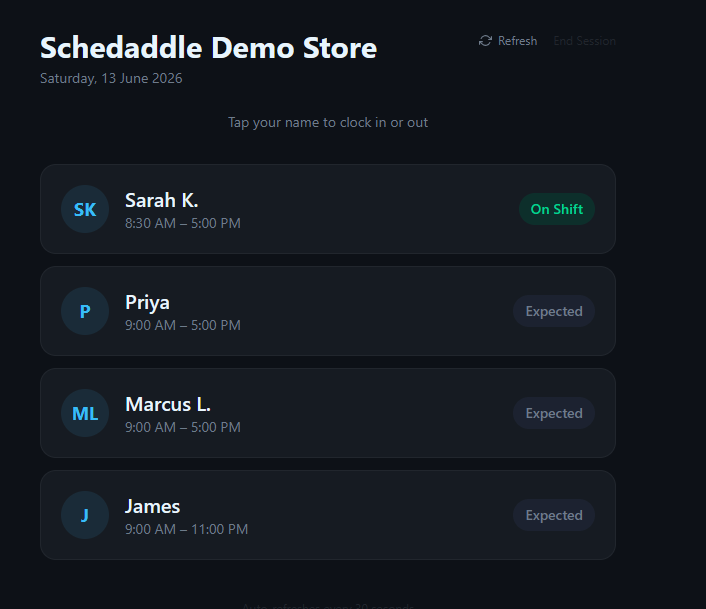    | Workday Workforce Management Screenshots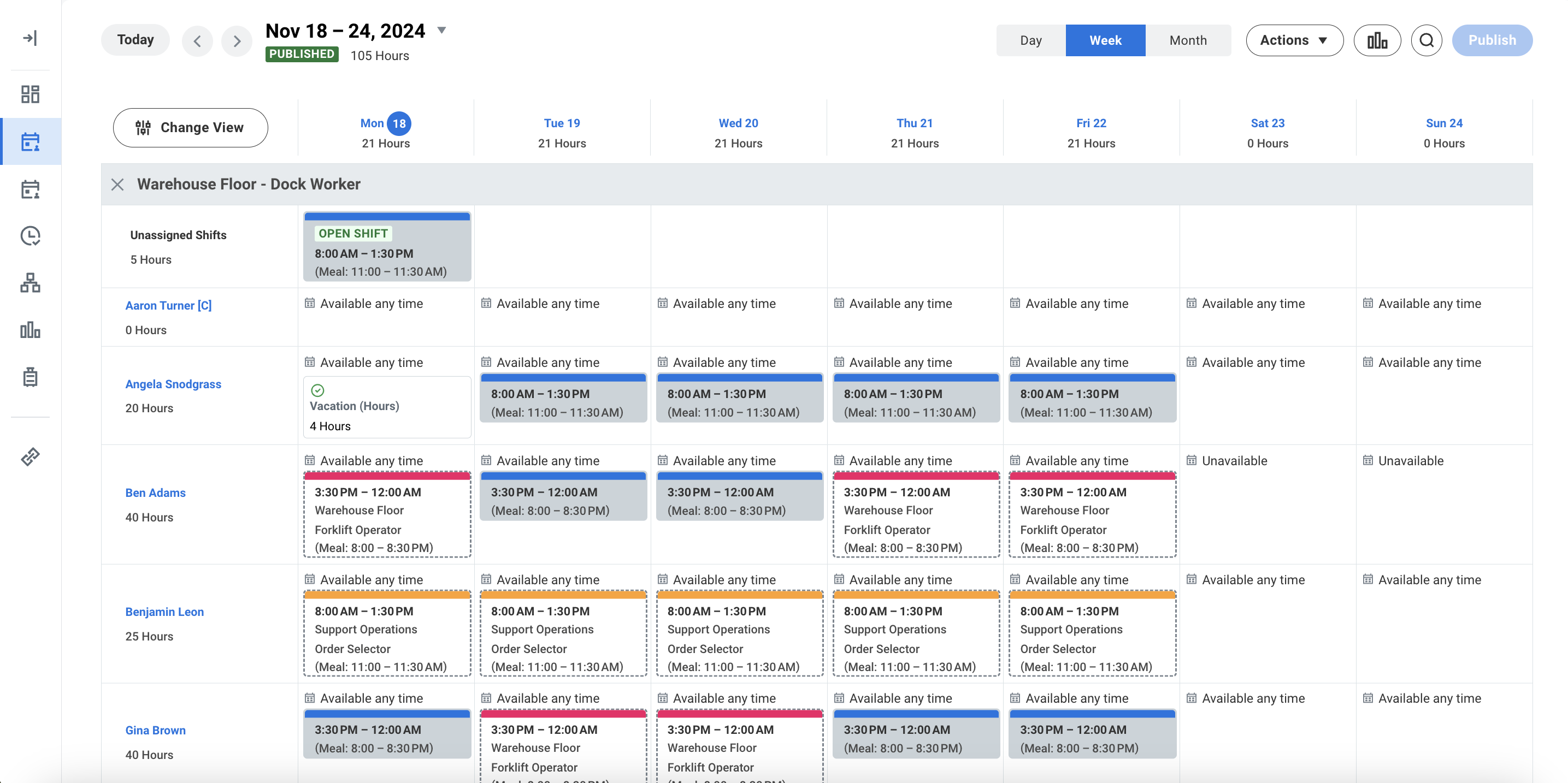 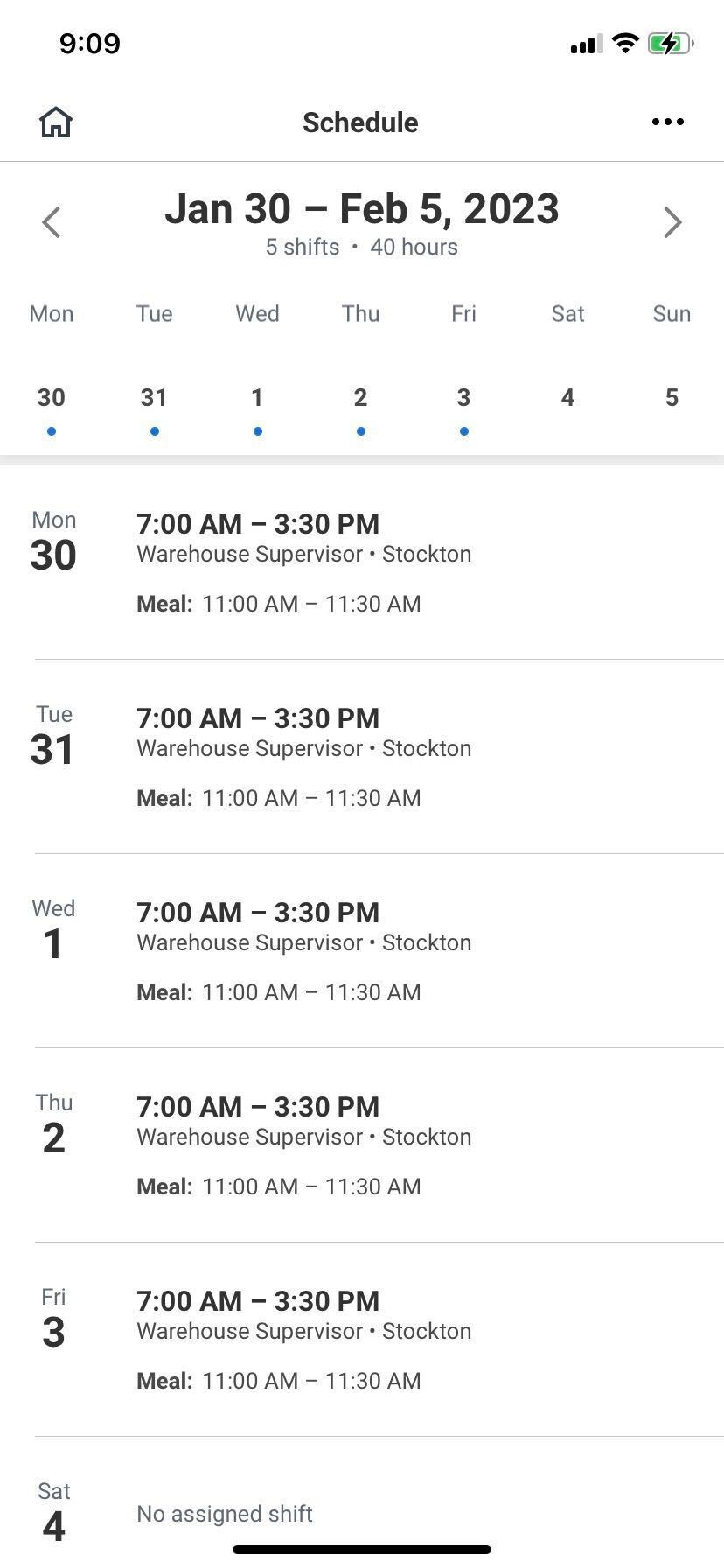 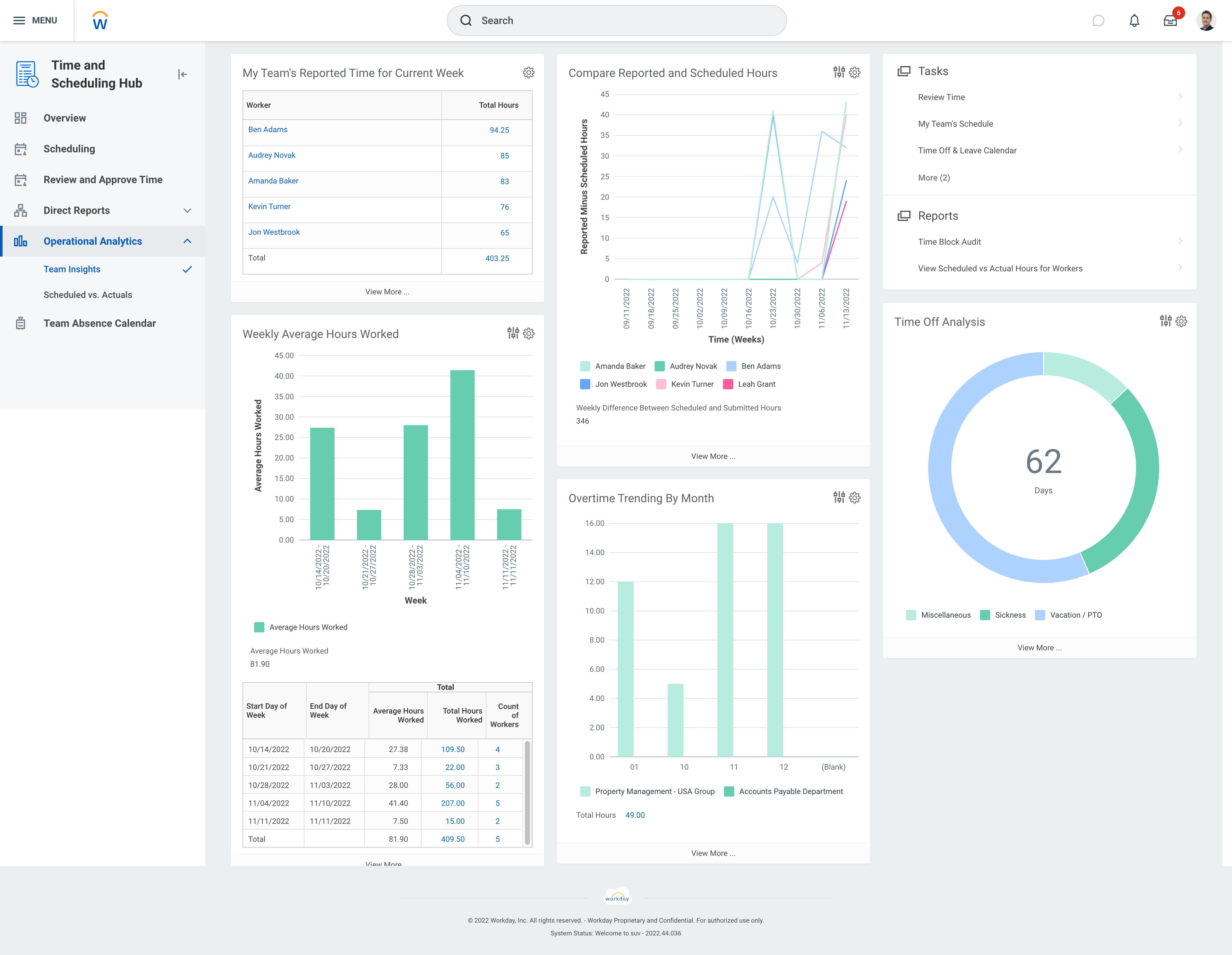 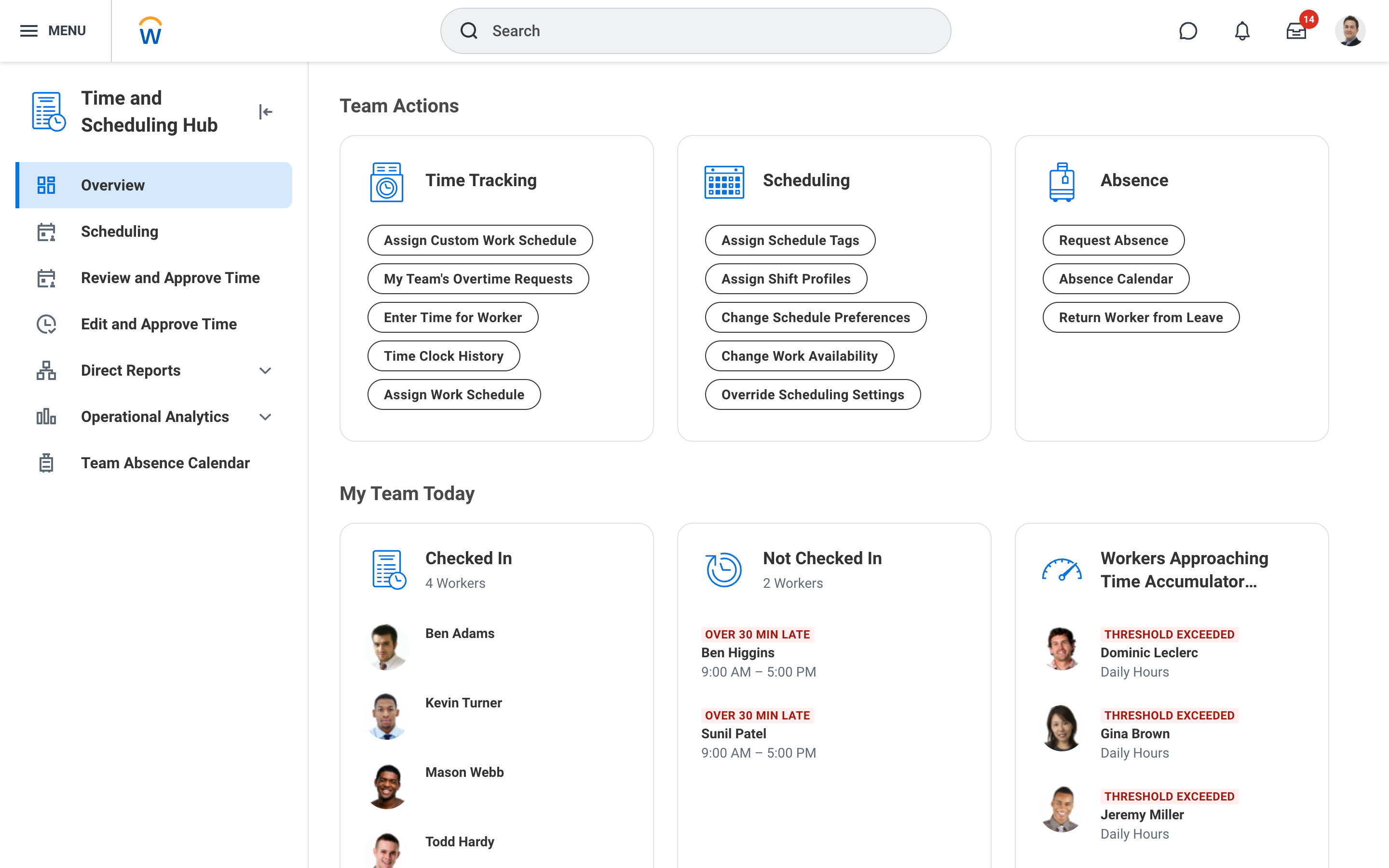 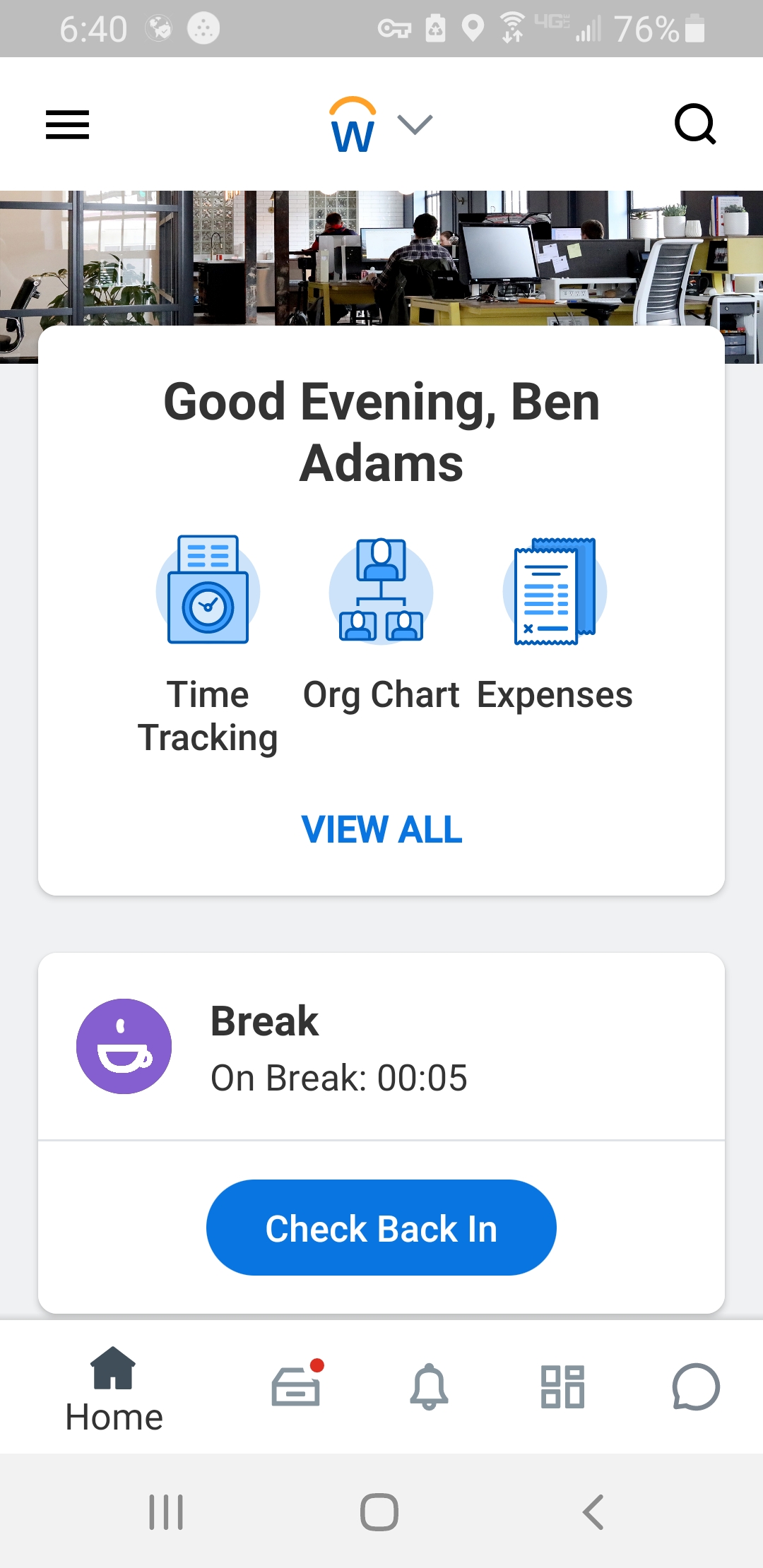 |
