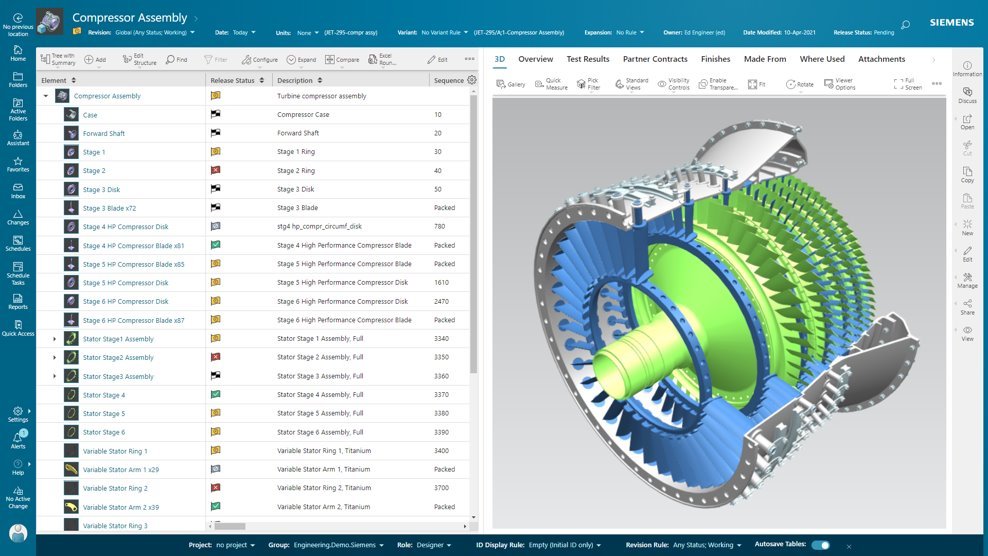
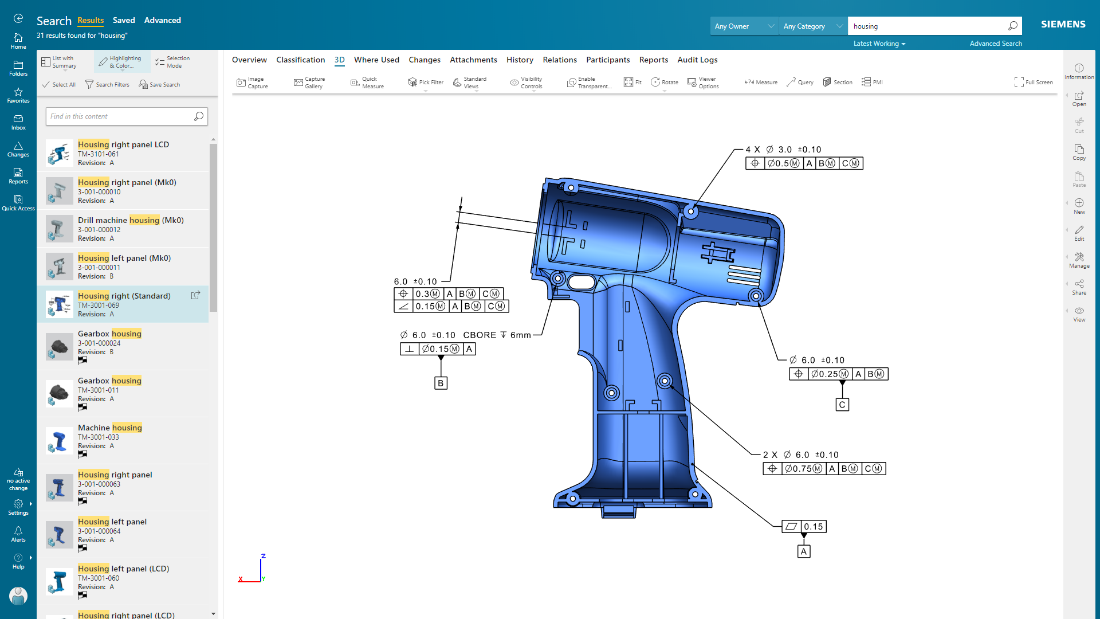
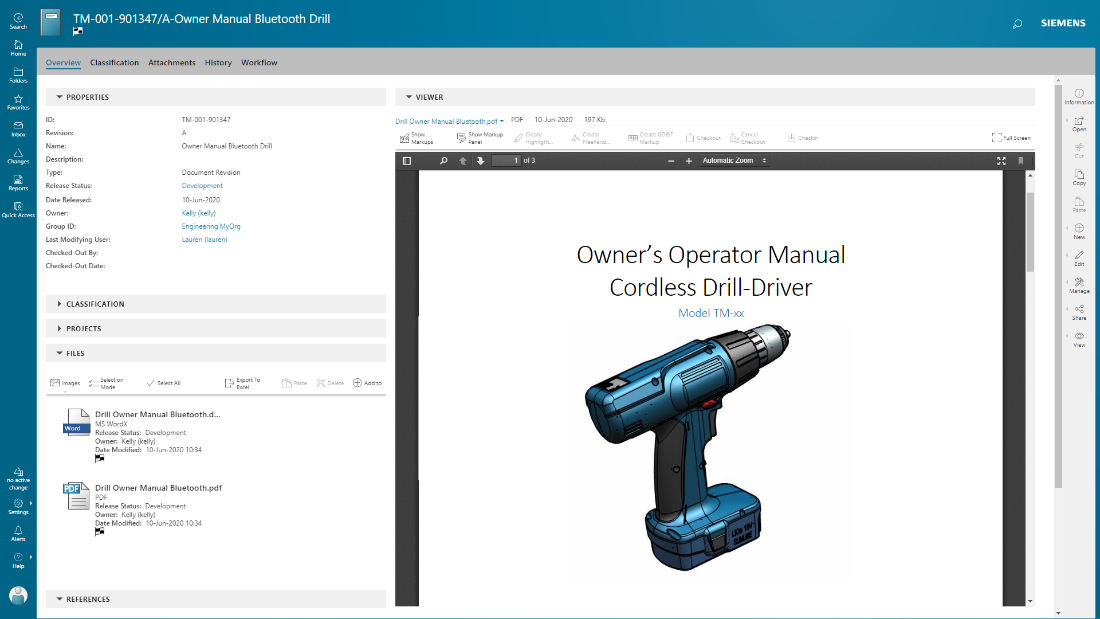
Teamcenter is a product lifecycle management system designed to help organizations integrate and standardize product development processes across functional silos.
N/A
Tacton Design Automation
Score 9.0 out of 10
N/A
Tacton
Design Automation provides constraint-based and parametric engineer-to-order
automation inside SolidWorks, PTC CREO and Autodesk Inventor. With needs-driven design, CAD engineers can configure designs of complex products – including feedback on incompatible
choices - and automatically generate complete 2D drawings, 3D models and quote
documents. The configurator-powered Tacton Design Automation is designed to propose a solution that's not just buildable, but optimal for the…
Teamcenter is perfect for working in large-scale projects related to manufacturing and engineering where collaboration and management of data are crucial. It is evident where the complexity of the products is high such as in automobile and aerospace industries. Some of its features may seem too elaborate for the small business with a less complex process and therefore too expensive. It is less useful in organizations that do not have complex PLM needs or have less IT capacity to implement the system.
For design automation for SOLIDWORKS, I feel Tacton Design Automation is the best solution out there. It's simple to develop and implement for the design/engineering department. But can be implemented within the sales team as well with Tacton CPQ. When a company has products that are modular and/or have many sizing updates, this is where Tacton excels. If you have products that are completely customized, then Tacton or even design automation isn't the best suited for that.
Teamcenter is a great PLM tool that allows collaboration between our teams, it’s possible to create a variety of teams that can all collaborate in one environment and share relevant information, I like that all the data can be integrated into the application so that it’s more organized and structured.
When working with Teamcenter, the roles can be properly distributed so it’s easy to see all the workflows and things that need to be done.
The interface is very nice and you can work through it if you don’t know some features. I like how well-integrated everything is and how easy it is to use and implement into your daily work routine.
One of my favorite aspects of Teamcenter is its reporting tools, they are definitely some of the best tools I have tried, allowing me to integrate data from different places into the platform and analyze it in different ways. Analyzing a variety of key metrics is possible and helps us have better results in our sales.
Tacton has a non-linear solver, meaning it can solve lots of equations without them being is a particular order. This enables the software to be incredibly flexible.
Tacton has a great interface to set up configurators for people to use. No knowledge of programming languages is required. The configurator uses equations similar to Excel equations to control what the users options are.
Tacton has the ability to easily add lists of data like product lists, beam or pipe sizes that because available for user selections or for calculations.
The Tacton configurator also automatically builds the user interface as you set up user inputs making it much easier to set up then competitor software.
Layout mode is probably the most lacking aspect of the software (within Tacon Design Automation Engineer). Something so powerful as having modular parts should be more heavily supported. Although, I've heard Tacton is focusing on updating this with better functionality.
The constraint editor does not display complex/lengthy constraints very well. I end up using Excel to visually break out in cells the different aspects of the constraint.
Because of our current customer needs, we will most likely maintain use of Siemens PLM products for some time. Aside from the initial software cost, we pay for yearly maintenance. Maintaining our yearly maintenance licensing with Siemens, we receive access to all of the latest software releases, as well as premier technical support
As previously mentioned, due to the intense amount of features and modules present in the software, the usability of the software suffers greatly. Many of the features are not used in our context, and many of the modules are not purchased, but the options are still present on the interface leading to a lot of clutter, much of which is never used. The interfaces suffer from a lack of design and tend to feel like a conglomerate of Windows 98 elements.
In the time that we have used Teamcenter we have received a good response from the support team, they have great customer service, we have solved the problems that have arisen very quickly, and they are attentive and answer us if we have any questions.
Earlier, some of the companies acquired by my organization were using PTC Windchill, but the overall stability, user experience and depth of functionality which are provided by Teamcenter doesn't match with any other PLM software and thus, all the acquired companies which were earlier using PTC Windchill has now slowly started into moving towards Teamcenter.
Drive Works is the main competitor for the TactonWorks module of Tacton. We actually discovered DriveWorks and purchased it before we discovered Tacton and started to use it. Once we discovered Tacton we liked it so much better we dropped using DriveWorks and switched to Tacton. I think you could accomplish what you need to in DriveWorks, but it is easier to setup in Tacton and Tacton has alot of features that really can make your product configurators nice
Teamcenter is easily on the best scalable solution. The single source of product information allows us to collaborate more effectively on the product lifecycle. Also, being a cloud solution, it is pretty straightforward to scale as the maintenance required is quite low . In addition, the overall cost is also easily manageable for businesses like ours.
Definitely, it has a very positive impact so to speak. What we are trying to do through our program, we are utilizing the full capacity of Teamcenter to produce one structure in an effective way. So before we implement this activity, the user has to prepare 10 to 15 structures to reach to our best possible data that can be set across the systems. But now with the complete capability of Teamcenter, we are able to do all these things into one structure itself and then let the system do all the automation or the things that users do not have to concentrate on. All of the automations are done behind the systems and then it is improving not only the efficiency of the end user, but also making a standardized way in order to proceed and transfer the data holistically towards other systems like SAP.
Time to produce submittals went from 1-2 weeks down to a couple of days. Then, once approved, normally to produce the fabrication drawings (70+ unique parts) it would take from 4-6 weeks. We can get it down to as little as a few days.