Austin-based SolarWinds offers Internet Protocal address management (IPAM) networking service.
N/A
SonarQube
Score 8.0 out of 10
N/A
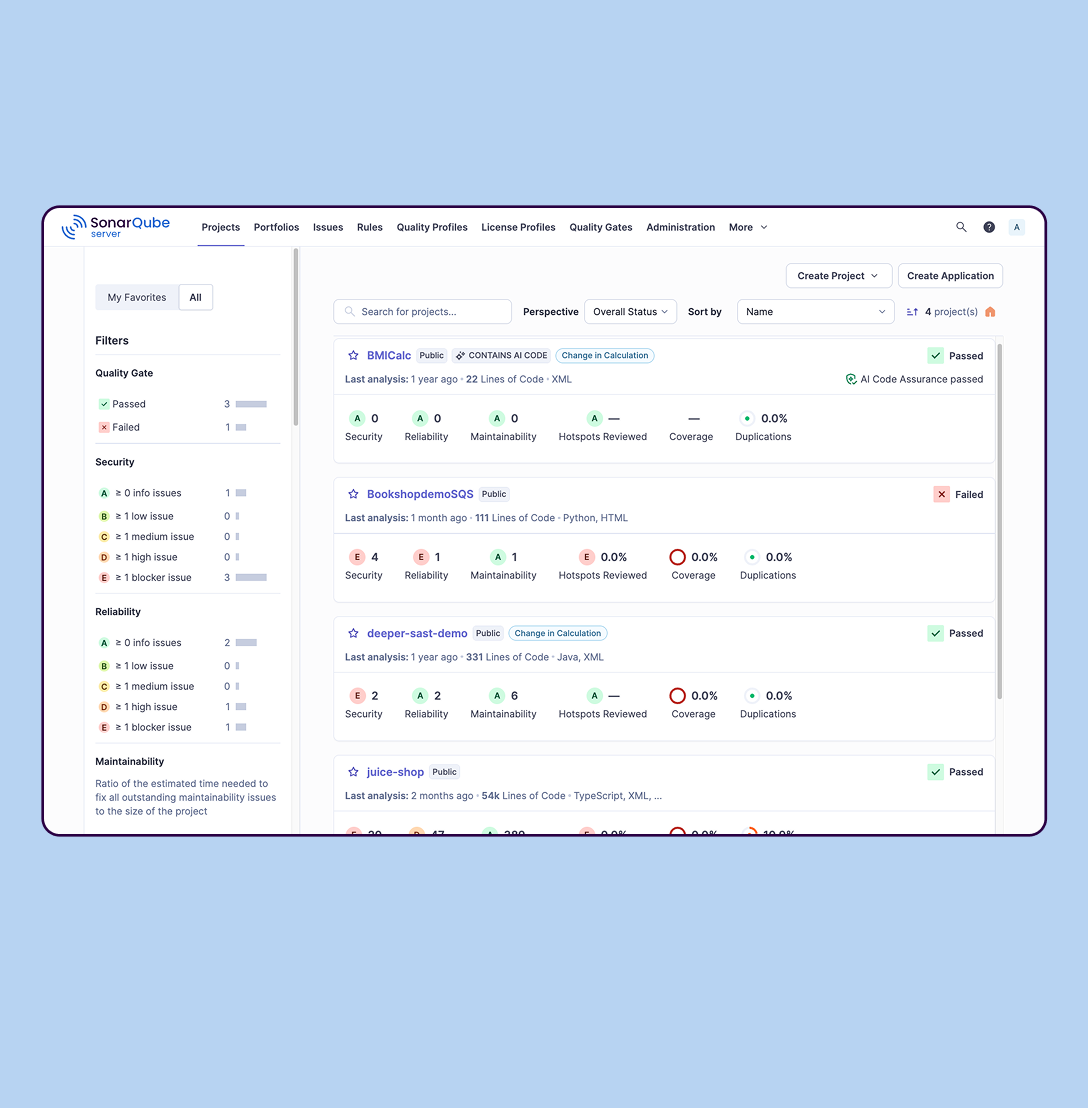
SonarQube is an automated code review solution, serving as the verification layer for code quality and SDLC security. SonarQube is used to ensure that code is secure, reliable, and maintainable. It is available through SaaS or self-managed deployment.
$0
Pricing
SolarWinds IP Address Manager (IPAM)
SonarQube
Editions & Modules
No answers on this topic
Cloud-based: Free
$0
Self-managed: Developer
Starting at $720 annually
per year per installation
Self-managed: Enterprise
Contact sales for pricing
per year per installation
Cloud-based: Enterprise
Contact sales for pricing
per year per installation
Cloud-based: Teams
Starting at $32 per month
per month per installation
Self-managed: Data Center
Contact sales for pricing
per year per installation
Offerings
Pricing Offerings
SolarWinds IP Address Manager (IPAM)
SonarQube
Free Trial
Yes
Yes
Free/Freemium Version
No
Yes
Premium Consulting/Integration Services
No
No
Entry-level Setup Fee
Optional
No setup fee
Additional Details
SolarWinds professional support is included to help customers on active maintenance 7 days a week, 365 days a year.
SolarWinds IP Address Manager is very useful the bigger and more complex the environment. Smaller organizations will have to consider the cost as it provides little benefit over monitoring maybe 2-3 servers. But I have over 24 DHCP servers with on average 15 subnets each so tracking and monitoring all that was very time-consuming. As a result, it was generally ignored until there was an issue. With SolarWinds IP Address Manager, I was able to set alerts to monitor scope utilization and duplicate IP addresses.
SonarQube is excellent if you start using it at the beginning when developing a new system, in this situation you will be able to fix things before they become spread and expensive to correct. It’s a bit less suitable to use on existing code with bad design as it’s usually too expensive to fix everything and only allows you to ensure the situation doesn’t get worse.
With IPAM automated address scanning, we can be confident that we are looking at an up-to-date, accurate snapshot of our network.
The built-in alerts are a great safety net. We know that even if we aren't paying close attention to our IP address space, IPAM is. If a range is nearly full, IPAM lets us know before it becomes a real problem.
IPAM's event logging gives us insight into any and all changes made by our network engineers.
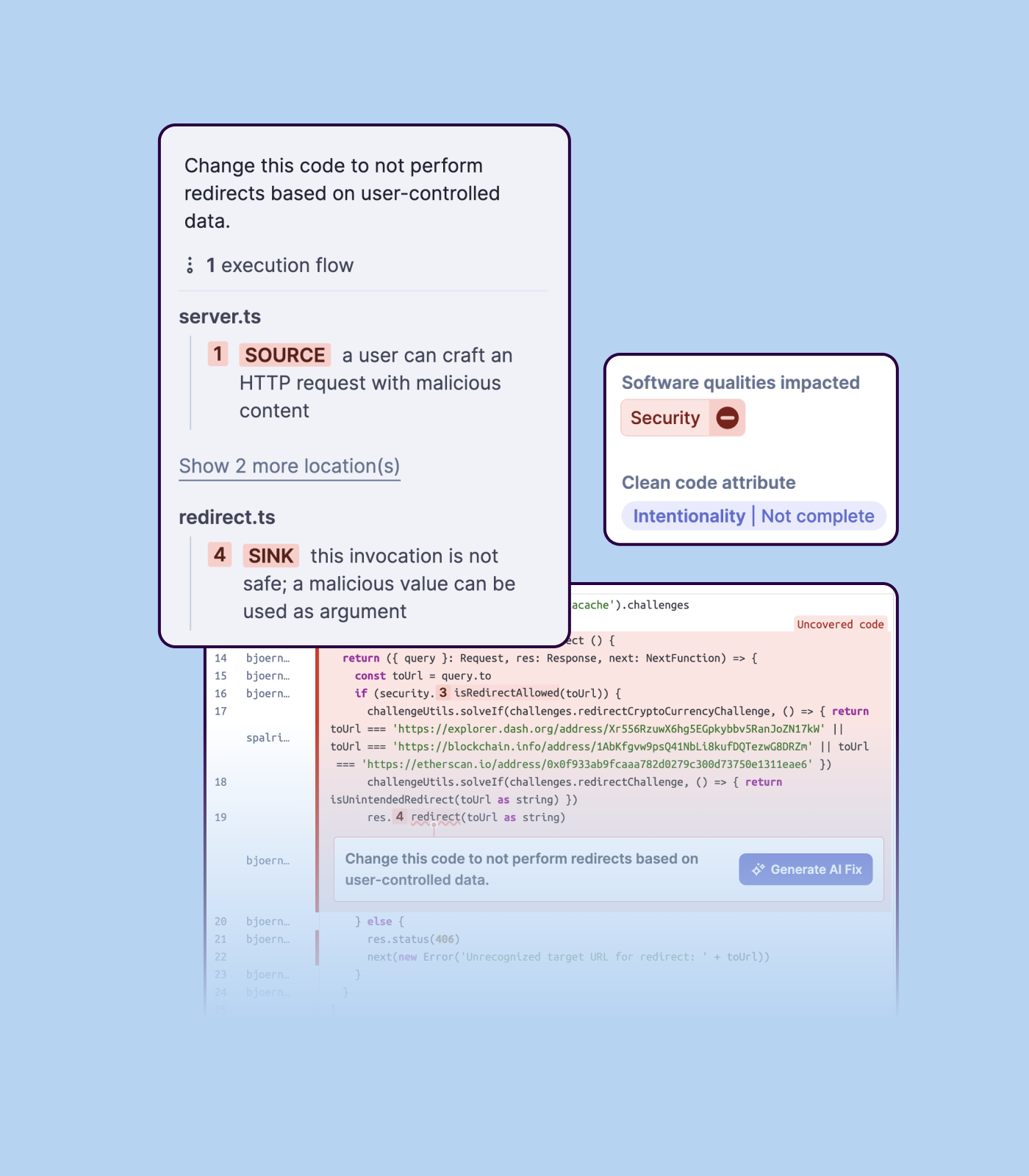
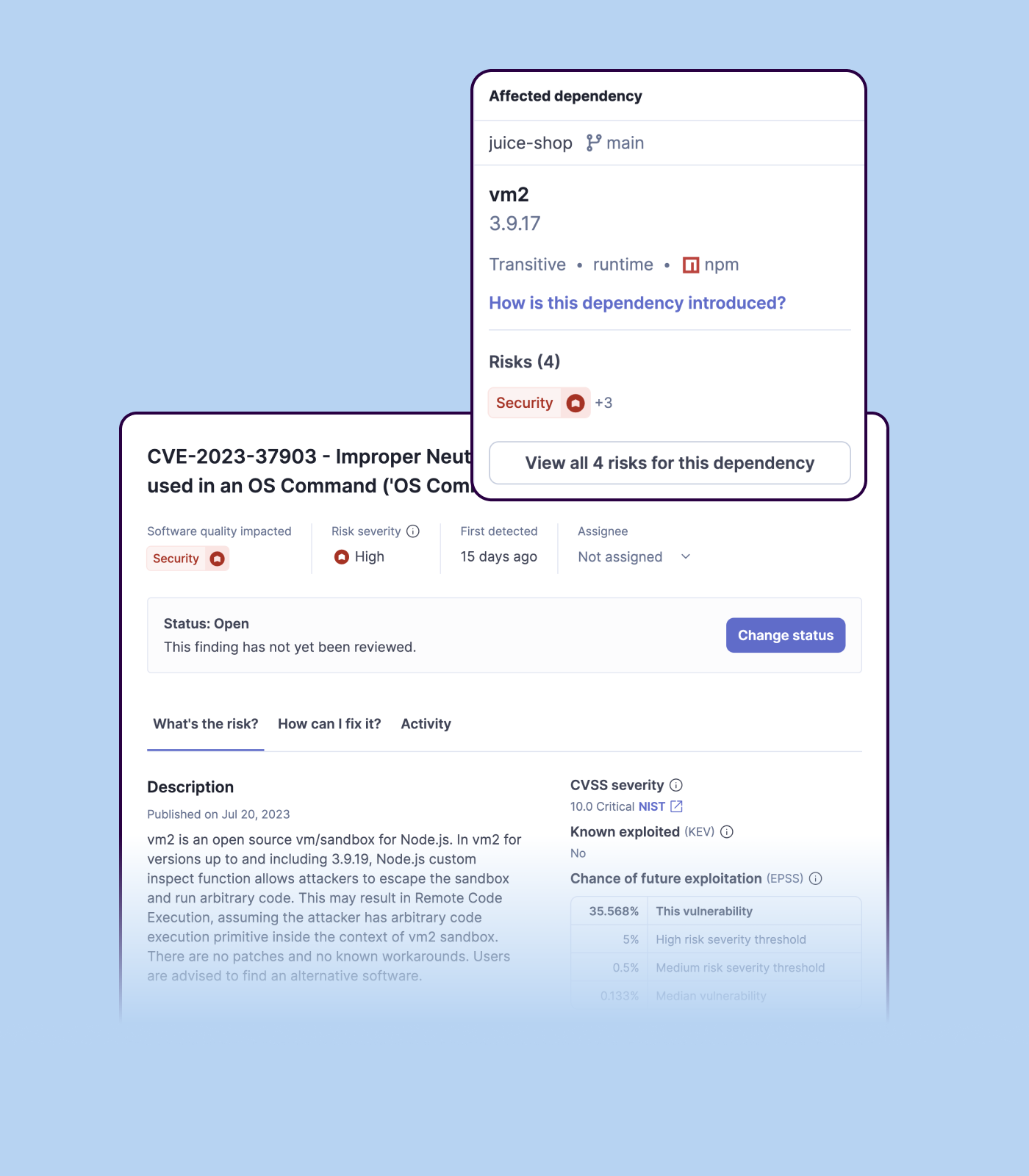
Detecting bugs and vulnerabilities: SonarQube can identify a wide range of bugs and vulnerabilities in code, such as null pointer exceptions, SQL injection, and cross-site scripting (XSS) attacks. It uses static analysis to analyze the code and identify potential issues, and it can also integrate with dynamic analysis tools to provide even more detailed analysis.
Measuring code quality: SonarQube can measure a wide range of code quality metrics, such as cyclomatic complexity, duplicated code, and code coverage. This can help teams understand the quality of their code and identify areas that need improvement.
Providing actionable insights: SonarQube provides detailed information about issues in the code, including the file and line number where the issue occurs and the severity of the issue. This makes it easy for developers to understand and address issues in the code.
Integrating with other tools: SonarQube can be integrated with a wide range of development tools and programming languages, such as Git, Maven, and Java. This allows teams to use SonarQube in their existing development workflow and take advantage of its powerful code analysis capabilities.
Managing technical debt: SonarQube provides metrics and insights on the technical debt on the codebase, enabling teams to better prioritize issues to improve the quality of the code.
Compliance with coding standards: SonarQube can check the code against industry standards like OWASP, CWE and more, making sure the code is compliant with security and coding standards.
The user experience is not as intuitive as other products. We have to be more restrictive around level 1 help desk access compared to NCM or NPM in SolarWinds.
Making and enforcing changes, not just monitoring, has been hit or miss in some instances.
Importing a new custom quality profile on SonarQube is a bit tricky, it can be made easier
Every second time when we want to rerun the server, we have to restart the whole system, otherwise, the server stops and closes automatically
When we generate a new report a second time and try to access the report, it shows details of the old report only and takes a lot of time to get updated with the details of the new and fresh report generated
We are heavily invested in SolarWinds. We currently own Network Performance Monitor, Netflow Traffic Analyzer, User Device Tracker, Server Application Monitor and Network Configuration Manager. We have NOC mode setup for deskside support for monitoring any down devices that may effect our network across the globe. This application gives us the information we need when we need it.
SolarWinds IPAM is like what SolarWinds itself says, i.e. easy to use and simple. SolarWinds has really made their orion and non-orion platform products so simple that any newbie can give a try and make the best use out of it. I learned SolarWinds IPAM by myself in a POC environment, and not just IPAM but other modules and now I own 6 certifications. You see how easy to use this product is.
We do not integrate IPAM into other systems other than the standard Orion integration. The performance is reasonable, however, we are running all the SolarWinds applications on a very large server.
I have not contacted customer support and therefore have no experience in this area. I know we have some issues with our VAR support at this time for Orion, but I don't know if the IPAM falls into the same support structure. Perhaps others in the organization may know more regarding the support area.
We we easily able to integrate the SonarQube steps into our TFS process via the Microsoft Marektplace, we didn't have the need to call SonarQube support. We've used their online documentation and community forum if we ran into any issues.
SolarWinds IP Address Manager was cheaper than both alternatives and far easier to manage. Device42 interface is years behind what Solarwinds offers. It is very outdated; BT Diamond required remote management and we constantly had to message support, it reached a point where it was better not to have the product at all.
SonarQube is an open-source. It's a scalable product. The costs for this application, for the kind of job it does, are pretty descent. Pipeline scan is more secured in SonarQube. Its a very good tool and its support multiple languages. Its main core competency is of static code analysis and that is why SonarQube exists and it does it exceedingly well. The quality of scan on code convention, best practices, coding standards, unit test coverage etc makes them one of the best competent tool in the market
We have not experienced any scalability issues with this product. However, SolarWinds needs to allow users to scale horizontally without any license restrictions. For example, we would like to separate Netflow and Orion onto different platforms but are unable to due to license restrictions.
IPAM has saved countless hours of running scripts and gathering data to compile reports to plan re-subnetting globally.
IPAM has reduced helpdesk incidents by immediately spotting bad DNSR and IP conflicts.
IPAM has helped eliminate blocks on projects whereas there is not currently enough address space requiring major changes to accommodate more IP'ed servers, gear, etc.
Positive ROI from the standpoint of flagging several issues that would have otherwise likely been unaddressed and caused more time to be spent closer to launch
Slightly positive ROI from time-saving perspective (it's an automated check which is nice, but depending on the issues it finds, can take developers time to investigate and resolve)