
Solutions2Share Teams Manager vs. Substly
| Product | Rating | Most Used By | Product Summary | Starting Price |
|---|---|---|---|---|
 Teams Manager | Score8 out of 10 | Mid-Size Companies (51-1,000 employees) | IT administrators can keep control of their Microsoft 365 environment with Teams Manager. Teams Manager is used to prevent the uncontrolled creation of Teams and Groups and automate governance processes. Key Features: • Governance Dashboard and Reports – provides an overview of the M365 environment (inactive or ownerless teams, teams with guests etc.) • Provisioning of new teams & SharePoint sites – with channels,… | $1.60 per year |
 Substly | Score9.1 out of 10 | Mid-Size Companies (51-1,000 employees) | Substly is a SaaS management platform designed for small and medium-sized organizations (25–1.000 employees) and IT service providers. The system centralizes subscription-based services, users, and costs into a single dashboard to combat SaaS sprawl and "enterprise bloat". Key Features and Differentiators Multi-Source Discovery Engine: Unlike enterprise tools that often require top-tier SaaS plans to access management APIs,… | $130 per month per installation |
| Teams Manager | Substly | |||||||||||||||
|---|---|---|---|---|---|---|---|---|---|---|---|---|---|---|---|---|
| Editions & Modules |
|
| ||||||||||||||
| Offerings |
| |||||||||||||||
| Entry-level Setup Fee | Optional | Optional | ||||||||||||||
| Additional Details | Prices are starting prices. Not listed here are the different support and service packages. | Substly utilizes a tiered pricing structure determined by feature requirements and total employee count. According to the vendor, the model is intended to provide cost predictability for small and mid-sized organizations. Pricing for the Monitor and Optimize editions is based on organization size, with costs scaling as the employee count increases. For enterprises with complex technical requirements—such as managing multiple Active Directory (AD) tenants, overseeing subsidiaries, or requiring custom API integrations—bespoke quotes are available via a Custom Plan. The platform maintains the following billing and operational policies: - Annual Subscription Discount: The developer offers a 20% reduction in cost for users who opt for annual billing over monthly cycles. - Operational Requirements: The system does not require setup fees or mandatory cancellation periods. - Currency Support: Transactions are supported in EUR, USD, GBP, AUD, CAD, and SEK. | ||||||||||||||
| More Pricing Information | ||||||||||||||||
| Teams Manager | Substly | |
|---|---|---|
| Considered Both Products | No answer on this topic | No answer on this topic |
| Key User Insights | ||
| Would buy again | ||
90% Would buy again 9 Answers | No answers on this topic | |
| Delivers good value for the price | ||
100% Delivers good value for the price 8 Answers | No answers on this topic | |
| Happy with the feature set | ||
100% Happy with the feature set 10 Answers | No answers on this topic | |
| Lived up to sales and marketing promises | ||
No answers on this topic | No answers on this topic | |
| Implementation went as expected | ||
100% Implementation went as expected 5 Answers | No answers on this topic | |
| Teams Manager | Substly | |
|---|---|---|
| Small Businesses | No answers on this topic | Teams Manager Score8 out of 10 |
| Medium-sized Companies | No answers on this topic | Teams Manager Score8 out of 10 |
| Enterprises | No answers on this topic | Teams Manager Score8 out of 10 |
| All Alternatives | View all alternatives | View all alternatives |
| Teams Manager | Substly | |
|---|---|---|
| Likelihood to Recommend | 8.0 | 9.1 |
| Usability | 8.0 | - |
| Teams Manager | Substly | |
|---|---|---|
| Likelihood to Recommend |
|
|
| Pros |
| No answers on this topic |
| Cons |
| No answers on this topic |
| Usability |
| No answers on this topic |
| Alternatives Considered |
| No answers on this topic |
| Return on Investment |
| No answers on this topic |
| ScreenShots | Teams Manager Screenshots   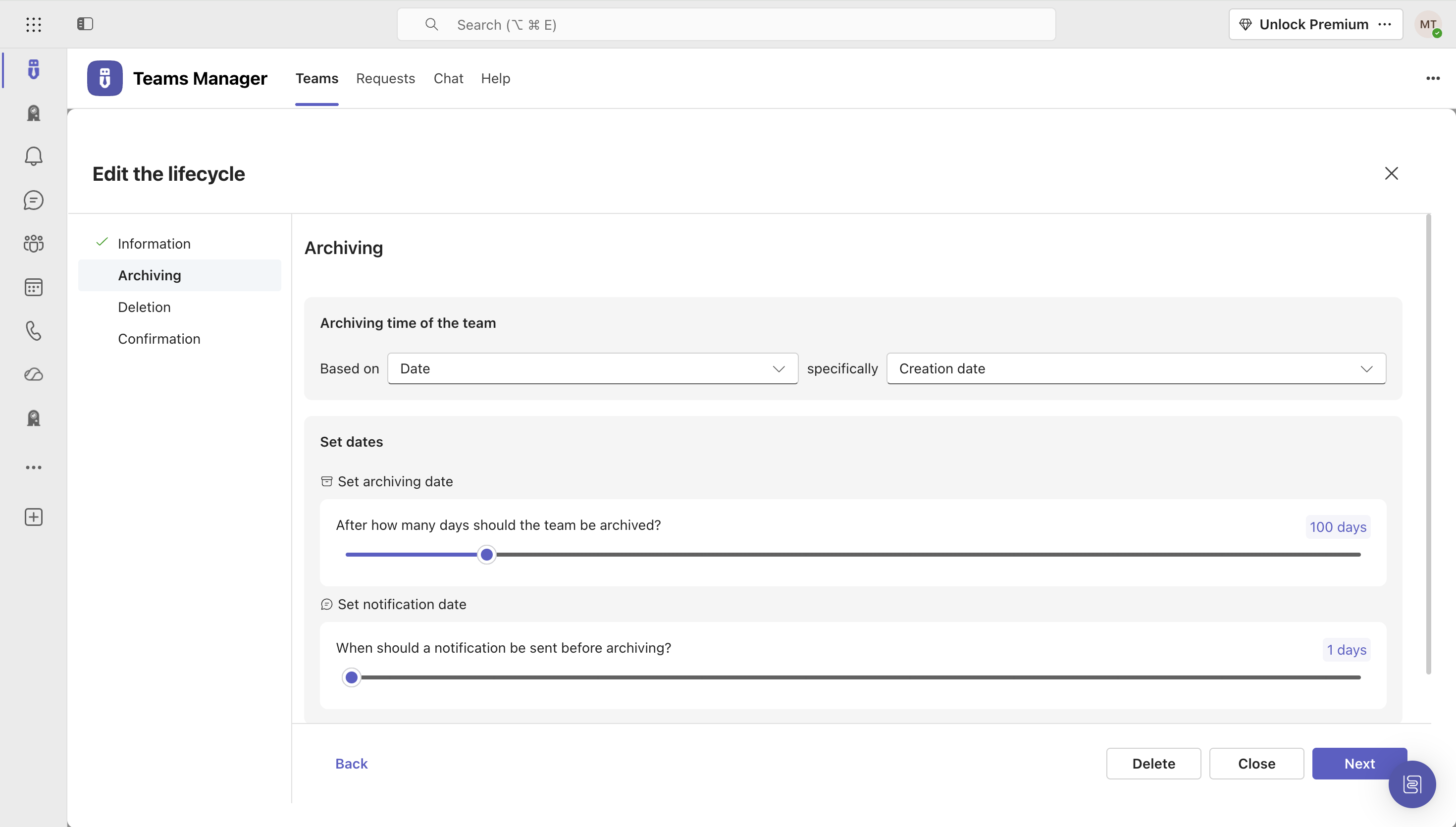   | Substly Screenshots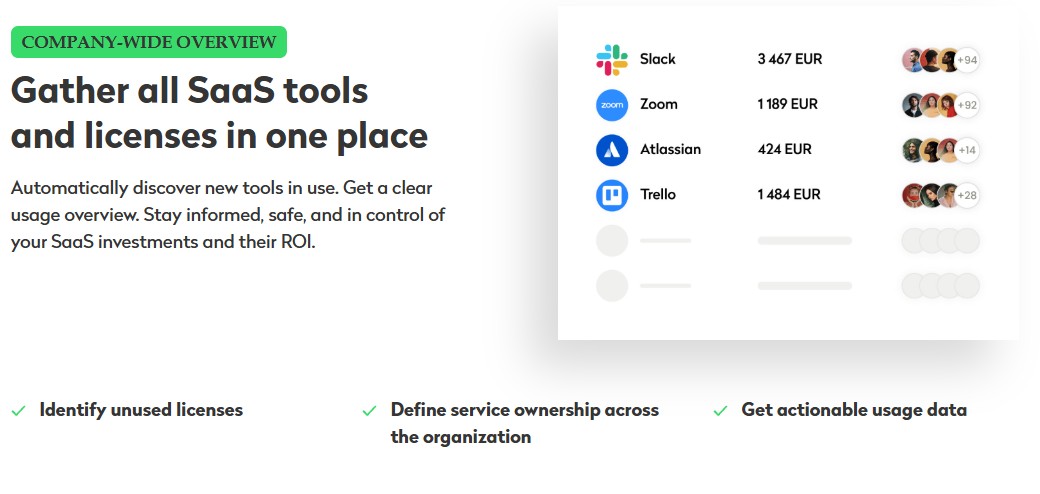 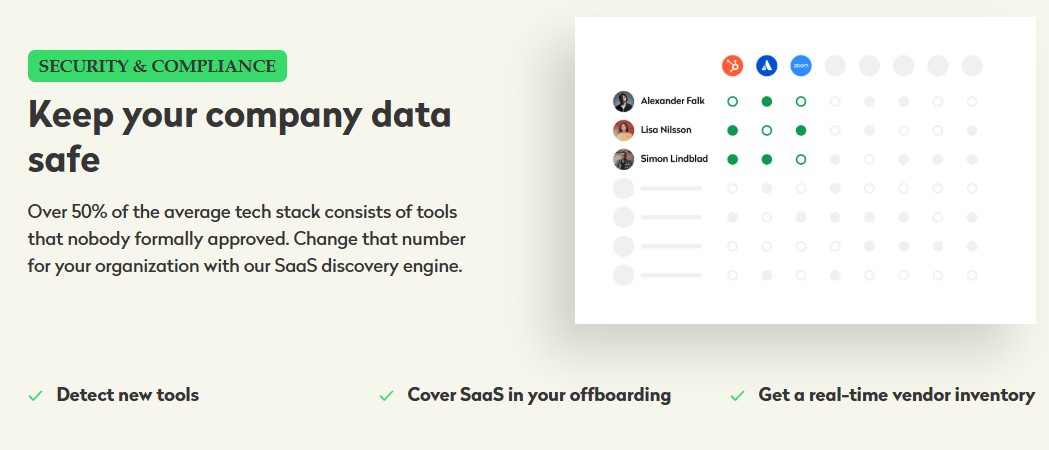 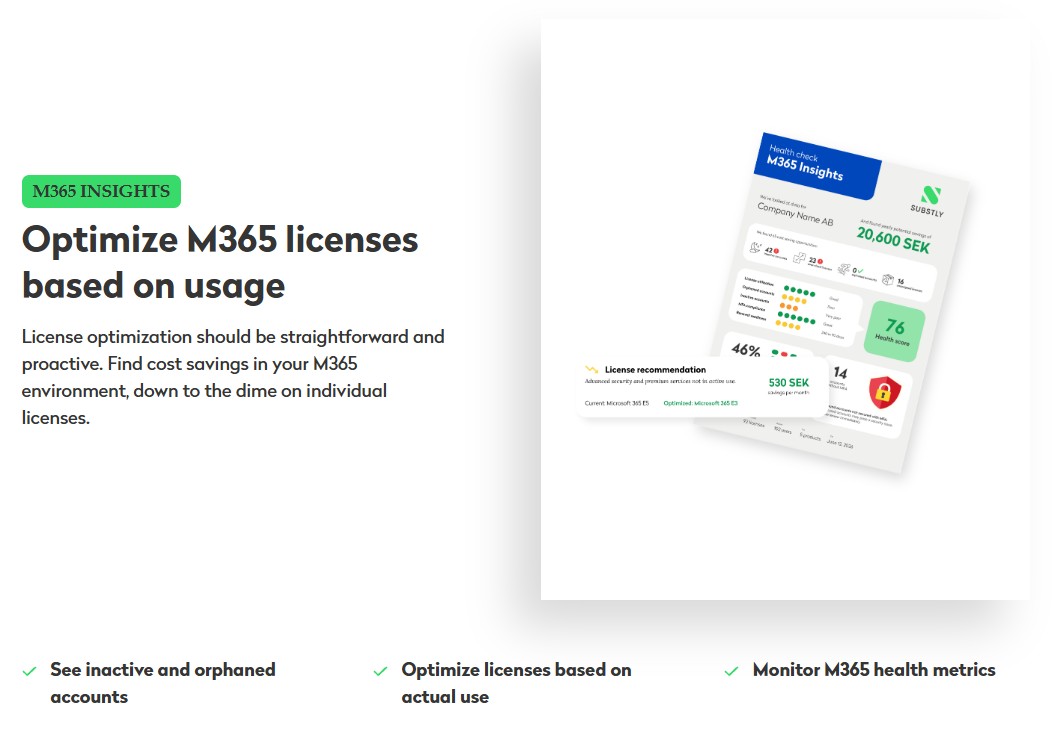 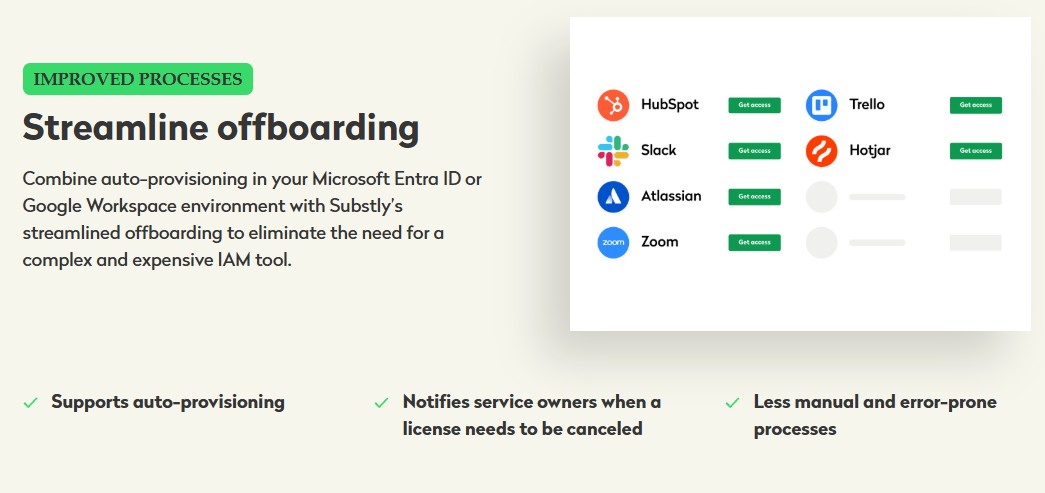 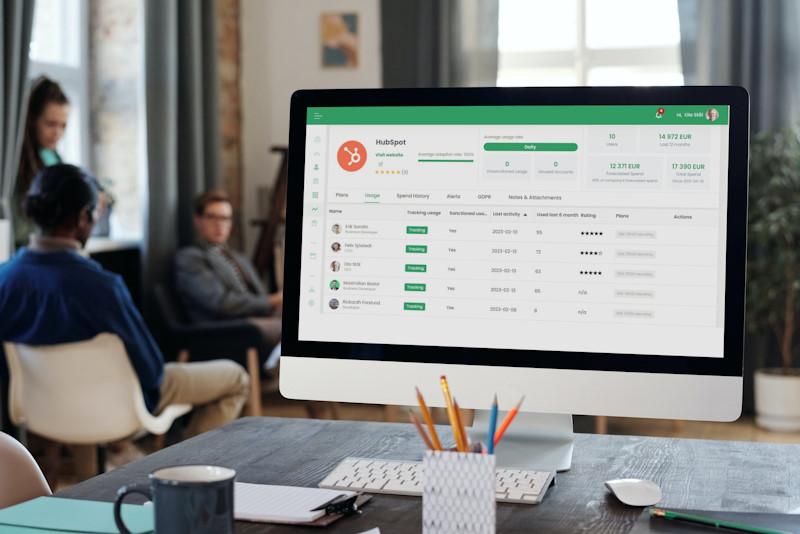  |

