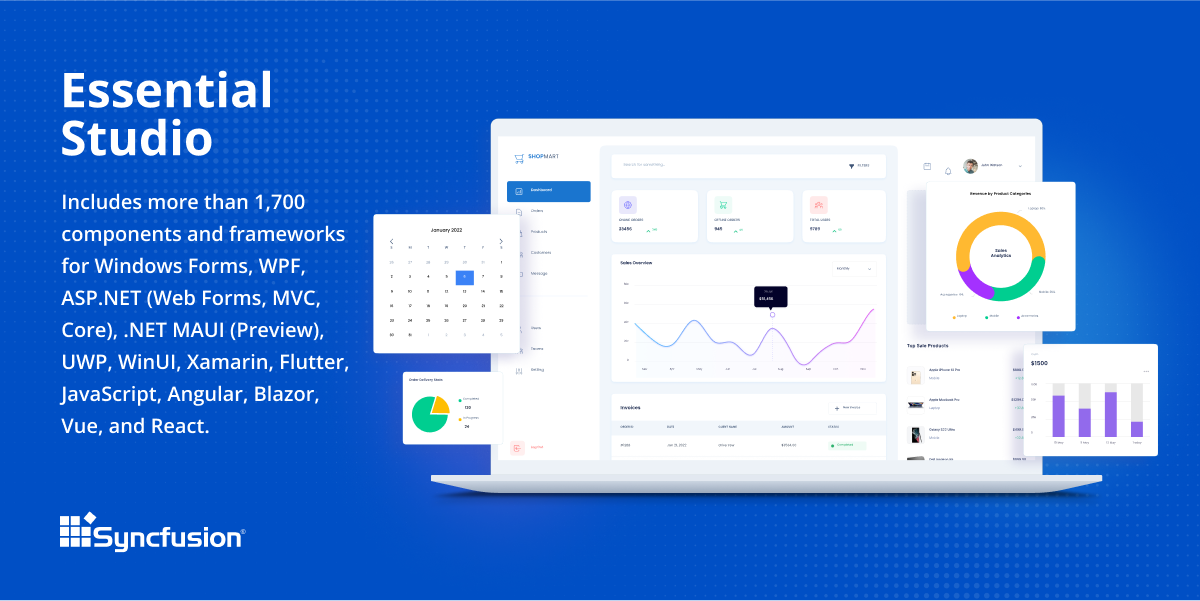
Since 2002, Essential Studio® has supported the development of software applications across industries and economic sectors, in both public and private enterprises.
$0
with the Syncfusion Essential Studio Community License. It includes free access to all 1,600+ controls and is available to companies and individuals with less than $1 million USD in annual gross revenue and 5 or fewer developers.
Tableau Server
Score7.5 out of 10
N/A
Tableau Server allows Tableau Desktop users to publish dashboards to a central server to be shared across their organizations. The product is designed to facilitate collaboration across the organization. It can be deployed on a server in the data center, or it can be deployed on a public cloud.
$12
Per User Per Month
Pricing
Syncfusion Essential Studio
Tableau Server
Editions & Modules
1. Syncfusion Essential Studio Community License
$0
*The Syncfusion Essential Studio Community License includes free access to all 1,600+ controls and is available to companies and individuals with less than $1 million USD in annual gross revenue, 5 or fewer developers, and 10 or fewer total employees. Note: An entity or organization may not have ever received more than $3,000,000 USD in capital from an outside source, such as private equity or venture capital, in order to be eligible for the Community License.
2. Essential Studio UI Edition
Custom Quote
per year Packages to suit teams of all sizes
3. Essential Studio Document SDK
Custom Quote
per year Packages to suit teams of all sizes
5. Essential Studio Standalone Document SDKs
Custom Quote
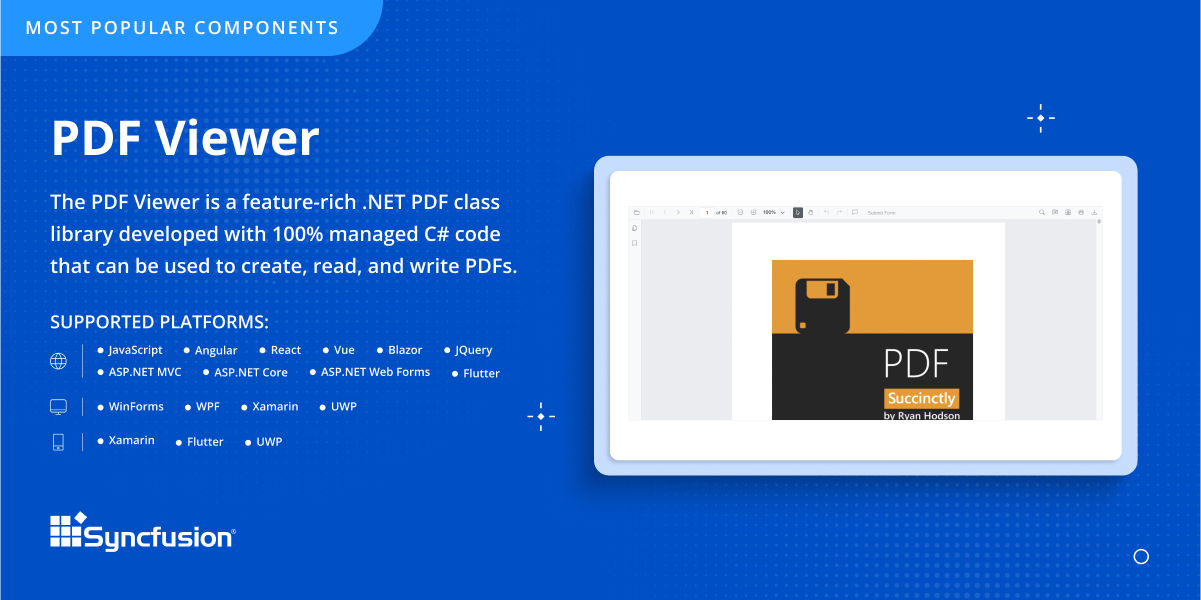
per year PDF Viewer SDK; DOCX Editor SDK; Spreadsheet Editor SDK
4. Essential Studio Standalone UI SDKs
Custom Quote
per year Grid SDK*; Chart SDK*; Schedular SDK; Gantt SDK; Rich Text Editor SDK; Diagram SDK; File Manager SDK*
Viewer
$12.00
Per User Per Month
Explorer
$35.00
Per User Per Month
Creator
$70.00
Per User Per Month
Offerings
Pricing Offerings
Syncfusion Essential Studio
Tableau Server
Free Trial
Yes
Yes
Free/Freemium Version
Yes
No
Premium Consulting/Integration Services
No
Yes
Entry-level Setup Fee
No setup fee
No setup fee
Additional Details
*Grid SDK, Chart SDK, and File Manager SDK are also included as part of the Essential Studio UI Edition.
**The Syncfusion Essential Studio Community License includes free access to all 1,600+ controls and is available to companies and individuals with less than $1 million USD in annual gross revenue, 5 or fewer developers, and 10 or fewer total employees. Note: An entity or organization may not have ever received more than $3,000,000 USD in capital from an outside source, such as private equity or venture capital, in order to be eligible for the Community License.
Vice President of Product Management & Engineering in Product Management at Passenger (Market Research, 51-200 employees)
Chose Tableau Server
We evaluated Tableau Server against all the major players out there. We had a bad experience with one of the major players and switched them out for Tableau. It was one of the best business decisions we have made due to our experience with Tableau and their team. Tableau offers …
A de minimis incentive was given to thank the reviewer for their time. The incentive was not used to bias or drive a particular response, nor was the incentive contingent on a positive endorsement. More Info
Verified User
Chose Tableau Server
For full blown BI Suites, Microstrategy, Oracle and others were evaluated. However Tableau is used to supplement those systems in our case.
Quality Management Data Analyst in Quality Assurance at Southern Maine Medical Center (Hospital & Health Care, 1001-5000 employees)
Chose Tableau Server
QlikView, Tibco Spotfire, SAS, and SAP. At the time, all cost more than Tableau for our (small) needs, SAS and SAP were in some ways overqualified in terms of breadth, and none of them had the ease of use of Tableau.
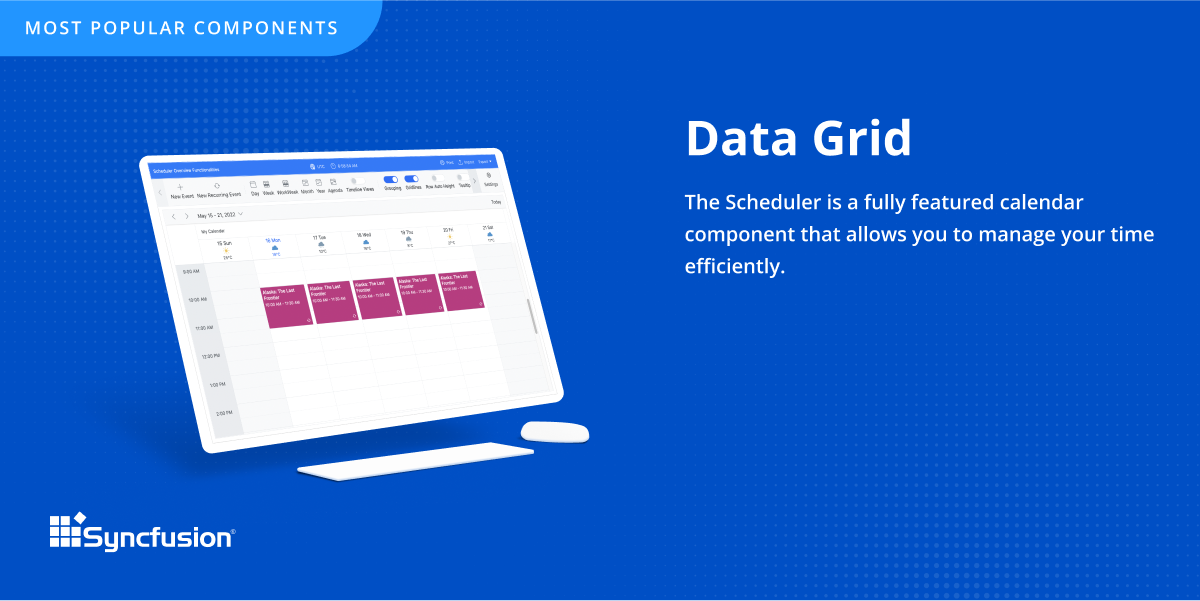
The datagrid is probably their most popular control I would think. It is so flexible and configurable. Most of mine are plain views in ASP.NET Core, but I have a whole bunch that are dynamically created at runtime in my controller. That is so powerful.
Whole funnel and specific channel performance from upper to lower funnel metrics. The ability to view full channel performance for some time, such as weekly, monthly, or quarterly, has truly been monumental in how my team optimizes specific channels and campaigns. Daily performance tracking is a bit overwhelming, with load times and having to refresh specific live views over time. It can be challenging to do so at times, as extensive dashboards take much longer to load.
A de minimis incentive was given to thank the reviewer for their time. The incentive was not used to bias or drive a particular response, nor was the incentive contingent on a positive endorsement. More Info
It's good at doing what it is designed for: accessing visualizations without having to download and open a workbook in Tableau Desktop. The latter would be a very inefficient method for sharing our metrics, so I am glad that we have Tableau Server to serve this function.
Publishing to Tableau Server is quick and easy. Just a few clicks from Tableau Desktop and a few seconds of publishing through an average speed network, and the new visualizations are live!
Seeing details on who has viewed the visualization and when. This is something particularly useful to me for trying to drive adoption of some new pages, so I really appreciate the granularity provided in Tableau Server
A de minimis incentive was given to thank the reviewer for their time. The incentive was not used to bias or drive a particular response, nor was the incentive contingent on a positive endorsement. TR verified that a representative sample of customers was invited. More Info
Sometimes links point to dead addresses in the documentation.
Some components have a difficult learning curve but that is usually due to the complexity of the control.
Minor version changes introduce breaking changes, for example updating from 20.1.x to 20.2.x gives us licensing errors, which in my opinion is a kind of breaking change as it requires all users to update their licenses.
Theming with CSS variables is not possible. Access to Theme Studio code is not possible. So a fully custom solution is needed to make Syncfusion Essential Studio Enterprise Edition components themeable with CSS variables.
Tableau Server has had some issue handling some of our larger data sets. Our extract refreshes fail intermittently with no obvious error that we can fix
Tableau Server has been hard to work with before they launched their new Rest API, which is also a little tricky to work with
A de minimis incentive was given to thank the reviewer for their time. The incentive was not used to bias or drive a particular response, nor was the incentive contingent on a positive endorsement. More Info
It takes effort to include a new component library into existing software, especially in our case where we have 5 large applications that are written and maintained by about 100 developers. So changing such a core thing comes with a lot of effort. The other reason we will very likely renew our use of Syncfusion Essential Studio Enterprise Edition is that it works really well and has helped us to speed up the development process.
It simply is used all the time by more and more people. Migrating to something else would involve lots of work and lots of training. The renewal fee being fair, it simply isn't worth migrating to a different tool for now.
A de minimis incentive was given to thank the reviewer for their time. The incentive was not used to bias or drive a particular response, nor was the incentive contingent on a positive endorsement. TR verified that a representative sample of customers was invited. More Info
I would rate Syncfusion® Essential Studio® a 10 out of 10 for overall usability. The components are intuitive to implement, with clear APIs and consistent design patterns across the suite. This makes it easy for developers to get started quickly and reduces the learning curve even when working with new controls. In addition, the documentation and sample projects provide practical guidance that helps accelerate development. The built-in customization options also allow us to adapt the components to fit our branding and business requirements without excessive effort. Overall, the usability is one of the key reasons why Syncfusion has become an essential part of our development toolset.
Tableau Server takes training and experience in order to unlock the application's full potential. This is best handled by a qualified data scientist or data analytics manager. Tableau user interface layout, nomenclature, and command structure take time and training to become proficient with. Integration and connectivity require proper IT developer support.
A de minimis incentive was given to thank the reviewer for their time. The incentive was not used to bias or drive a particular response, nor was the incentive contingent on a positive endorsement. TR verified that a representative sample of customers was invited. More Info
Our instance of Tableau Server was hosted on premises (I believe all instances are) so if there were any outages it was normally due to scheduled maintenance on our end. If the Tableau server ever went down, a quick restart solved most issues
While there are definitely cases where a user can do things that will make a particular worksheet or dashboard run slowly, overall the performance is extremely fast. The user experience of exploratory analysis particularly shines, there's nothing out there with the polish of Tableau.
Although I have decades of software development experience, I had never created a website from scratch before, and my html and css skills are not particularly strong. Between documentation and incredible dedication from the support team they helped me overcome all of my challenges. It's amazing that they typically create sample code for most of the issues that I submitted. On rare occasions where I uncovered a defect they kept me informed as to its status, and typically resolved it in a short-term release, and/or gave me a reasonable workaround. They hopped on zoom calls with me on multiple occasions when necessary.
We have consistently had highly satisfactory results every time we've reached out for help. Our contractor, used for Tableau server maintenance and dashboard development is very technically skilled. When he hits a roadblock on how to do something with Tableau, the support staff have provided timely and useful guidance. He frequently compares it to Cognos and says that while Cognos has capabilities Tableau doesn't, the bottom line value for us is a no-brainer
A de minimis incentive was given to thank the reviewer for their time. The incentive was not used to bias or drive a particular response, nor was the incentive contingent on a positive endorsement. More Info
In our case, they hired a private third party consultant to train our dept. It was extremely boring and felt like it dragged on. Everything I learned was self taught so I was not really paying attention. But I do think that you can easily spend a week on the tool and go over every nook and cranny. We only had the consultant in for a day or two.
The Tableau website is full of videos that you can follow at your own pace. As a very small company with a Tableau install, access to these free resources was incredibly useful to allowing me to implement Tableau to its potential in a reasonable and proportionate manner.
Implementation was over the phone with the vendor, and did not go particularly well. Again, think this was our fault as our integration and IT oversight was poor, and we made errors. Would they have happened had a vendor been onsite? Not sure, probably not, but we probably wouldn't have paid for that either
Firstly, there is a free version for small businesses and it allows you to jump start without risk. I found one of the other products a bit short in the number of out-of-the-box supported events handlers for each control and, although you can manually add them, I feel more comfortable to just have them ready. After using the free version I just felt in love with Syncfusion Essential Studio Enterprise Edition controls and decided to stay with them; they have all I need and more. The usage of Syncfusion Essential Studio Enterprise Edition controls is straightforward and intuitive. Support is world-class even for the free version; you get answers in 24 hours at most. Also, the support team is ready to remotely connect to your project in case it is needed; we have had one situation like this, and the issue was solved.
Today, if my shop is largely Microsoft-centric, I would be hard pressed to choose a product other than Power BI. Tableau was the visualization leader for years, but Microsoft has caught up with them in many areas, and surpassed them in some. Its ability to source, transform, and model data is superior to Tableau. Tableau still has the lead in some visualizations, but Power BI's rise is evidenced by its ever-increasing position in the leadership section of the Gartner Magic Quadrant.
A de minimis incentive was given to thank the reviewer for their time. The incentive was not used to bias or drive a particular response, nor was the incentive contingent on a positive endorsement. More Info
First of all, I think the best positive impact is the reduce of time development. I do not know exactly how much time, but certainly, using the framework we save a lot of effort and time.
About negative impact, sometimes using the controls of the framewrok have a signifcant impact in the execution time and page load.
And of course, the use of Syncfusion Essential Studio Enterprise Edition has a significant impact of the learning of javascript and JQUERY.
Tableau does take dedicated FTE to create and analyze the data. It's too complex (and powerful) a product not to have someone dedicated to developing with it.
There are some significant setup for the server product.
Once sever setup is complete, it's largely "fire and forget" until an update is necessary. The server update process is cumbersome.
A de minimis incentive was given to thank the reviewer for their time. The incentive was not used to bias or drive a particular response, nor was the incentive contingent on a positive endorsement. More Info