
T3 Workforce vs. Workday Workforce Management
T3 Workforce vs. Workday Workforce Management
| Product | Rating | Most Used By | Product Summary | Starting Price |
|---|---|---|---|---|
 T3 Workforce | N/A | The t3 mobile-first suite is specifically crafted to optimize workforce productivity, streamline process efficiency, and ensure universal accessibility. T3 is a unified platform designed to cover all aspects of workforce management including strategic workforce planning, operation management, workforce scheduling, time and attendance, and payroll generation. It helps organizations to proactively address all workforce challenges while ensuring they have the right people with the right… | $2 per month per user | |
 Workday Workforce Management | N/A | Workday Workforce Management is a workforce operations software that integrates HR, time, and scheduling data, to eliminate disjointed processes that halt day-to-day operations. Consistent with a worker-first approach, Workday provides mobile-first access to personalized pay, time, and schedules, giving workers frictionless on-the-go access. This helps overcome difficulties in retaining workers and keeps them engaged in a competitive labor… | N/A |
| T3 Workforce | Workday Workforce Management | |||||||||||||||
|---|---|---|---|---|---|---|---|---|---|---|---|---|---|---|---|---|
| Editions & Modules | No answers on this topic | No answers on this topic | ||||||||||||||
| Offerings |
| |||||||||||||||
| Entry-level Setup Fee | No setup fee | No setup fee | ||||||||||||||
| Additional Details | — | — | ||||||||||||||
| More Pricing Information | ||||||||||||||||
| T3 Workforce | Workday Workforce Management | ||||||||||||||||||||||||
|---|---|---|---|---|---|---|---|---|---|---|---|---|---|---|---|---|---|---|---|---|---|---|---|---|---|
| Payroll Management |
|
| T3 Workforce | Workday Workforce Management | |
|---|---|---|
| Small Businesses |  When I Work Score 5.8 out of 10 |  Dayforce Powerpay Score 9.2 out of 10 |
| Medium-sized Companies |  Paypro Workforce Management Score 9.1 out of 10 | Paypro Workforce Management Score 9.1 out of 10 |
| Enterprises |  SAP Fieldglass Score 8.3 out of 10 |  Infor Human Resources Score 7.1 out of 10 |
| All Alternatives | View all alternatives | View all alternatives |
| T3 Workforce | Workday Workforce Management | |
|---|---|---|
| Likelihood to Recommend | - (0 ratings) | 8.4 (14 ratings) |
| Usability | - (0 ratings) | 7.8 (12 ratings) |
| T3 Workforce | Workday Workforce Management | |
|---|---|---|
| Likelihood to Recommend | T3 Workforce No answers on this topic | Workday
|
| Pros | T3 Workforce No answers on this topic | Workday
|
| Cons | T3 Workforce No answers on this topic | Workday
|
| Usability | T3 Workforce No answers on this topic | Workday
 Brandi Moore Senior Financial Analyst |
| Alternatives Considered | T3 Workforce No answers on this topic | Workday
|
| Return on Investment | T3 Workforce No answers on this topic | Workday
Brandi Moore Senior Financial Analyst |
| ScreenShots | T3 Workforce Screenshots  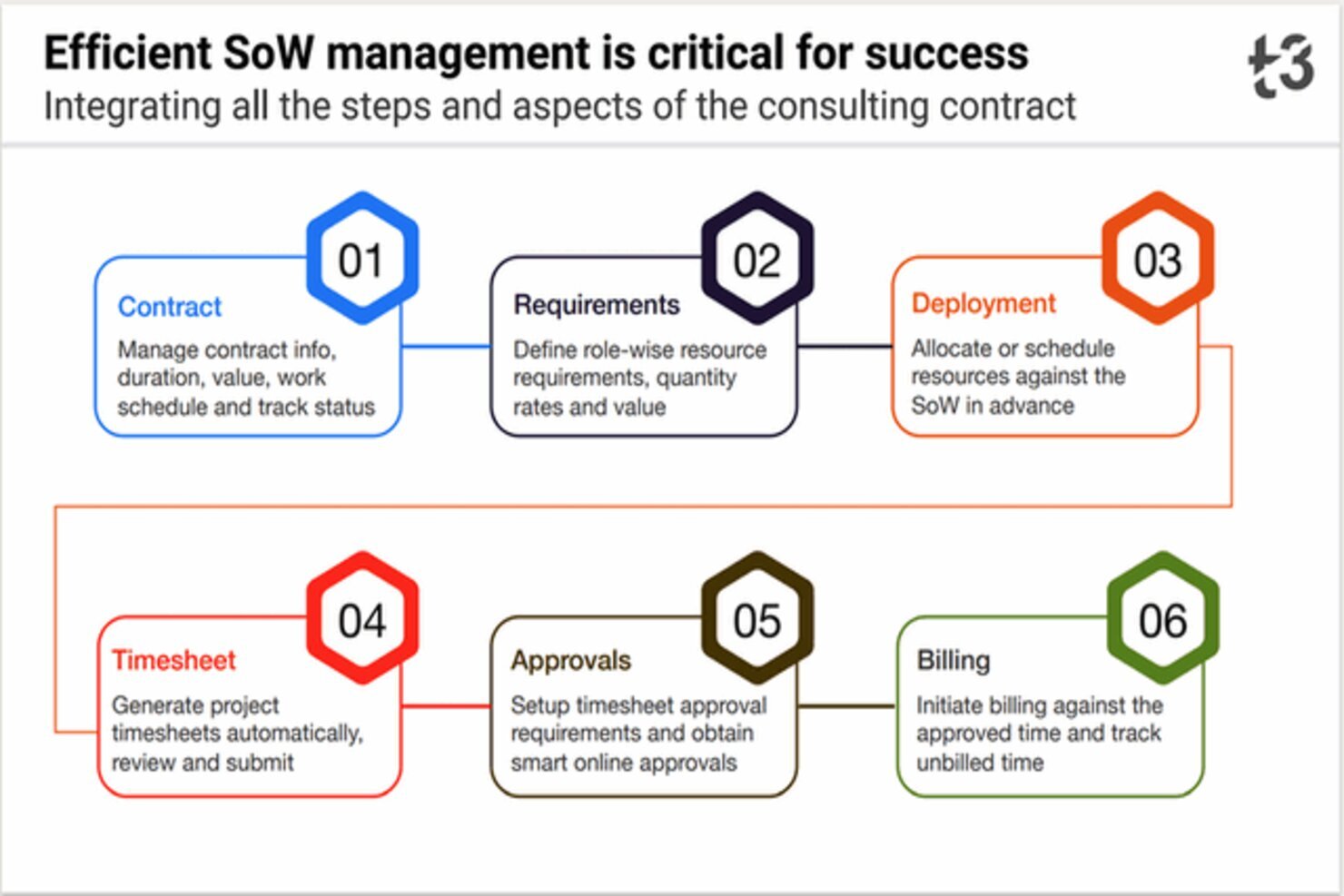  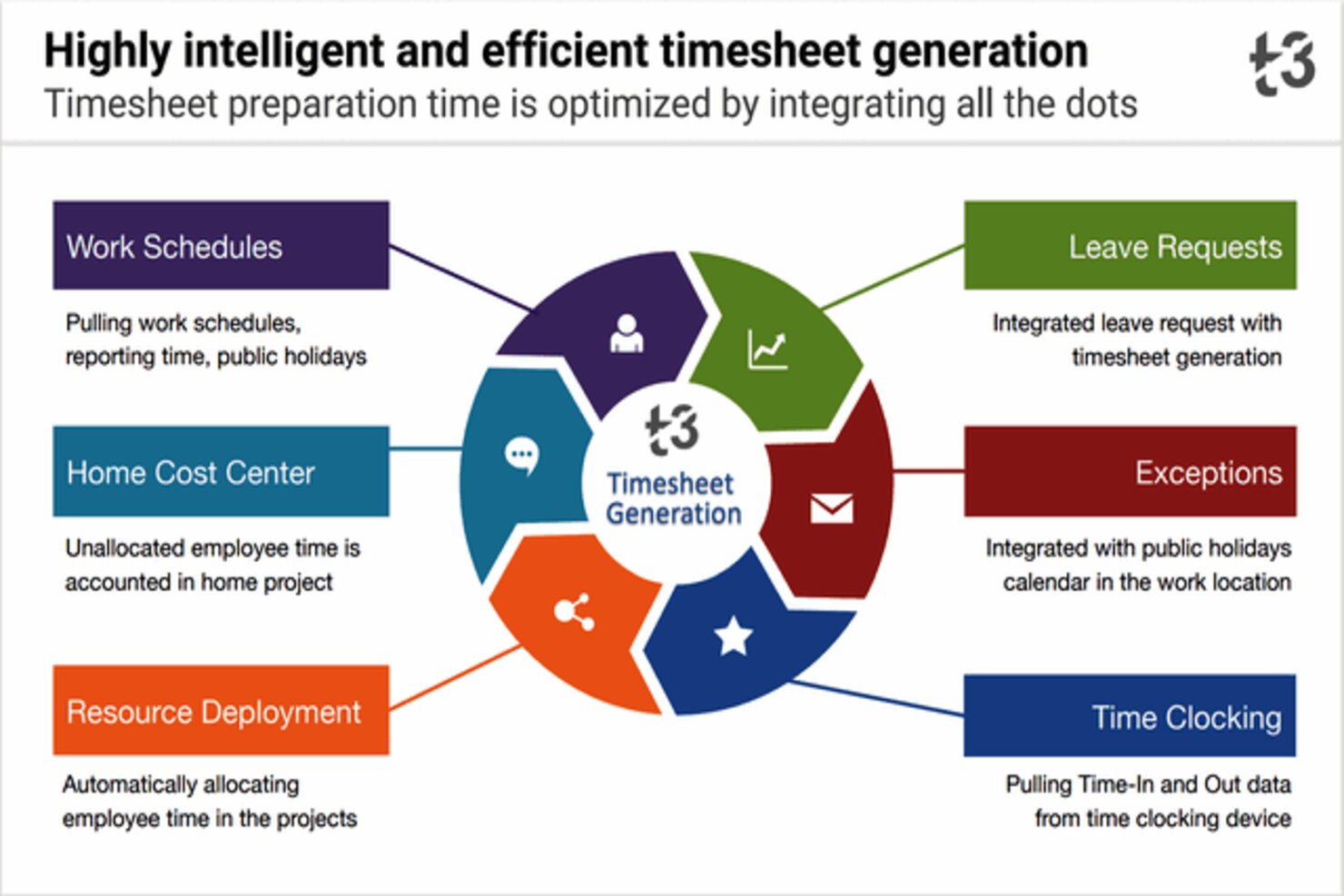 | Workday Workforce Management Screenshots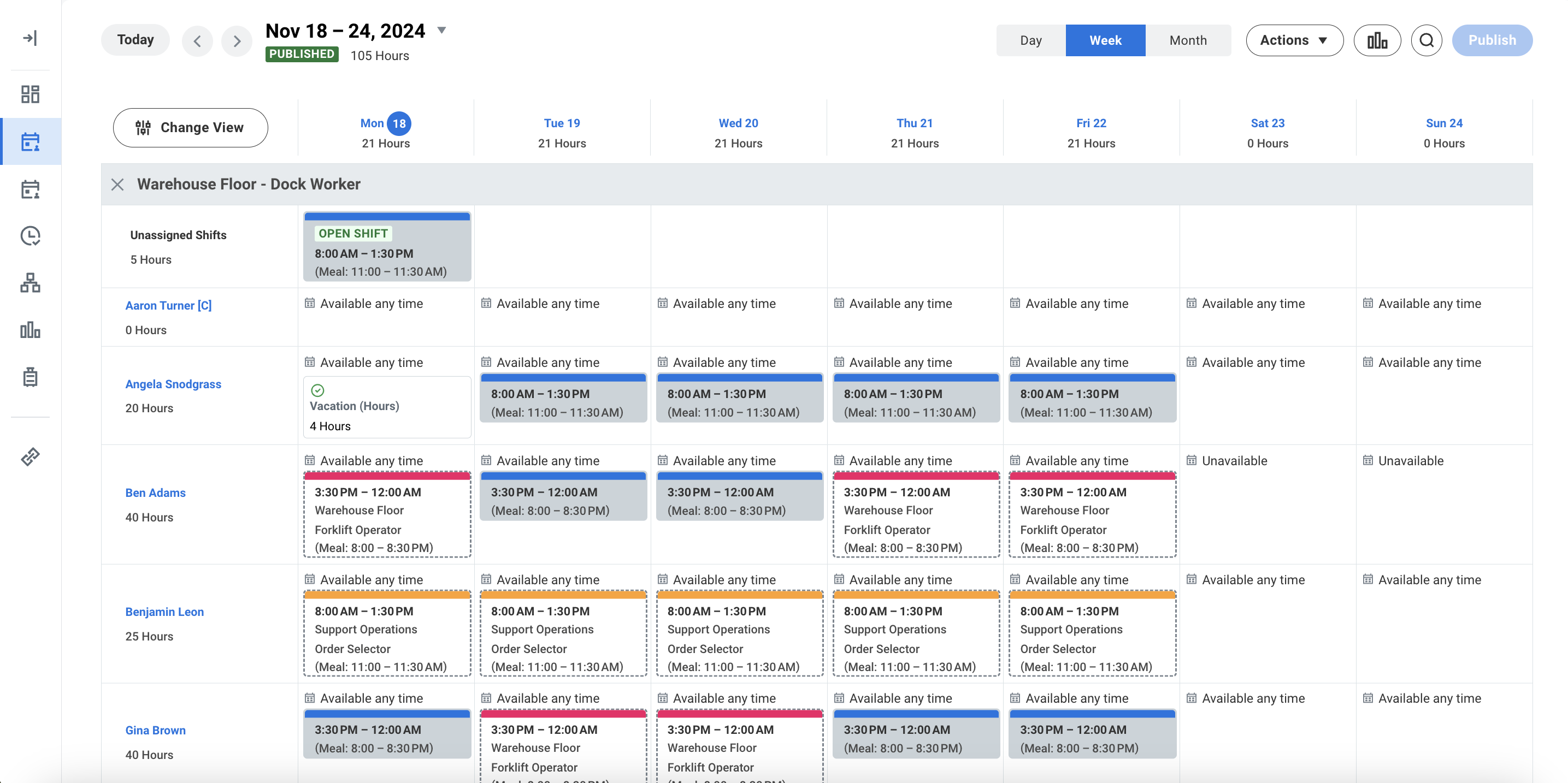 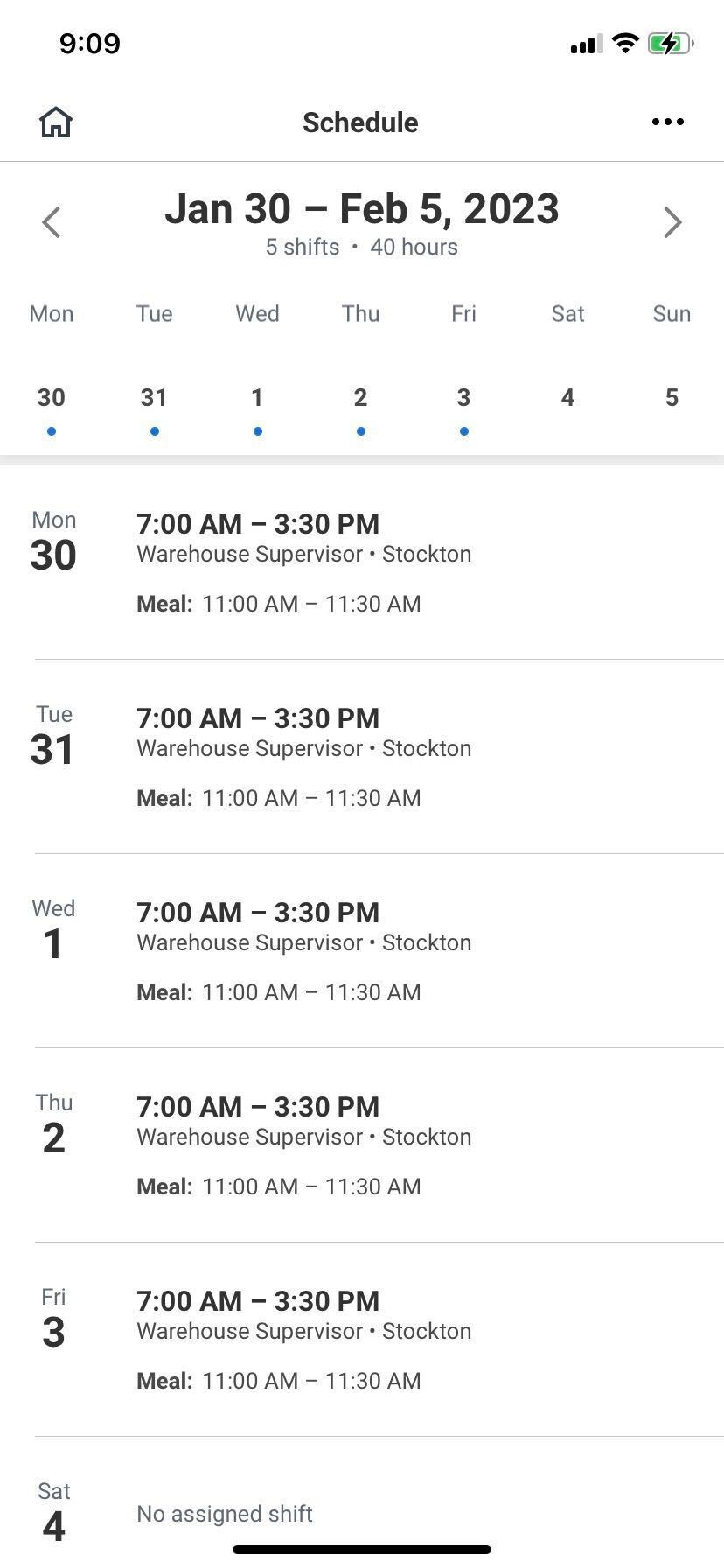 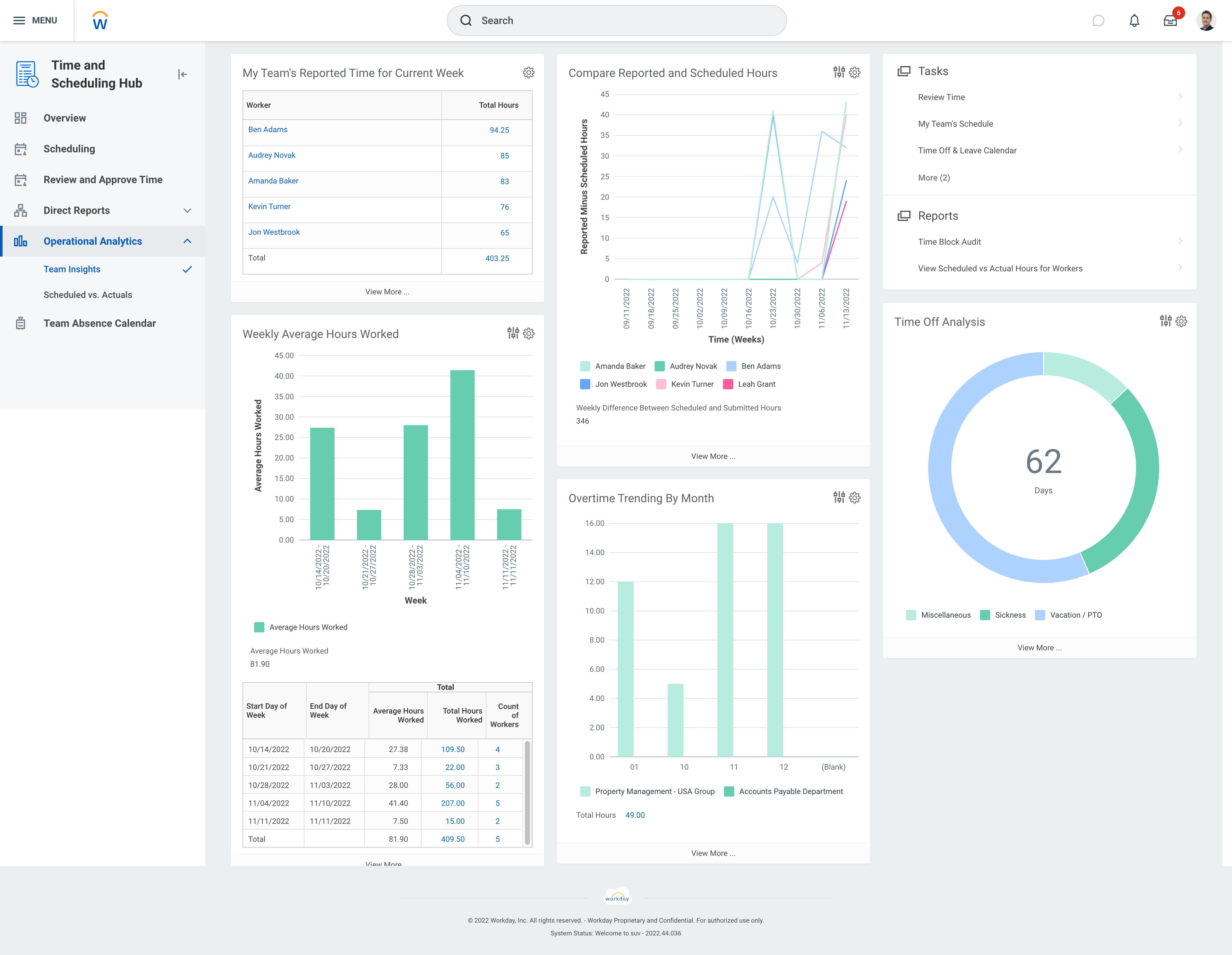 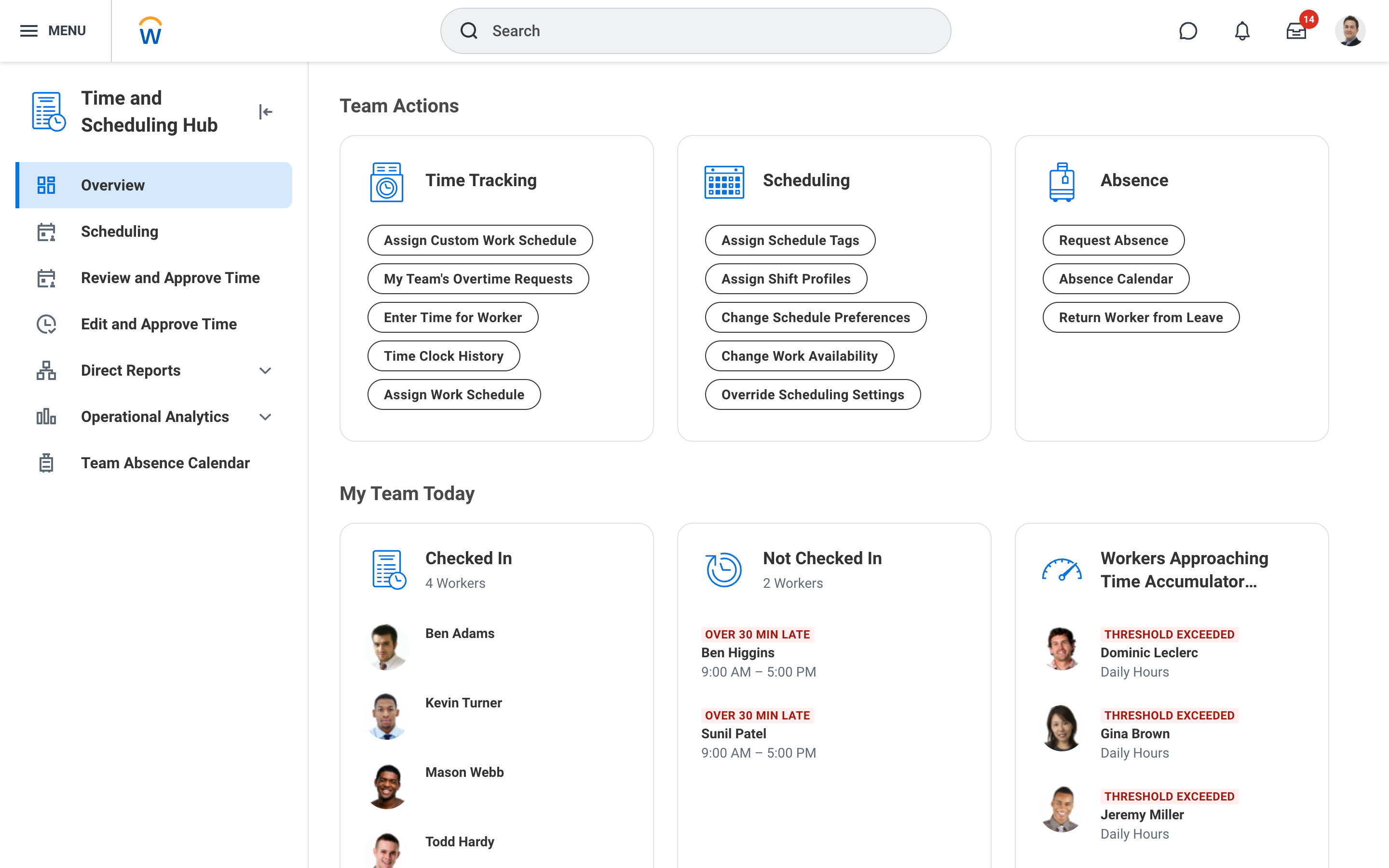 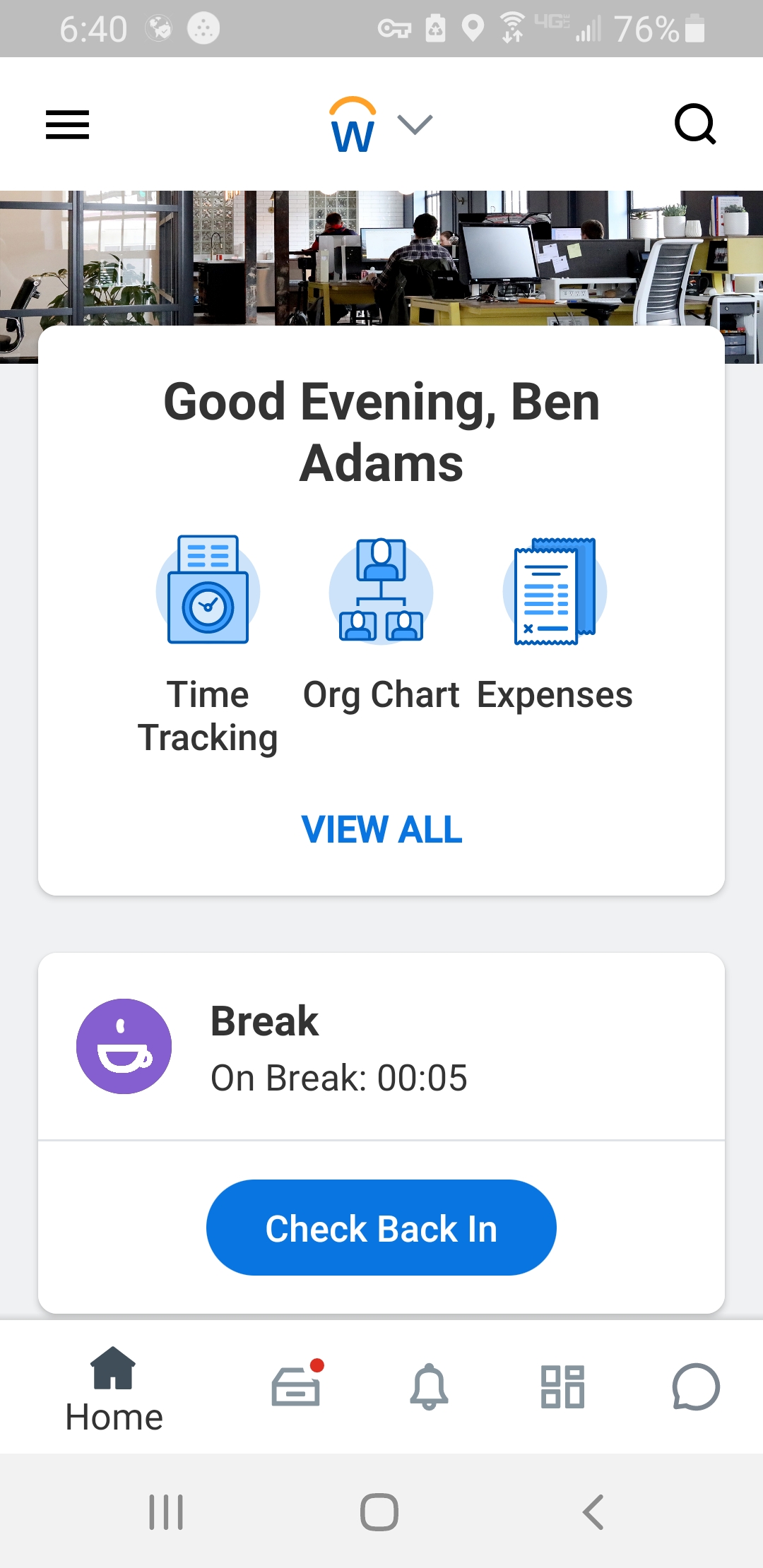 |