TrustRadius: an HG Insights company

What is Integration Social?

A SaaS product designed to streamline communication with leads through multiple channels, including SMS, MMS, and social media messengers. It is used to streamline lead communication with SMS & Social Messengers and engaging with prospects on Facebook Messenger, or WhatsApp.

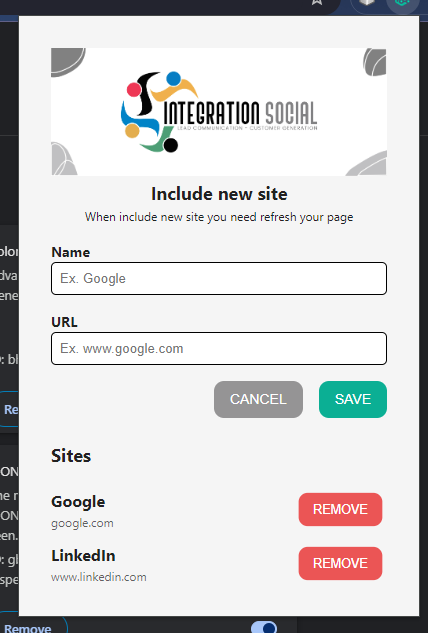
Chrome Extension for Lead Addition

Integrate leads from websites with a click using a phone number or email.

Automation and AI-Powered Messaging

The software's automation is used to schedule and automate messages to leads, with a built-in AI to draft messages, and auto-responders for incoming messages.

Content Library

Stores and manages media content with a built-in content library where users can upload images, videos, and documents to send to leads.

Appointment Scheduling

An integrated scheduling feature lets leads book appointments directly through communications.

Products and Services Module

A dedicated Products and Services module can be used to market offerings through all available communication channels, and showcase products and services to leads, driving engagement and conversions.

Multi-Tenancy Environment

Integration Social’s Multi-Tenancy feature is designed to support businesses and agencies managing multiple clients or departments. This advanced capability allows each tenant—whether a distinct client, brand, or business unit—to operate within the same platform while maintaining separate data, configurations, and communication workflows.

Key Features

  • Isolated Data Environments: Each tenant’s data is securely isolated, ensuring that information remains confidential and exclusive to the designated client or department.
  • Customizable Configurations: Tailor settings, workflows, and communication strategies for each tenant, providing personalized solutions that meet unique business needs.
  • Centralized Administration: Tenants are managed from a single administrative dashboard, simplifying oversight and reducing the complexity of handling multiple accounts.
  • Scalable Architecture: New tenants can be added, with the platform scaling to accommodate increasing numbers of clients or business units.
  • Client-Specific Reporting: Generates detailed reports for each tenant, offering insights into performance metrics, engagement rates, and campaign effectiveness.
  • Role-Based Access Control: Roles and permissions specific to each tenant can be assigned to ensure that users only access the information and tools relevant to their scope of work.
  • Unified Billing: Consolidated invoices that can be broken down by tenant, making financial management straightforward and transparent.

Integration Social’s Multi-Tenancy feature empowers agencies and businesses to manage multiple clients or internal divisions, providing a flexible solution that enhances organization, security, and productivity.

Multi-User Environment

Integration Social offers a Multi-User Environment designed to cater to businesses of all sizes, including multi-tenant agencies. This feature enables multiple users within an organization to access and utilize the platform simultaneously, each with customized permissions and roles.

Key Features

  • Individual User Accounts: Each team member can have their own account, ensuring personalized access and security.
  • Role-Based Access Control: Assign roles and permissions to users based on their responsibilities, ensuring that everyone has the right level of access to the tools and information they need.
  • Collaborative Workspace: Teams can collaborate efficiently, sharing leads, content, and communication histories within the platform.
  • Centralized Management: Administrators can oversee all user activities, manage permissions, and monitor performance from a single dashboard.
  • Client-Specific Configurations: For agencies managing multiple clients, the multi-user environment allows for client-specific setups, ensuring that each client’s data and communication strategies remain distinct and organized.

This multi-user environment fosters collaboration, enhances productivity, and ensures that all team members are aligned and informed.

Integration with Social Media Platforms and Tools

The software integrates with numerous social media platforms and tools, providing a solution to stay connected with leads across various channels, enhancing outreach and marketing efforts. It also streamlines lead communication with SMS & Social messengers.

Media

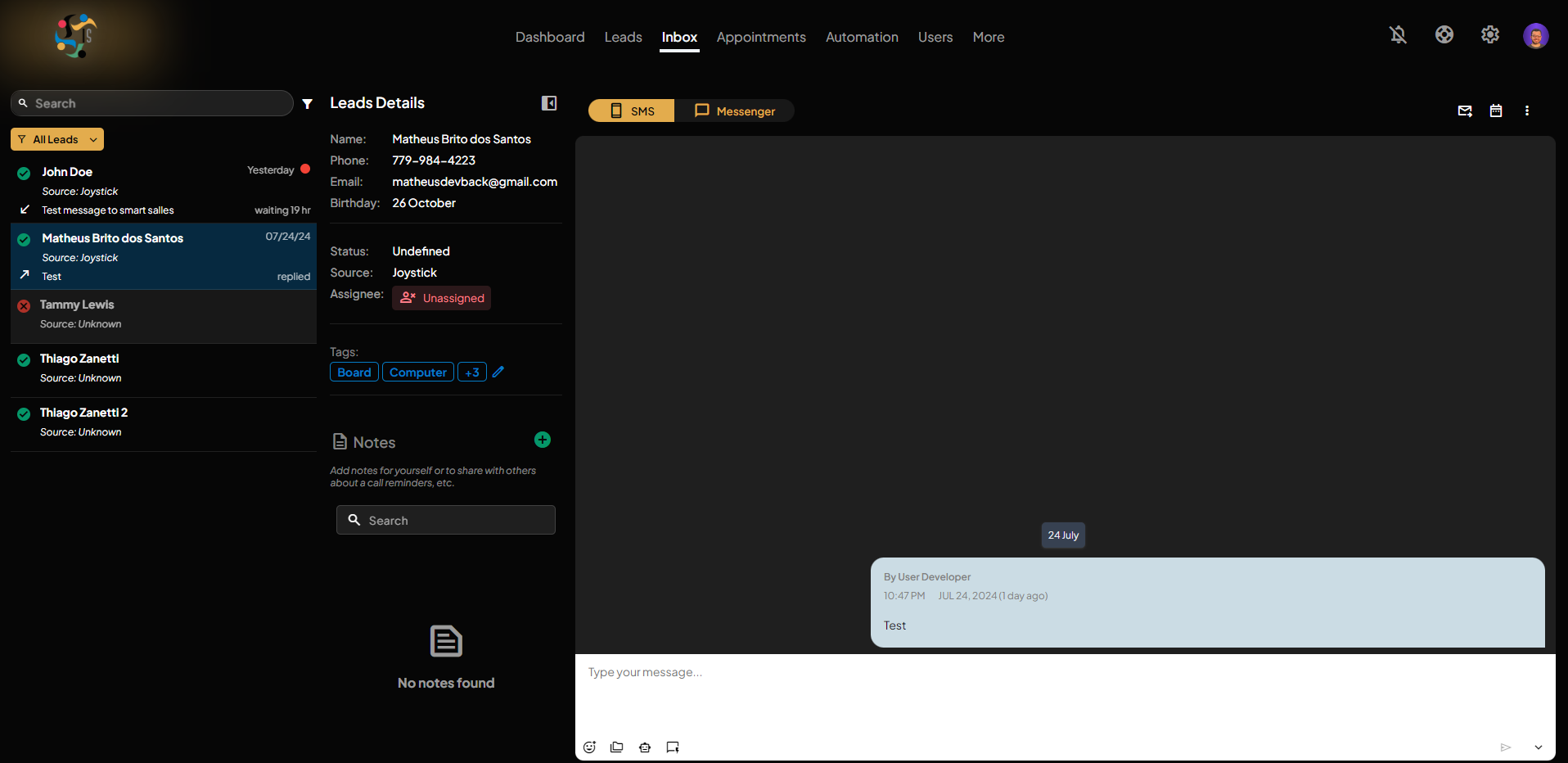
Inbox Dark Mode
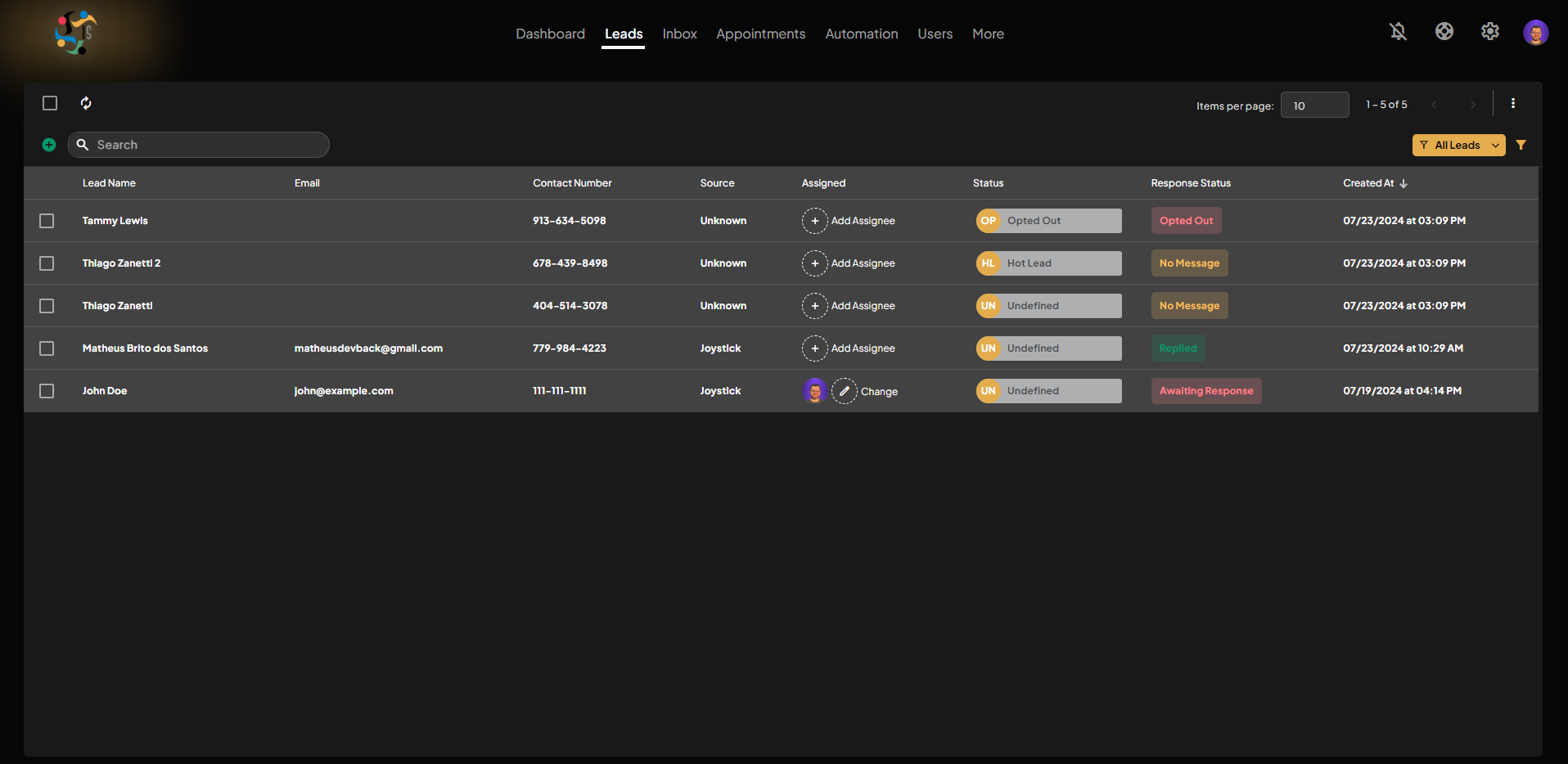
Leads Module Dark Mode
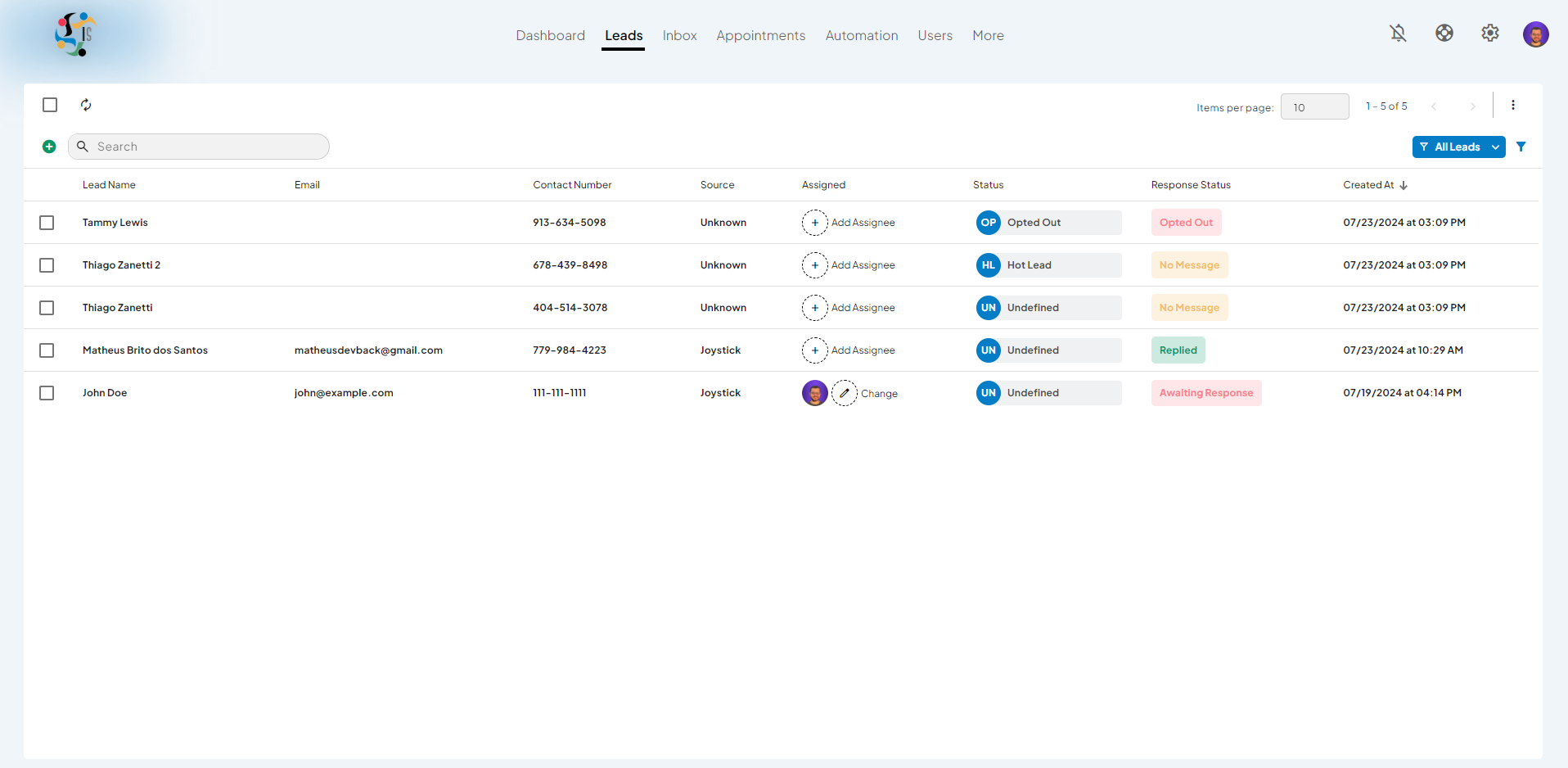
Leads Module Light Mode
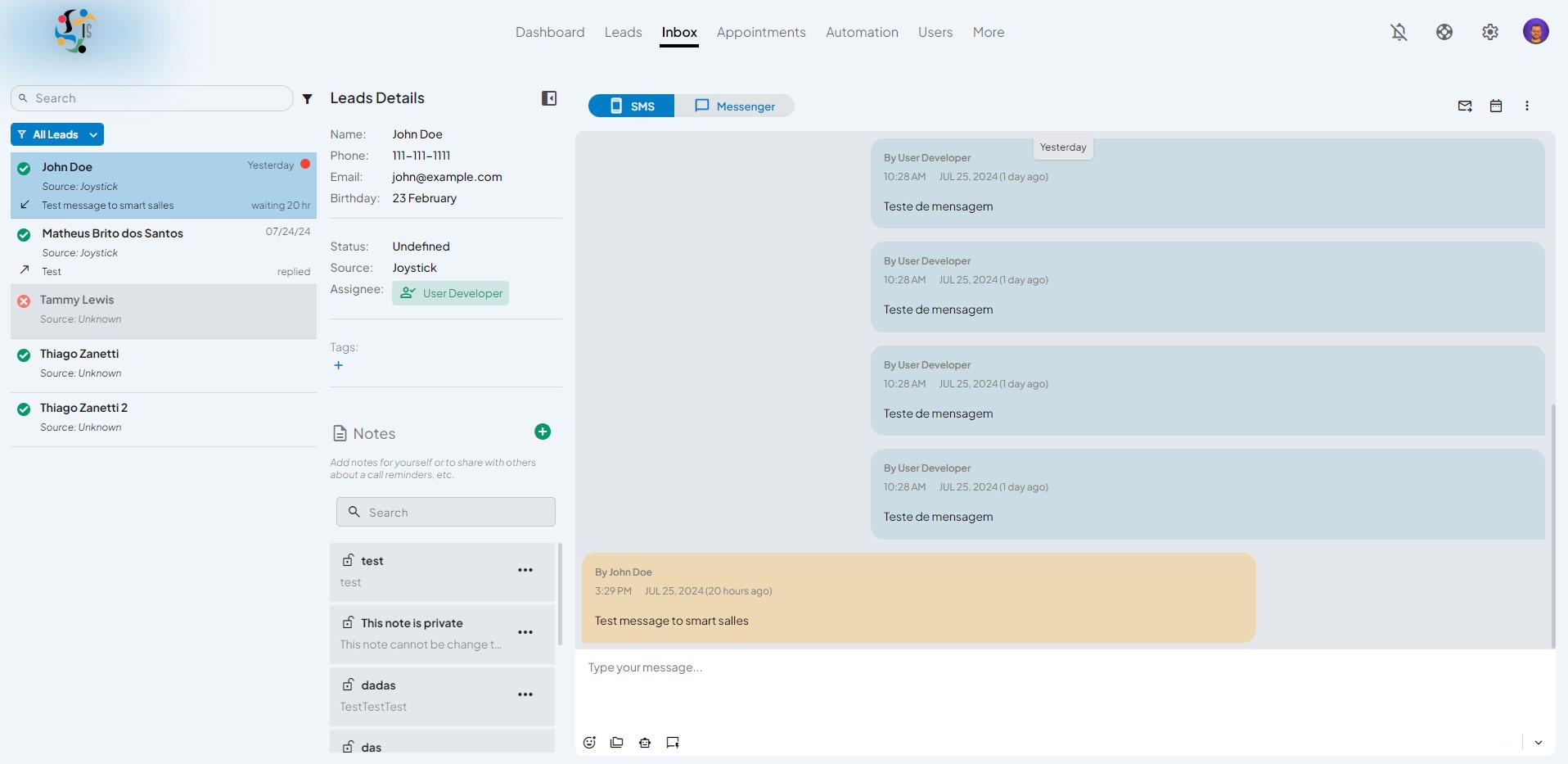
Inbox Light Mode
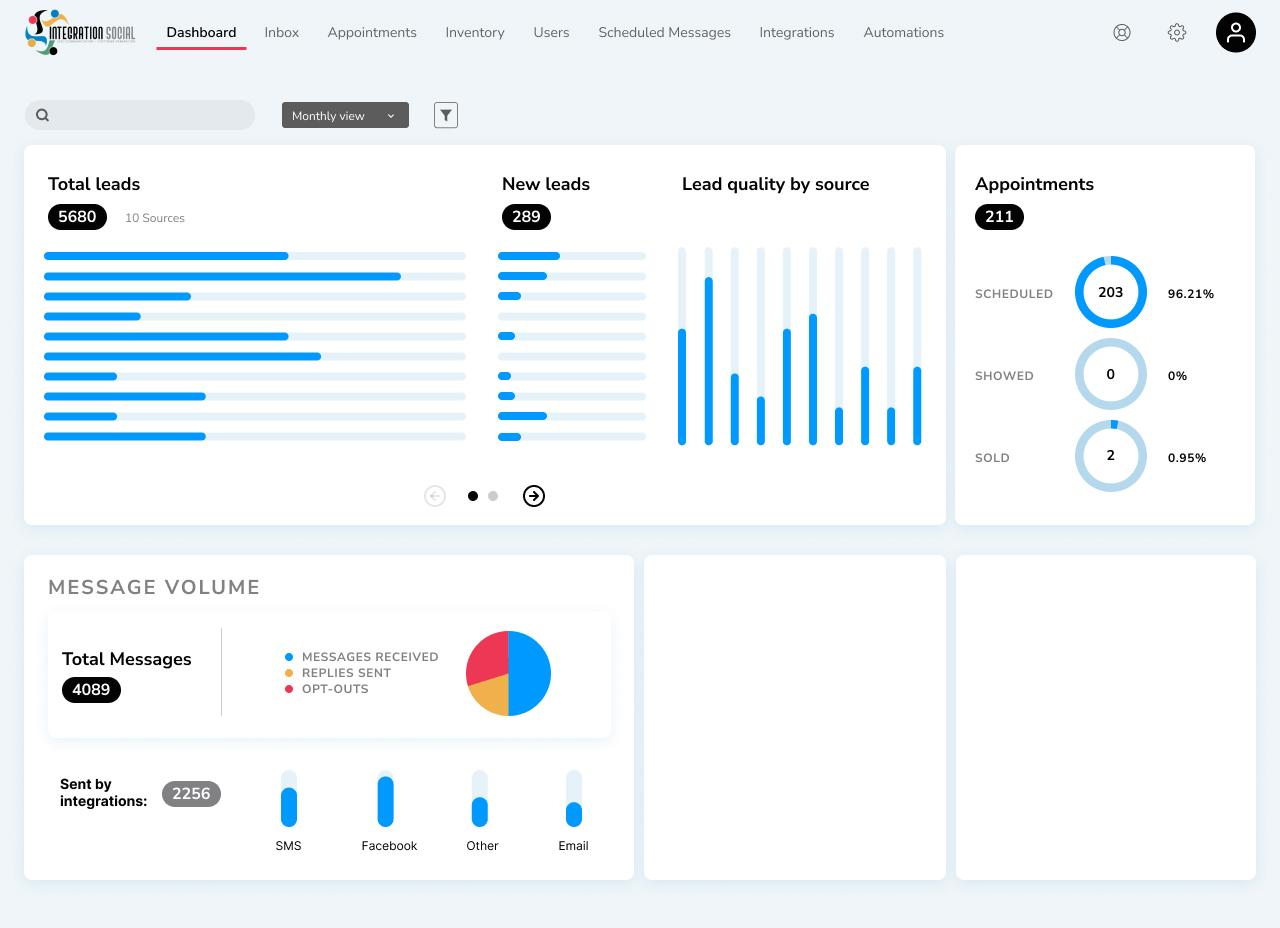
Dashboard Sample
Chrome extension sign in

1 / 6