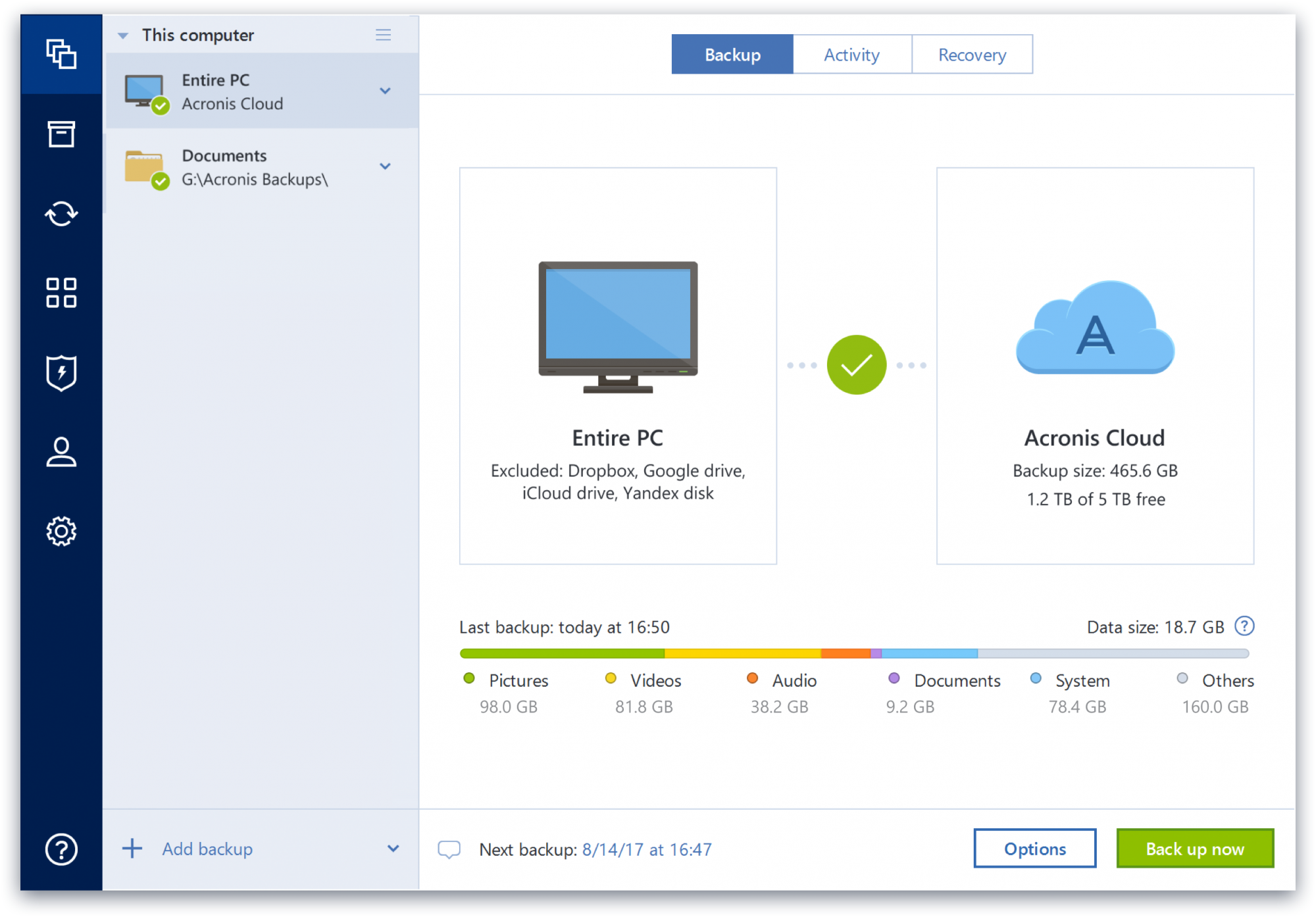
Acronis True Image is a backup, cloning, cyber protection and privacy tool suite for home users.
N/A
Arcserve Appliances
Score5.8 out of 10
N/A
Arcserve backup appliances are presented by the vendor as combining enterprise-ready software and industrial-grade hardware united, to create turnkey backup appliances for disaster recovery (DR) and application availability – now with Sophos Intercept X Advanced for defense against malware, exploits, and ransomware.
Acronis Cyber Protect is great for any small/mid-sized business. The price point makes it attractive to all budgets >$100/year for 5 device deployments. Competitors offer less and charge more! Very happy with the suite of products, and renewals are simple and straightforward as well. I hope they don't change a thing!
A de minimis incentive was given to thank the reviewer for their time. The incentive was not used to bias or drive a particular response, nor was the incentive contingent on a positive endorsement. More Info
Very good for quick onsite file and email restores. The built-in granular email restore tool is honestly amazing. The file restore options are similarly useful allowing the restoration of a single file or email from any restore point, making those little restore jobs super quick. It might not be the best for a bare metal restore however, as while it does have this functionality, it requires some additional setup of a server before a backup to allow this to work.
A de minimis incentive was given to thank the reviewer for their time. The incentive was not used to bias or drive a particular response, nor was the incentive contingent on a positive endorsement. More Info
A de minimis incentive was given to thank the reviewer for their time. The incentive was not used to bias or drive a particular response, nor was the incentive contingent on a positive endorsement. More Info
A de minimis incentive was given to thank the reviewer for their time. The incentive was not used to bias or drive a particular response, nor was the incentive contingent on a positive endorsement. More Info
Some features have actually become more complicated over the years. One that comes to mind is creating a backup plan that can execute daily to an external USB media that is changed daily (older versions would back up to the, for example, "F" drive regardless of which drive was attached - newer versions identify each drive uniquely, and a backup task created with a given external drive will fail due to the lack of media presence if the drive is replaced).
Error messages could be less cryptic.
Support turnaround time and live assistance could be faster.
A de minimis incentive was given to thank the reviewer for their time. The incentive was not used to bias or drive a particular response, nor was the incentive contingent on a positive endorsement. More Info
Scalability. Main issue is each appliance has a finite space for backups, and can't be increased on the box itself without replacing it with another appliance completely.
Onboard interface. Doesn't have an interface that's accessible via the web natively. While that's great for security, it is a little awkward if you need to access it from offsite.
A de minimis incentive was given to thank the reviewer for their time. The incentive was not used to bias or drive a particular response, nor was the incentive contingent on a positive endorsement. More Info
Protect my system from data loss and also can manage multiple devices via online cloud from any where and also can set Multifactor authentication for more secure login access. Archive any backup which will use less space and we can transfer it to any other space also so it is very easy as server admin to manage acronics utilities
A de minimis incentive was given to thank the reviewer for their time. The incentive was not used to bias or drive a particular response, nor was the incentive contingent on a positive endorsement. More Info
It's very easy to use. Plug it in, run through the wizard and you're pretty much set. Hardly ever have to go back in and check on it. Everything can be scheduled fairly granularly. The console is simple and laid out well. While doing a restore takes a number of steps, it is not hard to follow what you're doing. A few things couple be displayed better, but the built in help options do explain things well enough.
A de minimis incentive was given to thank the reviewer for their time. The incentive was not used to bias or drive a particular response, nor was the incentive contingent on a positive endorsement. More Info
A de minimis incentive was given to thank the reviewer for their time. The incentive was not used to bias or drive a particular response, nor was the incentive contingent on a positive endorsement. More Info
Beyond a single instance, I haven't had to approach Acronis' support. I needed a new key following the death of my previous workstation, and they rapidly supplied it. I've heard from colleagues that they've quickly answered any questions that've been asked. If I need something, I'll generally frequent FAQ pages first, although Acronis actually has instructional videos to help users get started, which is forward-thinking. Great software that fills a vital niche for Windows systems.
A de minimis incentive was given to thank the reviewer for their time. The incentive was not used to bias or drive a particular response, nor was the incentive contingent on a positive endorsement. More Info
[I] have only used it a couple of times, but they've always been responsive and solved the issues I've had. Time to get to a person was fairly low, under 10 minutes each time.
A de minimis incentive was given to thank the reviewer for their time. The incentive was not used to bias or drive a particular response, nor was the incentive contingent on a positive endorsement. More Info
IDrive is incredibly faster than Acronis on cloud backup. After Acronis' failures on cloud storage I moved to IDrive for peace of mind. IDrive can also do local backups, and either variant of system state, server, outlook, exchange, etc. It does not however have the ability to do a full image of a bitlocked machine like Acronis, so I'm continuing the local imaging with Acronis.
A de minimis incentive was given to thank the reviewer for their time. The incentive was not used to bias or drive a particular response, nor was the incentive contingent on a positive endorsement. More Info
Barracuda had the best console of the three we evaluated. Cloud hosted it was the easiest to access. However, it took forever to do the initial seeding backup, and then the nightly backups ran over into the next day. It was just so slow to do the backups - we never even tried a restore. The resulting backups also seemed to take up a significant amount of the appliances space, it was almost 3/4 full from the get go. Unitrends did not have natively a granular email restore option, it had a third-party option, but that was not something we were interested in. It also took a long time to run the backups. Arcserve was the fastest by far, [as] it did not fill up as much (way better deduplication) and it had a built-in granular email restore. While I wish it had a cloud console, overall it had the most important features we were looking for.
A de minimis incentive was given to thank the reviewer for their time. The incentive was not used to bias or drive a particular response, nor was the incentive contingent on a positive endorsement. More Info
The Windows version is generally reliable and only ran into one issue thus far. Restores are easy and there are many features. On MacOS, it's a completely different story. There is significant resource leakage related to the updater app that can bog down part of a CPU core continuously until it is disabled. The mobile backup feature also needs to be disabled via UNIX command line or CPU usage will go up when a mobile device on the same network like an iPad or iPhone's screen is turned on.
A de minimis incentive was given to thank the reviewer for their time. The incentive was not used to bias or drive a particular response, nor was the incentive contingent on a positive endorsement. More Info
A de minimis incentive was given to thank the reviewer for their time. The incentive was not used to bias or drive a particular response, nor was the incentive contingent on a positive endorsement. More Info
A de minimis incentive was given to thank the reviewer for their time. The incentive was not used to bias or drive a particular response, nor was the incentive contingent on a positive endorsement. More Info