ActiveBatch from Advanced Systems Concepts in New Jersey is IT workload automation software.
N/A
SAP Integration Suite
Score 8.5 out of 10
N/A
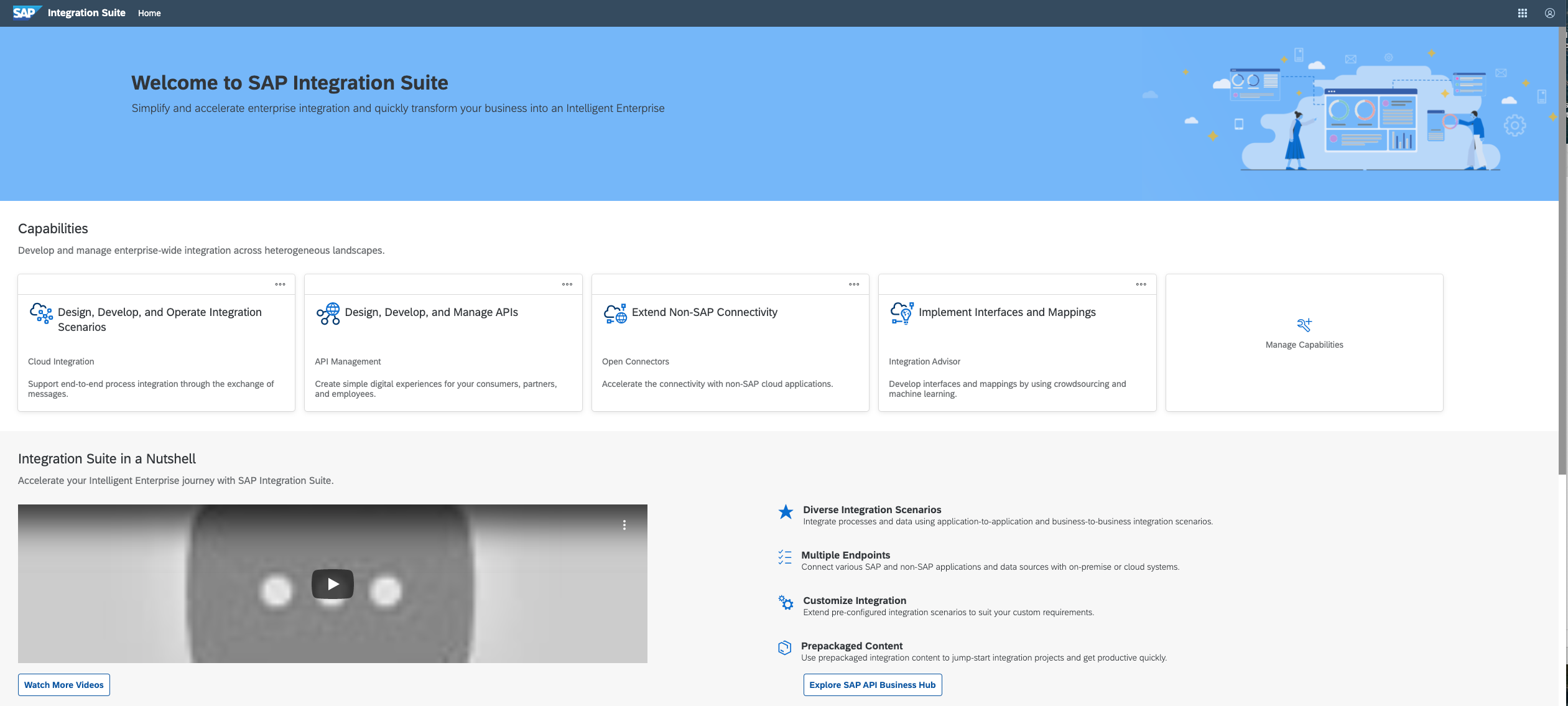
SAP Integration Suite is an integration platform-as-a-service (iPaaS) that helps quickly integrate on-premises and cloud-based processes, services, applications, events, and data. It is used to accelerate innovation, automate more processes, and realize a faster time to value.
$11,199
per year
Pricing
ActiveBatch Workload Automation
SAP Integration Suite
Editions & Modules
No answers on this topic
No answers on this topic
Offerings
Pricing Offerings
ActiveBatch Workload Automation
SAP Integration Suite
Free Trial
Yes
Yes
Free/Freemium Version
No
No
Premium Consulting/Integration Services
Yes
No
Entry-level Setup Fee
Optional
No setup fee
Additional Details
—
Access to free tier services does not expire while there is an active Pay-As-You-Go or CPEA account with SAP. Once a free tier service limit has been reached users have the option to update from a free to a paid service plan in the same account.
Any large business or organisation that wants to manage their workload effectively and with the least amount of room for error might choose the ActiveBatch Automation tool. Being a consultant I feel that It aids in task automation and has the flexibility to change in response to varying company requirements. It helps to save huge time by doing all the repetitive tasks on daily basis. During the patching activity the schedulers can be stopped. It also help by alerting us if any system/job is down so that SLA can be saved. Overall ActiveBatch Automation stands as a dependable cornerstone for ensuring the seamless operation of our tasks.
In our case to have a such a poweful middleware in the cloud, give us a lot of benefits such as maintenance and support. In the integration part to be able to connect SAP and Non SAP applications makes SAP Integration Suite a good investment when our master data in this case is in S4HANA. Less appropriate is that sometimes the updates in production tenant failed and they have to downgrade or repair the issues. Affecting the usage of the tool. I guess SAP team have to be more aware of performing the changes and tested well on development environments and then when they know for sure that is the correct way to go with the update put it in production.
Businesses can use ActiveBatch to plan tasks based on parameters like frequency, dependencies, and the time of day. By automating typical actions like backups and data transfers, businesses can make sure that crucial operations go off without a hitch.
Multiple systems and apps can be used in complicated workflows that ActiveBatch can automate. For instance, it can automate a workflow for processing orders from beginning to end, from the customer order through inventory control and delivery through the processing of invoices and payments.
Files can be sent between many platforms and systems safely with ActiveBatch. Transfers to cloud-based storage systems like Amazon S3 and Microsoft Azure are also included in this. SFTP and FTP transfers are also included.
Provide more pre-built integrations to use within SuccessFactors or other modules instead of everything having to be custom built
Support is unable to provide advice on custom builds so you often have to engage a 3rd party partner
Works best when you have the functional and technical teams working together. Otherwise, the system is too technical for a functional user to create integration and a technical user not always understand the functional perspective
It is in place, our system integrators are familiar with it, and it fits into the ecosystem. A better user interface, flow build and debugging experience would see it grow, many technical staff do not enjoy using it for this reason, however it is quite capable and powerful behind this one shortcoming.
We can easily add new plans/jobs in our batch schedules. Also, coordination with reporting and QA jobs is simple to do. Building schedules, restarting jobs, triggering dependencies is easy to understand. The system is very stable and allows us to easily see overall processing times.
The user interface is messy and not intuitive. It has a steep learning curve, and flows developed around are easy to make a mess with layout and can be difficult to follow. The debugging is also quite difficult, it takes some time to figure out how to follow the flow and examine data. Error handling is also difficult and not intuitive, it is better to let some errors leak and monitor through ALM.
The support for SAP Integration Suite is satisfactory. We leverage SAP support through our manage services partner. So far, we have not had many major issues. One concern, to make our rating a ten, would be turnaround time on high priority incidents. SAP Integration Suite drives our key business functions forward. Without a reasonable service level agreement on turnaround, we sometimes find us running into issues running pay, etc.
The workload automation solution is based on the specific needs of an organization, as well as the features, capabilities, and costs of various solutions. A thorough evaluation process and consideration of these factors can help ensure the selection of a solution that aligns with overall business objectives and meets the specific needs of the organization.
SAP Integration Suite was already part of our SAP stack, part of Business Technology Platform, with out-of-the-box integration with S/4 HANA transactional and ERP system that we are using as our main back-end. Thus, we are achieving significant Total Cost Optimization benefits or running both solutions on the same platform, hosted on Azure cloud.
I have not run numbers to determine hard impact, but a quick estimate is that at least one job is running for a average of about 6 hours per day - that 6 hours, if done by hand, would equate to about 30 - 40 hours per day (and in some cases, could not be duplicated manually, as the job repeats faster than a person could accomplish one cycle.)