Adobe Acrobat DC is the current version of the well-established document / PDF management solution, part of the Adobe Document Cloud (the other part being Adobe's eSign services based on technology acquired with EchoSign in 2011).
$29.99
per month per seat
PTC Windchill
Score 7.0 out of 10
N/A
PTC offers Windchill, the company's Product Lifecycle Management (PLM) platform that includes BOM (a digital bill of materials) for cost and product quality control via parts-centric source of truth, dynamic and updated product change and configuration management to ensure up-to-date product information, industry standards and requirements validation and control, and role-based data access among other features.
N/A
SAP Integrated Product Development
Score 9.0 out of 10
N/A
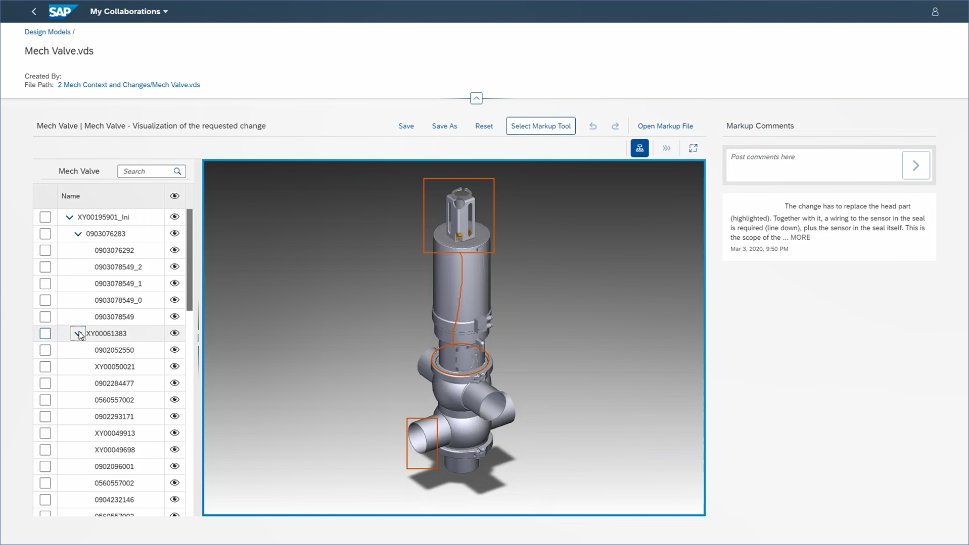
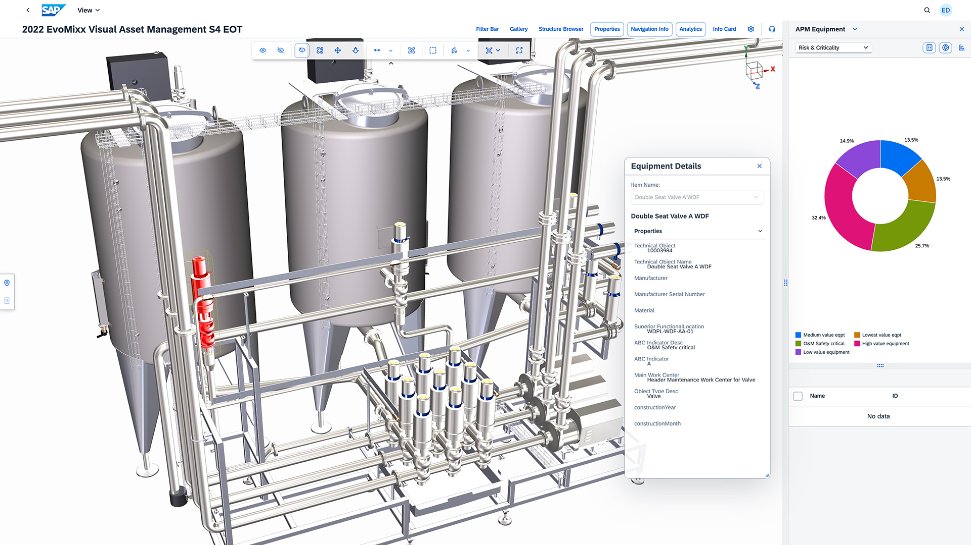
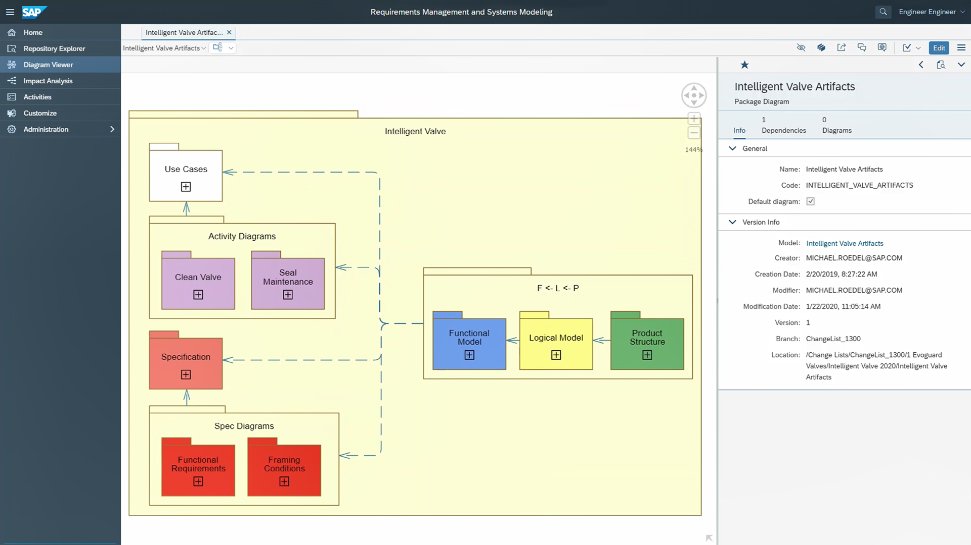
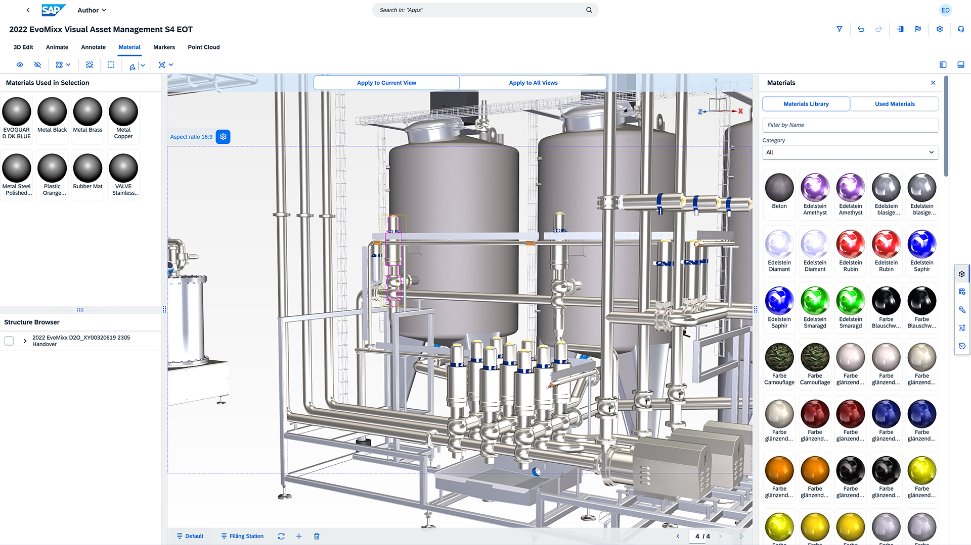
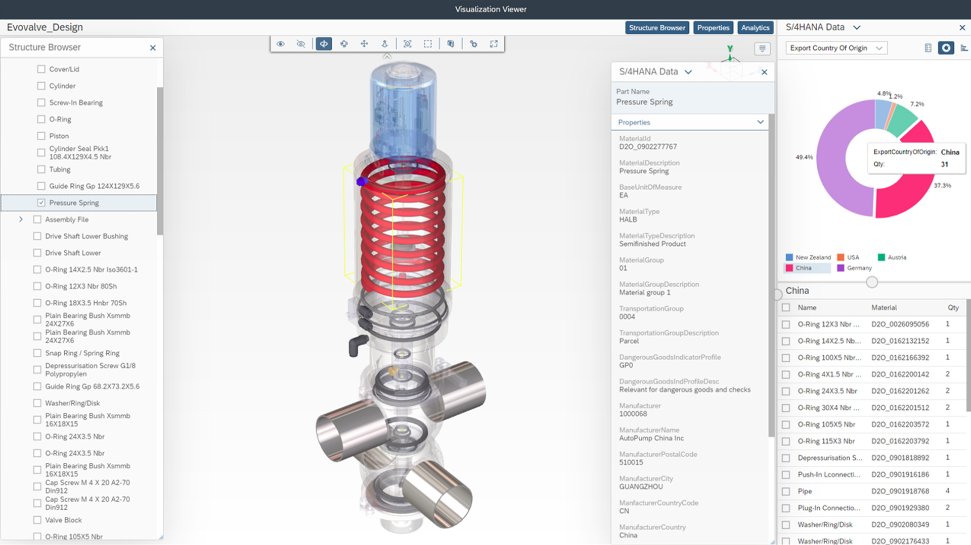
SAP Integrated Product Development is a product lifecycle management solution used to define, develop, and deliver innovative and sustainable products faster by connecting insights, processes, and people.
It is highly reliable for heavy office workloads as it securely handles legal documents workflow and got some advanced form creation facility. It has got some cool features such as Pdf compression, can edit any form of text or images precisely and most importantly it has got an amazingly accurate OCR engine -Optical Character Recognition, which gives it an edge over any other document editing softwares. Ofcourse every thing has got its own pros and cons, similarly with Adobe Acrobat too, this software is not highly recommended for basic Pdf viewing or lightweight editing as the software eats up a large part of the processor to run which makes our work slower.
This product is perhaps typical of something that seems as though it was conceived in the 90's and has seen various appendages since, none of which do their job particularly well. Nothing in this system is efficient and all its processes demand a huge, close to maximum possible level of human effort. No doubt many companies, such as my own are spend huge amounts of money for the debateable privilege of tripling their employees workload and making them as inefficient as possible to make the administration of the system seem more important than it actually is.
I have used IPD for Material collaboration, where the design and specifications were maintained as per the country need. When there is a change based on local country compliance rules, it makes easy to refer and adjust the material specifications as per the new compliance defined. Handling this for multiple materials in a go makes a difference in this tool. But drawback is that navigation of the EDP interface, where it takes more time to adjust and needs more training for new users. Like making them understand the business need and change needed takes time.
I wish the backward compatibility was a little more friendly. PDFLyer had to be updated sooner that we would like when we updated from Adobe 2017 to Adobe 2026.
I wish it had list processing like Excel where it could remove duplicates, change formatting, etc.
Sometimes after an update we lose our plugins and have to restablish the connection to the plugin or reinstall.
Adobe Acrobat works seamlessly with the other Adobe products we use that are industry-standard. We will certainly continue to use Adobe InDesign, Photoshop, and Illustrator, meaning it will always be convenient to work seamlessly with Adobe Acrobat for our organization. We are happy with the performance of Acrobat and it's meets our expectations.
I would say overall, the product is great and as someone who has used it for many years now, I'm quite familiar with the ins and outs of the application. However, we found that when users were shown it for the first time and a bit after, they would feel a bit overwhelmed by the options and what everything meant. I think the UI could be simplified or an option to have a simplified mode and an advanced mode added.
Windchill is an extremely verbose and unintuitive system, with masses of unnecessary duplication of fields, convoluted workflows, unclear roles and terrible search capabilities. It is one of the worst software products I have ever seen to propose solving something that is actually factors quicker to do with manual writing and paper work
We just need to think about where we were back in the past and where we are at now! We used to have total chaos where everyone was working their own way. Now all involved groups work together as one team. This has increased the overall efficiency and the results are really astonishing!
We have not had availability issues with Adobe Acrobat, or at least none that I am personally aware of. Some may encounter crashes of the software during outages of electricity in their city or neighborhood, which no one can plan for, but with generators in our organization, we have been lucky not to have outages
One of the best features of Adobe Acrobat is its speed and stability. When dealing with massive multi-page files, having to reload a crashed program over and over again would slow down progress unnecessarily. And expanding on that, having the table of contents generated allows me to skip to different pages with ease, a necessary feature with exceptionally long files. word searches are even more helpful with text recognition.
For a while, Acrobat DC crashed pretty frequently. I contacted Adobe Acrobat support about the problem. At first support was unable to provide a solution. After about a month Adobe's software engineers provided a fix. I just wish it had taken less than a month to solve the problem.
I was not involved with the implementation process, so I cannot answer this question. However, when it was installed on my computer system, they did so virtually. I just sat there while they took control of my computer over the network and watch them install it, lickety split
Adobe Acrobat has the most premium features that other software can't offer. The seamless UI is consistent on any device, and the ease of use. The security and the advanced AI features are what you won't get on any other platforms or apps.
Windchill is having a great market share & its UI is simple & neat, integration with Creo & ERP system. These are the main reasons of considering Windchill by our organization.
The "One Version of the Truth" Mandate: Most organizations select SAP IPD not because it has the best CAD tools, but because it eliminates the "wall" between engineering and the rest of the company. If you need to know the real-time cost of a design change or its impact on your carbon footprint, SAP IPD provides that instantly because it lives inside your ERP.
I find that many users aren't aware of many features of the software they use, nor may they be comfortable with learning multiple-step processes. For the simplest of PDF purposes (scanning, downloading, exporting), it gets a thumbs-up. For anything involving electronic signatures, meh--causes eyes to glaze over, or forgetting what all is involved.
Definitely a positive ROI when I can receive clear notes/direction on edits for a PDF via Acrobat's comment system, rather than chicken scratch on a printed document.
The ability to password-protect my PDFs so I can make sure only the workforce I want to see the information has been priceless!
As I mentioned before, a huge positive impact is the ability to edit PDFs without having to return to the original file's native software.
Saves time as all of our drawings and business instructions and procedures are housed in a central location with check-in/out capability and version control.