Adobe Substance 3D is a suite of apps that support 3D design, including texture assets and rendering tools. Workflows can connect to Adobe Creative Cloud apps.
N/A
InVision
Score 7.8 out of 10
N/A
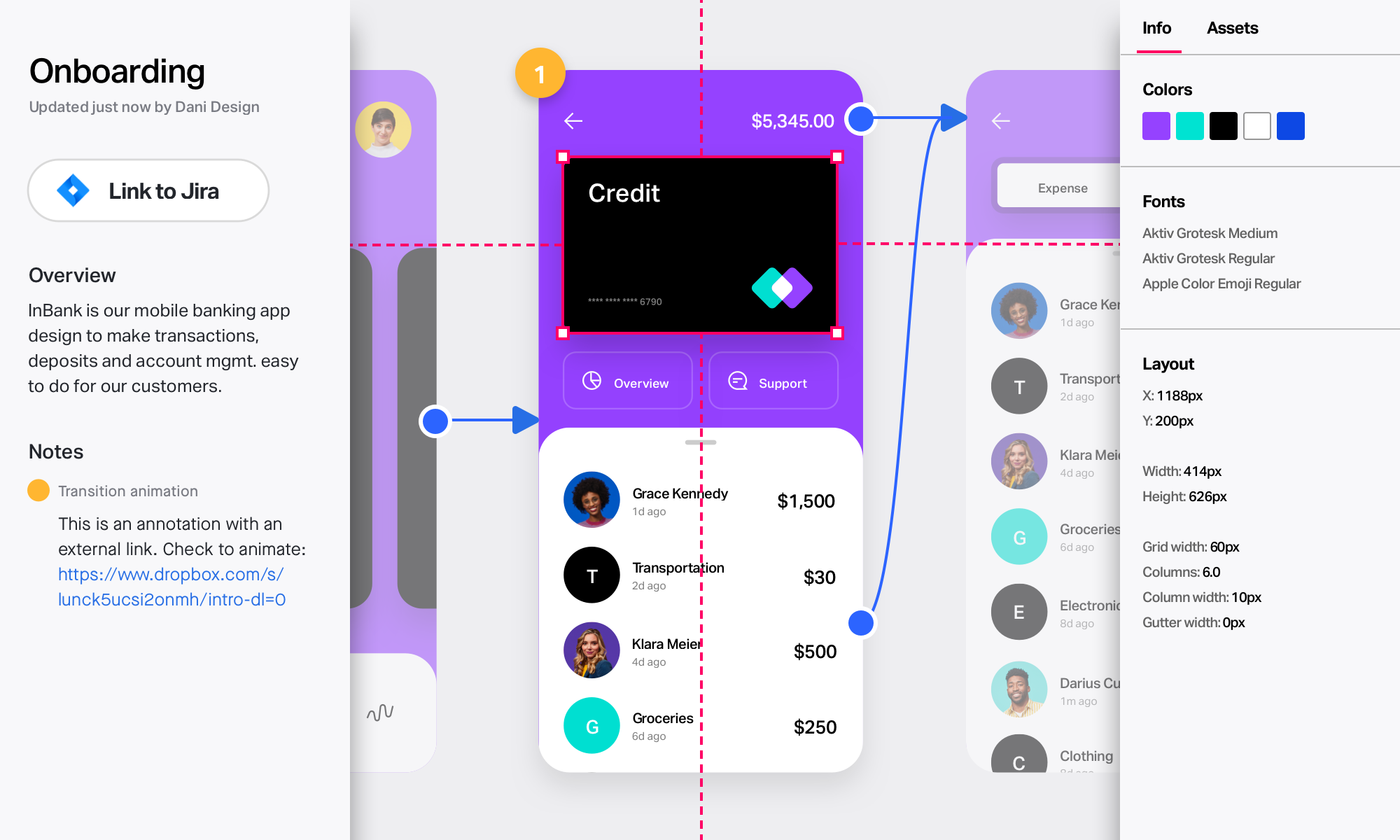
InVision is a collaborative design and prototyping platform with features such as freehand drafting mode and interactive mockups, collaboration, idea management, user testing, and integration with Slack and other collaboration tools. According to the vendor, 1 million designers are using the free version.
Big and mid-sized firms can really leverage the flexibility and value using the different tools all available at one place in the collection and also the integration with Adobe apps like photoshop, really makes it a seamless experience especially in fast paced production environments like advertising. For many film and game studios the whole collection might not be that much helpful as only painter will be of much use. For the small and indie studio it might be a costlier option and they can consider similar free or cheaper alternatives.
InVision is well suited for design reviews and immersing yourself in the experience of an app-to-be. As a Product Manager, it's difficult to take abstract concepts, user pain points, and business needs, and produce a vision for an app without a visual aid to communicate a vision. InVIsion offers PMs, designers, and developers the opportunity to sketch a vision, communicate about it with inline commenting, and shareable with other stakeholders.
The overall usability of substance stager and painter is quite easy. Many people will be able to use it without much prior experience. But designer is very complicated to learn and not many resources available for that. I think if they integrate the AI and provide better resources in the general interface, it could be a 10 on 10 in usability.
Easy for prototyping, sharing for comments and review changes with version. lags a bit when the design is heavy and large design models learning curve is shorter so saves time with new stakeholders responsiveness could be better and auto modeling can be introduced Not much advance features that can be used
I didn't need to contact InVision support, as I've never needed it. They have an intuitive UI, and most of the questions are answered in their help portal or in tutorials online. Since many people use it, there a great resources available on for example YouTube. No problems so far with InVision.
For texturing, Adobe Substance 3D is much better than the other options. In other fields, it's another story. I find it excellent for game engines and realistic renders, but it only solves textures. We, then, move to Blender because it has more compatibility with exports, and we can import them into our preferred render engine. We mostly use Unreal Engine, but also Blender3D to do the final rendering.
We only tested out using Adobe XD for similar uses and found it to be more challenging to fit within our processes. It didn't have as robust a set of capabilities as InVision and wasn't as easy to use enterprise wide. I recall also having issues with working with Sketch.
InVision helps our team better and more professionally portray the value and the work we do as designers, leading to more company buy-in in supporting and funding our work. In the past, we would create PowerPoints with screenshots to portray a user workflow that we would share out to stakeholders. Once we began to use this app, where stakeholders could click through and comment as though they were “real” users, stakeholders began to better understand our work, designs, and workflows. This has led to more productive conversations that, in turn, lead to more effective end products that have more consistently served our business goals in tangible ways.
InVision helps us save production time, effort, and cost, as we are able to solve design issues early in the process by having clickable prototypes to show to internal stakeholders and external users. It’s, understandably, difficult for people to provide effective feedback on screenshots. Using the clickable prototypes we created in InVision, we are able to get more effective feedback to solve user workflow issues before we spend time and money developing problematic designs (and later having to redesign them).
It’s easier to market designs to potential buyers with clickable prototypes than with screenshots. With these prototypes, we’ve been able to sell more digital products before product release dates, which has helped to secure many contracts and new business relationships that continue to this day.