TrustRadius: an HG Insights company

altaFlow (formerly airSlate WorkFlow) vs. Zoho Sign

Save this comparison

Save this comparison

Add Product

Recommended Comparisons

    Overview
    ProductRatingMost Used ByProduct SummaryStarting Price

    altaFlow

    Score10 out of 10
    N/AAltaFlow (formerly airSlate WorkFlow, developed by airSlate, Inc.) is a no-code document process automation and workflow platform. Designed for business operations across sales, healthcare, education, legal, and public sector organizations, AltaFlow unifies data capture, dynamic document generation, approval routing, electronic signatures, and bidirectional data synchronization with enterprise systems of record.N/A

    Zoho Sign

    Score9.2 out of 10
    Small Businesses (1-50 employees)
    Zoho Sign is a digital signing service that lets you execute contracts quickly without the hassles of transporting paper documents while ensuring security and legality. It works completely on cloud and integrates readily with your everyday apps. According to the vendor, Zoho Sign is perfect for anyone who needs to sign business documents but widely used for HR, legal, finance, HR, and sales functions. Documents that can be signed include:…

    $0

    per user

    Pricing
    altaFlowZoho Sign
    Editions & Modules
    No answers on this topic
    Free
    $0.00
    per user
    Standard
    $10.00
    per user/ month
    Professional
    $15.00
    per user/ month
    Offerings
    Pricing Offerings
    altaFlowZoho Sign
    Free Trial
    YesNo
    Free/Freemium Version
    YesYes
    Premium Consulting/Integration Services
    YesNo
    Entry-level Setup FeeOptional$10 per user
    Additional Details——
    More Pricing Information
    Community Pulse
    altaFlowZoho Sign
    Considered Both Products
    airSlate, Inc
    No answer on this topic
    Zoho
    No answer on this topic
    Key User Insights
    Would buy again
    95%
    Would buy again
    20 Answers
    No answers on this topic
    Delivers good value for the price
    94%
    Delivers good value for the price
    17 Answers
    No answers on this topic
    Happy with the feature set
    86%
    Happy with the feature set
    18 Answers
    No answers on this topic
    Lived up to sales and marketing promises
    83%
    Lived up to sales and marketing promises
    15 Answers
    No answers on this topic
    Implementation went as expected
    75%
    Implementation went as expected
    15 Answers
    No answers on this topic
    Best Alternatives
    altaFlowZoho Sign
    Small Businesses
    Bizagi
    Score8.3 out of 10
    BoldSign, by Syncfusion
    Score10 out of 10
    Medium-sized Companies
    IBM Cloud Pak for Business Automation
    Score8.9 out of 10
    OneSpan Sign
    Score9.7 out of 10
    Enterprises
    IBM Cloud Pak for Business Automation
    Score8.9 out of 10
    DocuSign
    Score8.8 out of 10
    All AlternativesView all alternativesView all alternatives
    User Ratings
    altaFlowZoho Sign
    Likelihood to Recommend
    10.0
    (21 ratings)
    9.0
    (5 ratings)
    Likelihood to Renew
    7.7
    (2 ratings)
    -
    (0 ratings)
    Usability
    5.0
    (5 ratings)
    -
    (0 ratings)
    Support Rating
    3.6
    (4 ratings)
    -
    (0 ratings)
    Configurability
    7.5
    (18 ratings)
    -
    (0 ratings)
    User Testimonials
    altaFlowZoho Sign
    Likelihood to Recommend
    airSlate, Inc
    While there's some things I'd love to see and maybe they will one day, I think this platform is an EXCELLENT choice for someone looking to automate forms. I love not having to manually update a spreadsheet daily, this is more of a set up and forget process although there are times that the automation fails and has to be done manually
    Incentivized
    Read full review
    Zoho
    great for sending out duplicate forms to clients that require a signature, this is fine when you do not have to keep changing details on the form. What is limited is if we need to change elements that need to be signed or remove elements as the original form is loaded up as a Word document or PDF. There are a variety of selection options to ensure that the data fields can be customized to font color and size number of characters etc.
    Incentivized
    Read full review
    Pros
    airSlate, Inc
    • The bots are fantastic, so many to use to really increase functionality
    • User friendly for those who are first time users, and the system just gets easier and easier to use with experience
    • The email notifications for bot failures are very much appreciated, we know right away if something is not functioning
    • The customer technical support to assist with flow issues, they are quick to respond and assist until the problem is solved or the flow is functioning as envisioned
    • Regular updates to the platform for improve functionality
    Incentivized
    Read full review
    Zoho
    • Easy use.
    • Drag and drop for text-boxes.
    • Quick upload of documents.
    Incentivized
    Read full review
    Cons
    airSlate, Inc
    • On occasion, bots need to be reset/removed in order to work.
    • I wish there was a way to add a quick document before sending something out similar to DocuSign envelopes. Versioning is very helpful but I do wish there was a way to prepare a form for sending, add in a quickly customized document and a field or two, and send it to just that person.
    • Being able to assign fields while in the field editor would be helpful!
    Incentivized
    Read full review
    Zoho
    • Page and element spacing can sometimes be different than expected.
    • There should be more standardized fields for inserting into documents.
    Incentivized
    Read full review
    Likelihood to Renew
    airSlate, Inc
    I give this rating because I am hopeful the functions I would like will be added in the near future.
    Incentivized
    Read full review
    Zoho
    No answers on this topic
    Usability
    airSlate, Inc
    It seems airSlate designers spent a significant amount of time ensuring the product is easy to use and appealing. They were able to accomplish this without sacrificing functionality and quality. The interface isn't cluttered and allows end-user to get going with minimal training. Designing workflows is a snap with the drag and drop "bots" (functions).
    Incentivized
    Read full review
    Zoho
    No answers on this topic
    Support Rating
    airSlate, Inc
    I have reached out to airSlate support a number of times during setup and after. The platform includes a built-in support chat that is very convenient and fast. I'm able to get the answers I need is less time than it takes with any other software I use. And I don't need to pick up a phone or write an email and wait for a response. They support staff is very knowledgeable and accommodating
    Incentivized
    Read full review
    Zoho
    No answers on this topic
    Alternatives Considered
    airSlate, Inc
    We had been unable to get much attention from DocuSign support/sales when we decided we wanted to connect forms to Salesforce. I stumbled across airSlate on the appExchange, and their sales team was responsive and helpful. I haven't worked in DocuSign myself, but my users tell me that airSlate forms are much cleaner.
    Incentivized
    Read full review
    Zoho
    DocuSign seems to be more commonly used and often times clients will ask if we can use that as opposed to Zoho Sign.
    Incentivized
    Read full review
    Return on Investment
    airSlate, Inc
    • Time saved on downloading documents, they are automatically added to our Google Drive.
    • Capability to edit each document without creating a whole new template saves a lot of time.
    • Cuts down on volunteers needed to do intake paperwork with a patient.
    Incentivized
    Read full review
    Zoho
    • Zoho Sign was far more affordable for the simple uses we need. It simplified our processes at a very affordable price.
    Incentivized
    Read full review
    ScreenShots

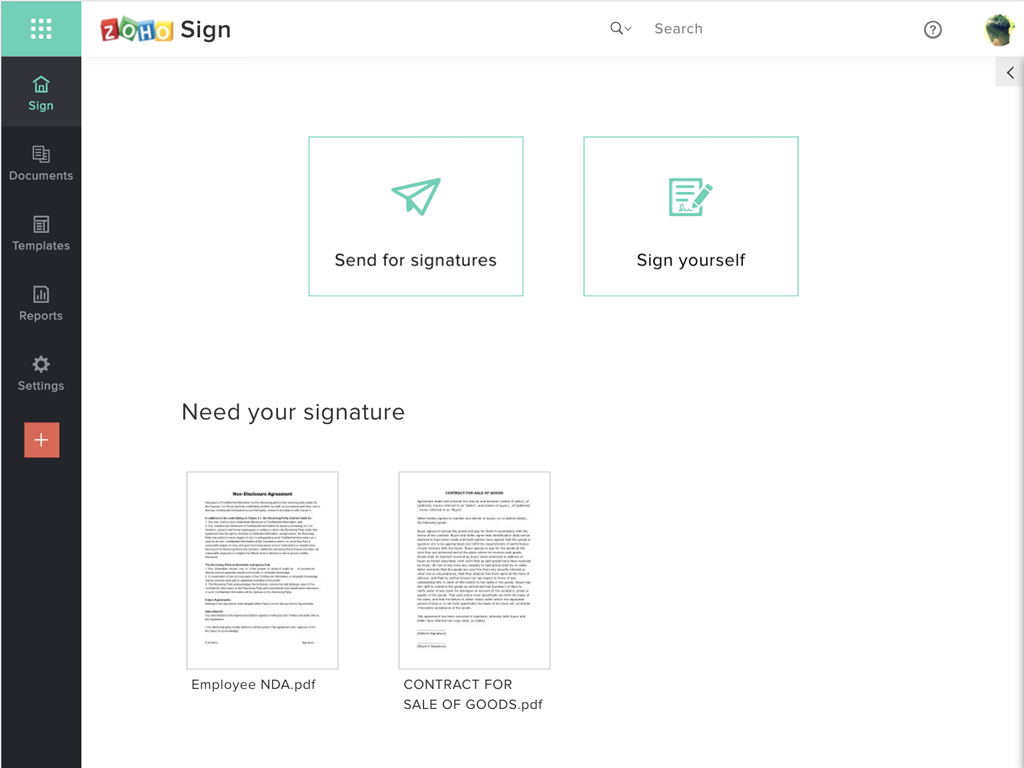
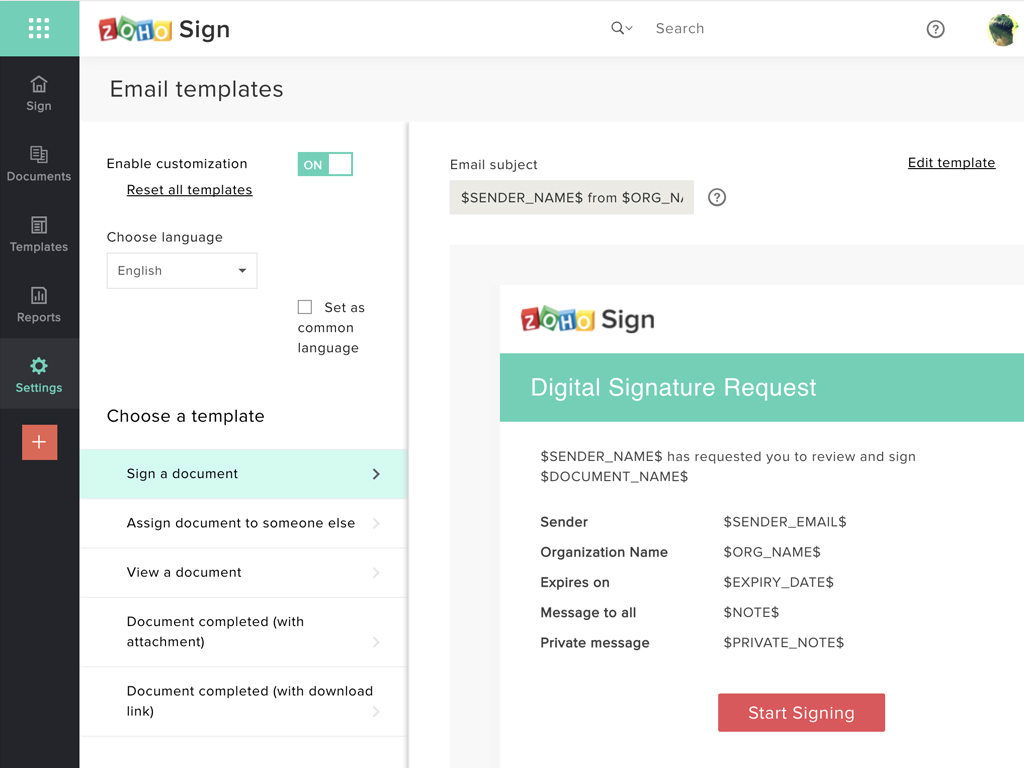
    Zoho Sign Screenshots

    Screenshot of Zoho Sign DashboardScreenshot of Sending documents for signatures using templatesScreenshot of All document sent using Zoho SignScreenshot of Rebranding email templates sent from Zoho Sign