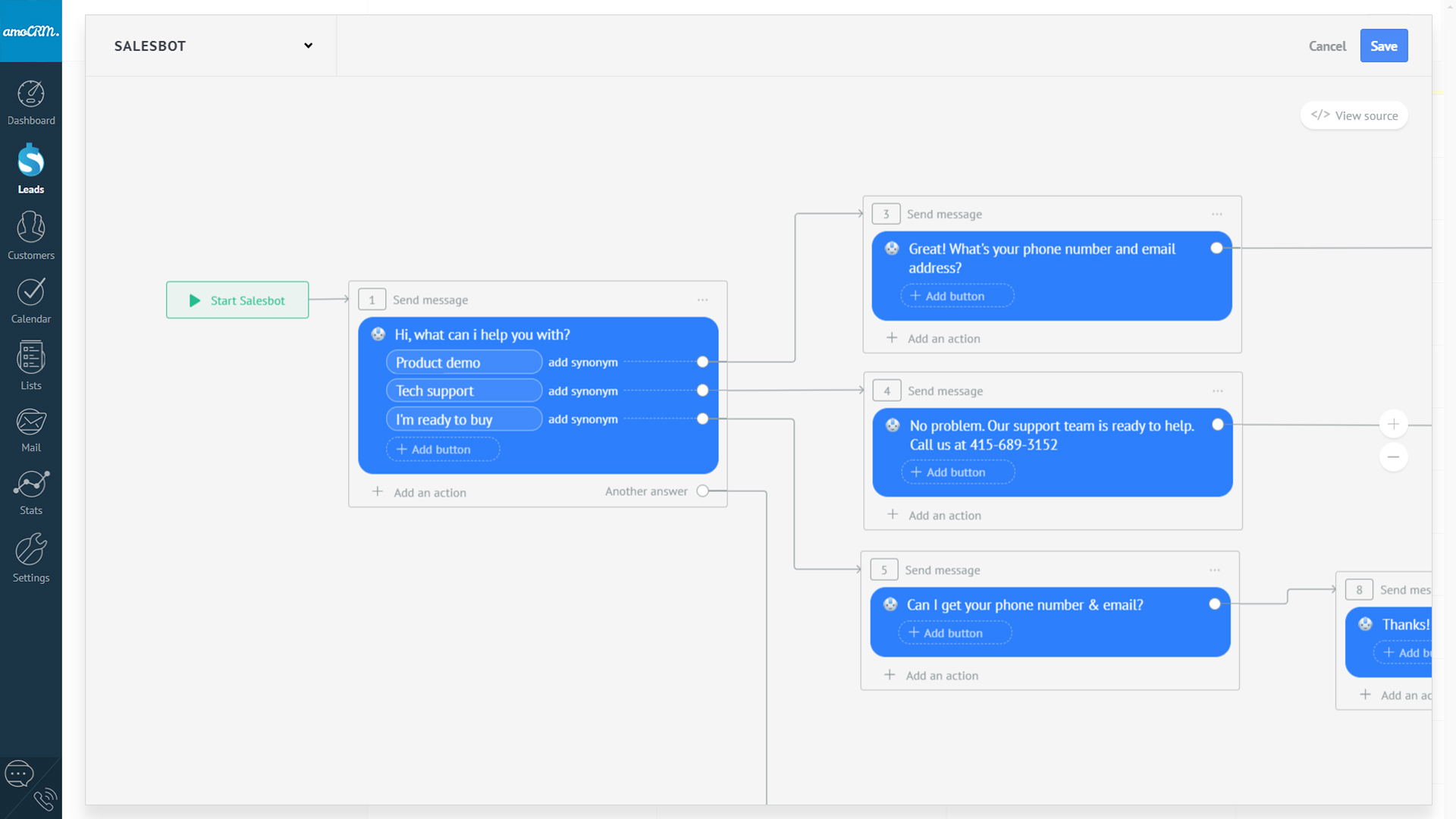
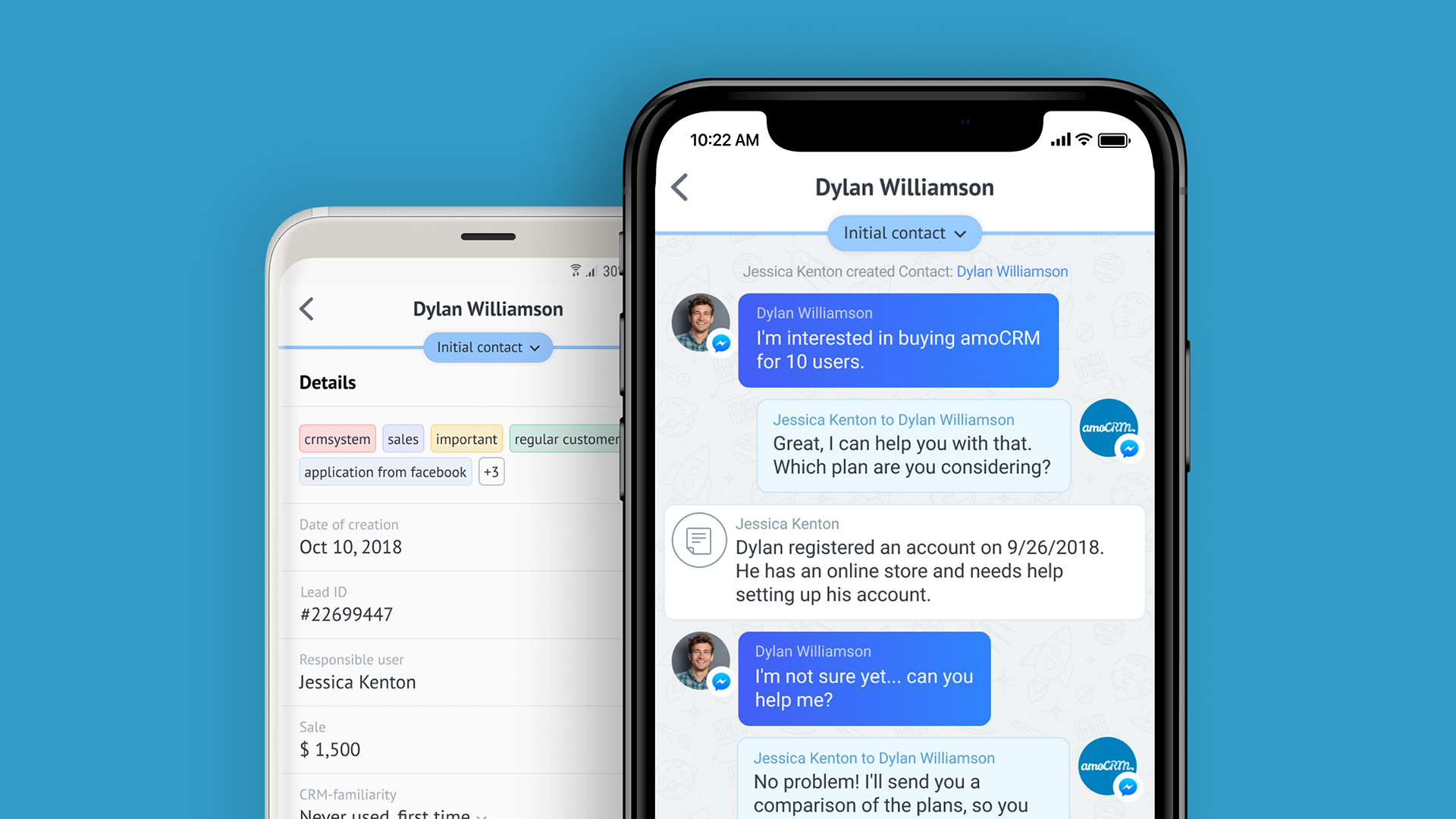
amoCRM is a cloud-based sales management solution designed for small to medium sized businesses. Some key features include: Webform Integration, Pipeline Management and Tasks Management.
$15
/user/month
Copper
Score 8.6 out of 10
N/A
Copper is a customer relationship management (CRM) built as an integration into Google Apps.
$12
per month per user
Pricing
amoCRM
Copper CRM
Editions & Modules
Basic
$15
/user/month
Advanced
$25.00
/user/month
Enterprise
$45
/user/month
Starter - Paid Annually
$9.00
per month per user
Basic - Paid Annually
$23.00
per month per user
Professional - Paid Annually
$59.00
per month per user
Business - Paid Annually
$99.00
per month per user
Offerings
Pricing Offerings
amoCRM
Copper
Free Trial
Yes
Yes
Free/Freemium Version
No
No
Premium Consulting/Integration Services
No
No
Entry-level Setup Fee
No setup fee
No setup fee
Additional Details
No minimum amount of users.
Free set-up assistance with your own personal amoCRM expert.
Up to 15% discount for annual pricing.
More Pricing Information
Community Pulse
amoCRM
Copper CRM
Features
amoCRM
Copper CRM
Sales Force Automation
Comparison of Sales Force Automation features of Product A and Product B
amoCRM
8.8
2 Ratings
12% above category average
Copper CRM
5.4
61 Ratings
37% below category average
Customer data management / contact management
10.02 Ratings
7.359 Ratings
Workflow management
8.42 Ratings
7.257 Ratings
Opportunity management
8.02 Ratings
8.356 Ratings
Integration with email client (e.g., Outlook or Gmail)
8.42 Ratings
7.161 Ratings
Interaction tracking
9.01 Ratings
5.957 Ratings
Territory management
00 Ratings
5.04 Ratings
Contract management
00 Ratings
5.29 Ratings
Quote & order management
00 Ratings
2.07 Ratings
Channel / partner relationship management
00 Ratings
1.07 Ratings
Customer Service & Support
Comparison of Customer Service & Support features of Product A and Product B
amoCRM
8.4
2 Ratings
9% above category average
Copper CRM
1.4
10 Ratings
138% below category average
Call center management
8.42 Ratings
1.55 Ratings
Case management
00 Ratings
1.29 Ratings
Help desk management
00 Ratings
1.67 Ratings
Marketing Automation
Comparison of Marketing Automation features of Product A and Product B
amoCRM
8.8
2 Ratings
13% above category average
Copper CRM
5.7
47 Ratings
30% below category average
Lead management
10.02 Ratings
6.944 Ratings
Email marketing
7.72 Ratings
4.537 Ratings
CRM Project Management
Comparison of CRM Project Management features of Product A and Product B
amoCRM
6.3
2 Ratings
20% below category average
Copper CRM
5.8
58 Ratings
28% below category average
Task management
8.22 Ratings
8.556 Ratings
Billing and invoicing management
5.01 Ratings
1.75 Ratings
Reporting
5.72 Ratings
7.352 Ratings
CRM Reporting & Analytics
Comparison of CRM Reporting & Analytics features of Product A and Product B
amoCRM
7.5
2 Ratings
2% below category average
Copper CRM
7.6
54 Ratings
1% below category average
Forecasting
7.22 Ratings
7.137 Ratings
Pipeline visualization
10.02 Ratings
8.451 Ratings
Customizable reports
5.12 Ratings
7.146 Ratings
Customization
Comparison of Customization features of Product A and Product B
amoCRM
8.5
2 Ratings
11% above category average
Copper CRM
4.4
57 Ratings
54% below category average
Custom fields
10.02 Ratings
7.256 Ratings
Scripting environment
7.01 Ratings
4.13 Ratings
API for custom integration
8.42 Ratings
3.136 Ratings
Custom objects
00 Ratings
3.412 Ratings
Security
Comparison of Security features of Product A and Product B
amoCRM
9.2
2 Ratings
9% above category average
Copper CRM
8.3
49 Ratings
1% below category average
Single sign-on capability
10.01 Ratings
8.712 Ratings
Role-based user permissions
8.42 Ratings
7.948 Ratings
Social CRM
Comparison of Social CRM features of Product A and Product B
amoCRM
10.0
1 Ratings
28% above category average
Copper CRM
2.0
12 Ratings
116% below category average
Social data
10.01 Ratings
2.012 Ratings
Social engagement
10.01 Ratings
2.07 Ratings
Integrations with 3rd-party Software
Comparison of Integrations with 3rd-party Software features of Product A and Product B
amoCRM
8.4
2 Ratings
11% above category average
Copper CRM
2.5
39 Ratings
100% below category average
Marketing automation
8.42 Ratings
4.239 Ratings
Compensation management
00 Ratings
1.01 Ratings
Platform
Comparison of Platform features of Product A and Product B
Where amoCRM is extremely beneficial is with sales teams needing to find a cloud platform that can be easily learned and implemented. At the high school, college and small business level it is fairly priced and easy to work with. The automated pipeline to track calls, sites visits and online chats makes it fast and quick to connect with potential customers. In a day like today where it is crucial to make sales as fast as possible, because any hesitate could result in a loss of a sale, this platform makes it pretty simple. Web forms implemented on our website really helps to connect all of our communication. I would highly recommend it as a means for small businesses to track sales, clients and data. I think as the business grows there may be software that does the sales, marketing tracking side, as well as payroll and HR services as well to not need multiple providers.
If you need to track contract expiration dates of your clients or your prospects that you're trying to sell - Copper is your tool. If you want to track specific products, solutions, vendors, etc. Copper can do it. I use it to track many brands of IT products and services with the use of custom fields to track which prospects/clients have any number of these items. Rather than taking notes, I can select the product from a drop down list that I created VERY EASILY within Copper.
Allows for contacts to be synced and organized directly from Gmail.
Gives a flexible style and customizable settings to match our company's specific needs.
Does a great job of helping us keep track of projects. We easily created a customized "Status" field with several status options that help us update the many phases of our project.
Room for improvement would be that you need to manually integrate some of the apps for use.
Adding information to different fields is timely, and having an auto-fill would be very useful for a lot of the text fields. Perhaps using AI platforms could help identify what content should flow where on the platform.
Allow for Twitter integration. Grabbing leads from twitter is very important, using it for FB Messenger is great, but what about other platforms?
Window change: for mobile - when you tap on a card from a pipeline it takes you to the lead’s basic info. I wish it would immediately just open all activities so I can quick see notes
I usually use Copper on the go. When you open the Copper app, it immediately opens a collab window. I wish it had some sort of easy dashboard….plus a notes area. I open Copper on mobile to quickly search for someone’s name or to take quick notes from a sales meeting
Copper is simple to use and it's simple to figure out the additional functionality you may need or want to use. There are a lot of support articles and the support itself is great. But it's also fairly simple to figure out on your own. It integrates easily with Google Workspace as well.
There have been a few times when I contacted the "help desk" or "support team" and they just told me to watch a video or join a seminar to learn what I am looking to do. I would have expected someone to take a few minutes and literally walk me through the steps one by one until either I figured it out or accomplished the goal of my request.
Reasons why we chose amoCRM: 1. It's customizable, we can add custom fields and processes. 2. It has a lot of ready integrations with services we use. 3. Rich API that allows building completely custom analytics based on data from CRM. 4. UI can be customized too. We show our internal users all the data they need to work with the client.
We selected Copper over these other CRMs mainly because of its ability to integrate with Google Workspace. Members of our team have used Salesforce in the past and found it to be a nightmare to work with/on. Candidly, Copper doesn't fill all of our needs so we supplement that with the use of Asana.
Positive impact is on time, the mobile app makes it easy to implement on all devices. For students, it helps to improve their communication skills.
Positive, the leads you can gather all in one place makes it much more of an efficient process to track communication, so it saves time, and as a result, saves money.
Negative, it seems to take up a lot of data on our mobile devices. Overall it does not have a major impact on the business, but on a mobile device it does drain the battery more than other apps do.